Перейти к содержанию
View in the app

A better way to browse. Learn more.

Больше чем юмор, сильнее чем смех!

A full-screen app on your home screen with push notifications, badges and more.

To install this app on iOS and iPadOS
  1. Tap the Share icon in Safari
  2. Scroll the menu and tap Add to Home Screen.
  3. Tap Add in the top-right corner.
To install this app on Android
  1. Tap the 3-dot menu (⋮) in the top-right corner of the browser.
  2. Tap Add to Home screen or Install app.
  3. Confirm by tapping Install.

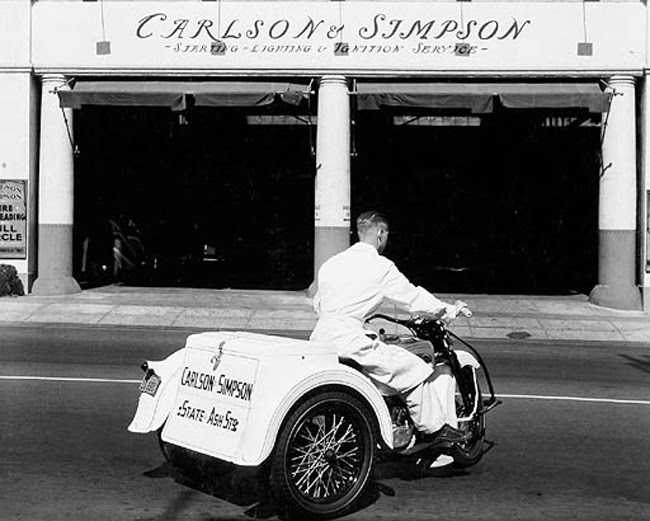
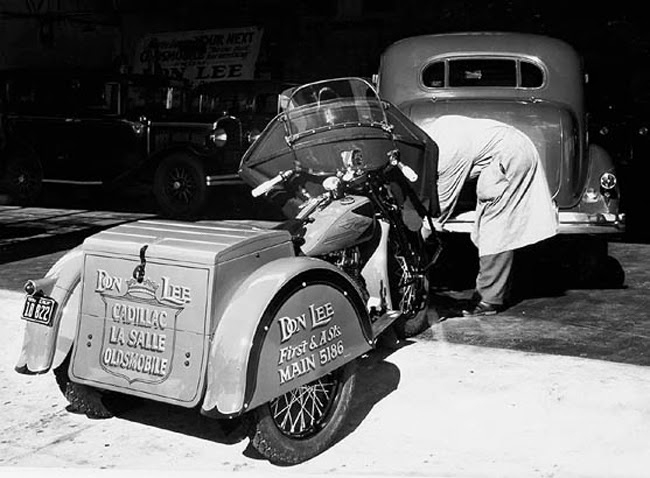
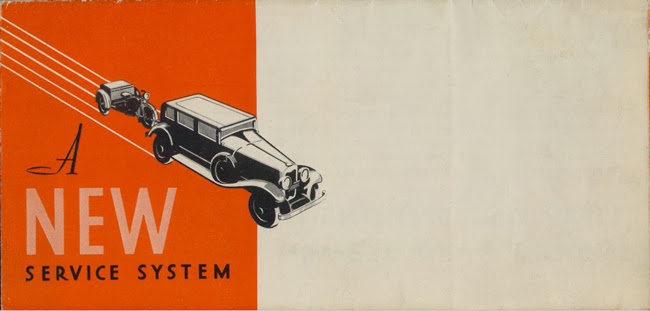
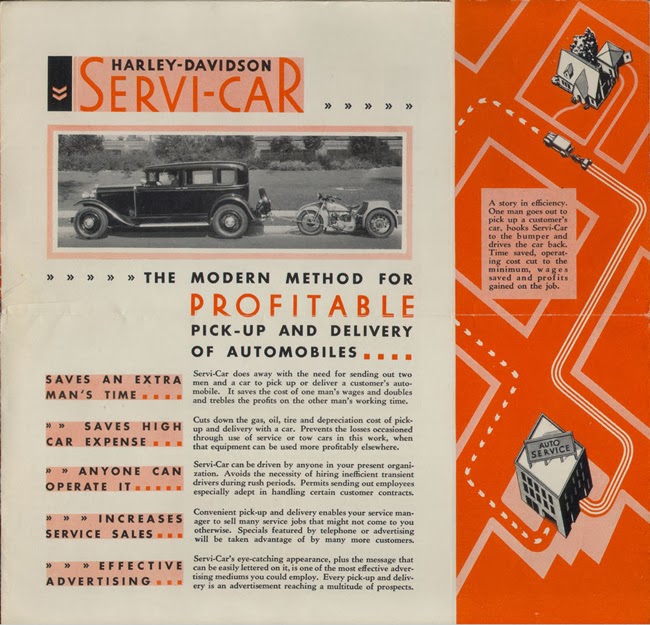
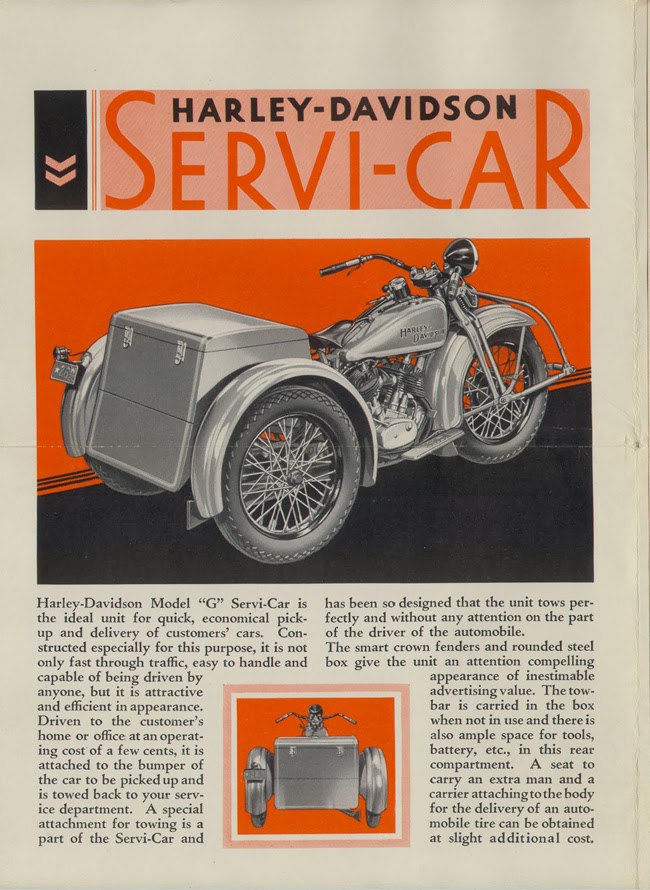
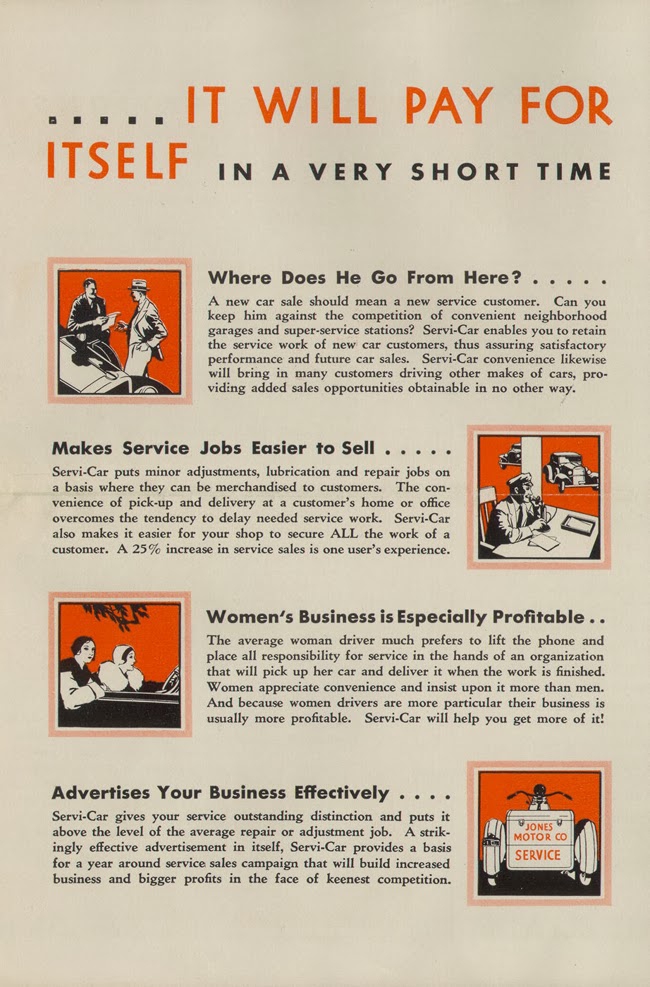
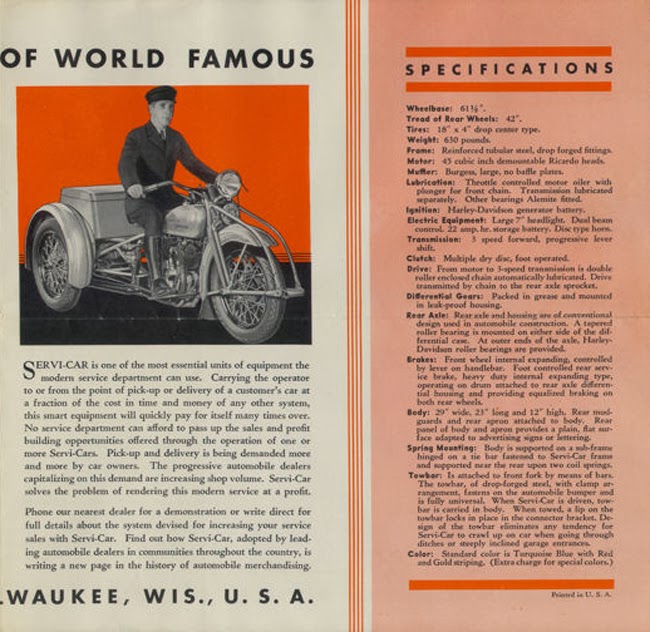
Сервисные трайки Харлей-Дэвидсон

RL01.jpg

RL02.jpg

RL03.jpg

RL04.jpg

RL05.jpg

RL06.jpg

RL07.jpg

RL08.jpg

RL09.jpg

RL10.jpg

RL11.jpg

RL12.jpg

RL14.jpg

RL15.jpg

RL17.jpg

RL18.jpg

RL20.jpg

RL21.jpg

RL22.jpg

RLCover.jpg

RLPage1.jpg

RLPage2.jpg

RLPage3.jpg

RLPage4.jpg

RLPage5.jpg

0 Комментариев

Рекомендуемые комментарии

Комментариев нет

Гость
Добавить комментарий...

Аккаунт

Навигация

Поиск

Configure browser push notifications

Chrome (Android)
  1. Tap the lock icon next to the address bar.
  2. Tap Permissions → Notifications.
  3. Adjust your preference.
Chrome (Desktop)
  1. Click the padlock icon in the address bar.
  2. Select Site settings.
  3. Find Notifications and adjust your preference.