Перейти к содержанию
View in the app

A better way to browse. Learn more.

Больше чем юмор, сильнее чем смех!

A full-screen app on your home screen with push notifications, badges and more.

To install this app on iOS and iPadOS
  1. Tap the Share icon in Safari
  2. Scroll the menu and tap Add to Home Screen.
  3. Tap Add in the top-right corner.
To install this app on Android
  1. Tap the 3-dot menu (⋮) in the top-right corner of the browser.
  2. Tap Add to Home screen or Install app.
  3. Confirm by tapping Install.

Ретро реклама компьютеров

2-bytes-better-than-1.jpg

2-cents-a-byte.jpg

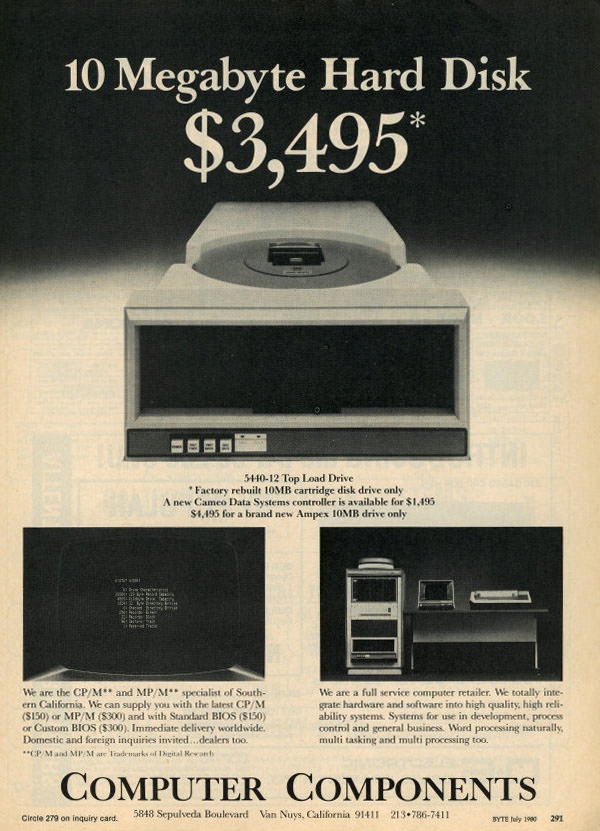
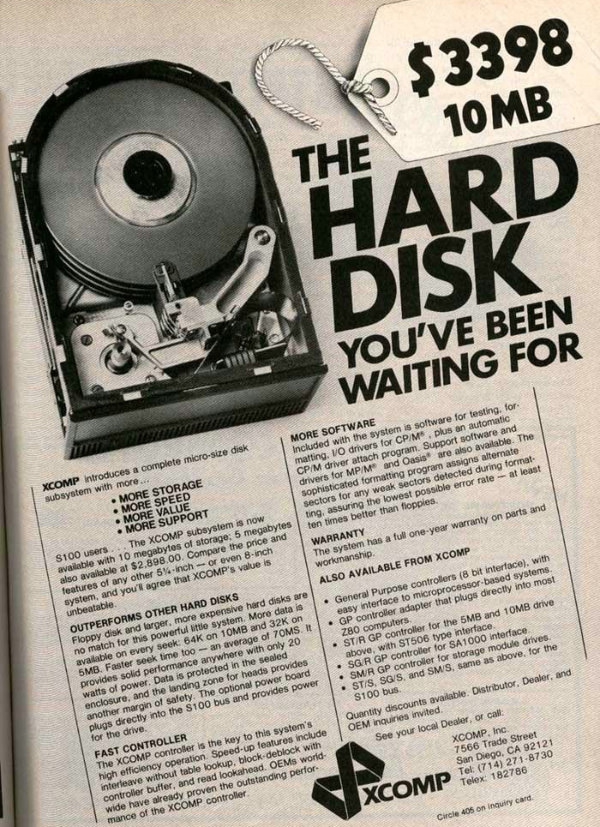
10-megabytes-hard-disk.jpg

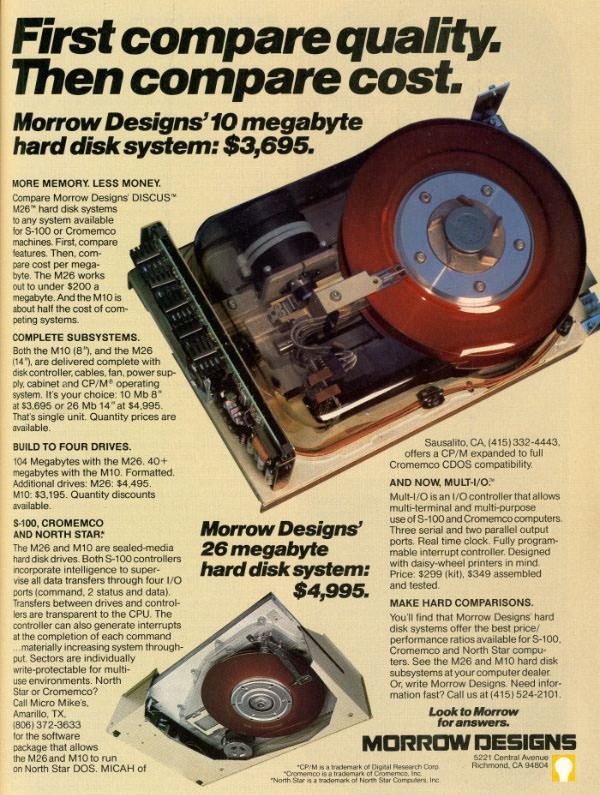
10-megabytes-harddisk-system.jpg

16k-ram-card.jpg

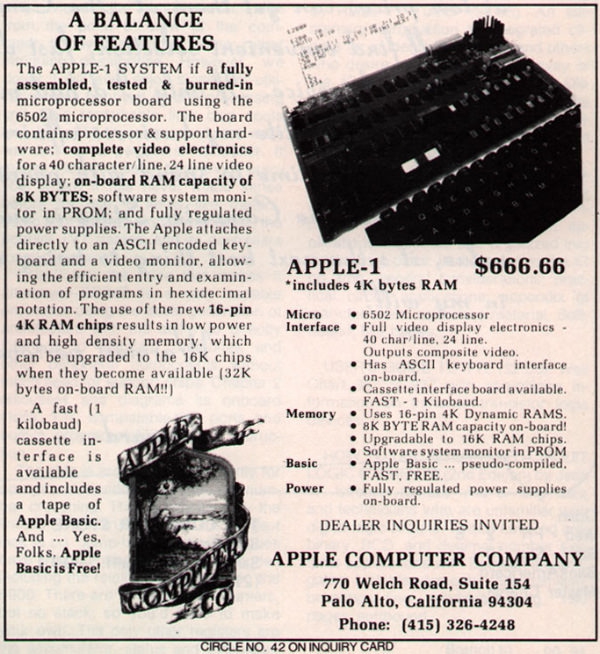
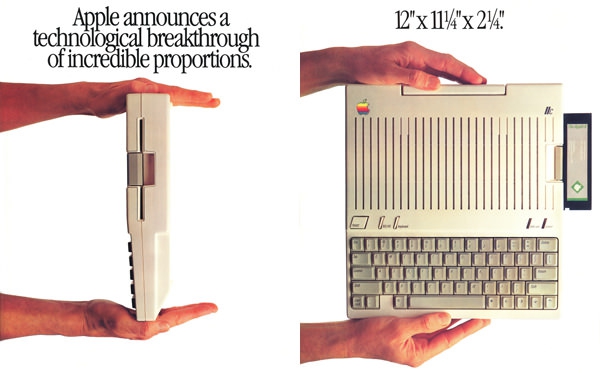
apple-1-ad.jpg

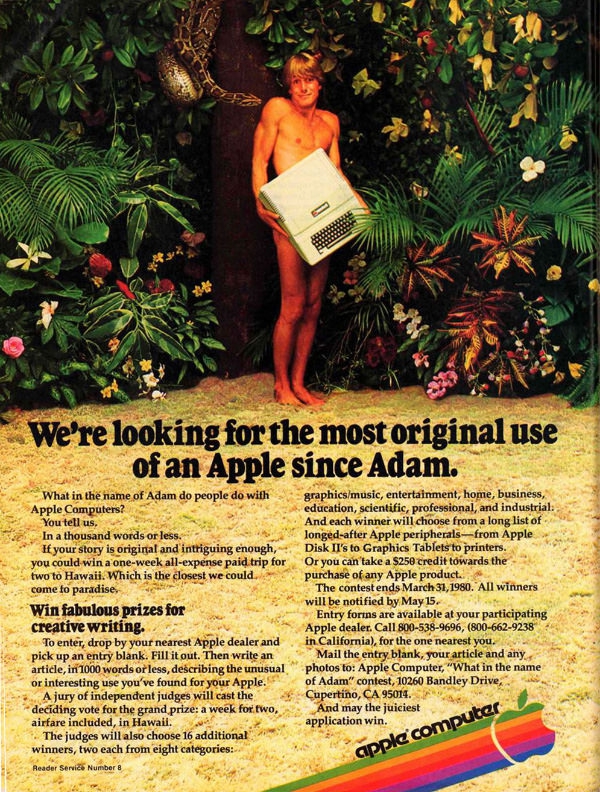
apple-2-adam.jpg

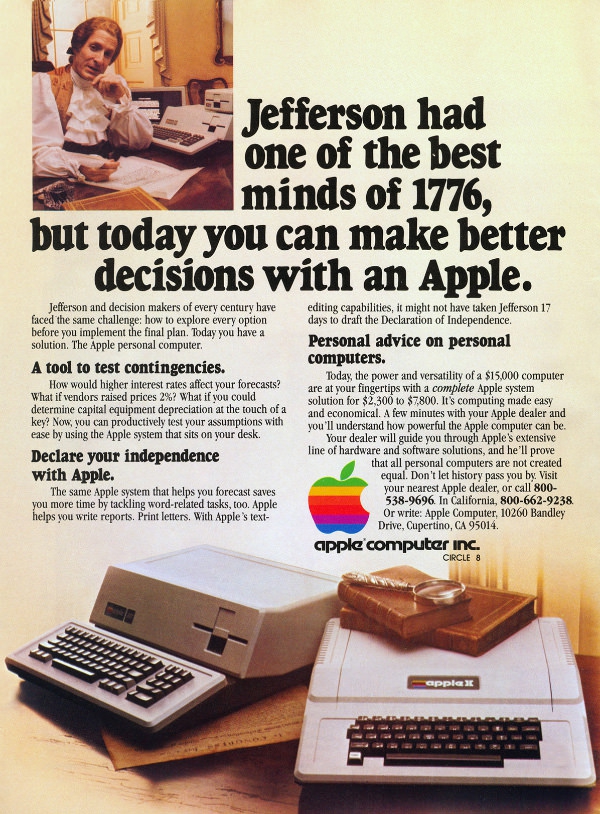
apple-2-advertising.jpg

apple-2-and-3.jpg

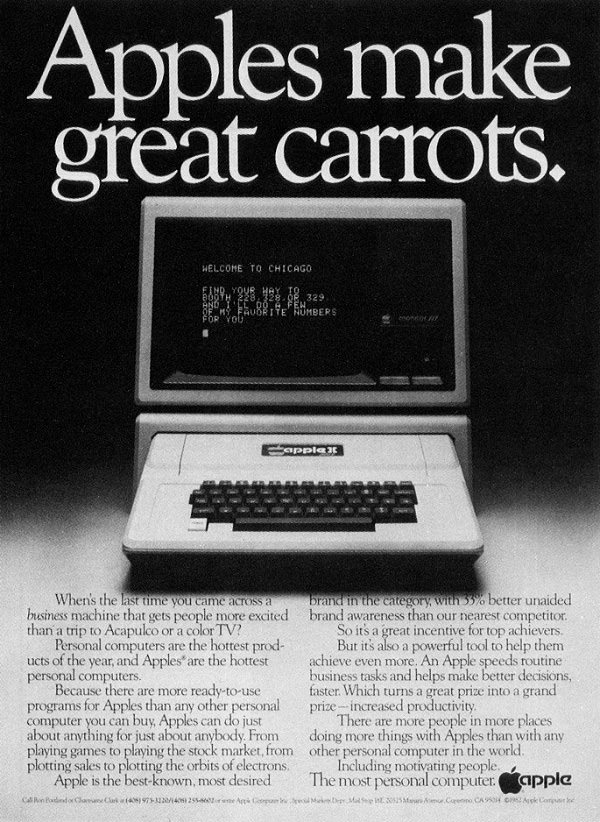
apple-makes-great-carrots.jpg

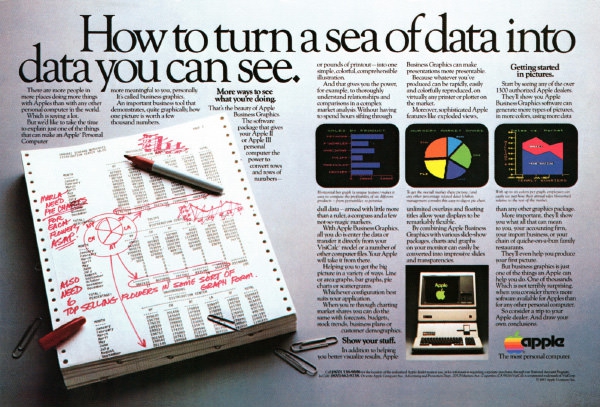
apple-sea-data.jpg

apple-send-mail.jpg

Borge-Specifies-Verbatim.jpg

byte8311.big.jpg

commondore-vic-20.jpg

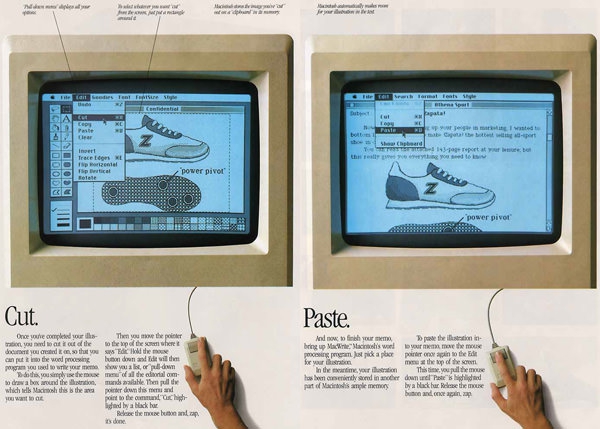
cut-paste.jpg

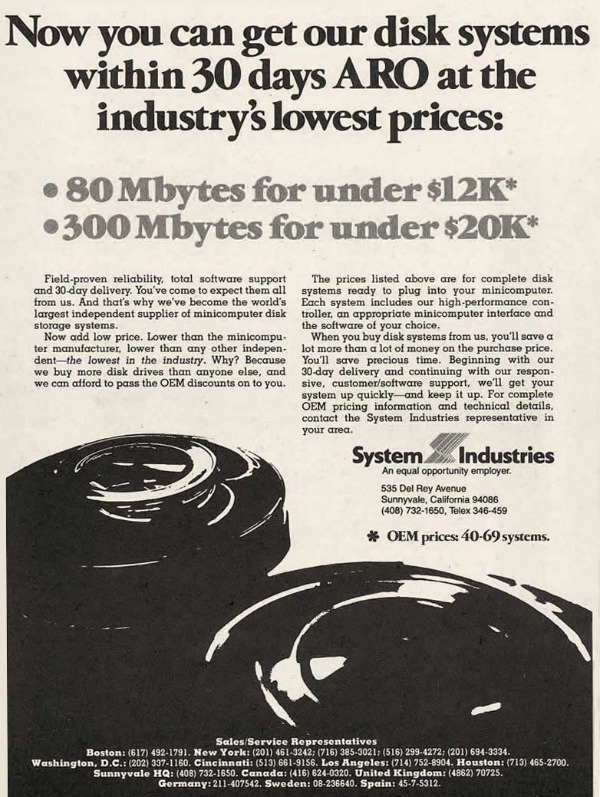
disks-system-within-30-days.jpg

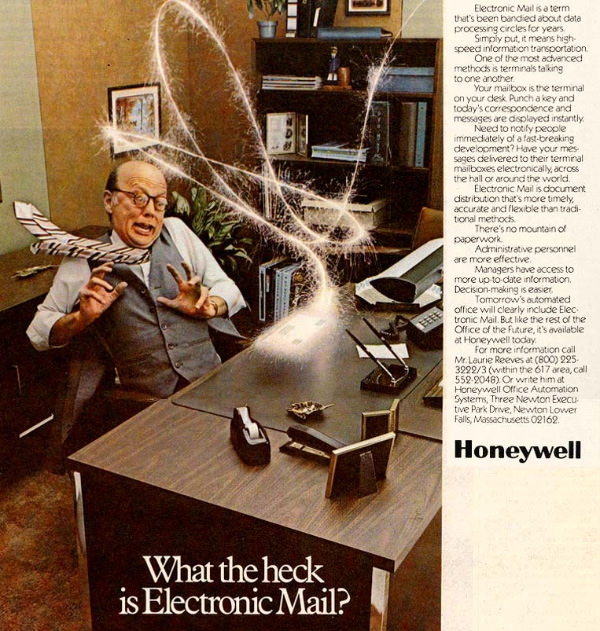
electronic-mail.jpg

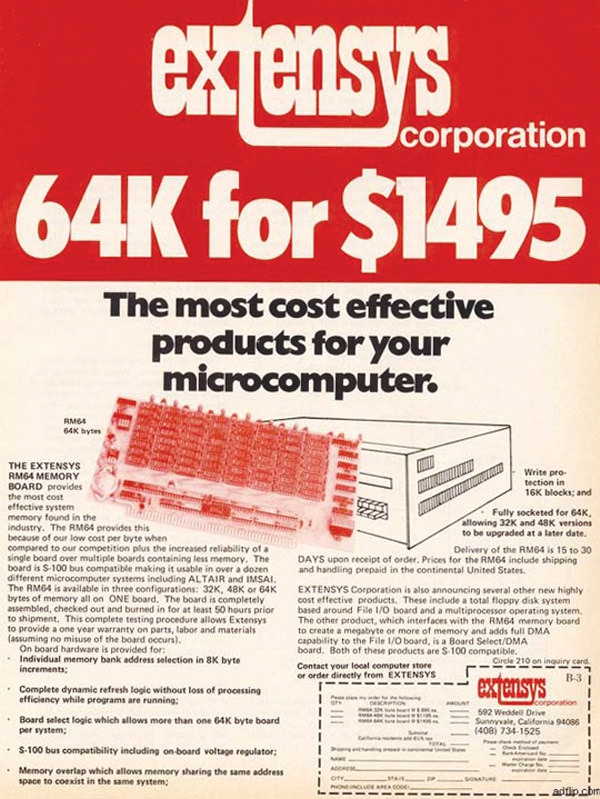
extensys.jpg

hardisk-waiting-for.jpg

ibm-5510.jpg

keystick_large.jpg

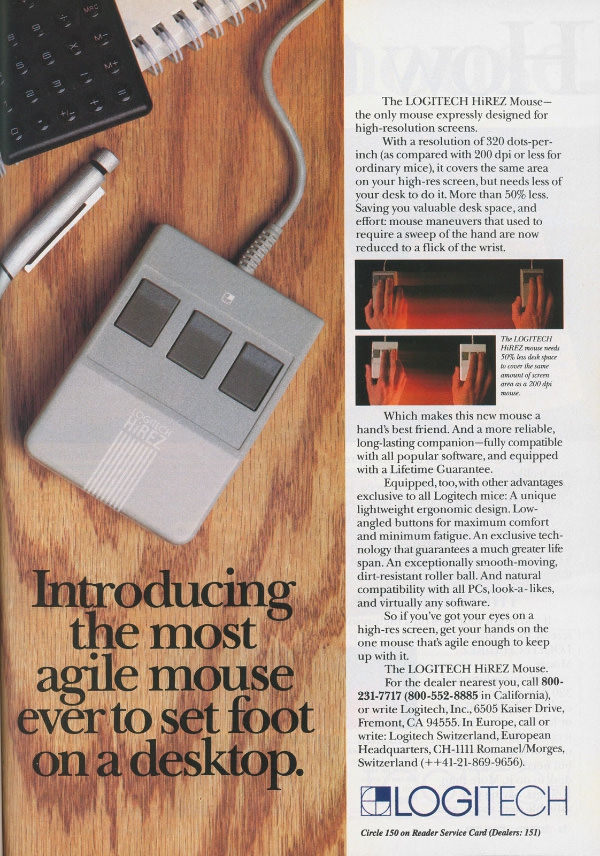
logitechhirezmouse-byte8807a.jpg

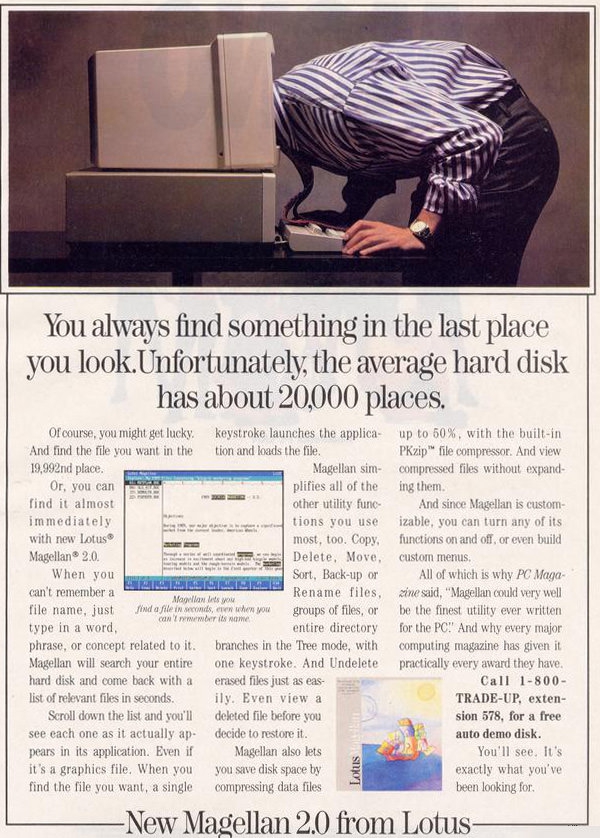
Lotus-Magellan-2.jpg

low-cost-hard-disk-computer.jpg

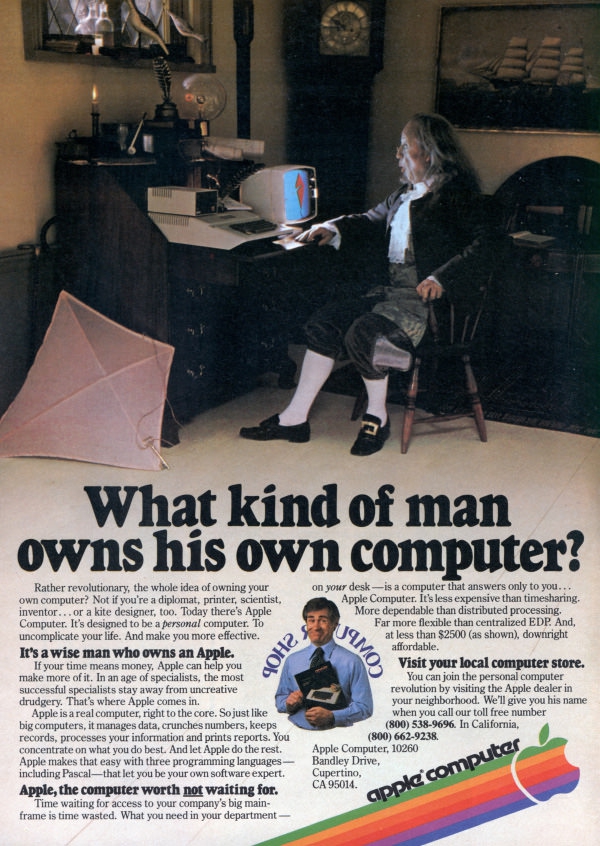
man-owns-his-pc.jpg

micropro_wordstar.jpg

microsoft-first-mouse.jpg

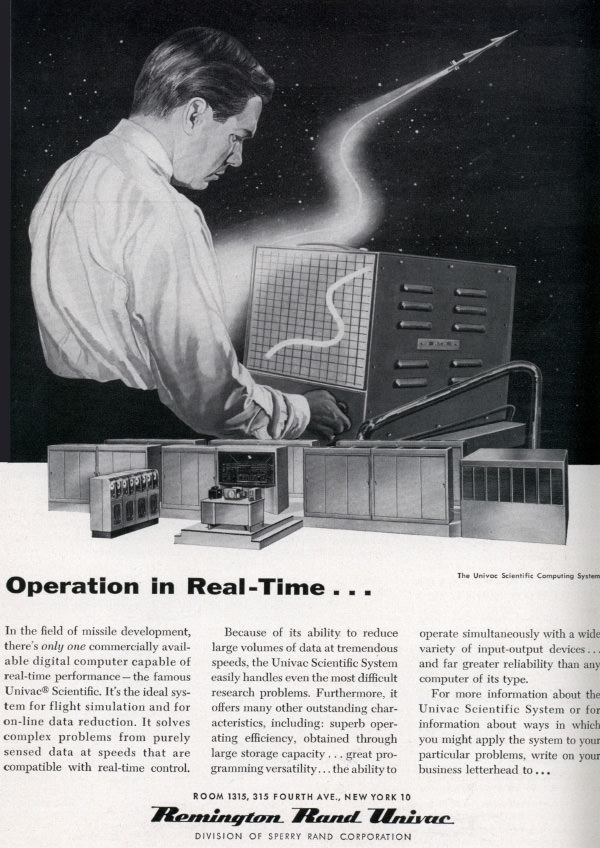
operating-in-realtime.jpg

Osborne-Computer.jpg

penril-modem.jpg

percon8309.big.jpg

putting-color-into-work.jpg

Seagate-ST4096.jpg

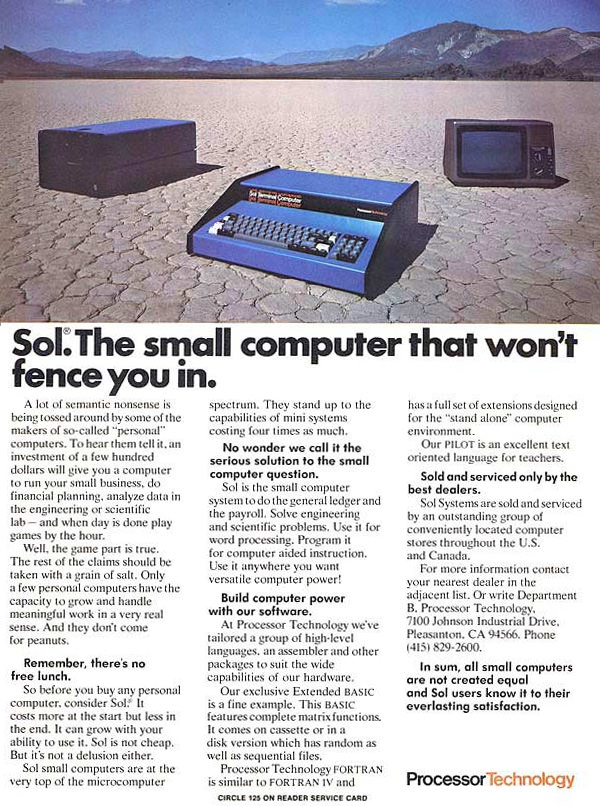
small-computer-fence-you-in.jpg

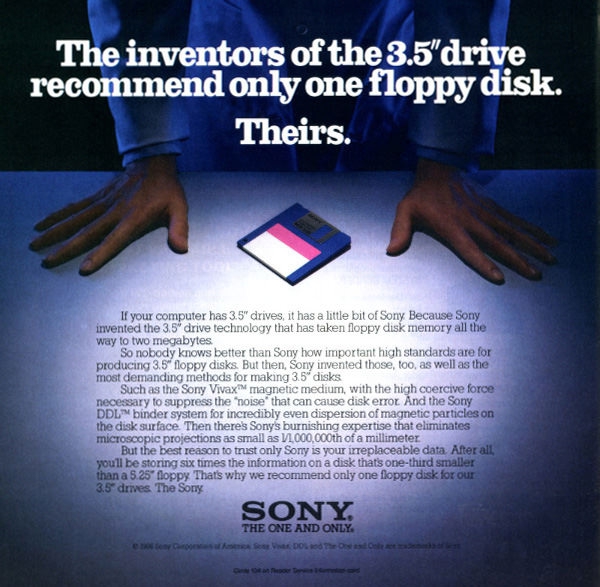
Sony-floppy-disk.jpg

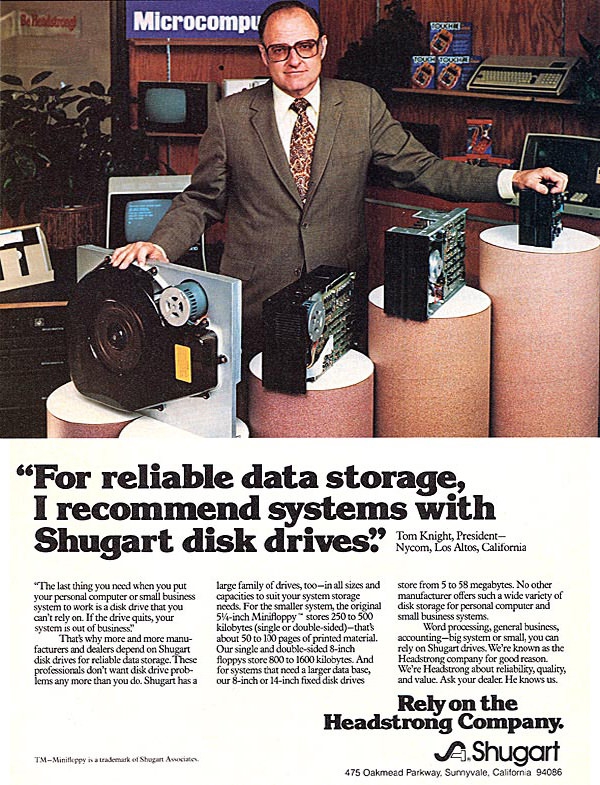
sugart-disk-drive.jpg

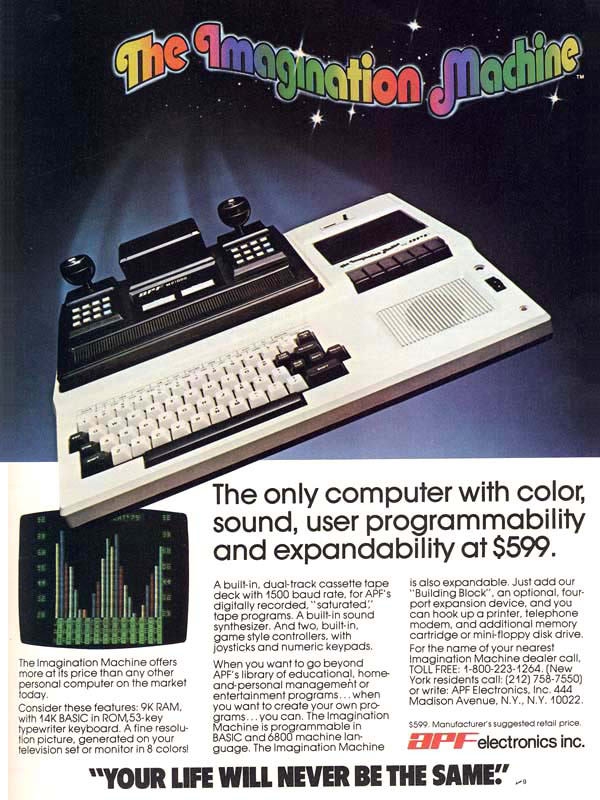
the-imagination-machine.jpg

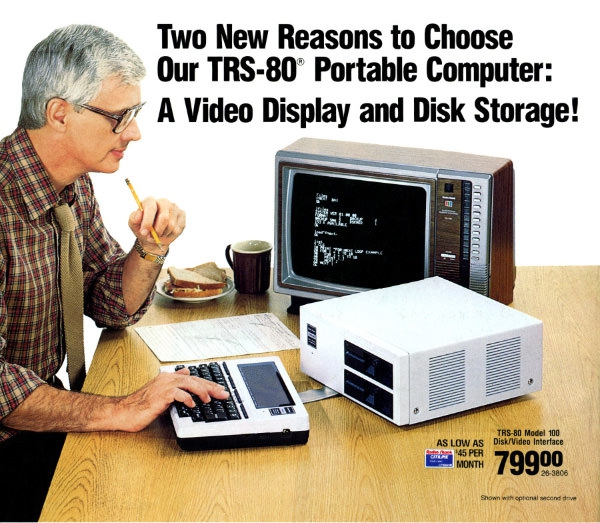
trs-80.jpg

zx80.jpg

0 Комментариев

Рекомендуемые комментарии

Комментариев нет

Гость
Добавить комментарий...

Аккаунт

Навигация

Поиск

Configure browser push notifications

Chrome (Android)
  1. Tap the lock icon next to the address bar.
  2. Tap Permissions → Notifications.
  3. Adjust your preference.
Chrome (Desktop)
  1. Click the padlock icon in the address bar.
  2. Select Site settings.
  3. Find Notifications and adjust your preference.