Перейти к содержанию
View in the app

A better way to browse. Learn more.

Больше чем юмор, сильнее чем смех!

A full-screen app on your home screen with push notifications, badges and more.

To install this app on iOS and iPadOS
  1. Tap the Share icon in Safari
  2. Scroll the menu and tap Add to Home Screen.
  3. Tap Add in the top-right corner.
To install this app on Android
  1. Tap the 3-dot menu (⋮) in the top-right corner of the browser.
  2. Tap Add to Home screen or Install app.
  3. Confirm by tapping Install.

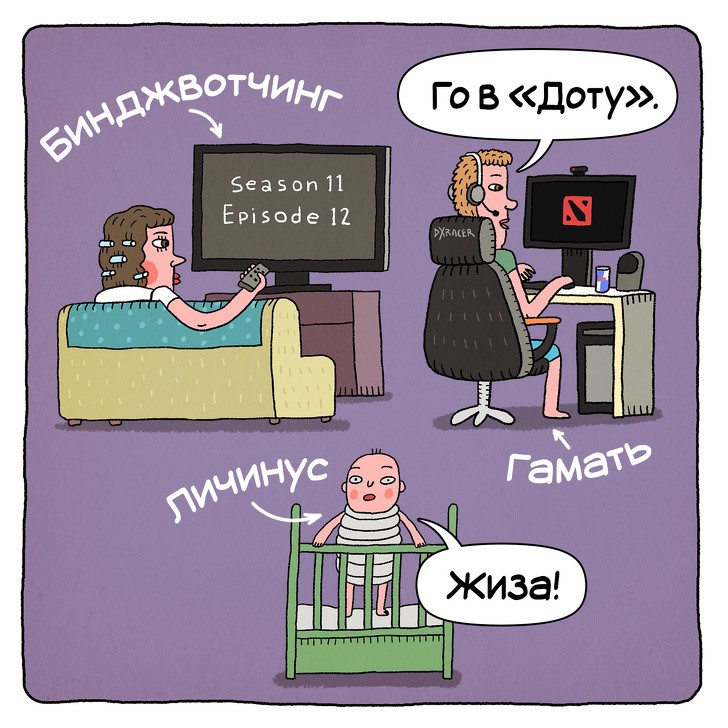
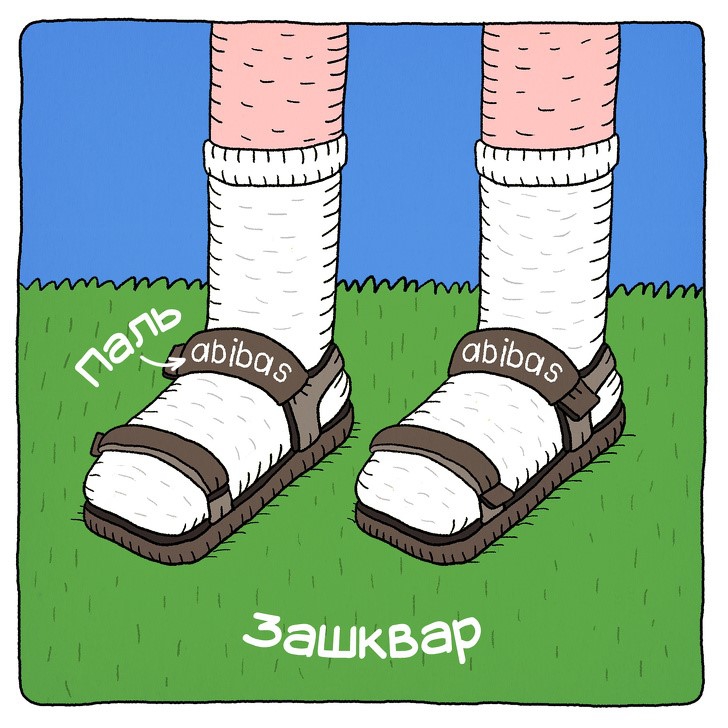
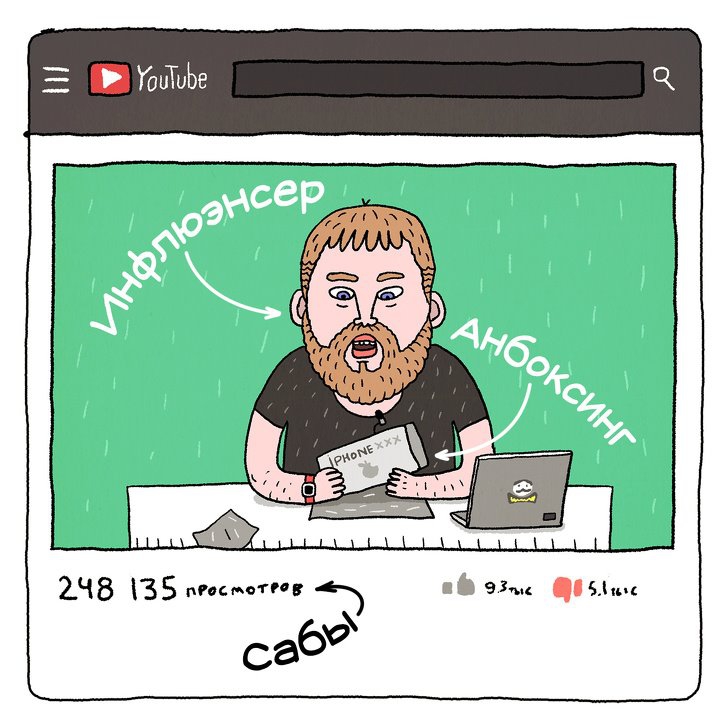
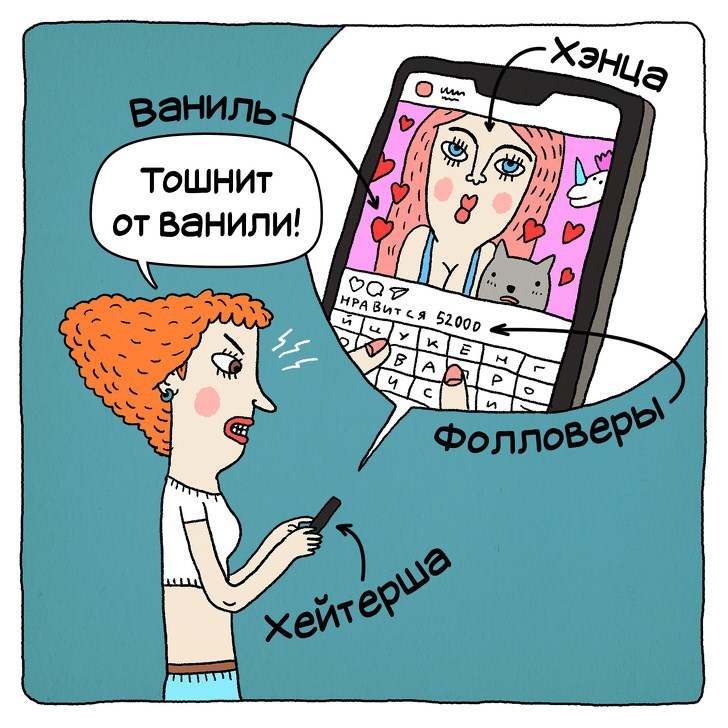
Современный молодежный язык

67874704_10156277101461437_8513216593373691904_n.jpg

67910749_10156277101426437_7210904791793270784_n.jpg

67957062_10156277101496437_1283658586815201280_n.jpg

67971517_10156277101516437_8173544427550146560_n.jpg

68432091_10156277101386437_6361815832120524800_n.jpg

68562897_10156277101506437_7586832305570709504_n.jpg

68582078_10156277101406437_5948102256929800192_n.jpg

68650950_10156277101431437_4306075305493135360_n.jpg

68752044_10156277101531437_5566853158413533184_n.jpg

68810734_10156277101521437_3902424361935568896_n.jpg

68815928_10156277101491437_5342084402983731200_n.jpg

68883588_10156277101471437_884663538130354176_n.jpg

68943891_10156277101436437_644521767603273728_n.jpg

69078364_10156277101511437_1333280113512415232_n.jpg

0 Комментариев

Рекомендуемые комментарии

Комментариев нет

Гость
Добавить комментарий...

Аккаунт

Навигация

Поиск

Configure browser push notifications

Chrome (Android)
  1. Tap the lock icon next to the address bar.
  2. Tap Permissions → Notifications.
  3. Adjust your preference.
Chrome (Desktop)
  1. Click the padlock icon in the address bar.
  2. Select Site settings.
  3. Find Notifications and adjust your preference.