Перейти к содержанию
View in the app

A better way to browse. Learn more.

Больше чем юмор, сильнее чем смех!

A full-screen app on your home screen with push notifications, badges and more.

To install this app on iOS and iPadOS
  1. Tap the Share icon in Safari
  2. Scroll the menu and tap Add to Home Screen.
  3. Tap Add in the top-right corner.
To install this app on Android
  1. Tap the 3-dot menu (⋮) in the top-right corner of the browser.
  2. Tap Add to Home screen or Install app.
  3. Confirm by tapping Install.

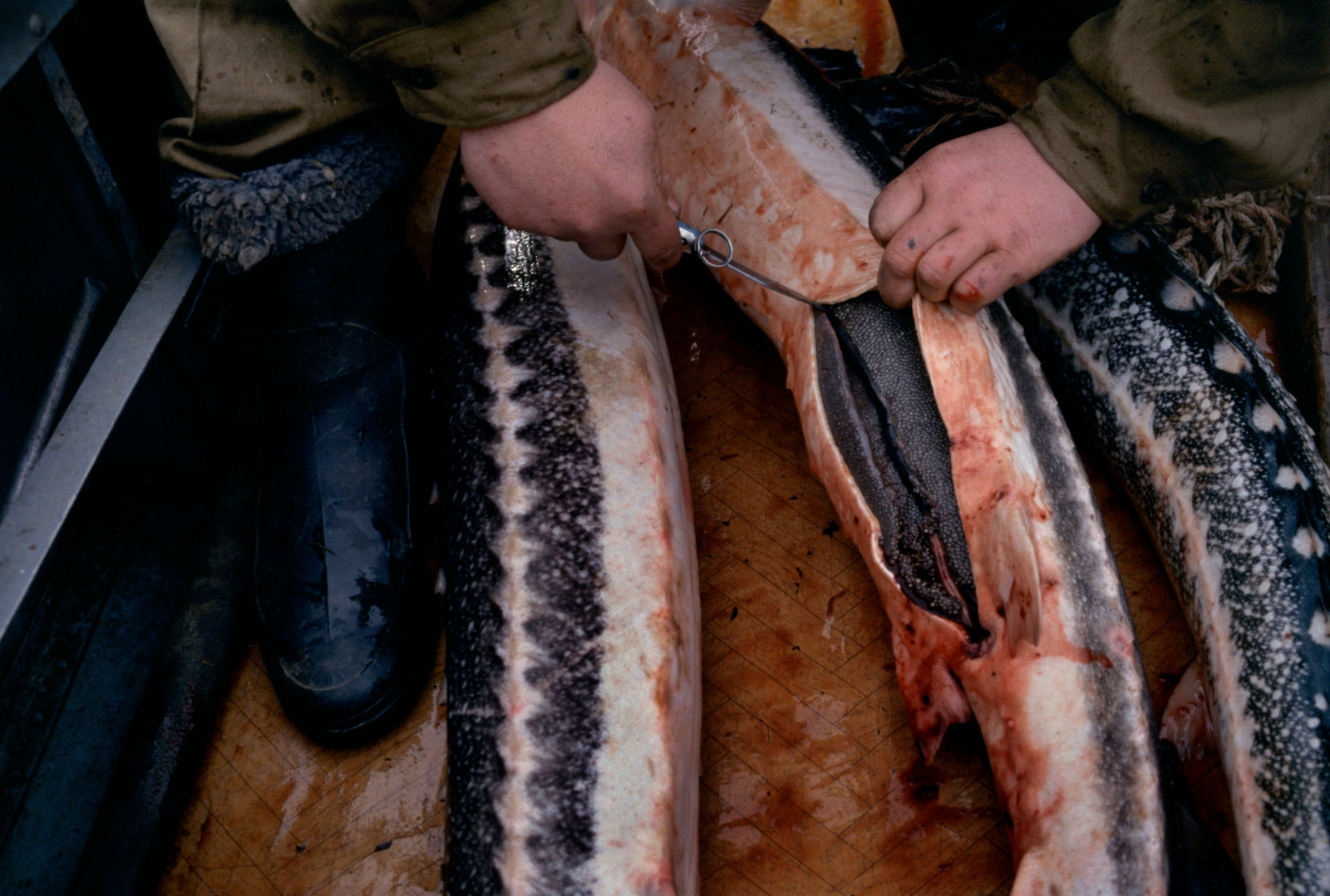
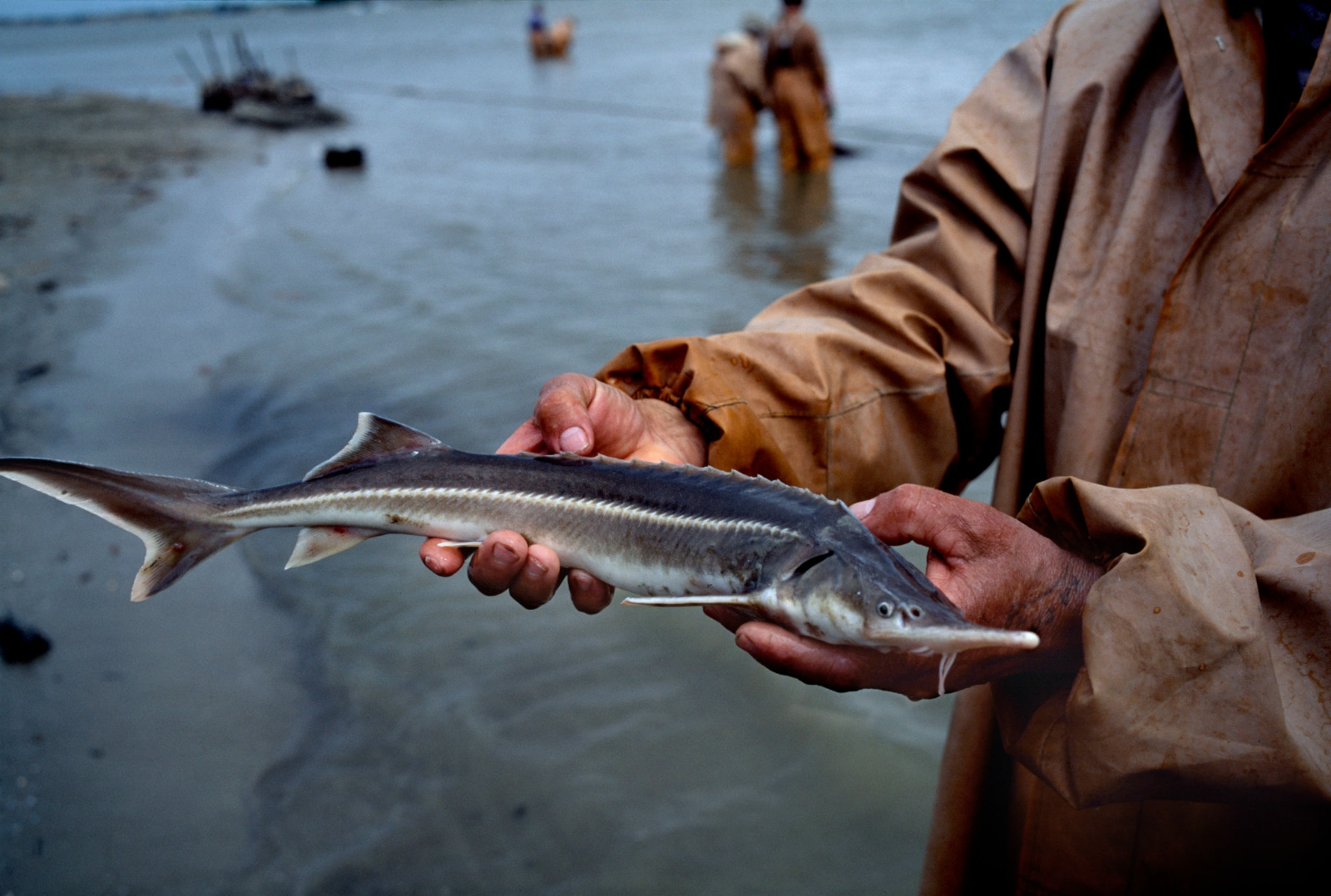
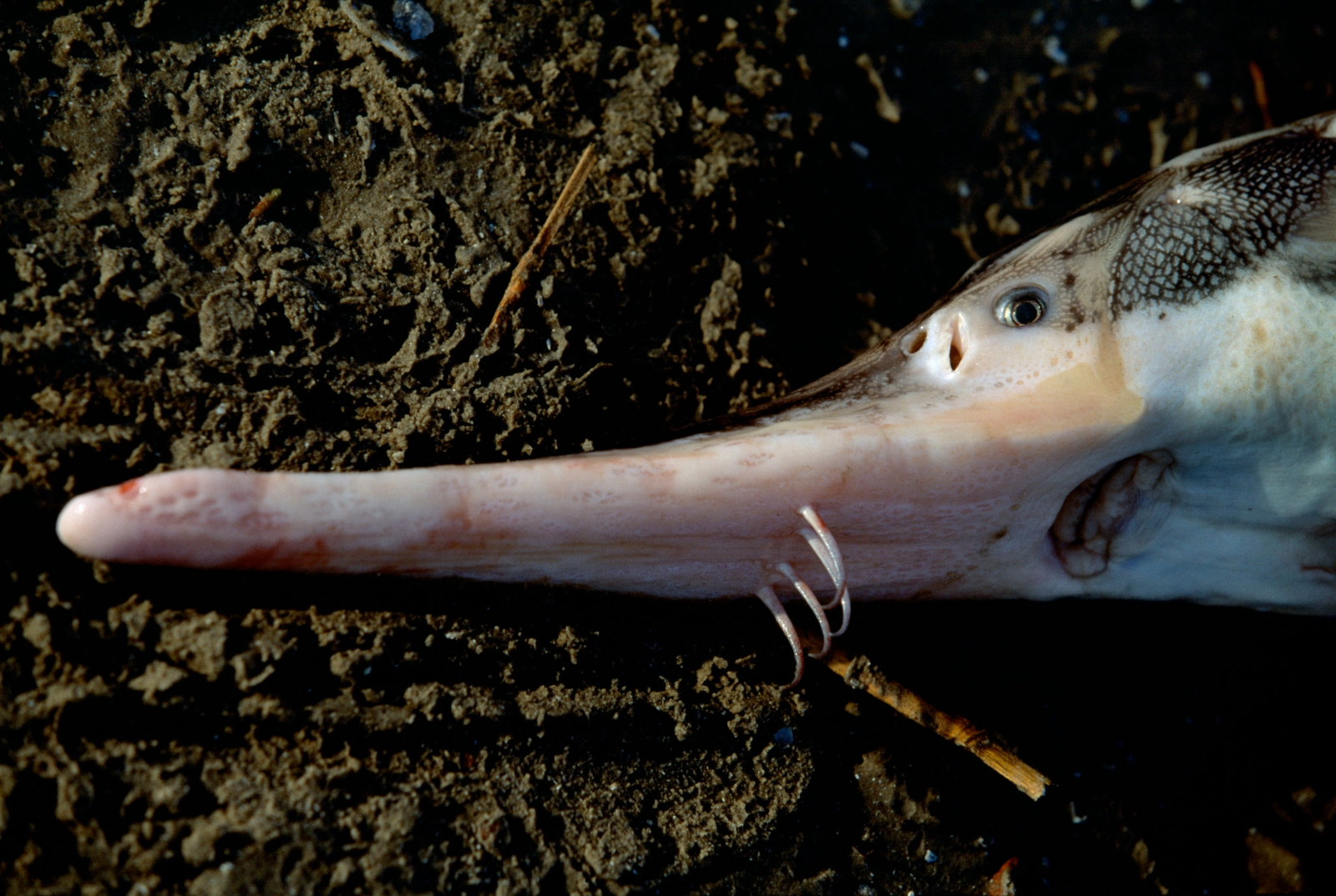
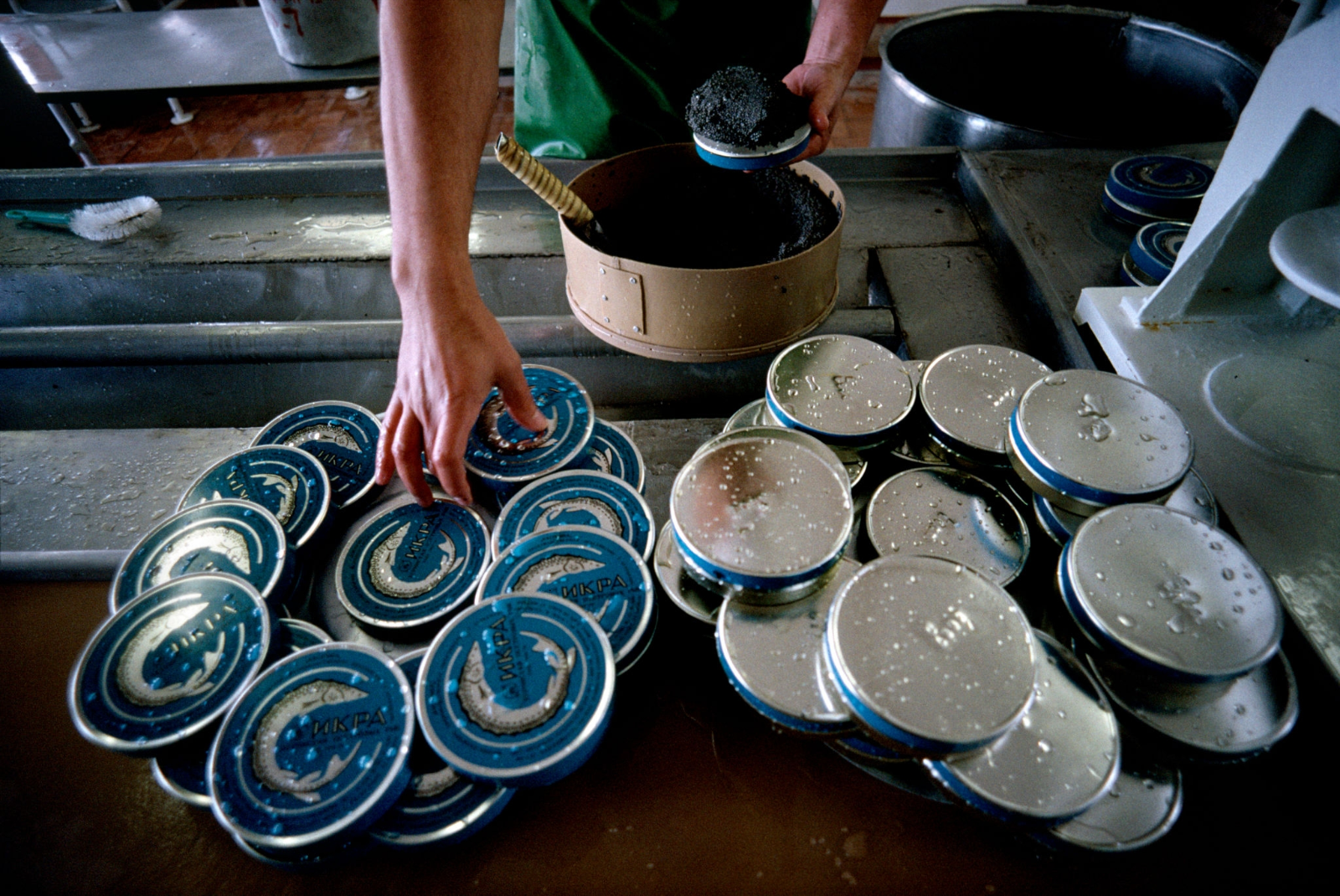
1997. На рыбных промыслах Каспия

4c5ab7eabec1.png

317e7f163c12.png

629fd79a351d.png

77962cccc314.png

221265b8e8a7.png

245734c0303b.png

744648e2bd63.png

2515022d9cf8.png

a93eed789a17.png

b19ad99c6bab.png

ba21c8783ea7.png

c615c454a71d.png

d12cc935e710.png

dc718e61f4b0.png

ddaf883457c1.png

e1fd82113a4d.png

0 Комментариев

Рекомендуемые комментарии

Комментариев нет

Гость
Добавить комментарий...

Аккаунт

Навигация

Поиск

Configure browser push notifications

Chrome (Android)
  1. Tap the lock icon next to the address bar.
  2. Tap Permissions → Notifications.
  3. Adjust your preference.
Chrome (Desktop)
  1. Click the padlock icon in the address bar.
  2. Select Site settings.
  3. Find Notifications and adjust your preference.