Перейти к содержанию
View in the app

A better way to browse. Learn more.

Больше чем юмор, сильнее чем смех!

A full-screen app on your home screen with push notifications, badges and more.

To install this app on iOS and iPadOS
  1. Tap the Share icon in Safari
  2. Scroll the menu and tap Add to Home Screen.
  3. Tap Add in the top-right corner.
To install this app on Android
  1. Tap the 3-dot menu (⋮) in the top-right corner of the browser.
  2. Tap Add to Home screen or Install app.
  3. Confirm by tapping Install.

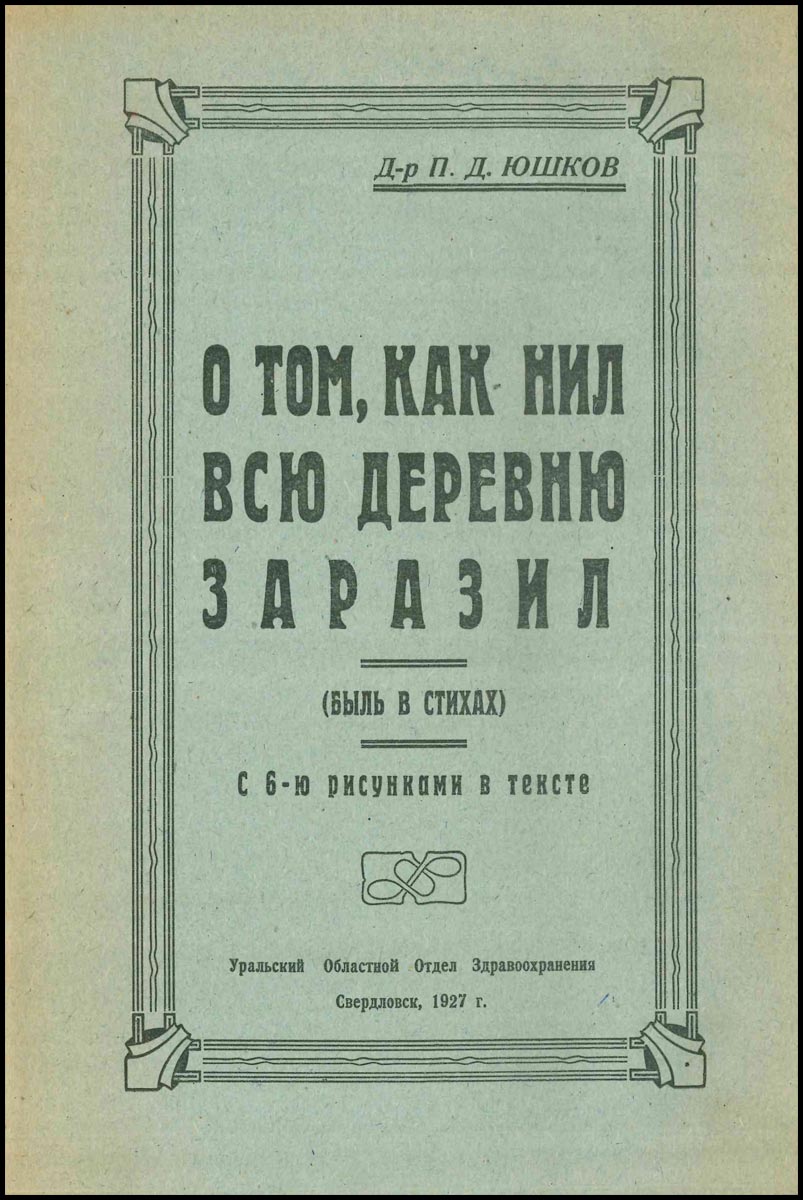
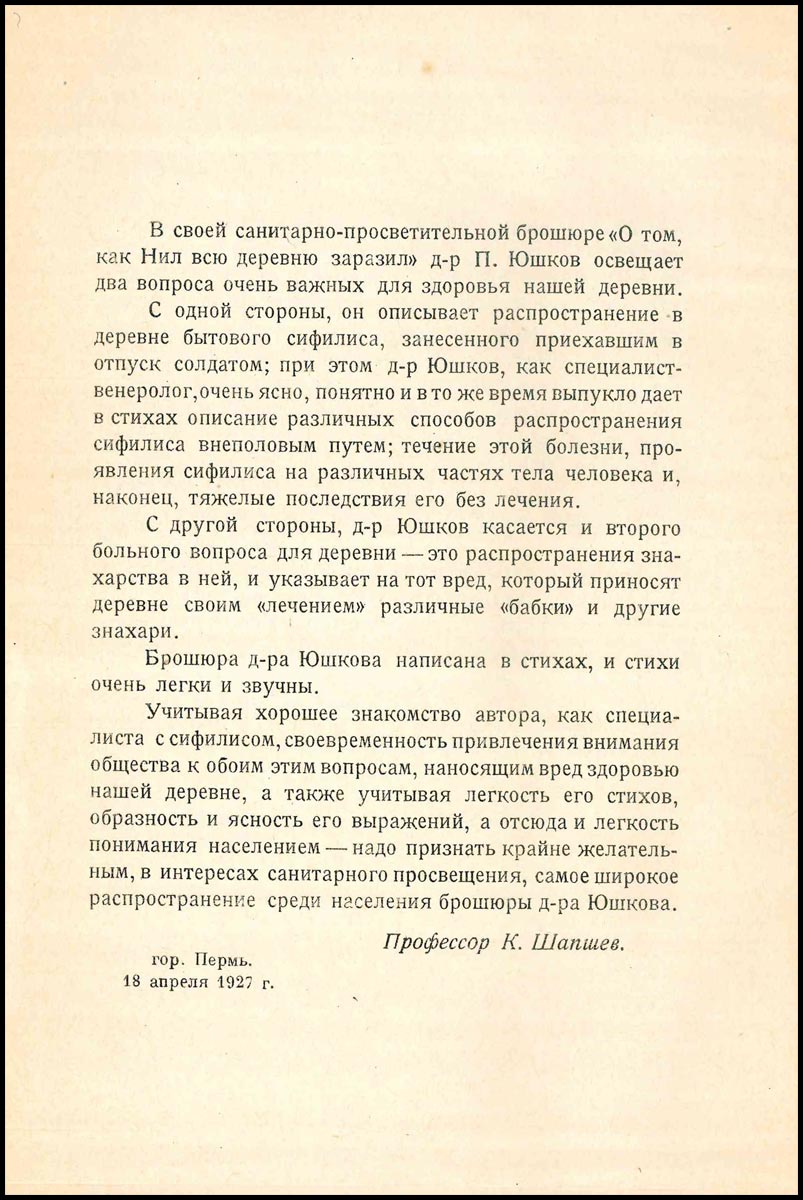
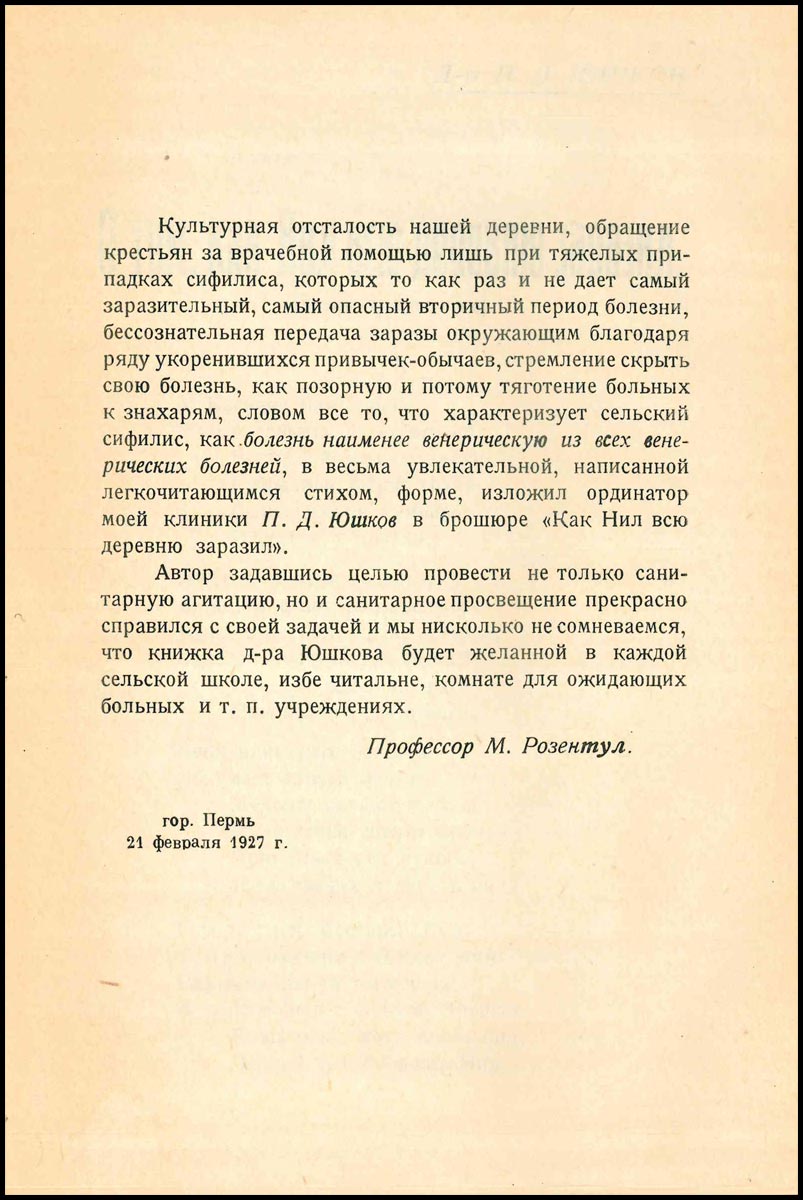
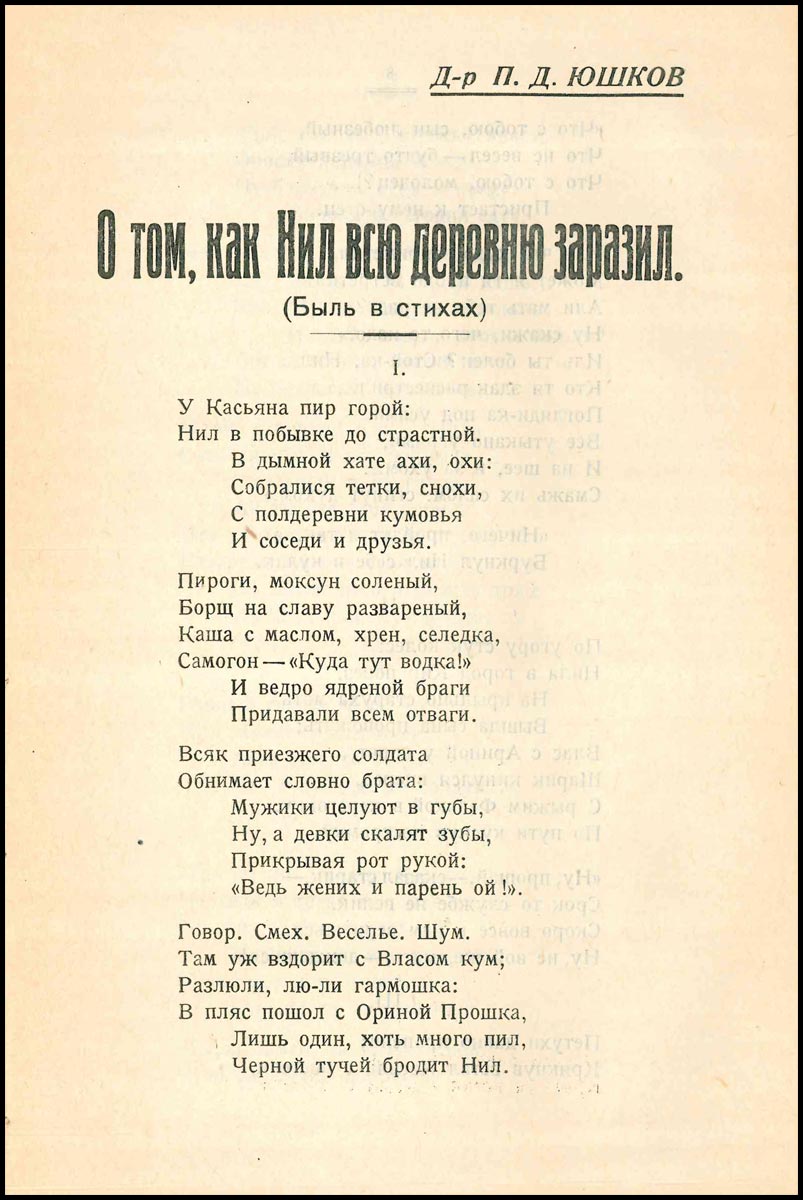
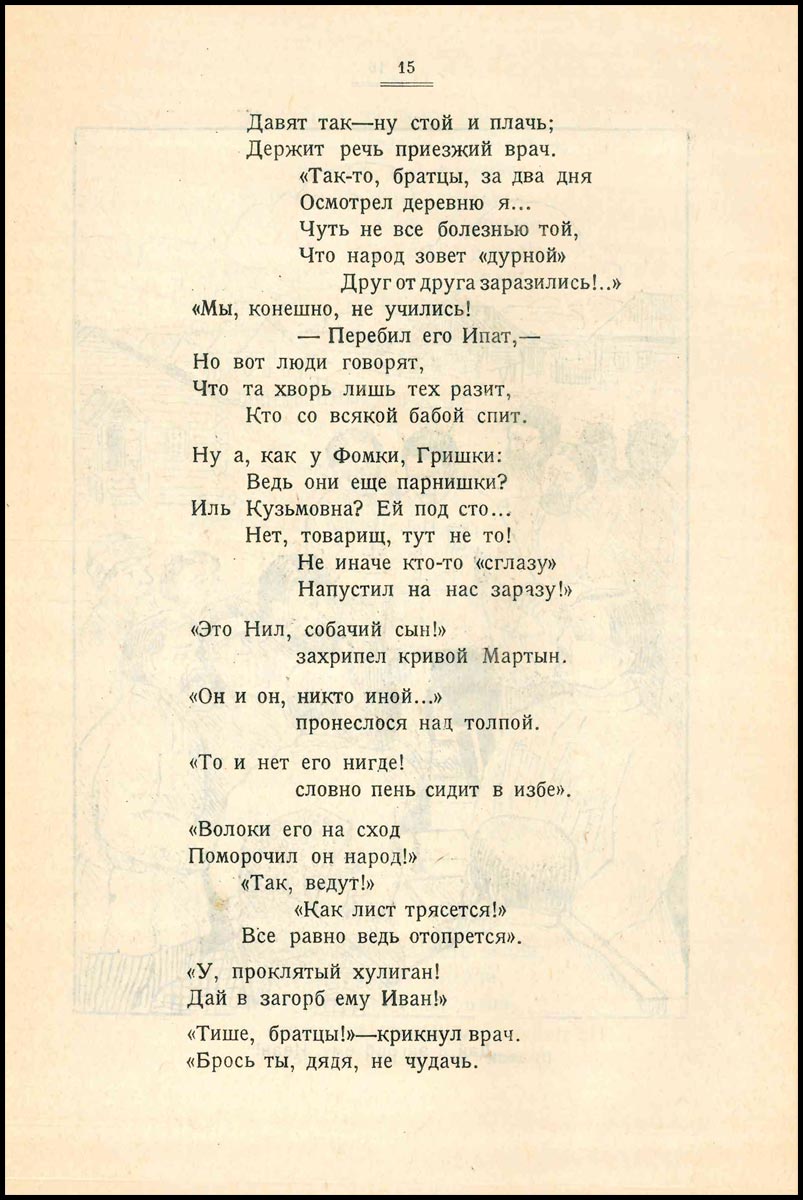
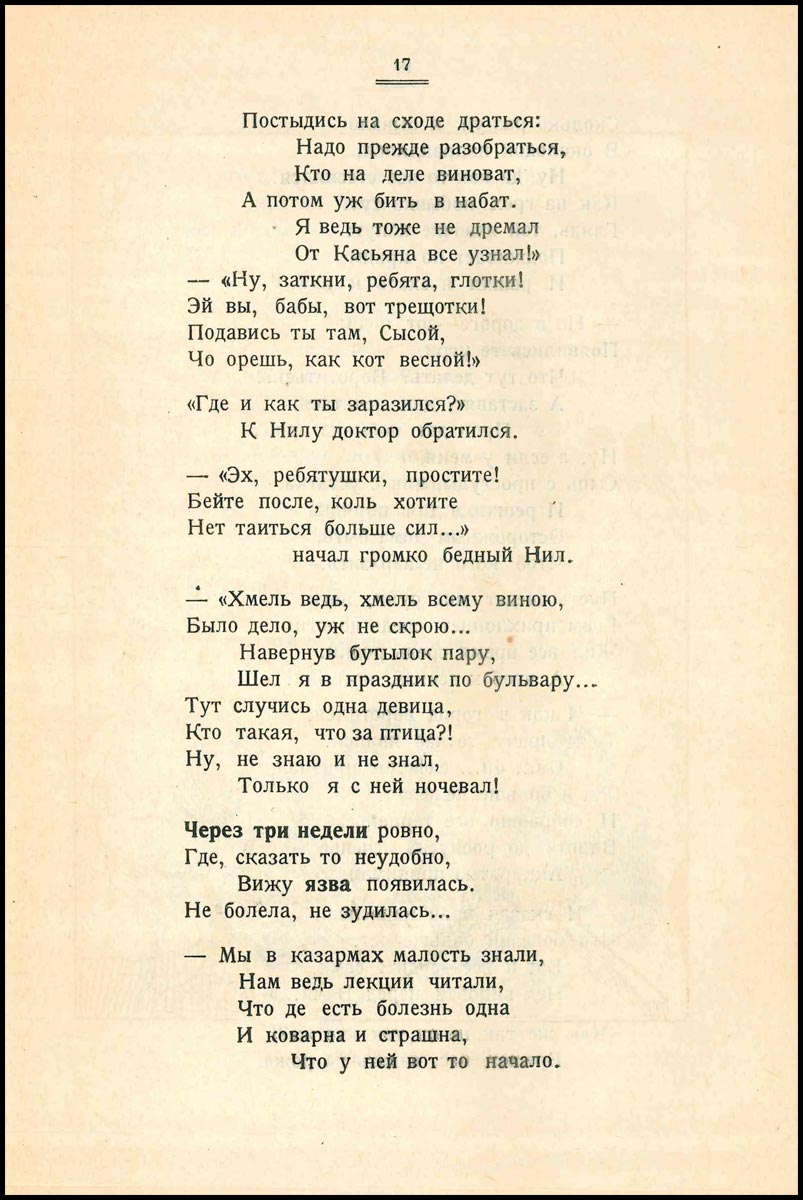
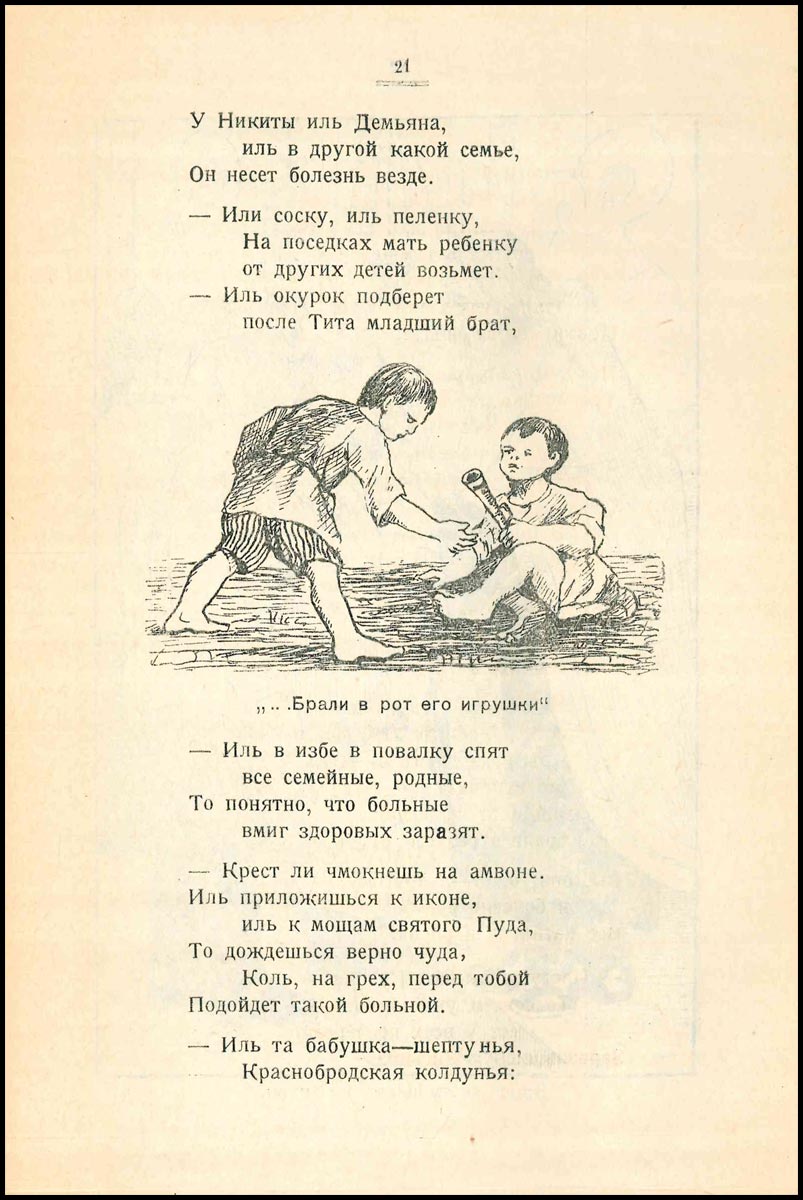
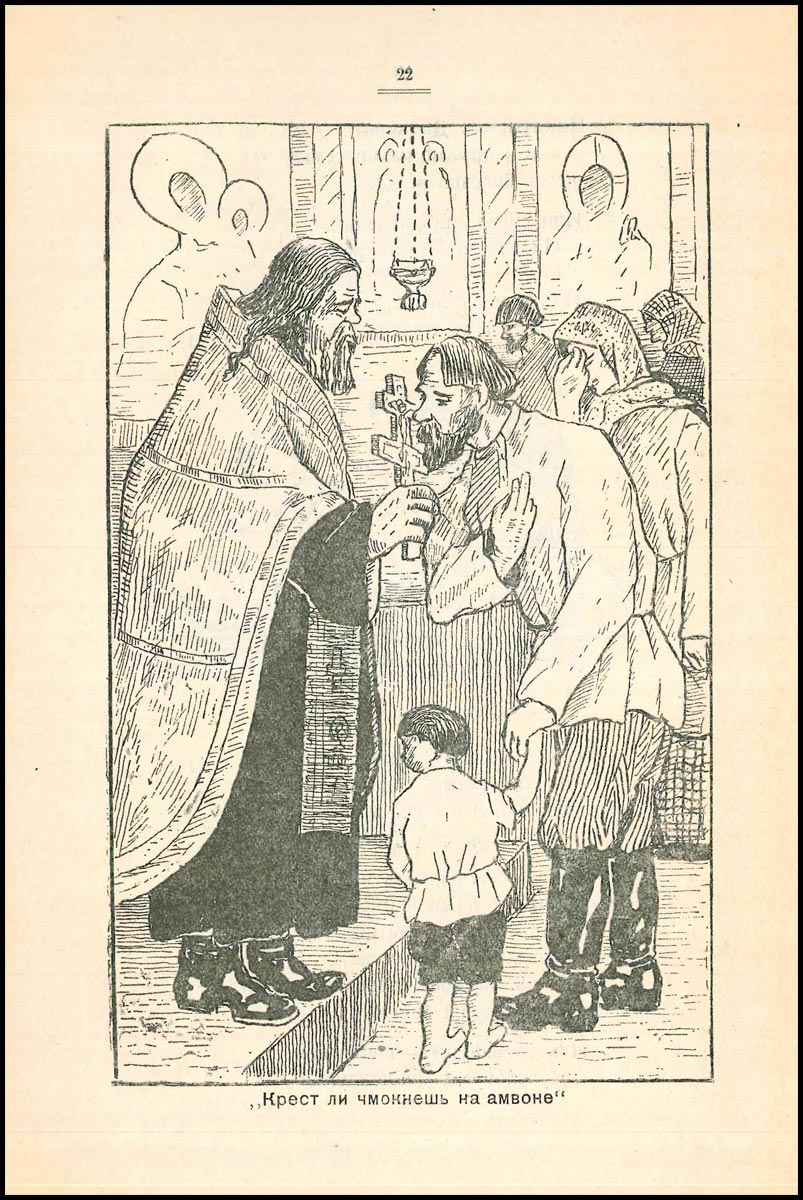
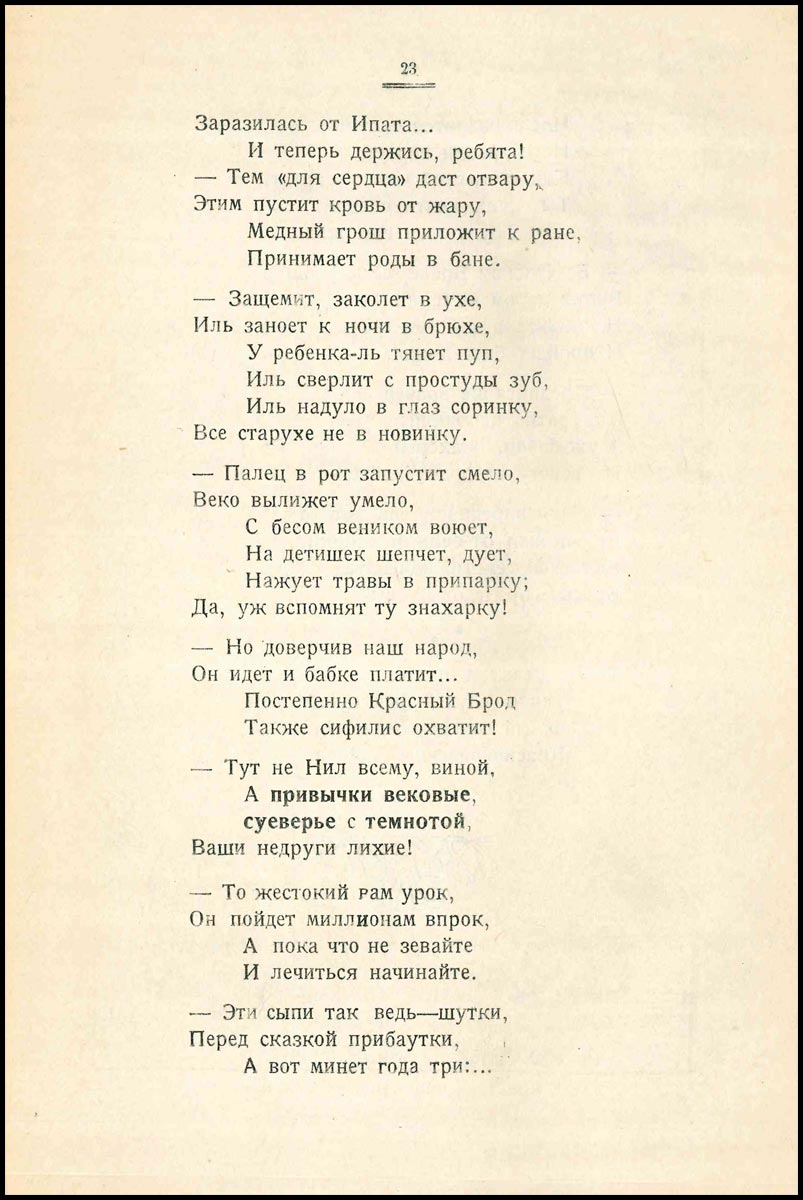
О том как Нил, всю деревню заразил

0_14d2a5_9a31aba_orig.jpg

0_14d2a6_210f37af_orig.jpg

0_14d2a7_a44971c5_orig.jpg

0_14d2a8_11f61a65_orig.jpg

0_14d2a9_d2edd898_orig.jpg

0_14d2aa_225664db_orig.jpg

0_14d2ab_d84782c_orig.jpg

0_14d2ac_3d8cfc2_orig.jpg

0_14d2ad_2bf63f64_orig.jpg

0_14d2ae_c99fe4c0_orig.jpg

0_14d2af_afade32d_orig.jpg

0_14d2b0_4c6ae597_orig.jpg

0_14d2b1_d23ba942_orig.jpg

0_14d2b2_dfcd800f_orig.jpg

0_14d2b3_85e0384c_orig.jpg

0_14d2b4_8e5a9dd1_orig.jpg

0_14d2b5_aa78a246_orig.jpg

0_14d2b6_6a967493_orig.jpg

0_14d2b7_34193b8_orig.jpg

0_14d2b8_a784b9a7_orig.jpg

0_14d2b9_4deb8958_orig.jpg

0_14d2ba_5899c490_orig.jpg

0_14d2bb_2146894f_orig.jpg

0 Комментариев

Рекомендуемые комментарии

Комментариев нет

Гость
Добавить комментарий...

Аккаунт

Навигация

Поиск

Configure browser push notifications

Chrome (Android)
  1. Tap the lock icon next to the address bar.
  2. Tap Permissions → Notifications.
  3. Adjust your preference.
Chrome (Desktop)
  1. Click the padlock icon in the address bar.
  2. Select Site settings.
  3. Find Notifications and adjust your preference.