Перейти к содержанию
View in the app

A better way to browse. Learn more.

Больше чем юмор, сильнее чем смех!

A full-screen app on your home screen with push notifications, badges and more.

To install this app on iOS and iPadOS
  1. Tap the Share icon in Safari
  2. Scroll the menu and tap Add to Home Screen.
  3. Tap Add in the top-right corner.
To install this app on Android
  1. Tap the 3-dot menu (⋮) in the top-right corner of the browser.
  2. Tap Add to Home screen or Install app.
  3. Confirm by tapping Install.

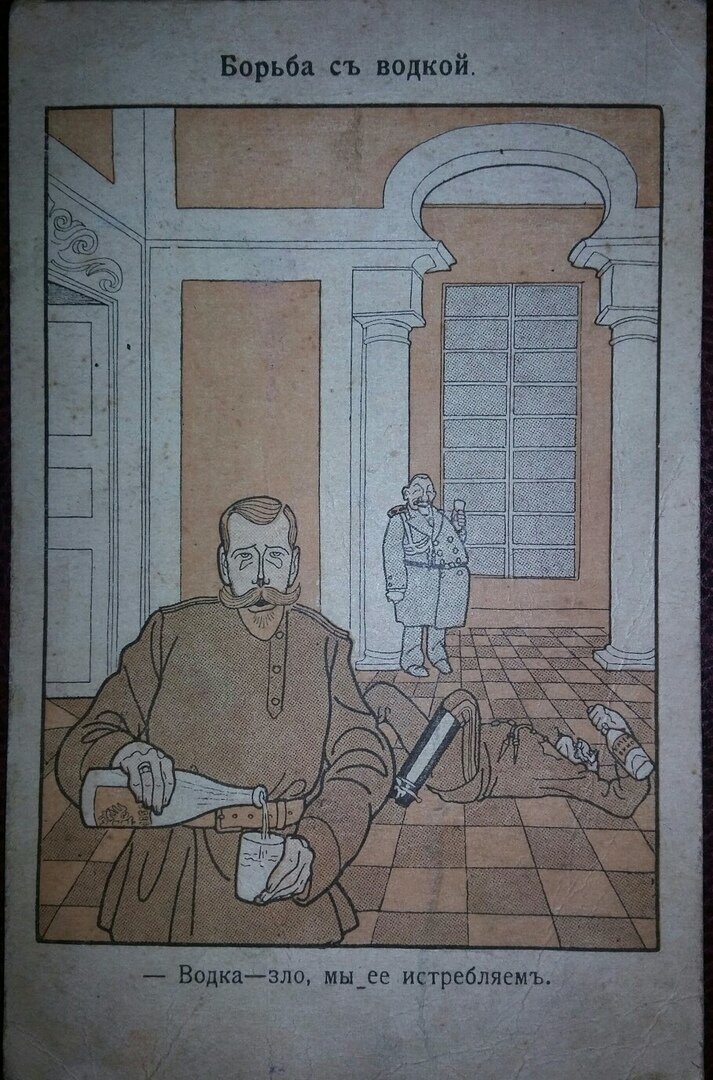
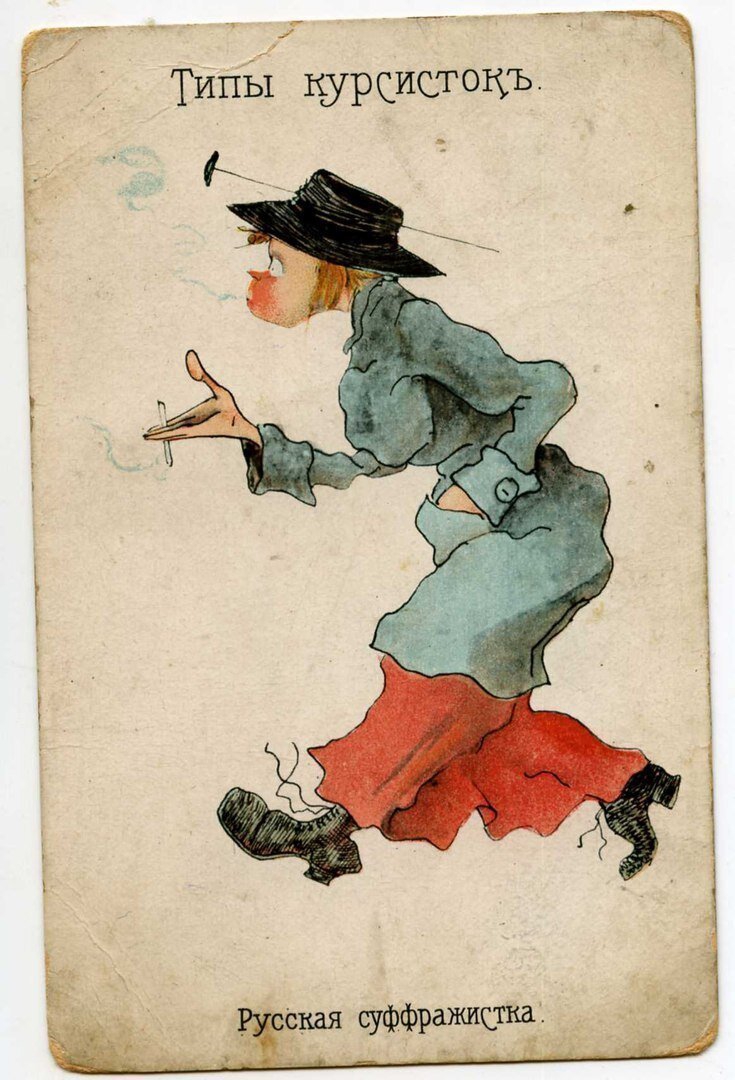
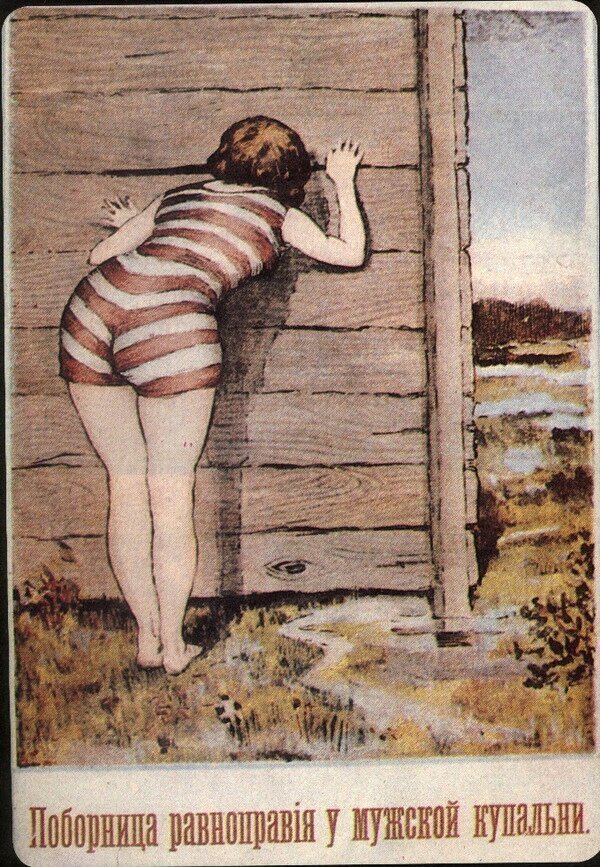
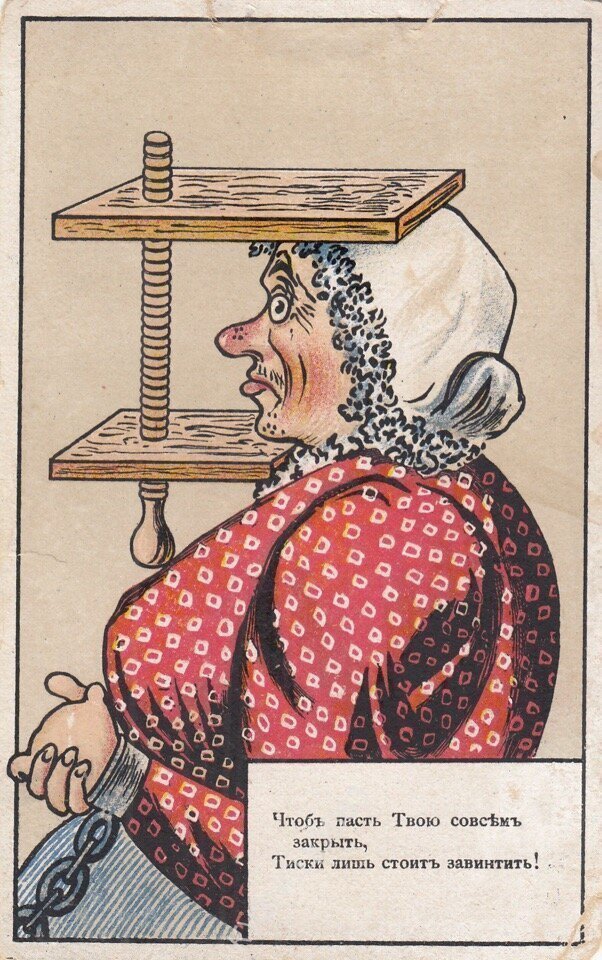
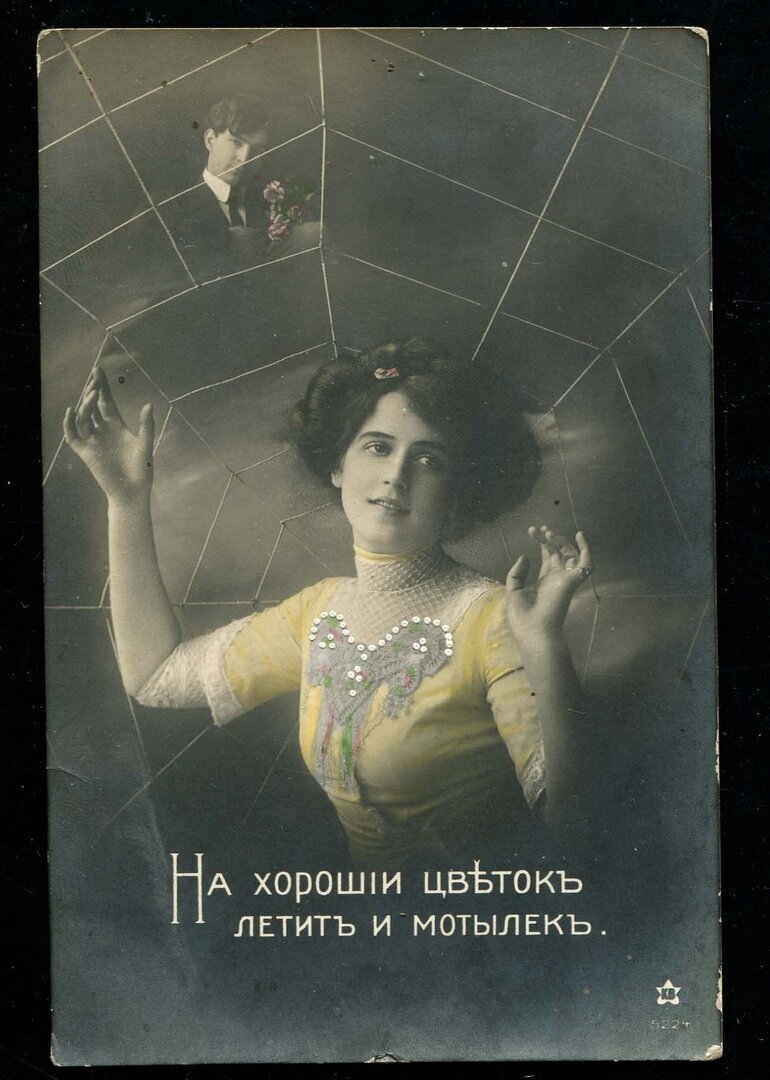
Дореволюционные открытки

photo16410599532.jpg

photo16410599533.jpg

photo16410599534.jpg

photo16410599535.jpg

photo16410599536.jpg

photo16410599537.jpg

photo16410599538.jpg

photo16410599549.jpg

photo164105995410.jpg

photo164105995411.jpg

photo164105995412.jpg

photo164105995413.jpg

photo164105995414.jpg

photo164105995415.jpg

photo164105995416.jpg

photo164105995517.jpg

photo164105995518.jpg

photo164105995519.jpg

photo164105995520.jpg

photo164105995521.jpg

photo164105995622.jpg

photo164105995623.jpg

photo164105995624.jpg

photo164105995625.jpg

photo164105995626.jpg

photo164105995627.jpg

photo164105995628.jpg

photo164105995629.jpg

photo164105995630.jpg

photo164105995731.jpg

photo164105995732.jpg

photo164105995733.jpg

photo164105995734.jpg

photo164105995735.jpg

photo164105995736.jpg

photo164105995737.jpg

photo164105995838.jpg

photo164105995839.jpg

photo164105995840.jpg

photo164105995841.jpg

photo164105995842.jpg

photo164105995843.jpg

photo164105995844.jpg

photo164105995945.jpg

photo164105995946.jpg

photo164105995947.jpg

photo164105995948.jpg

photo164105995949.jpg

photo164105995950.jpg

photo164105995951.jpg

photo164105996052.jpg

photo164105996053.jpg

photo164105996054.jpg

photo164105996055.jpg

photo164105996056.jpg

photo164105996057.jpg

photo164105996058.jpg

photo164105996159.jpg

photo164105996160.jpg

photo164105996161.jpg

0 Комментариев

Рекомендуемые комментарии
Комментариев нет

Гость
Добавить комментарий...

Аккаунт

Навигация

Поиск

Configure browser push notifications

Chrome (Android)
  1. Tap the lock icon next to the address bar.
  2. Tap Permissions → Notifications.
  3. Adjust your preference.
Chrome (Desktop)
  1. Click the padlock icon in the address bar.
  2. Select Site settings.
  3. Find Notifications and adjust your preference.