Перейти к содержанию
View in the app

A better way to browse. Learn more.

Больше чем юмор, сильнее чем смех!

A full-screen app on your home screen with push notifications, badges and more.

To install this app on iOS and iPadOS
  1. Tap the Share icon in Safari
  2. Scroll the menu and tap Add to Home Screen.
  3. Tap Add in the top-right corner.
To install this app on Android
  1. Tap the 3-dot menu (⋮) in the top-right corner of the browser.
  2. Tap Add to Home screen or Install app.
  3. Confirm by tapping Install.

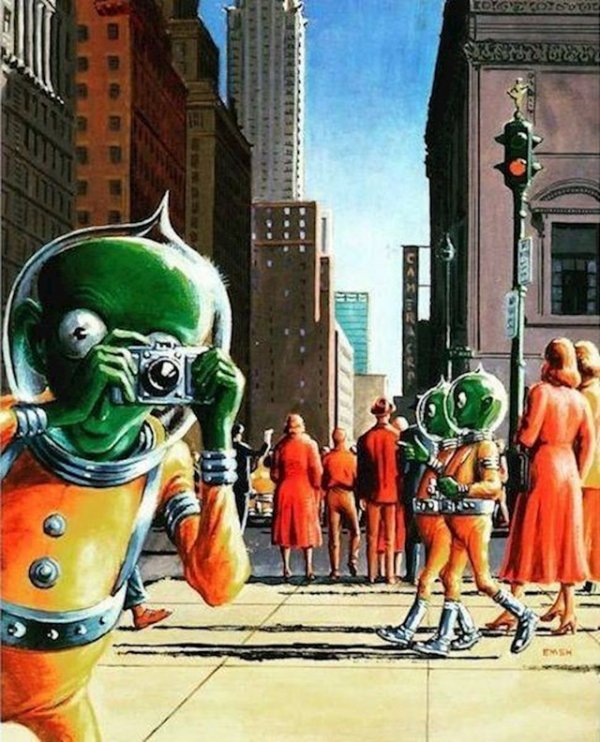
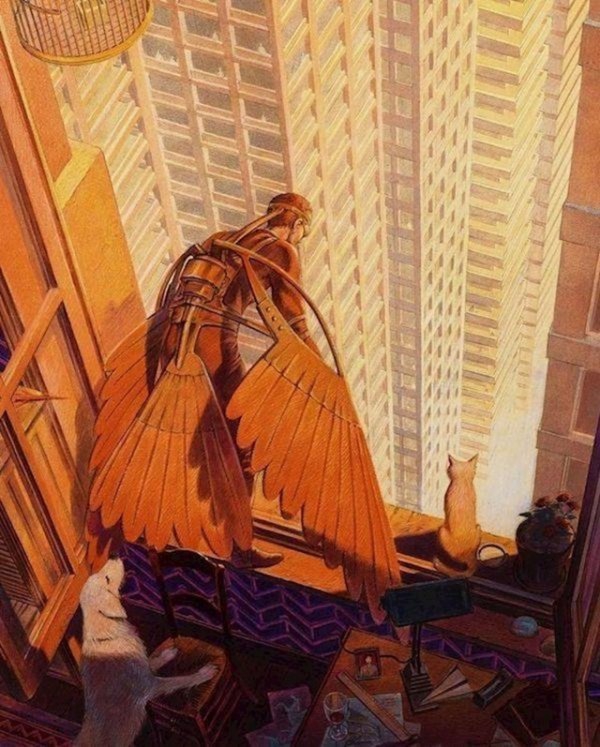
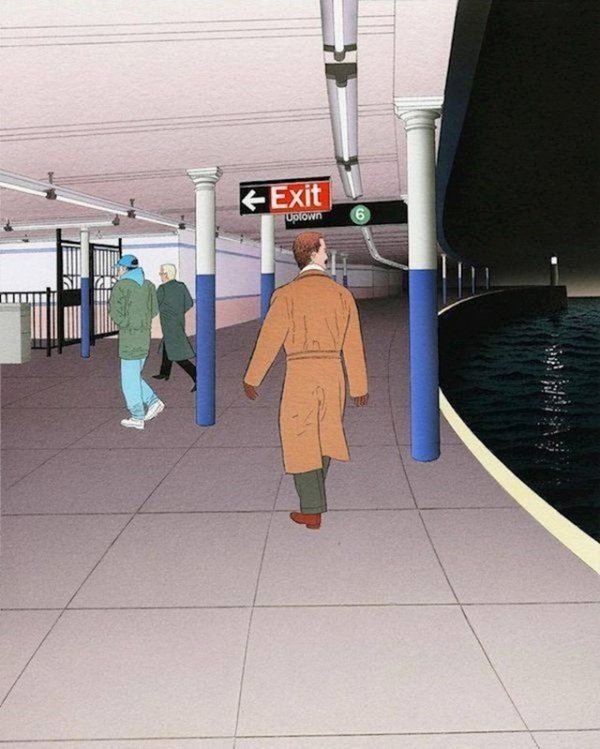
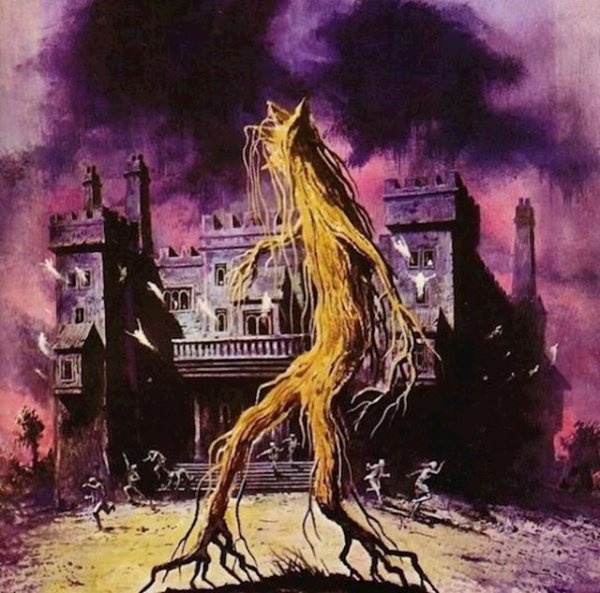
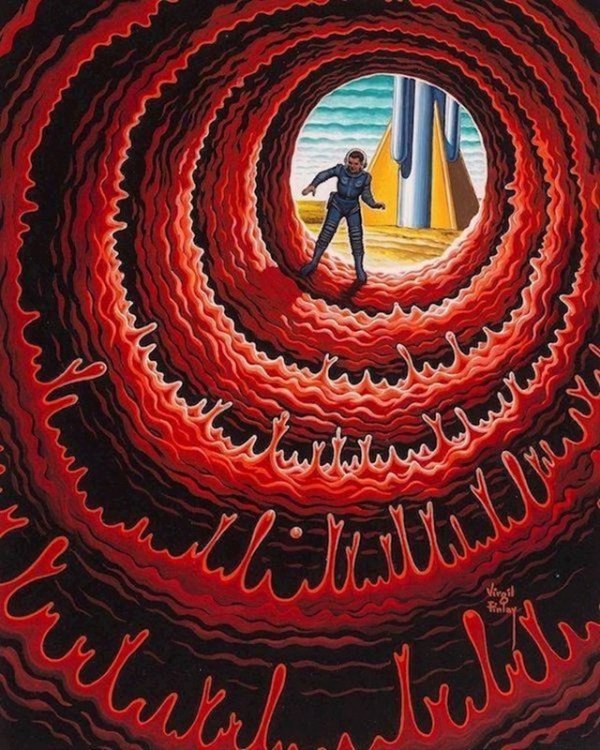
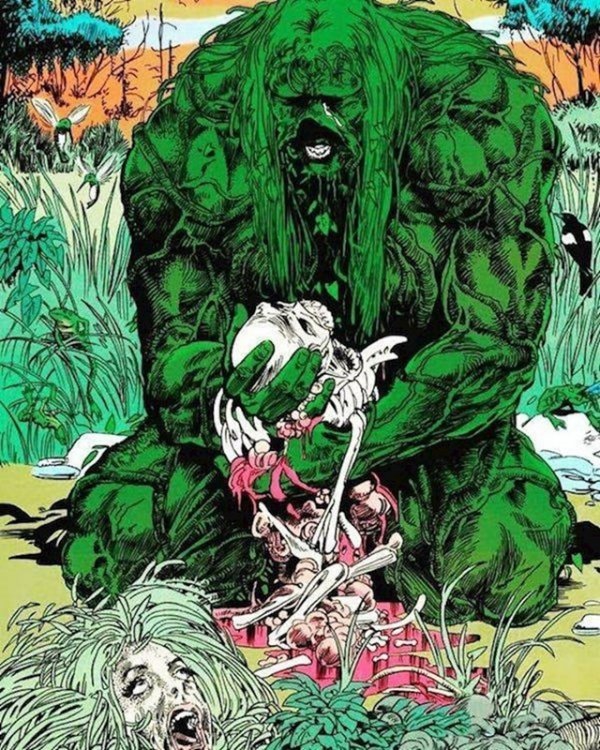
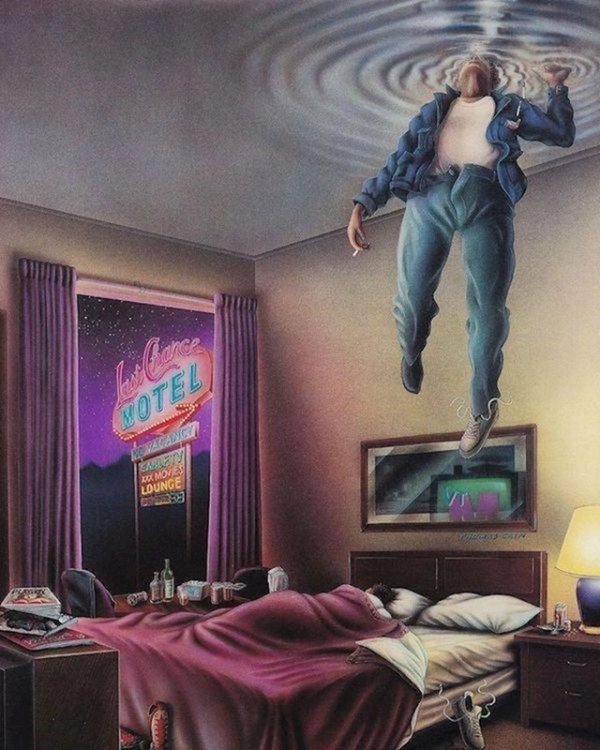
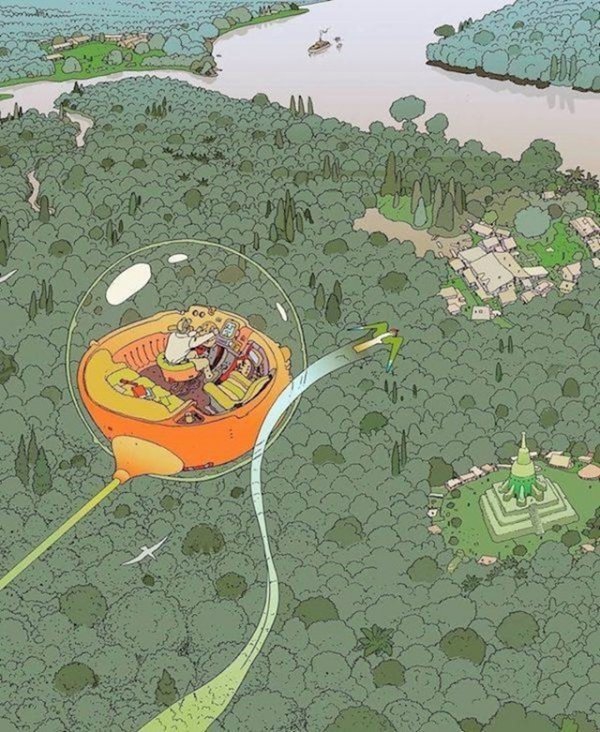
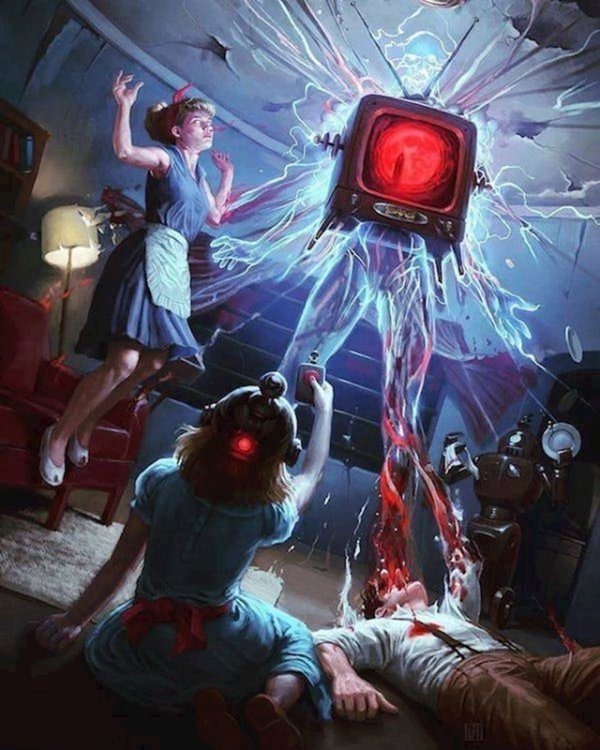
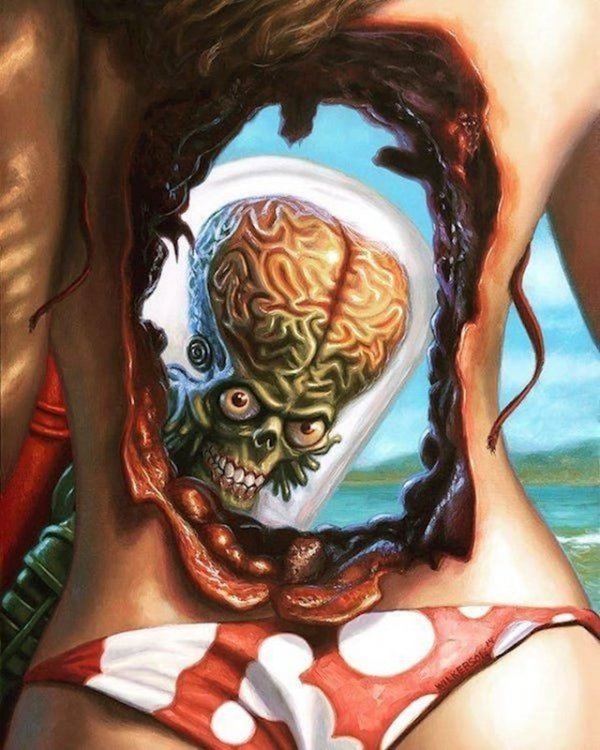
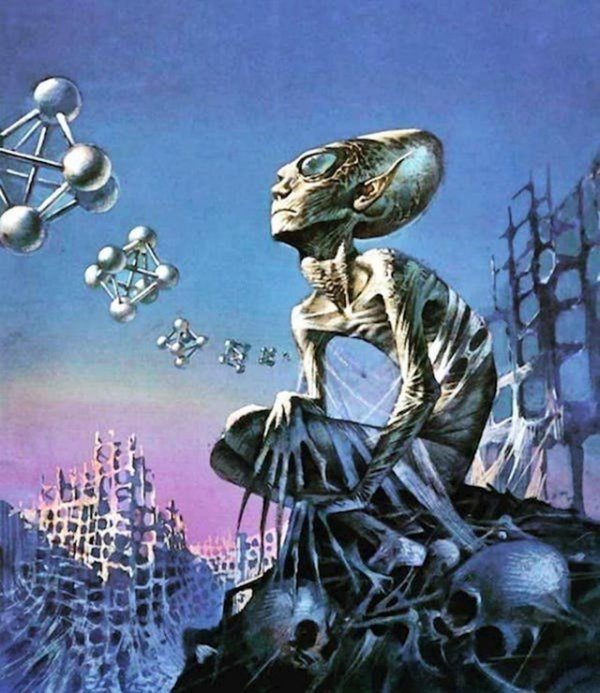
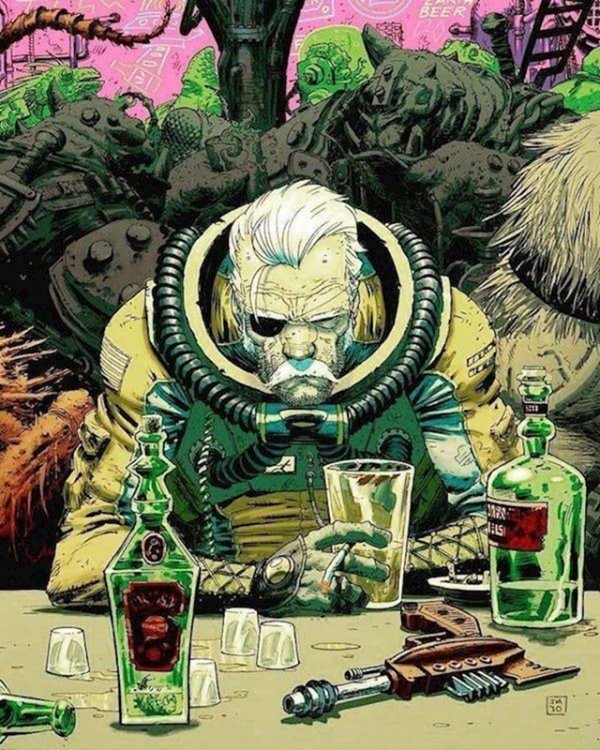
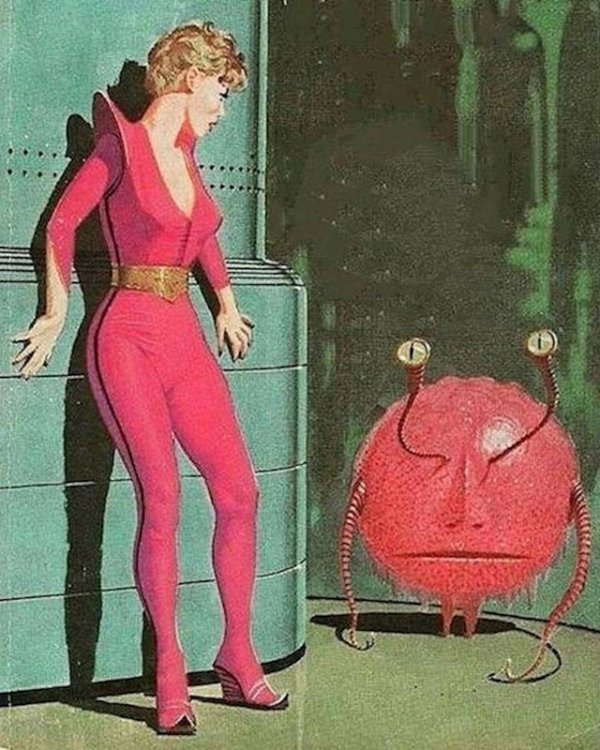
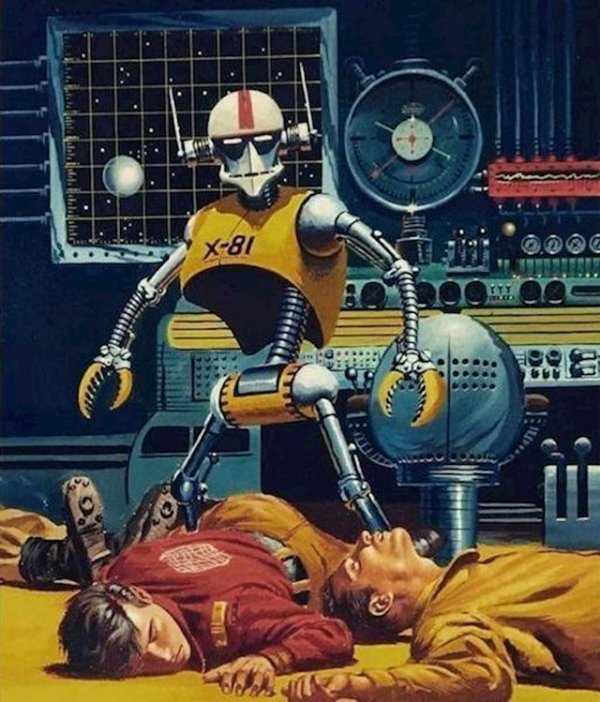
Ретрофутуризм

photo16474945681.jpg

photo16474945682.jpg

photo16474945693.jpg

photo16474945694.jpg

photo16474945695.jpg

photo16474945696.jpg

photo16474945707.jpg

photo16474945708.jpg

photo16474945709.jpg

photo164749457110.jpg

photo164749457111.jpg

photo164749457112.jpg

photo164749457113.jpg

photo164749457214.jpg

photo164749457215.jpg

photo164749457216.jpg

photo164749457317.jpg

photo164749457318.jpg

photo164749457319.jpg

photo164749457420.jpg

photo164749457421.jpg

photo164749457422.jpg

photo164749457423.jpg

photo164749457524.jpg

photo164749457525.jpg

photo164749457526.jpg

photo164749457627.jpg

0 Комментариев

Рекомендуемые комментарии

Комментариев нет

Гость
Добавить комментарий...

Аккаунт

Навигация

Поиск

Поиск

Configure browser push notifications

Chrome (Android)
  1. Tap the lock icon next to the address bar.
  2. Tap Permissions → Notifications.
  3. Adjust your preference.
Chrome (Desktop)
  1. Click the padlock icon in the address bar.
  2. Select Site settings.
  3. Find Notifications and adjust your preference.