Перейти к содержанию
View in the app

A better way to browse. Learn more.

Больше чем юмор, сильнее чем смех!

A full-screen app on your home screen with push notifications, badges and more.

To install this app on iOS and iPadOS
  1. Tap the Share icon in Safari
  2. Scroll the menu and tap Add to Home Screen.
  3. Tap Add in the top-right corner.
To install this app on Android
  1. Tap the 3-dot menu (⋮) in the top-right corner of the browser.
  2. Tap Add to Home screen or Install app.
  3. Confirm by tapping Install.

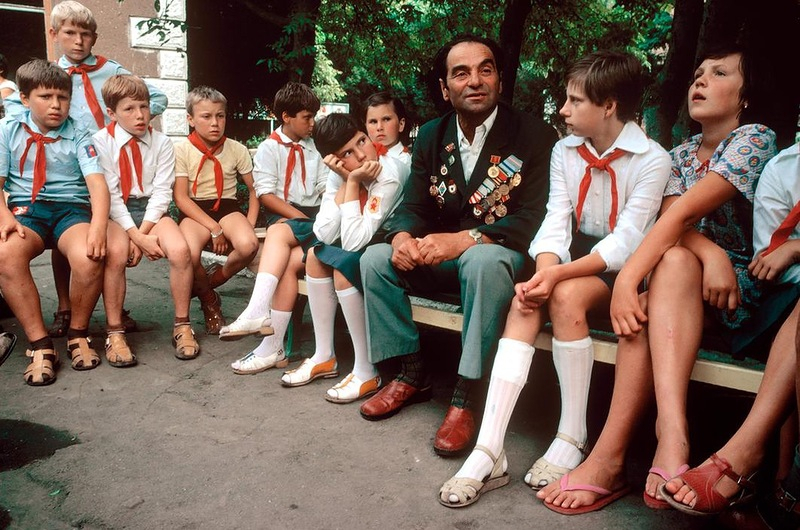
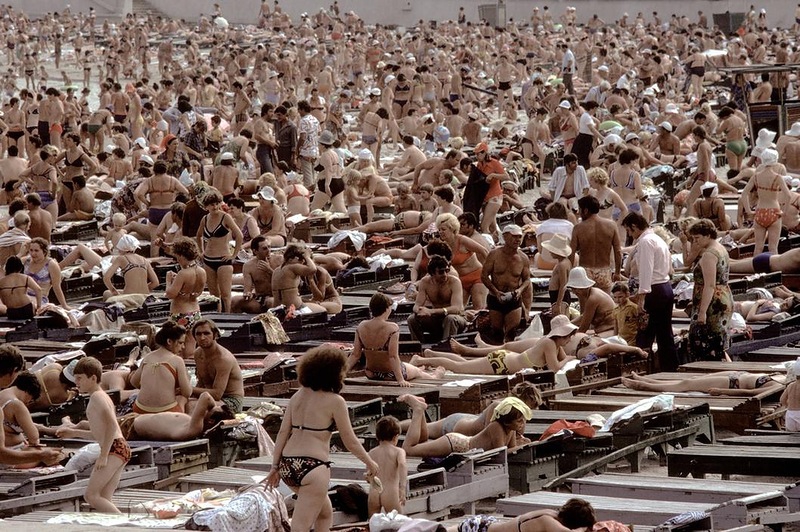
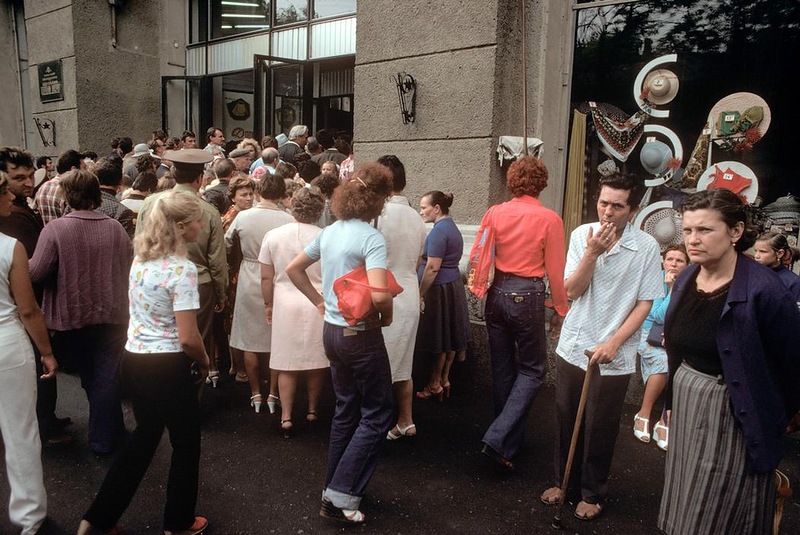
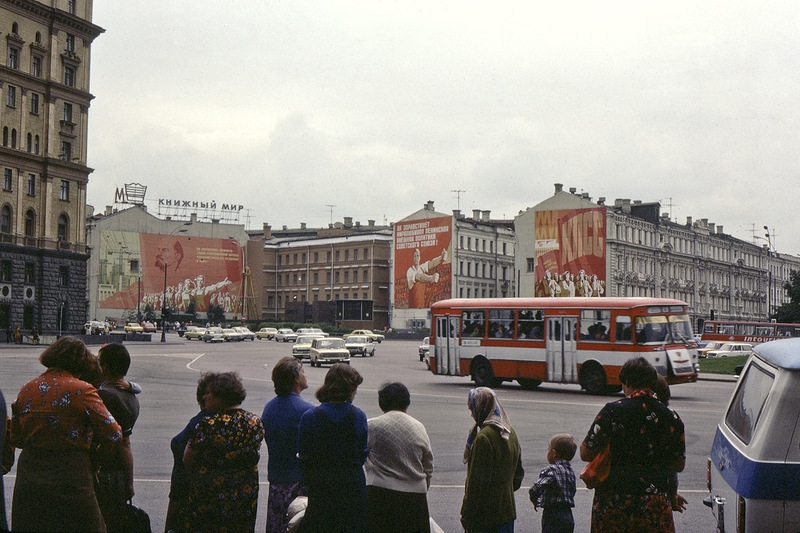
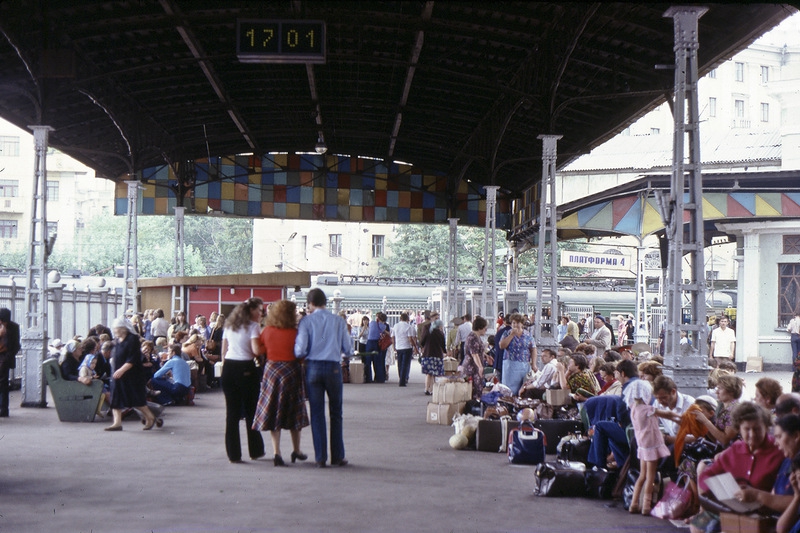
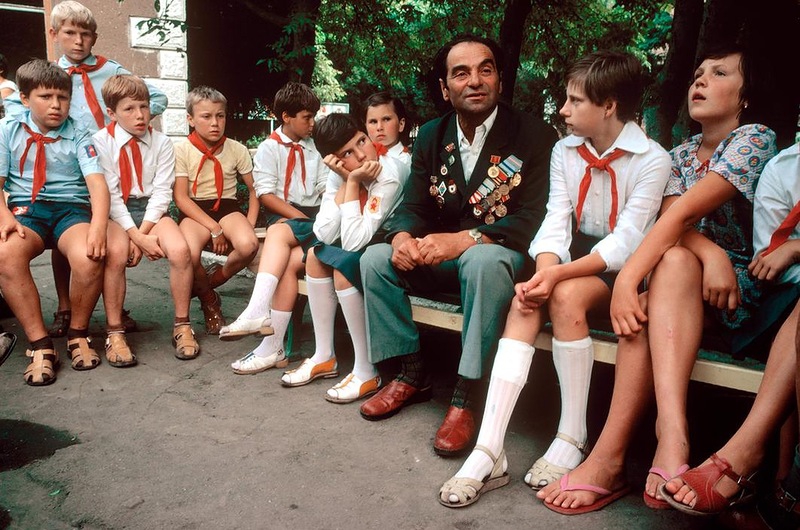
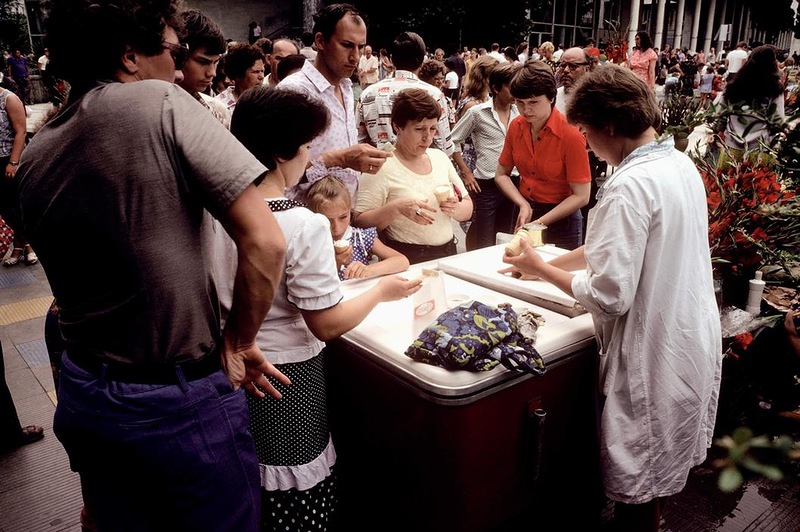
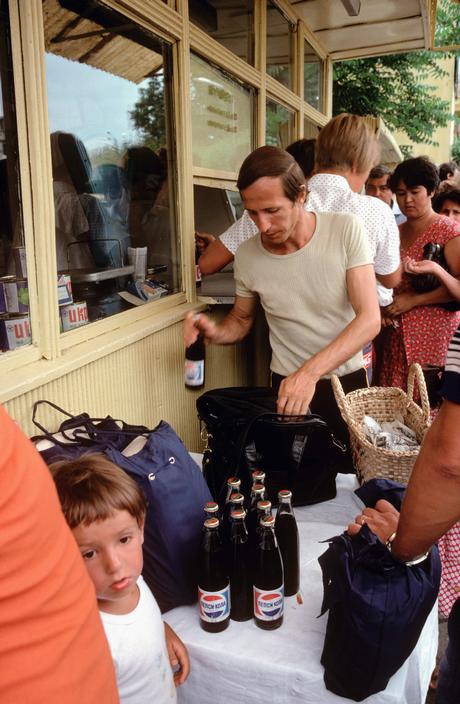
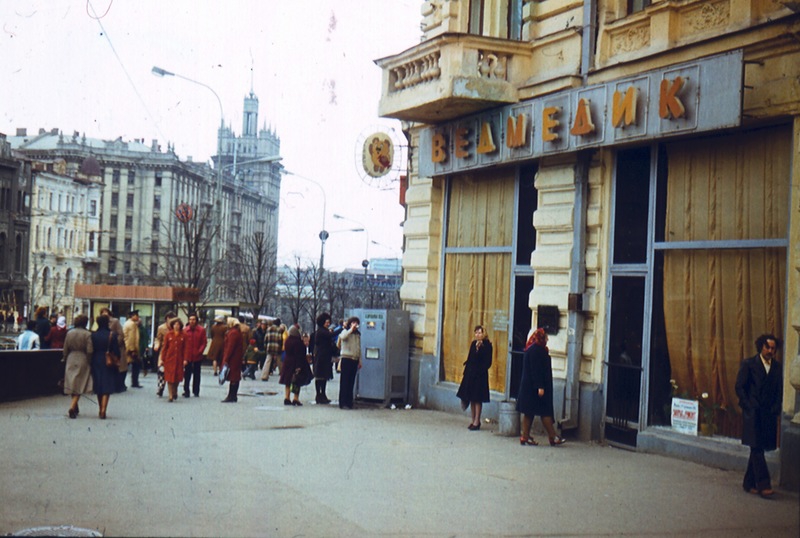
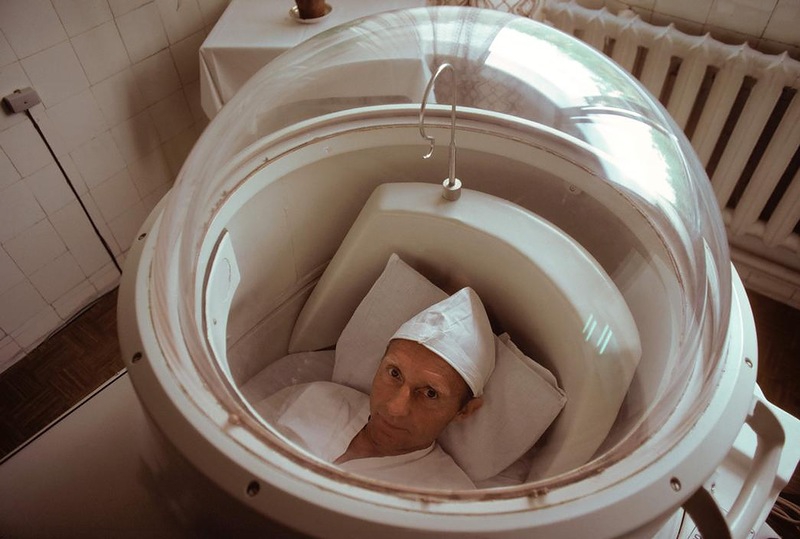
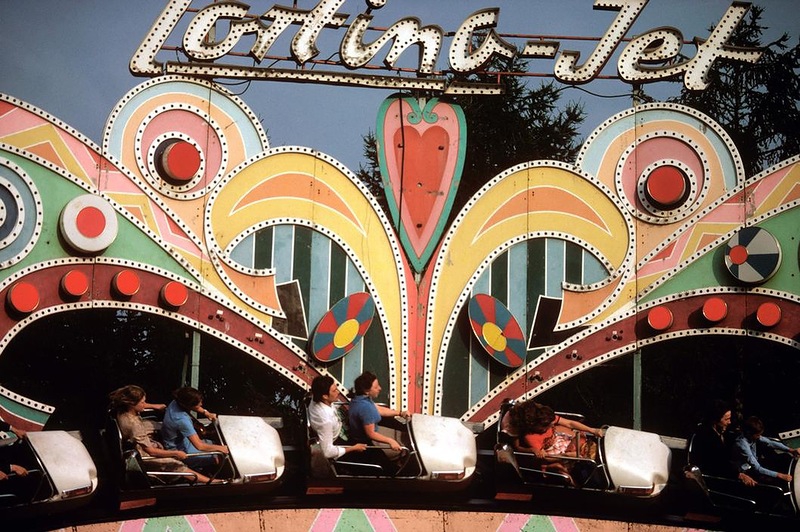
Цветные фотографии СССР 1981 года

0e66371a6c9e6d11f5d5db7d1b827dc8.jpg

0ff1cfc04b80c6545d14b75a3a12508d.jpg

001.jpg

1ae3918dbb7b1f0d316fc978f234b3fa.jpg

1db351d6554513798850d267bc57b2b2.jpg

1e051cced07e573ccdf02987c55aa72c.jpg

2d903063461d79035b640074738d7d42.jpg

6bb7e9d5b6edb817d68db3f03155c051.jpg

6d705f1280f4b860a98aa3e66d80412f.jpg

9c151be038c8b4a35b754f102aba66ce.jpg

9f2709318c67354cc0e1f843b1dd15dd.jpg

16ac74599173b017eda889311240c928.jpg

26aa977df7e64691262758a678e5c611.jpg

29c421bdb0848ed36b840e2921d6b533.jpg

30eeafae40d42a9d4353c091f590be40.jpg

67e0f92e1a447b72150b9ec2739e2791.jpg

70b14316cb7a3f7ab74c0b4568c68239.jpg

91d212315991b7529ccb1c69ea59eeba.jpg

92c03b68001d02274e789f193bc105e6.jpg

210ce6714219f5eb6aa421a36c4ec26f.jpg

30819e6cc7d507068056de5d08d49f26.jpg

118795d3bbd353b63ec067dc4d2d4e94.jpg

2931615913e3ce605aa13d93dccc955e.jpg

a128bf58c04d8d852f3d0a7632b5db28.jpg

c850a2a3ad0b6e39a008c8afc366ccfe.jpg

ca62fe9cd2b655307dab6f4829ccee91.jpg

d1e909e38ae4d62266eda45488ce8ac2.jpg

d7b21573bd8a8b7d194f22349d953693.jpg

ea40bb7500dd01d895f2c93c46fe9daa.jpg

ef3b4cf8753b47e5555b6210b1afd7d5.jpg

f83ede129fef140458f40dacbcc11393.jpg

fc77ce2abd764382a14725c56c5f3588.jpg

0 Комментариев

Рекомендуемые комментарии

Комментариев нет

Гость
Добавить комментарий...

Аккаунт

Навигация

Поиск

Configure browser push notifications

Chrome (Android)
  1. Tap the lock icon next to the address bar.
  2. Tap Permissions → Notifications.
  3. Adjust your preference.
Chrome (Desktop)
  1. Click the padlock icon in the address bar.
  2. Select Site settings.
  3. Find Notifications and adjust your preference.