Перейти к содержанию
View in the app

A better way to browse. Learn more.

Больше чем юмор, сильнее чем смех!

A full-screen app on your home screen with push notifications, badges and more.

To install this app on iOS and iPadOS
  1. Tap the Share icon in Safari
  2. Scroll the menu and tap Add to Home Screen.
  3. Tap Add in the top-right corner.
To install this app on Android
  1. Tap the 3-dot menu (⋮) in the top-right corner of the browser.
  2. Tap Add to Home screen or Install app.
  3. Confirm by tapping Install.

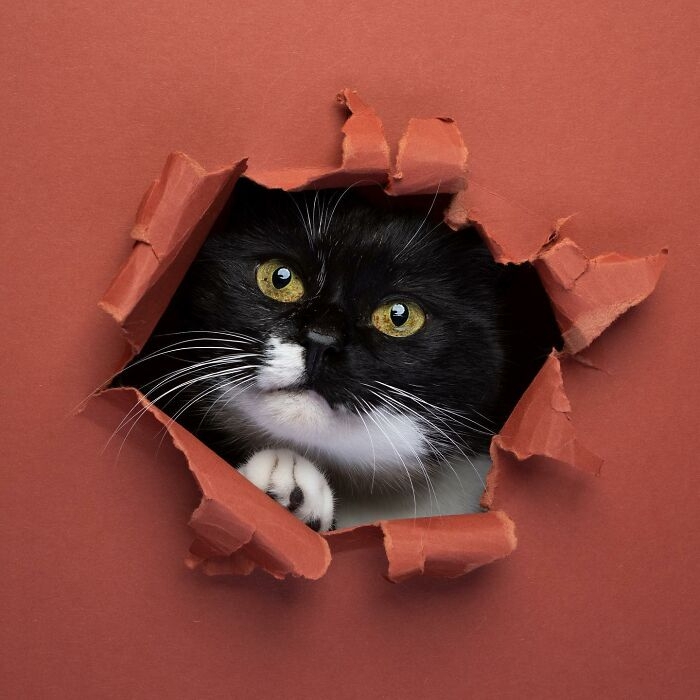
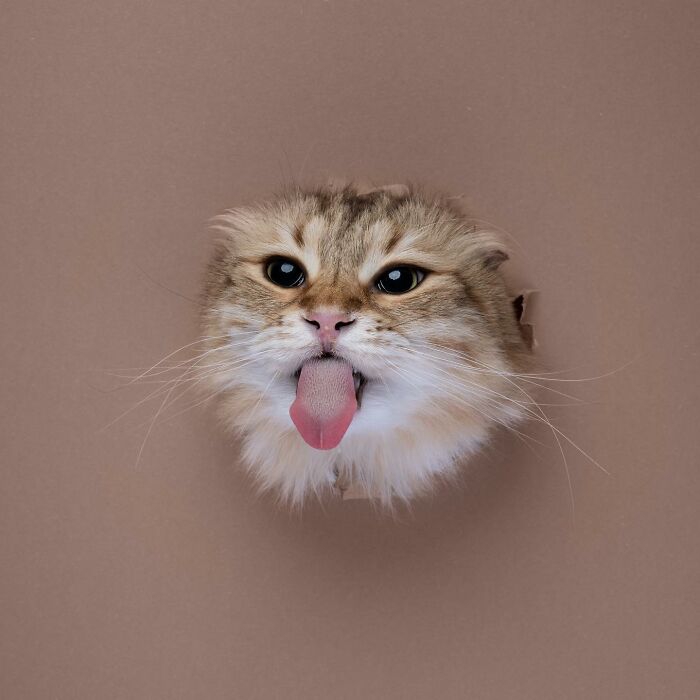
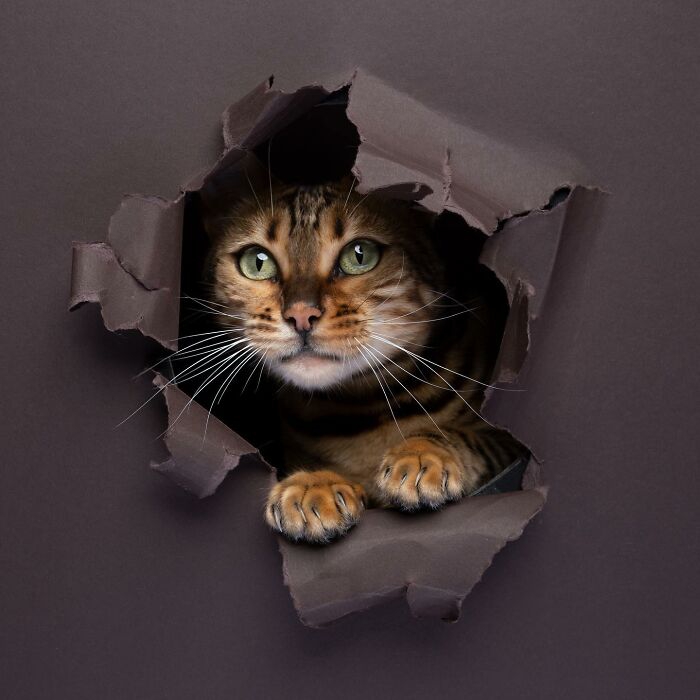
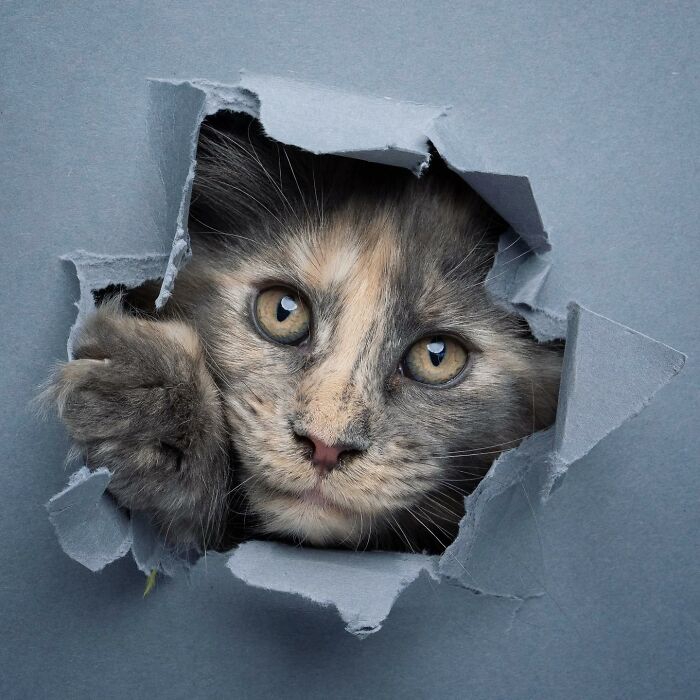
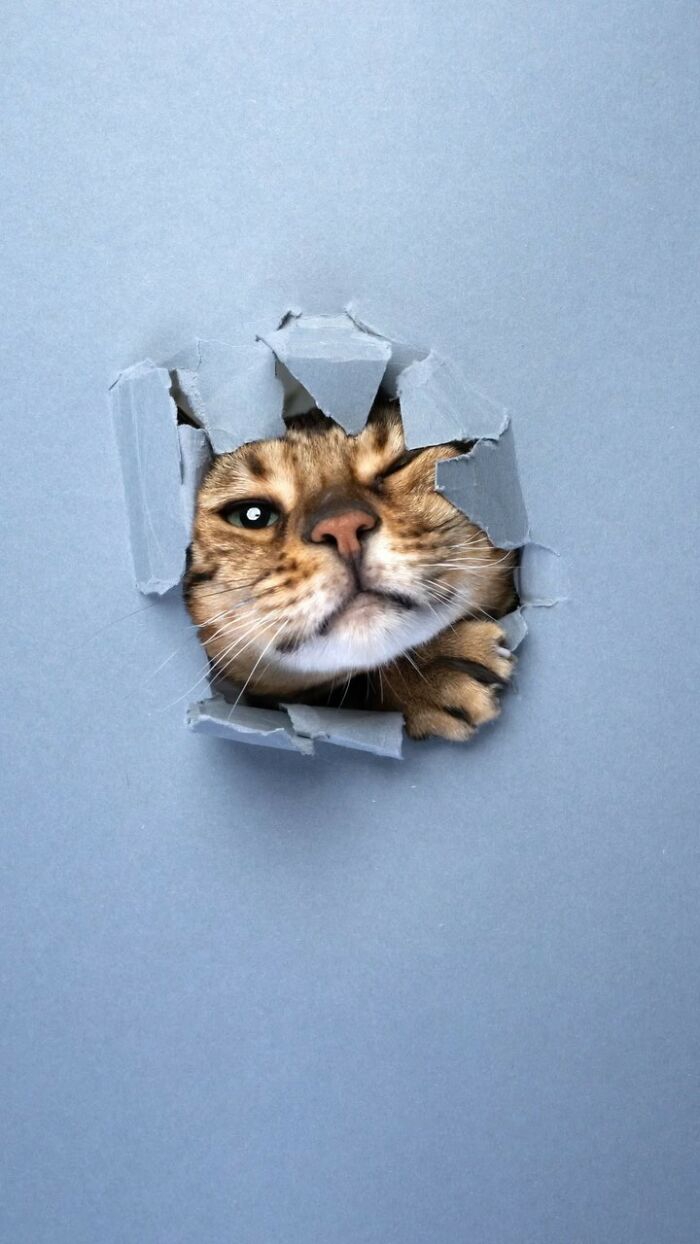
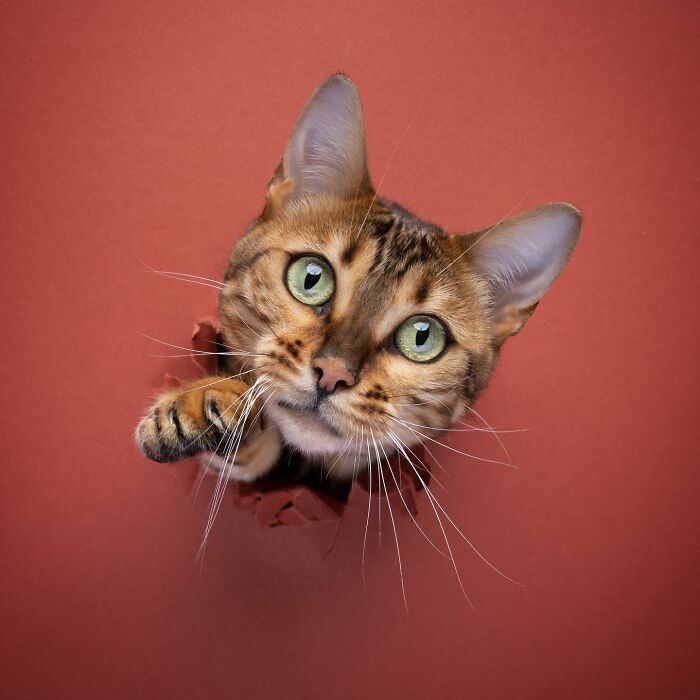
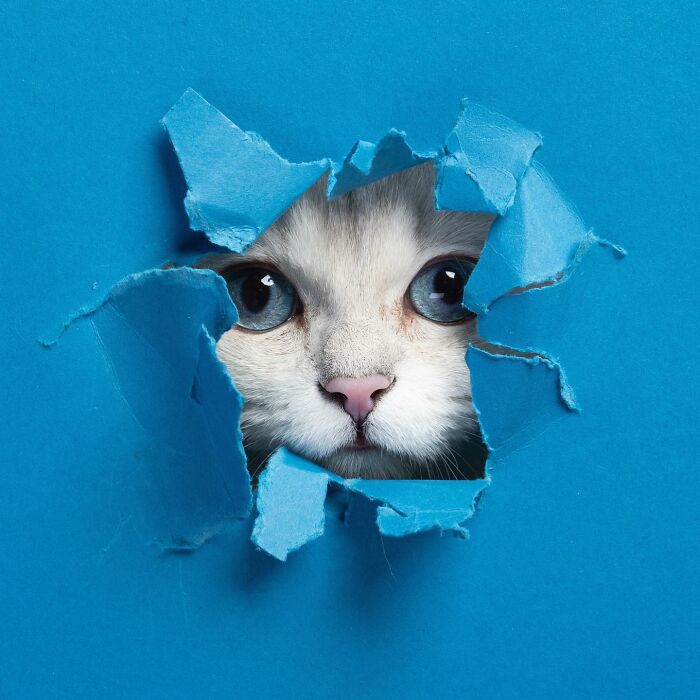
Кошаки через бумагу

5-64a79748a7229__700.jpg

64abb6a2ac32b__700.jpg

64abb6a70cb8d__700.jpg

64abb6a405bd1__700.jpg

64abb6a583f98__700.jpg

64abb6a10584d__700.jpg

64abb6a865648__700.jpg

64abb68b1ee88__700.jpg

64abb68d2641d__700.jpg

64abb68f4d220__700.jpg

64abb69b6ab72__700.jpg

64abb69d83352__700.jpg

64abb69f6d3d3__700.jpg

64abb688ed3ab__700.jpg

64abb68726e8c__700.jpg

64abb685547f0__700.jpg

64abb691747b8__700.jpg

64abb699138c2__700.jpg

64abb69480938__700.jpg

64abb69738568__700.jpg

312063102_1522378494867647_4862086129666980470_n-64a7975f6e95f__700.jpg

313187075_548872223910296_7407337049910827494_n-64a797631e6d2__700.jpg

322506653_2118660764987946_6992978840565359924_n-64a797775e3df__700.jpg

0 Комментариев

Рекомендуемые комментарии

Комментариев нет

Гость
Добавить комментарий...

Аккаунт

Навигация

Поиск

Configure browser push notifications

Chrome (Android)
  1. Tap the lock icon next to the address bar.
  2. Tap Permissions → Notifications.
  3. Adjust your preference.
Chrome (Desktop)
  1. Click the padlock icon in the address bar.
  2. Select Site settings.
  3. Find Notifications and adjust your preference.