Skip to content
View in the app

A better way to browse. Learn more.

Больше чем юмор, сильнее чем смех!

A full-screen app on your home screen with push notifications, badges and more.

To install this app on iOS and iPadOS
  1. Tap the Share icon in Safari
  2. Scroll the menu and tap Add to Home Screen.
  3. Tap Add in the top-right corner.
To install this app on Android
  1. Tap the 3-dot menu (⋮) in the top-right corner of the browser.
  2. Tap Add to Home screen or Install app.
  3. Confirm by tapping Install.

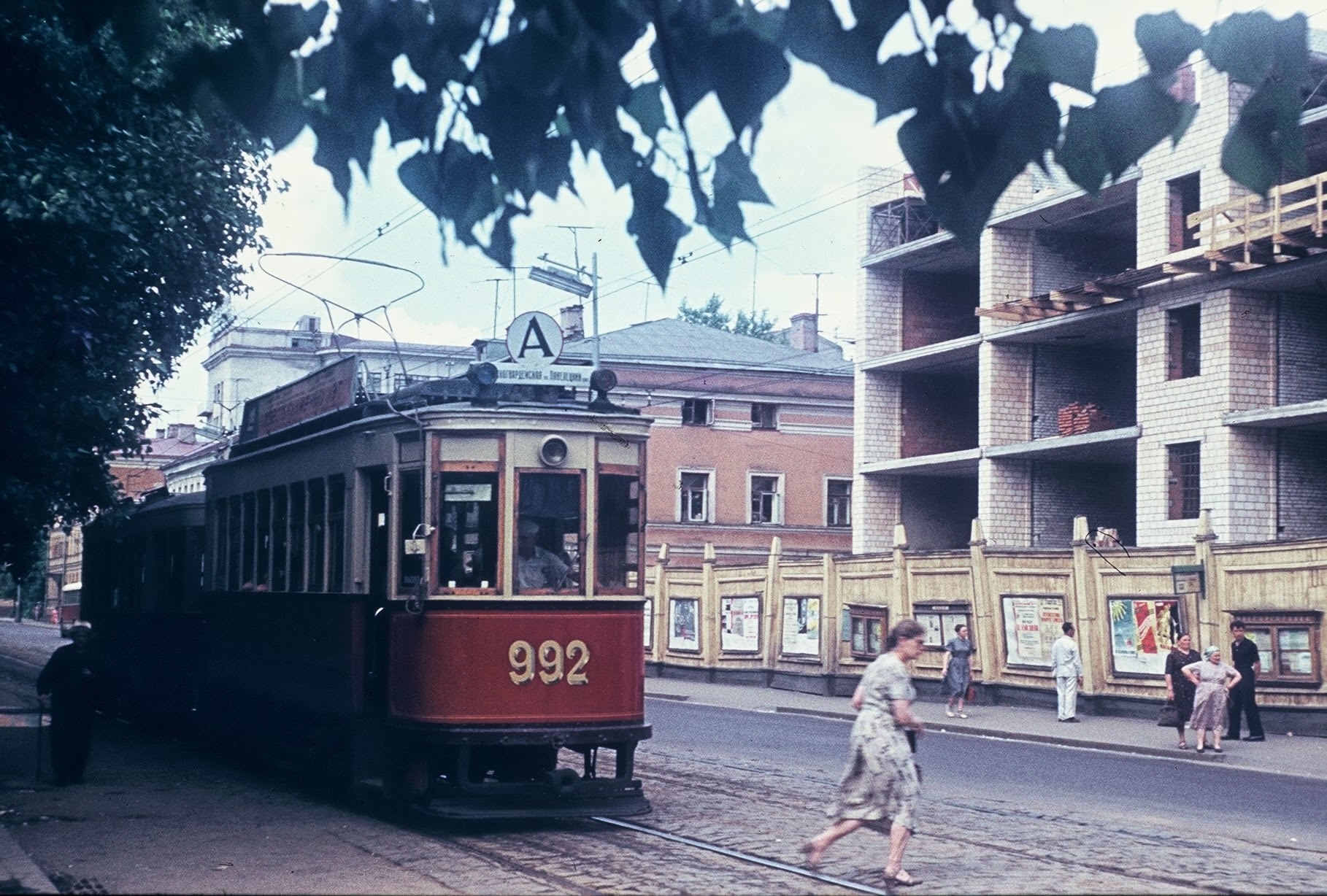
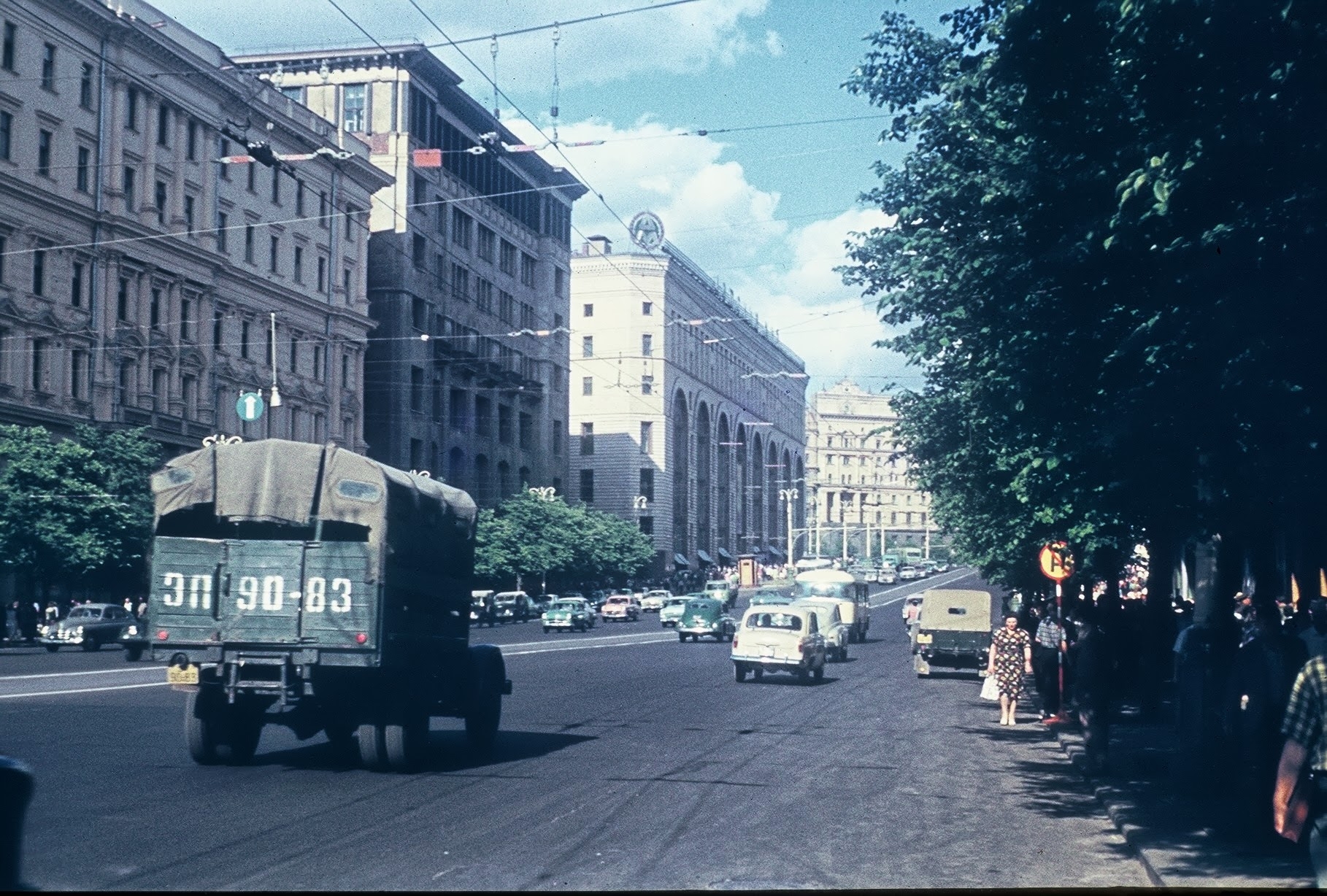
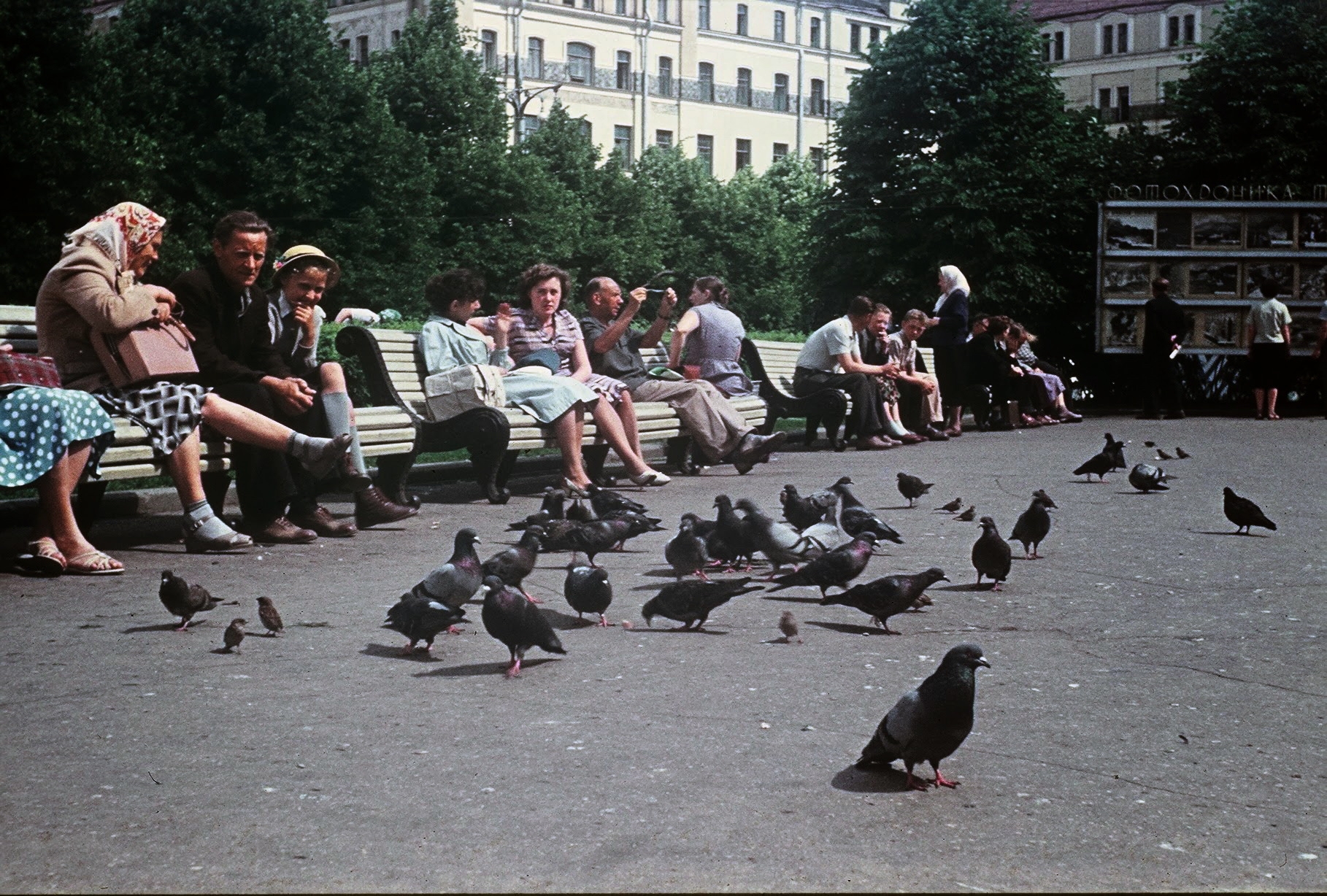
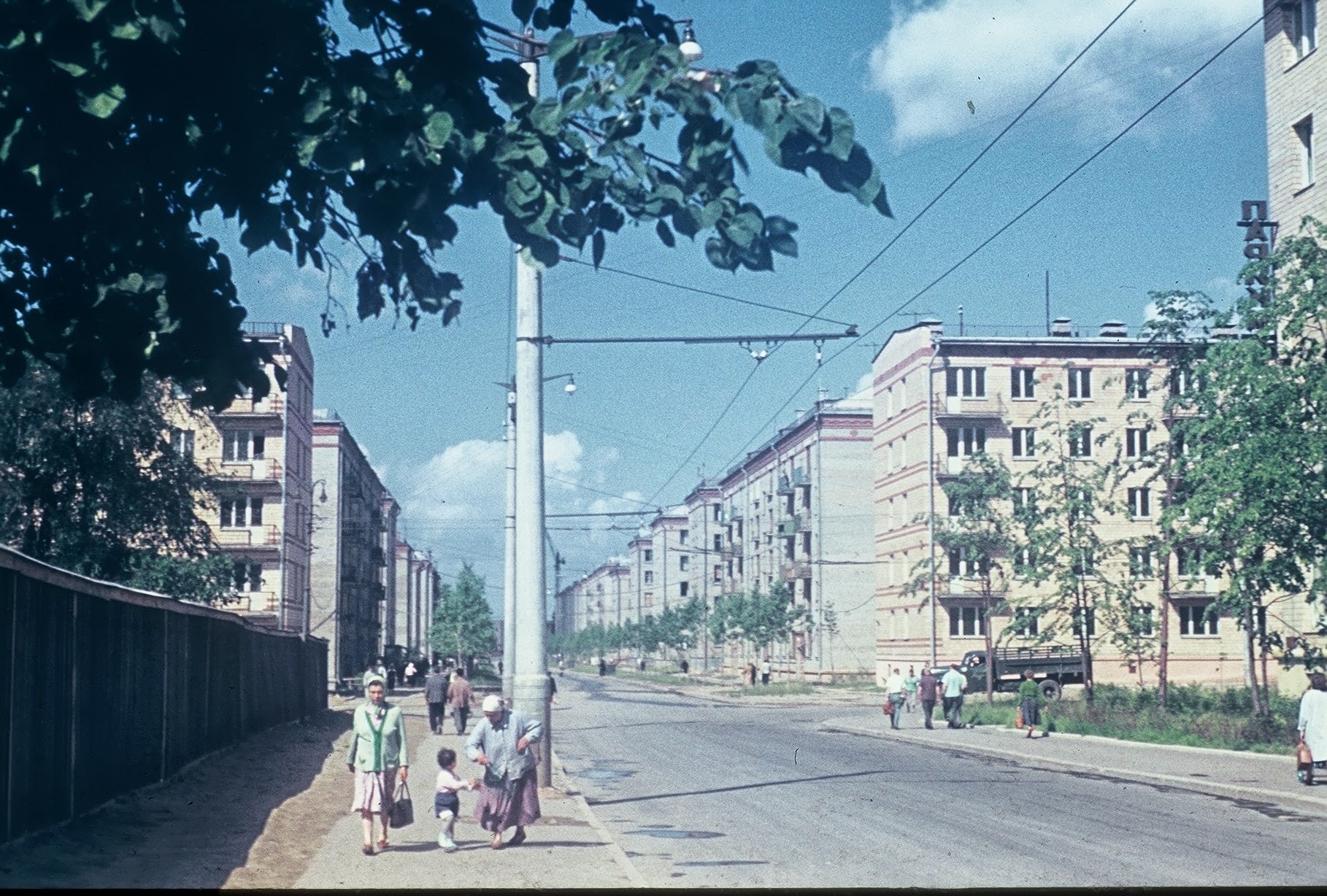
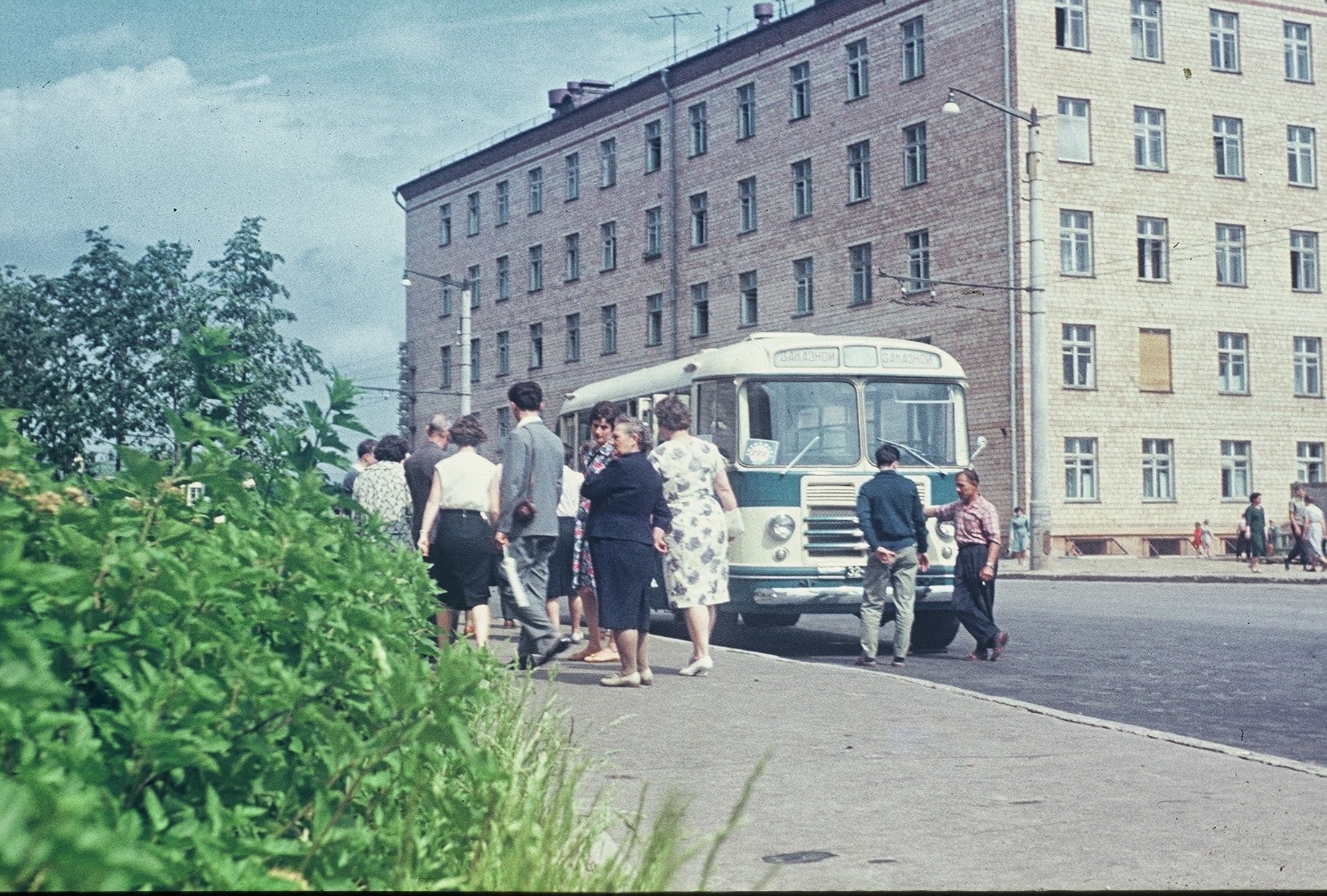
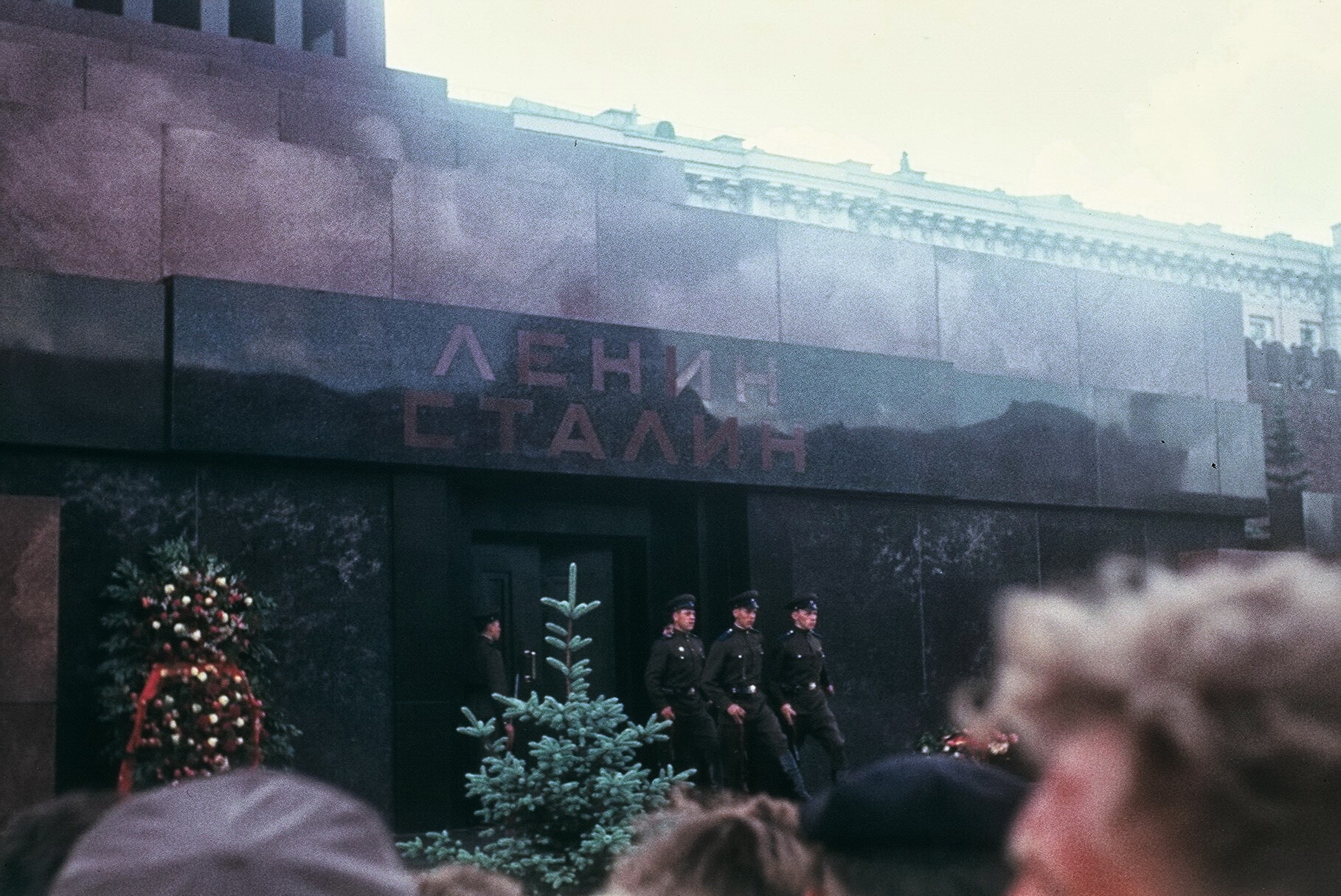
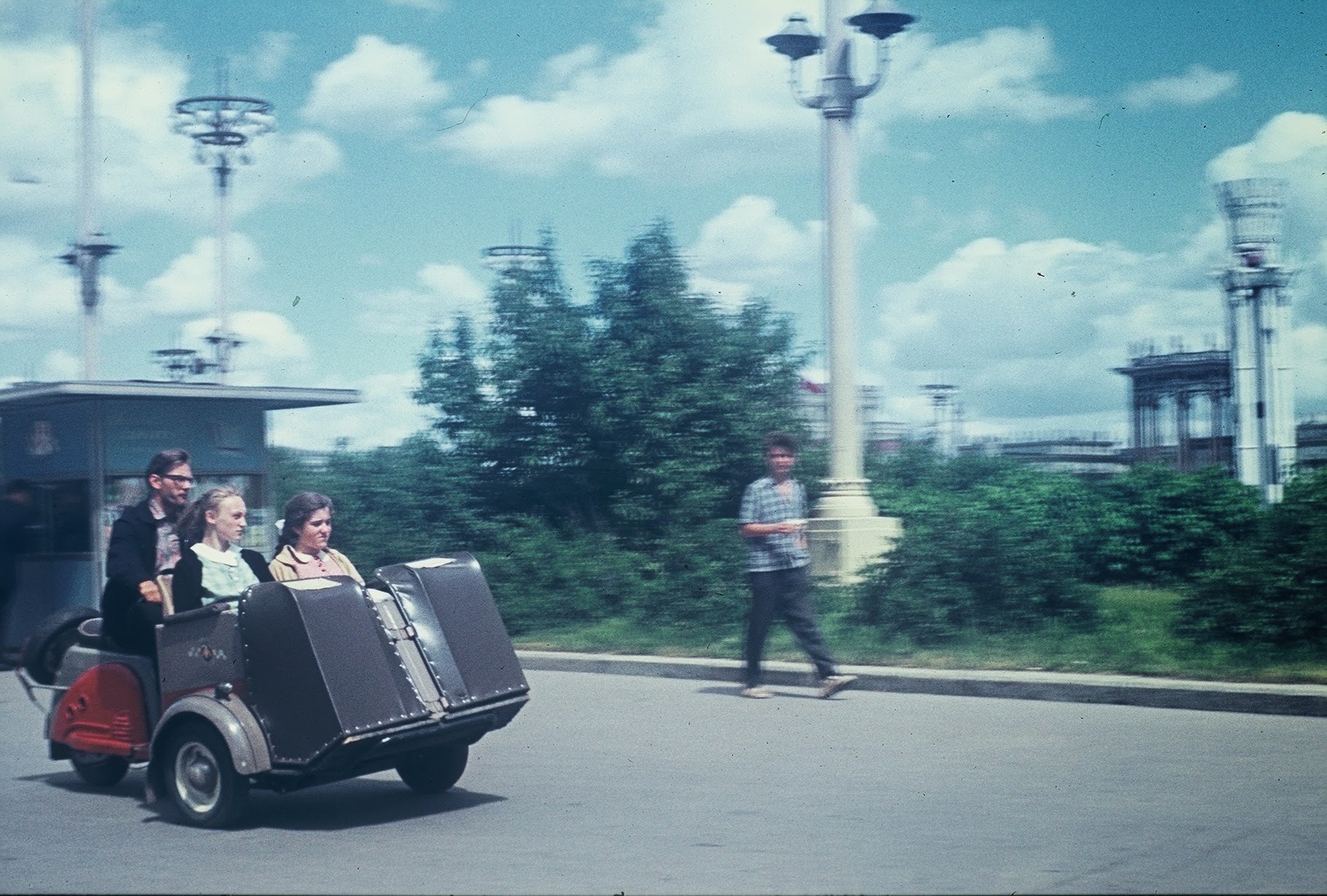
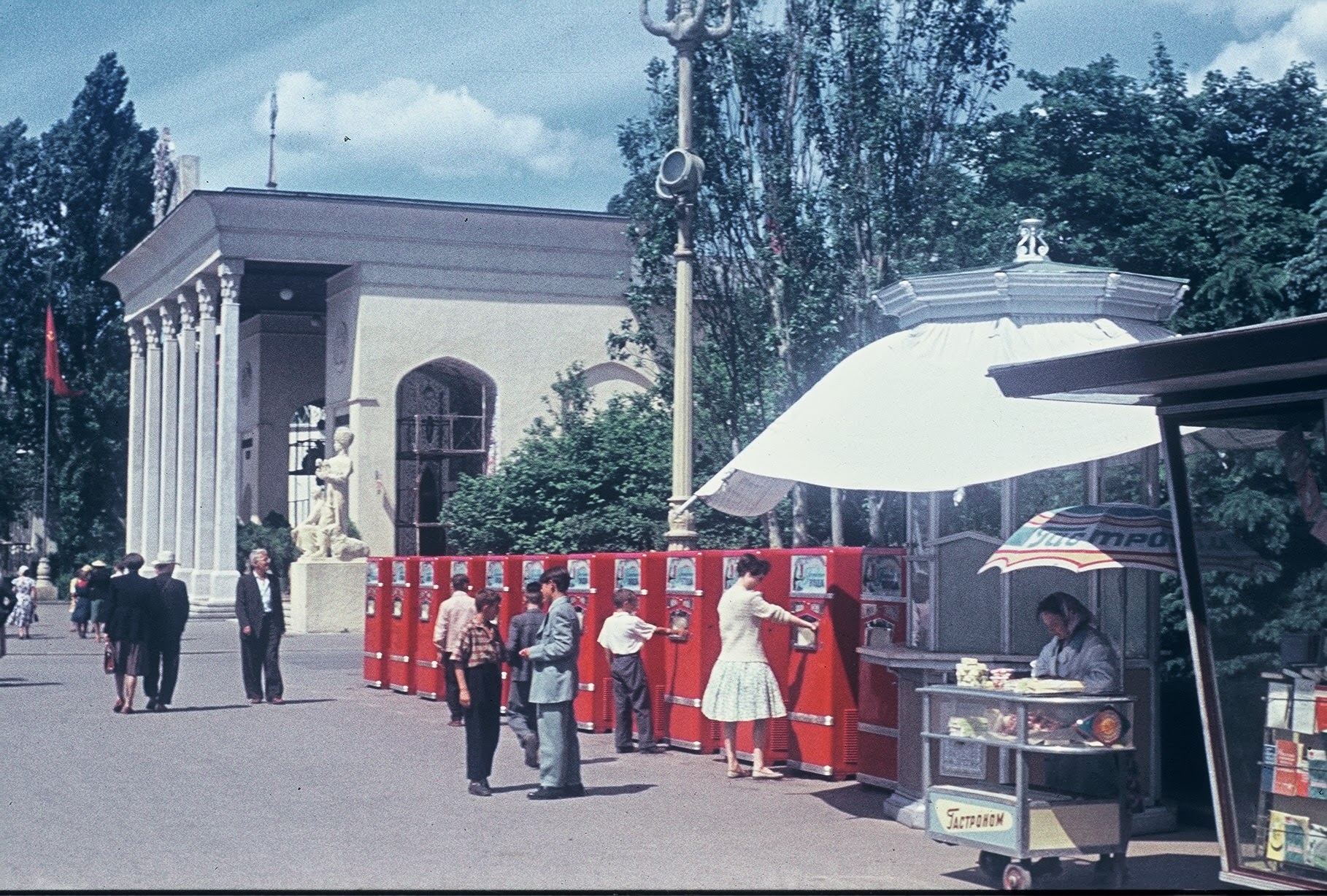
Москва. 1961

73411687_original.jpg

Цветной бульвар

73412070_original.jpg

73412284_original.jpg

73412514_original.jpg

Проспект Маркса

73412730_original.jpg

Площадь Революции

73413017_original.jpg

Марфино

73413291_original.jpg

73413390_original.jpg

Марфино. Малая Ботаническая ул.

73413680_original.jpg

73414074_original.jpg

73414268_original.jpg

73414563_original.jpg

73414669_original.jpg

73415153_original.jpg

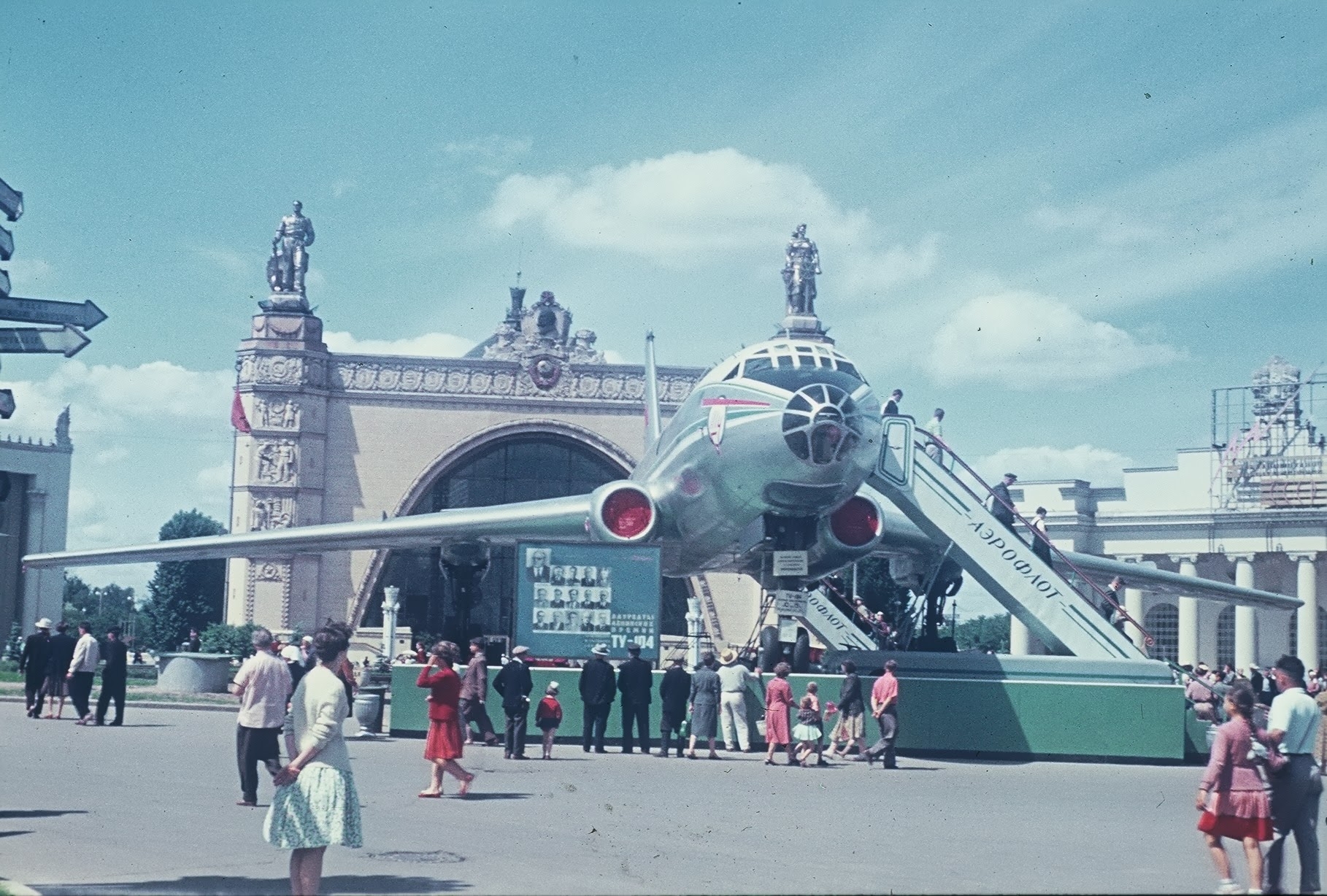
ВДНХ. Ту-104

73415338_original.jpg

73415534_original.jpg

МАЗ-530

73415848_original.jpg

ВДНХ. Ил-18

73416127_original.jpg

73416351_original.jpg

0 Comments

Recommended Comments

There are no comments to display.

Guest
Add a comment...

Account

Navigation

Search

Search

Configure browser push notifications

Chrome (Android)
  1. Tap the lock icon next to the address bar.
  2. Tap Permissions → Notifications.
  3. Adjust your preference.
Chrome (Desktop)
  1. Click the padlock icon in the address bar.
  2. Select Site settings.
  3. Find Notifications and adjust your preference.