Flanger
Администратор
-
Зарегистрирован
Весь контент Flanger
-
-
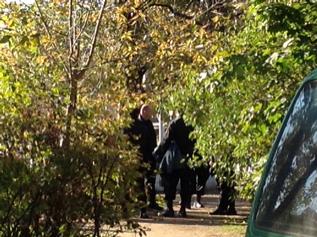
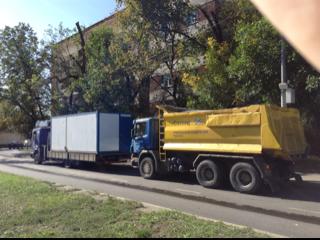
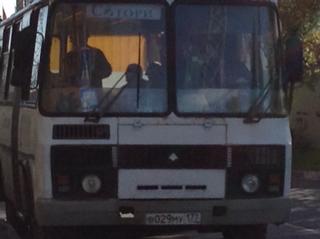
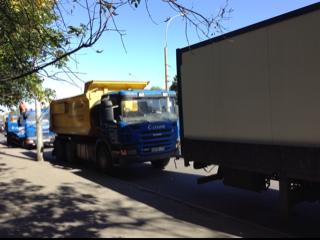
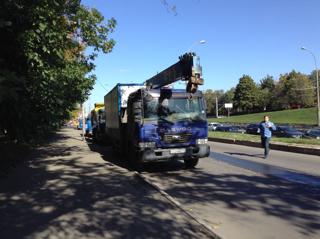
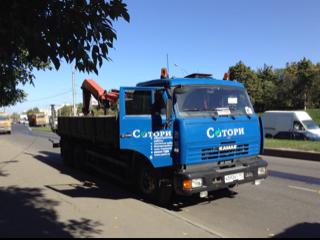
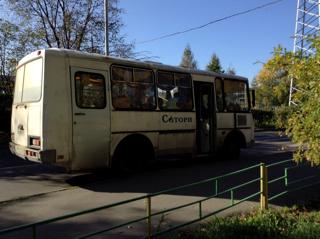
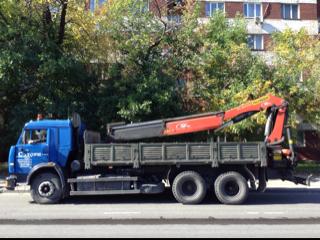
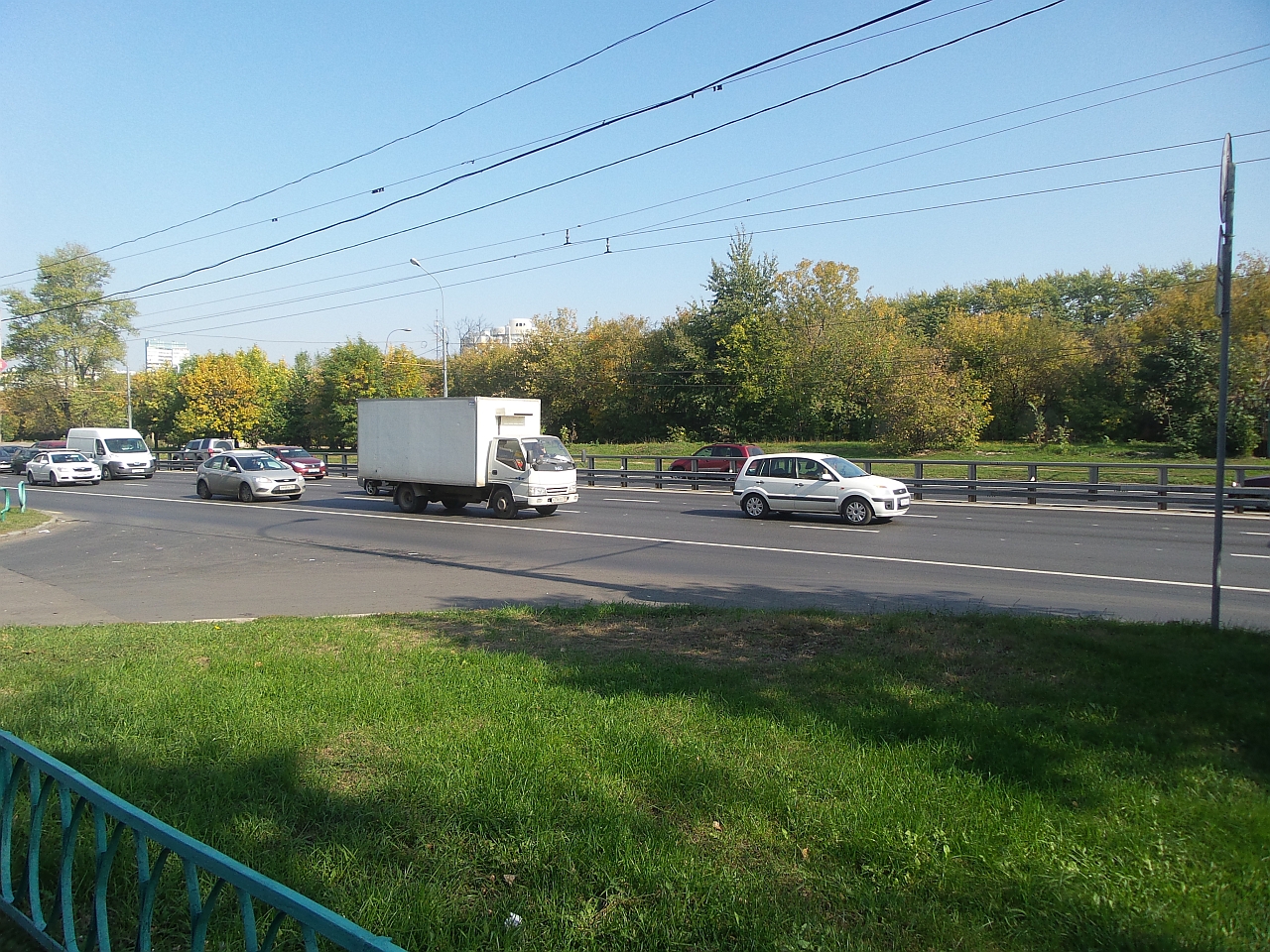
Ага, в июле они закончат А у перехода у молодежки, плакат развернули, шоп не палиццоПоследние остатки гаражей сносят вдоль ЖД у Дмитровского шоссе. На месте этих гаражей давно была стоянка автобусов. Вот только я не могу упоминание о ней нигде найти, там раньше была дорога прям до пл. "Тимирязевская", где раздолабанный "икарус" стоял, я в него даж раз слазил Вот нахрен их сносить, никому не мешают же...


Аккаунт
Навигация
Поиск
Configure browser push notifications
Chrome (Android)
- Tap the lock icon next to the address bar.
- Tap Permissions → Notifications.
- Adjust your preference.
Chrome (Desktop)
- Click the padlock icon in the address bar.
- Select Site settings.
- Find Notifications and adjust your preference.
Safari (iOS 16.4+)
- Ensure the site is installed via Add to Home Screen.
- Open Settings App → Notifications.
- Find your app name and adjust your preference.
Safari (macOS)
- Go to Safari → Preferences.
- Click the Websites tab.
- Select Notifications in the sidebar.
- Find this website and adjust your preference.
Edge (Android)
- Tap the lock icon next to the address bar.
- Tap Permissions.
- Find Notifications and adjust your preference.
Edge (Desktop)
- Click the padlock icon in the address bar.
- Click Permissions for this site.
- Find Notifications and adjust your preference.
Firefox (Android)
- Go to Settings → Site permissions.
- Tap Notifications.
- Find this site in the list and adjust your preference.
Firefox (Desktop)
- Open Firefox Settings.
- Search for Notifications.
- Find this site in the list and adjust your preference.