



Flanger
Администратор
-
Зарегистрирован
Весь контент Flanger
-
 Кола со вкусом чеснока. Теперь не прикол. постарались, конечно же, японцы

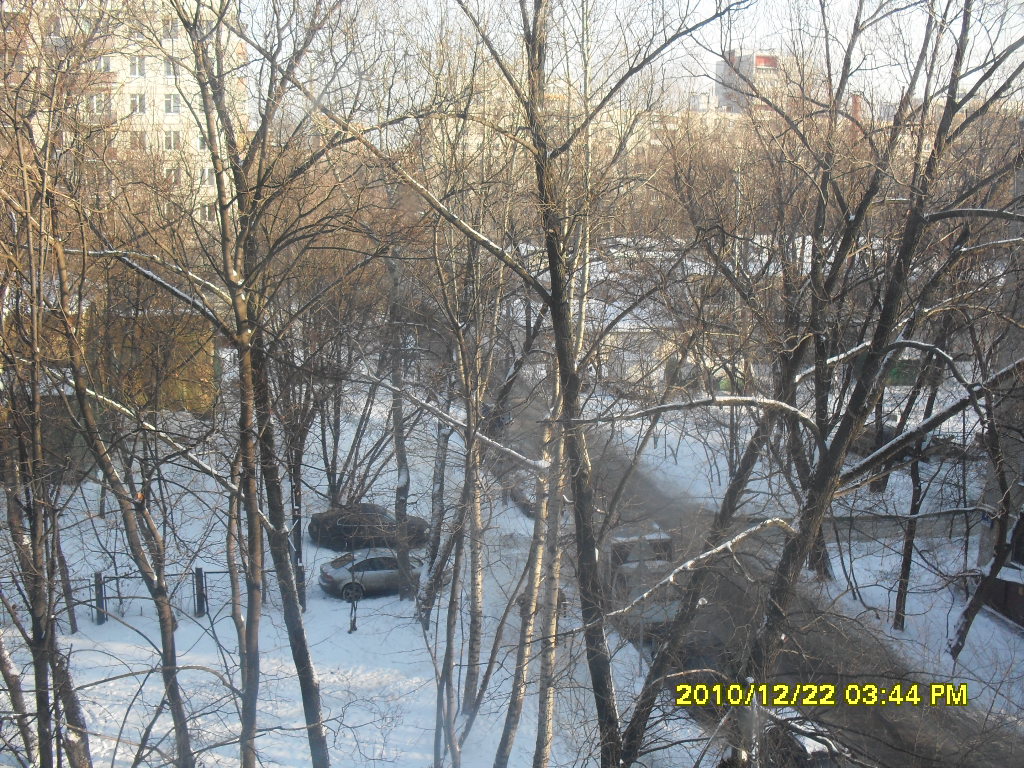
 Говносток, возможно вытекает в коптевский пруд, надо потом сходить посмотреть. Внизу надписи - Собода и Госслужба.

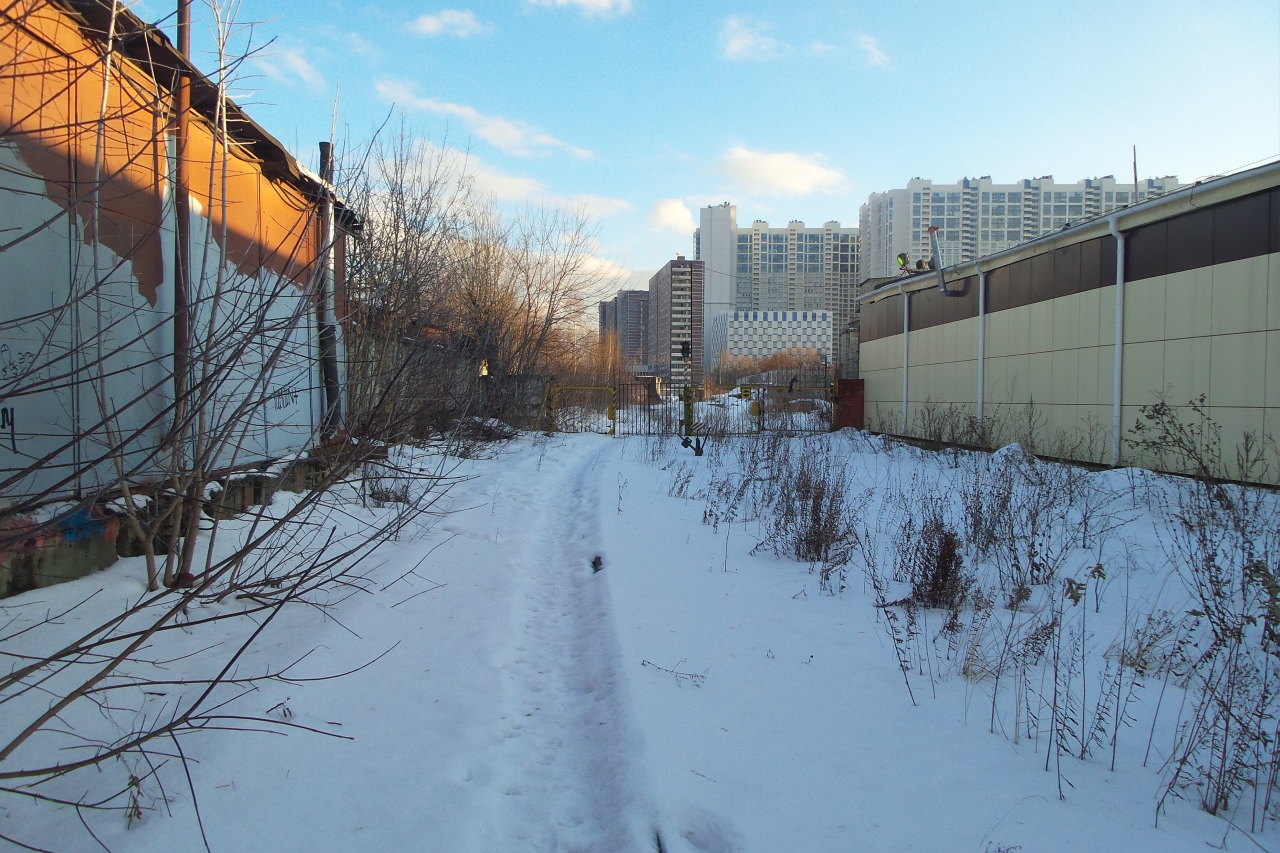







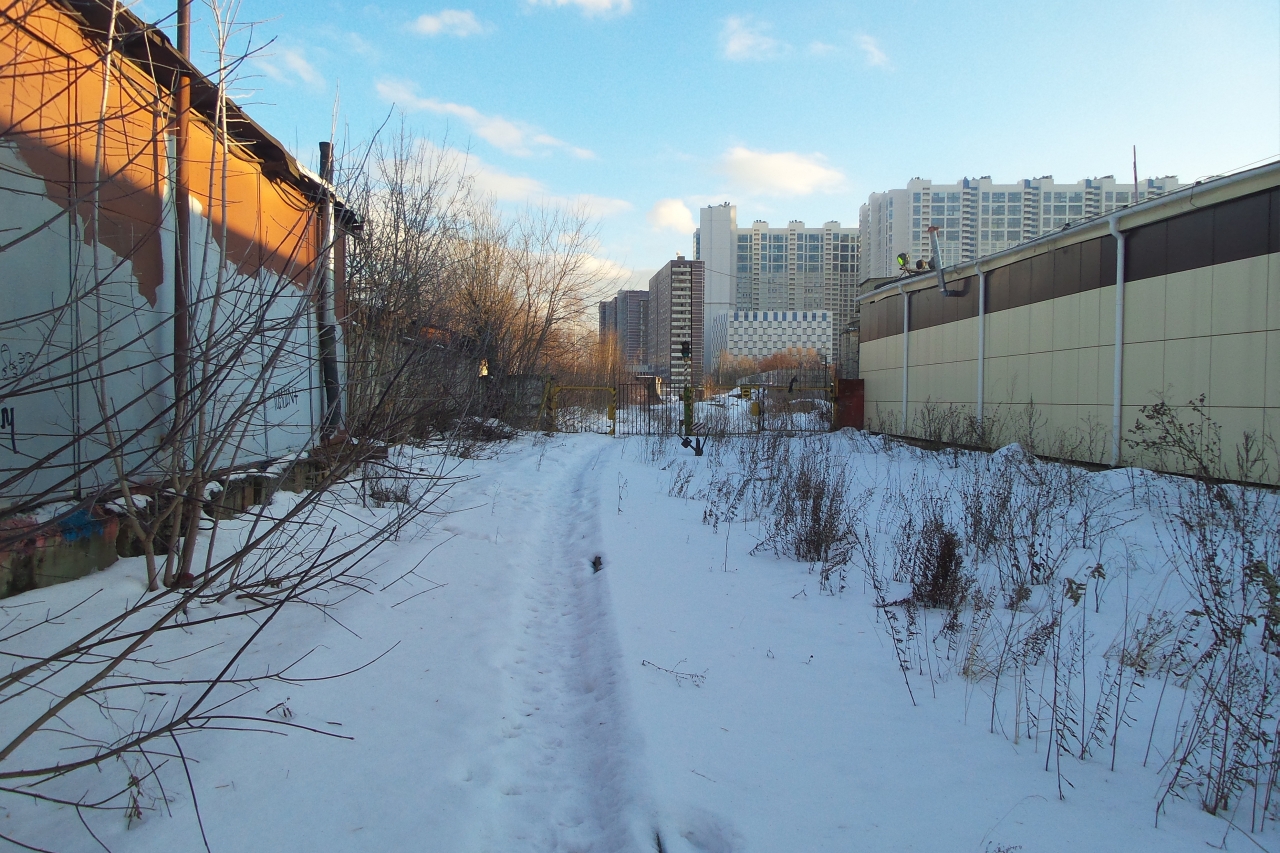
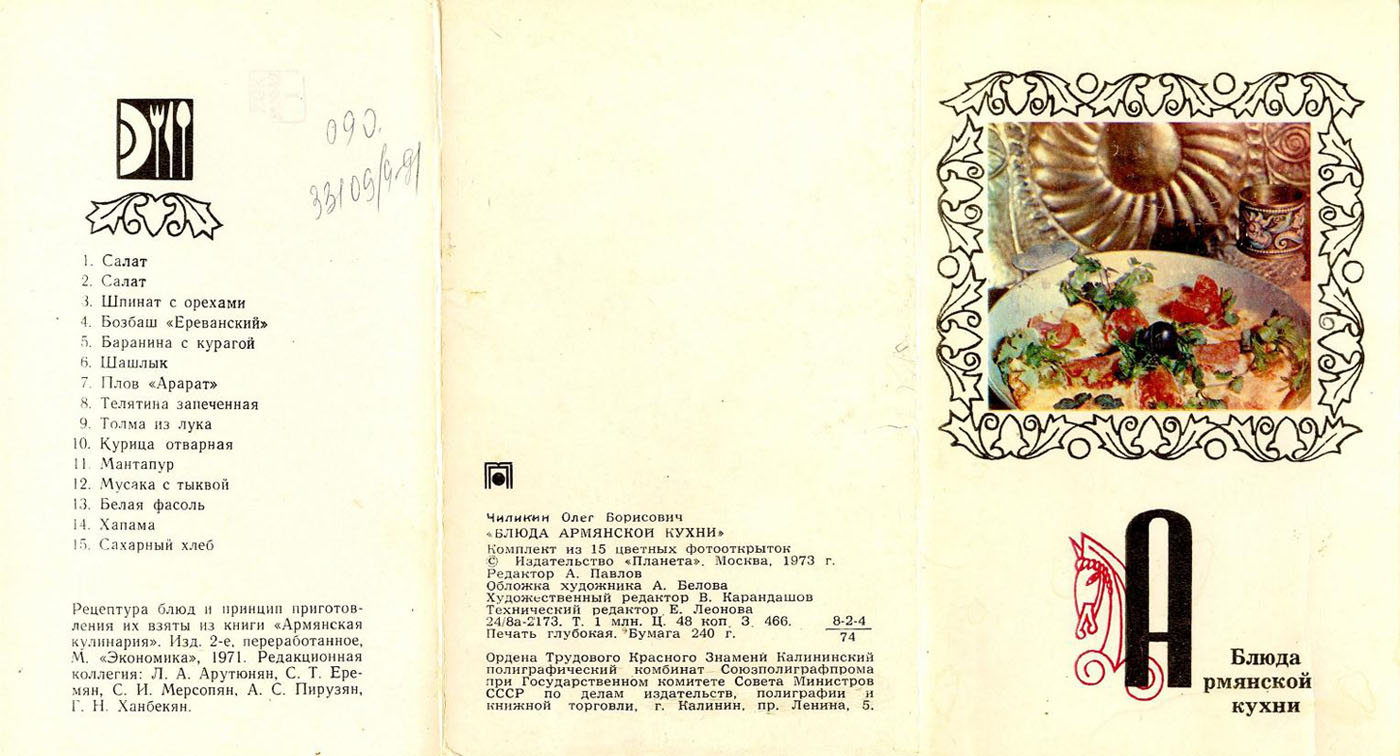

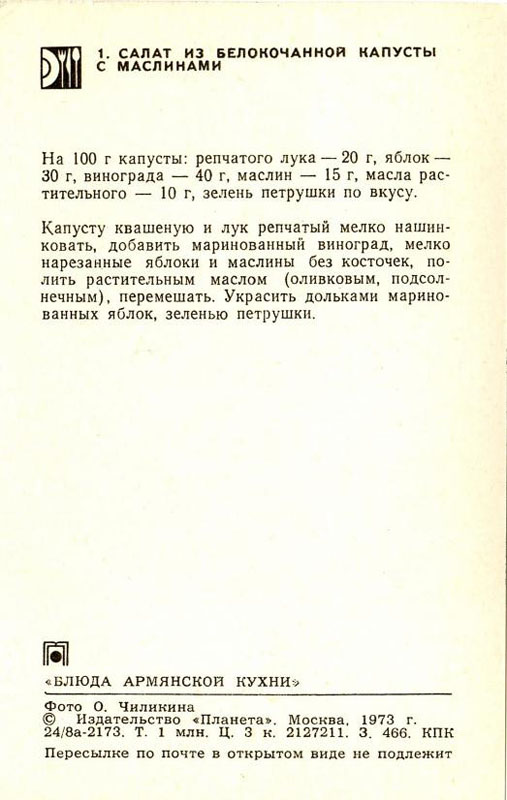
















 Кинотеатр "Эстафета" уродуют реконструируют. Барельефы космонафтов уже отодрали. Ещё цветы, скоро будет "мясо" Мебельного там в упор не помню. В совке, до и до начала 2000хх, там фотоателье было. В 2002 я там ещо фоткался. На месте гомозина продукты, ща грузинский ресторан. Был када-то свадебный салон, в который со всей Москвы приезжали, ещо до галереи "Водолей" Таксомоторный парк, табличка видна ещо. Ща там "Алми" "Дикси" ещё нет есть, у него ребрендинг был, поетому и не признал, остановка старая. Этот байпас (трубы наверху) ещё с детских лет помню. Долго они их убиралиКстати, оба перехода у тимирязевской и молодежки открыли, сняли "палатки" И они оба без крыши. УРОДЫ. Если у тимирязевской, крышу спилили при демонтаже надстроек, то у молодежки, он был с крышей сплошной, типа павильона, выполнял роль остановки. Вот какая красота до ремонта была и какое сейчас сделали говно.





Аккаунт
Навигация
Поиск
Configure browser push notifications
Chrome (Android)
- Tap the lock icon next to the address bar.
- Tap Permissions → Notifications.
- Adjust your preference.
Chrome (Desktop)
- Click the padlock icon in the address bar.
- Select Site settings.
- Find Notifications and adjust your preference.
Safari (iOS 16.4+)
- Ensure the site is installed via Add to Home Screen.
- Open Settings App → Notifications.
- Find your app name and adjust your preference.
Safari (macOS)
- Go to Safari → Preferences.
- Click the Websites tab.
- Select Notifications in the sidebar.
- Find this website and adjust your preference.
Edge (Android)
- Tap the lock icon next to the address bar.
- Tap Permissions.
- Find Notifications and adjust your preference.
Edge (Desktop)
- Click the padlock icon in the address bar.
- Click Permissions for this site.
- Find Notifications and adjust your preference.
Firefox (Android)
- Go to Settings → Site permissions.
- Tap Notifications.
- Find this site in the list and adjust your preference.
Firefox (Desktop)
- Open Firefox Settings.
- Search for Notifications.
- Find this site in the list and adjust your preference.