Flanger
Администратор
-
Зарегистрирован
Весь контент Flanger
-
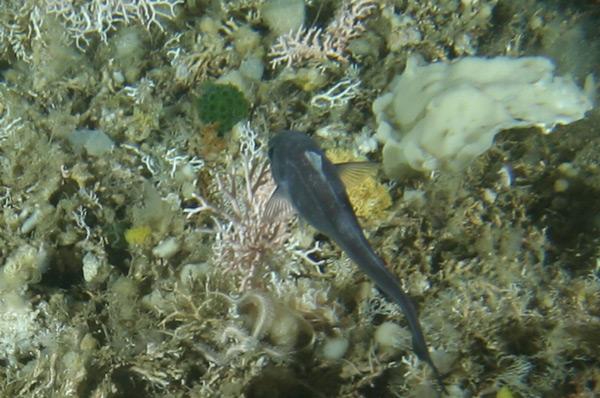
Открыли новых подводных гадов в Антактиде...










 Ты что в больнице опять делал? Весь ЖЖ был записями о смерти завален...
Поручик собирается на бал и кладет себе в правый карман банан. - Зачем вам в кармане банан? - удивляется корнет Оболенский. - Пойду я танцевать с дамой. В танце она прильнет к моему правому боку. Почувствует банан, придет в смущение и переметнется на мой левый бок. А тут-то мы ее и встретим!
Ты что в больнице опять делал? Весь ЖЖ был записями о смерти завален...
Поручик собирается на бал и кладет себе в правый карман банан. - Зачем вам в кармане банан? - удивляется корнет Оболенский. - Пойду я танцевать с дамой. В танце она прильнет к моему правому боку. Почувствует банан, придет в смущение и переметнется на мой левый бок. А тут-то мы ее и встретим!
Аккаунт
Поиск
Configure browser push notifications
Chrome (Android)
- Tap the lock icon next to the address bar.
- Tap Permissions → Notifications.
- Adjust your preference.
Chrome (Desktop)
- Click the padlock icon in the address bar.
- Select Site settings.
- Find Notifications and adjust your preference.
Safari (iOS 16.4+)
- Ensure the site is installed via Add to Home Screen.
- Open Settings App → Notifications.
- Find your app name and adjust your preference.
Safari (macOS)
- Go to Safari → Preferences.
- Click the Websites tab.
- Select Notifications in the sidebar.
- Find this website and adjust your preference.
Edge (Android)
- Tap the lock icon next to the address bar.
- Tap Permissions.
- Find Notifications and adjust your preference.
Edge (Desktop)
- Click the padlock icon in the address bar.
- Click Permissions for this site.
- Find Notifications and adjust your preference.
Firefox (Android)
- Go to Settings → Site permissions.
- Tap Notifications.
- Find this site in the list and adjust your preference.
Firefox (Desktop)
- Open Firefox Settings.
- Search for Notifications.
- Find this site in the list and adjust your preference.