Flanger
Администратор
-
Зарегистрирован
Весь контент Flanger
-
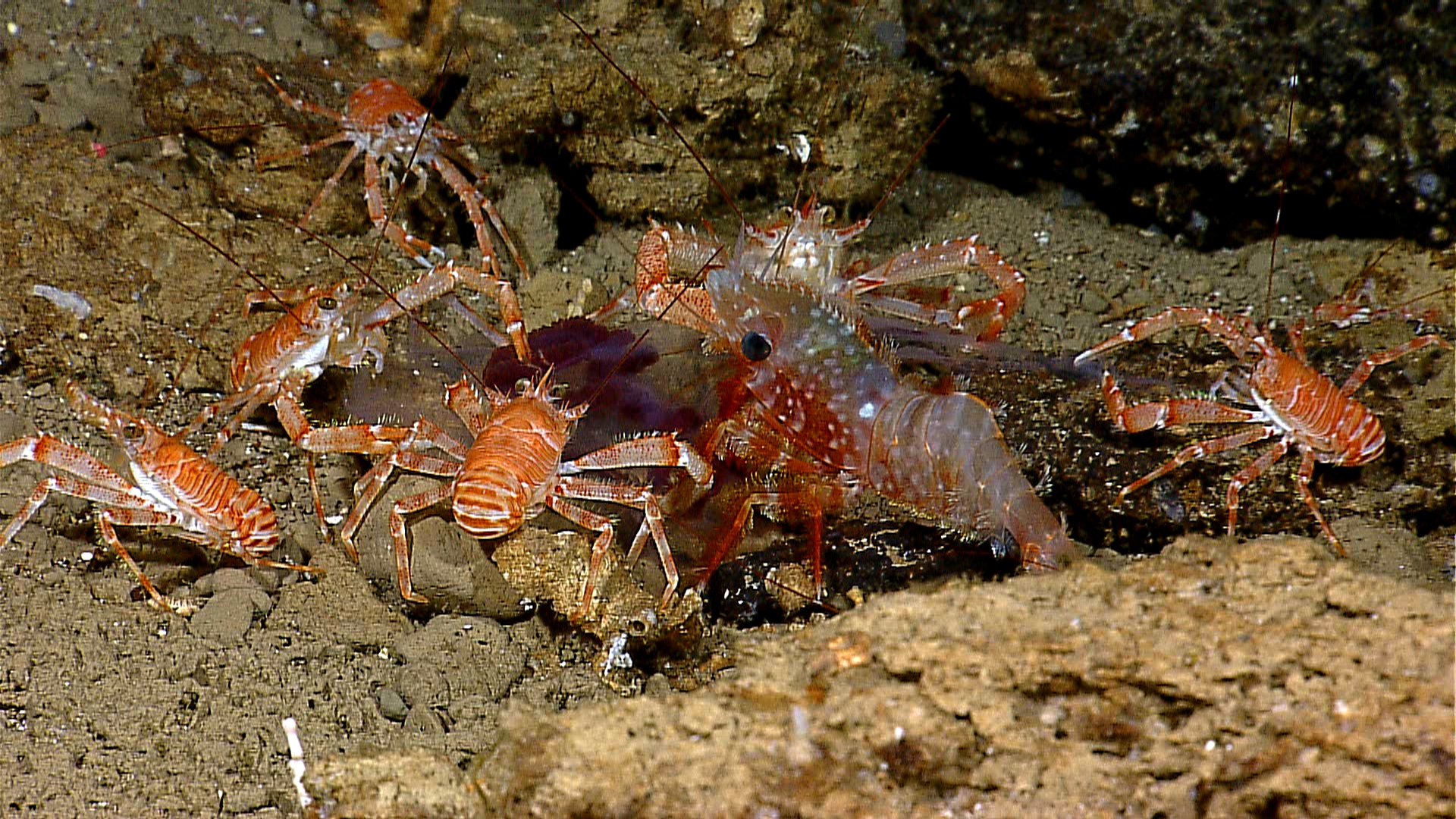
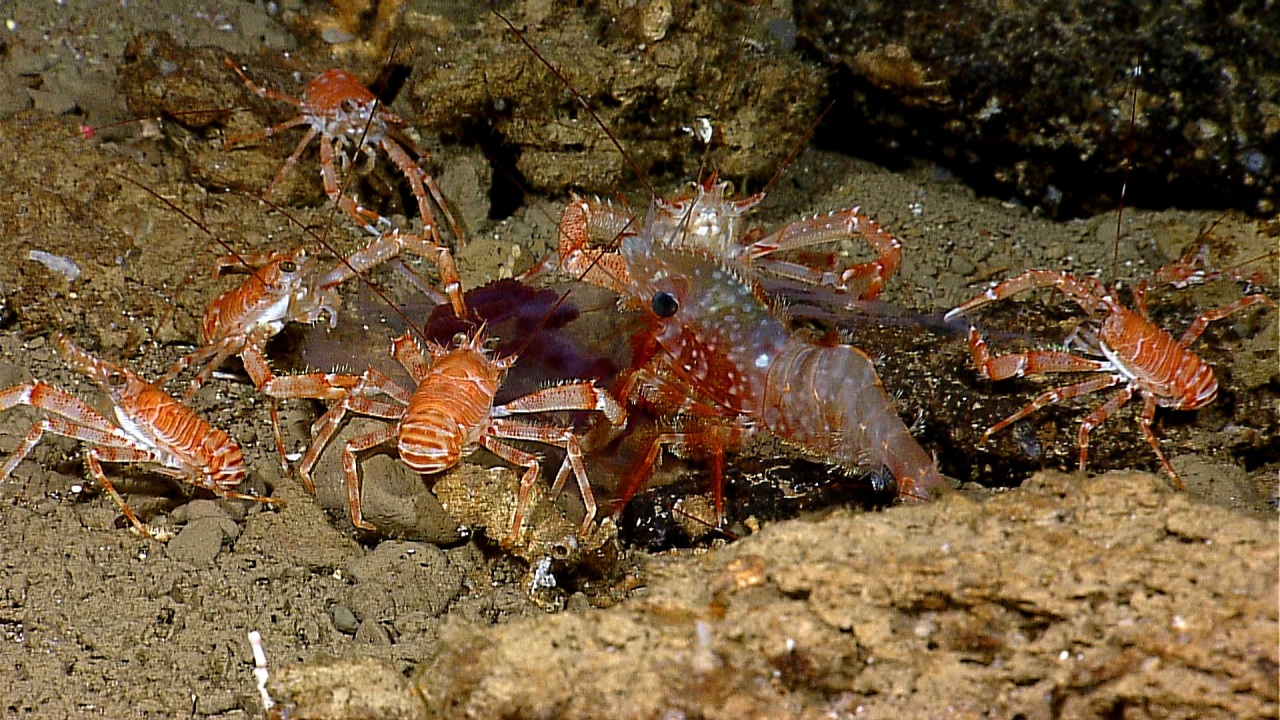
Афуенный сайт! http://www.oceanexplorer.noaa.gov/welcome.html
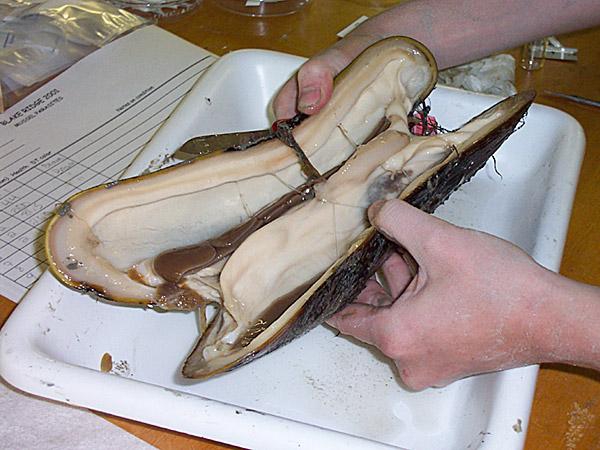
 Geoduck, Panopea generosa Выращивают на спец-фермах в Америке.








 Flash MP4 Media Player (YDP-G68 Product Description 1.2.8 inch TFT display, can turn over the cover 2. Support the loudspeaker outside 3. Support MLC Flash(Max: 2GB) 4. Support SD/MMC card(Max: 2GB) 5. Game function. Support 8-32bit NESgames to download 6. Digital camera function, Digital camera with 1.3M pixel, support EXIF2.1 7. Audio play function, support MP3, WMA, AMR, ACC etc, support CLR lyrics 8. Movie play function, support ASF format of MEPG-4, or by the software to transfer into ASF format to play 9. Support FM radio function 10. Support Video output, AV OUT (TV-NTSC/TV-PAL), 11. Support AV-in (optional) 12. Built-in microphone recording 13. Photo browsing function 14. E-book function, 15. Ten thousand calendars, time display, calculator. 16. Built-in lithium battery http://www.made-in-china.com/showroom/yinl.../catalog-1.html
Аккаунт
Поиск
Configure browser push notifications
Chrome (Android)
- Tap the lock icon next to the address bar.
- Tap Permissions → Notifications.
- Adjust your preference.
Chrome (Desktop)
- Click the padlock icon in the address bar.
- Select Site settings.
- Find Notifications and adjust your preference.
Safari (iOS 16.4+)
- Ensure the site is installed via Add to Home Screen.
- Open Settings App → Notifications.
- Find your app name and adjust your preference.
Safari (macOS)
- Go to Safari → Preferences.
- Click the Websites tab.
- Select Notifications in the sidebar.
- Find this website and adjust your preference.
Edge (Android)
- Tap the lock icon next to the address bar.
- Tap Permissions.
- Find Notifications and adjust your preference.
Edge (Desktop)
- Click the padlock icon in the address bar.
- Click Permissions for this site.
- Find Notifications and adjust your preference.
Firefox (Android)
- Go to Settings → Site permissions.
- Tap Notifications.
- Find this site in the list and adjust your preference.
Firefox (Desktop)
- Open Firefox Settings.
- Search for Notifications.
- Find this site in the list and adjust your preference.