Flanger
Администратор
-
Зарегистрирован
Весь контент Flanger
-
Я понцы в сваем рипиртуаре- шоколадное пиво
 Ученые признаются: создатели универсального средства для борьбы с последствиями алкогольного опьянения получат Нобелевскую премию
 Из видео ясно, что всякие там "подземные лодки", с немерянной скоростью передвижения под землёй, в принципе невозможны.
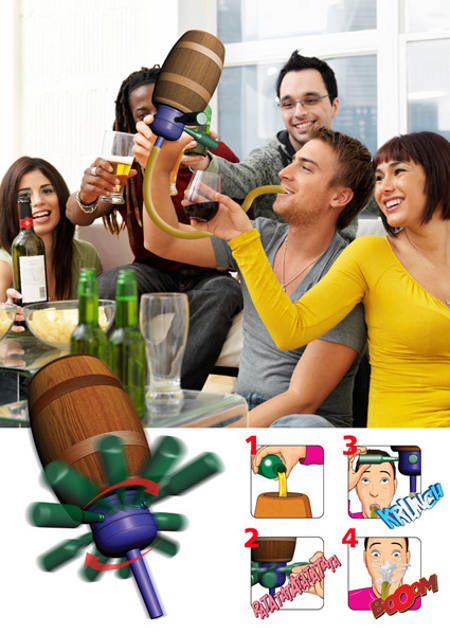
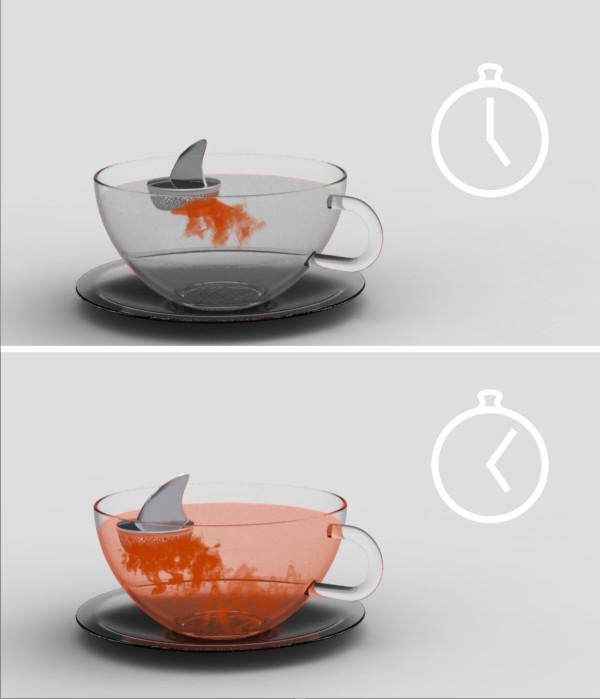
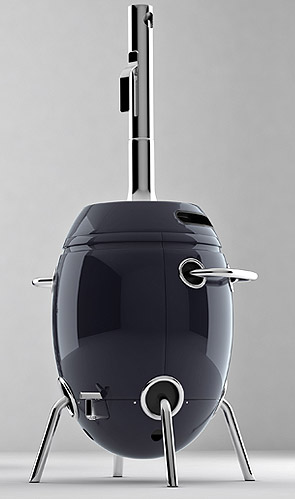
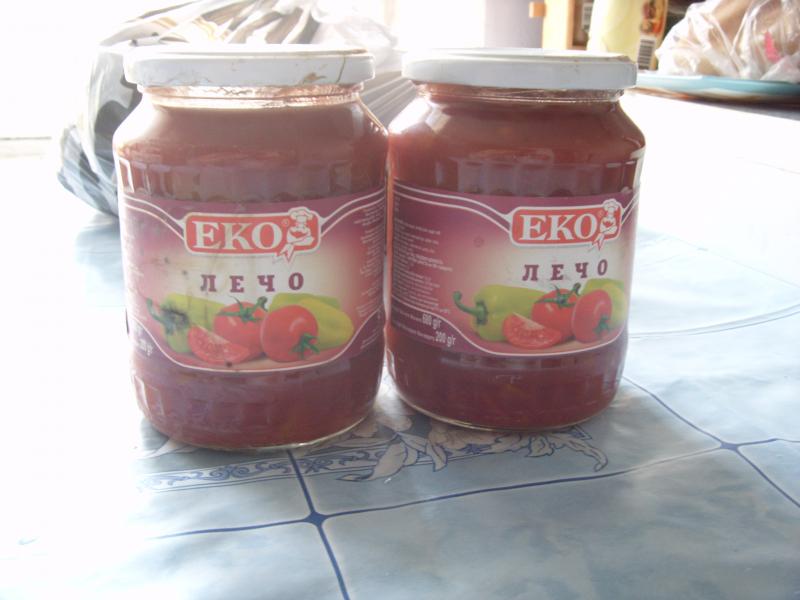
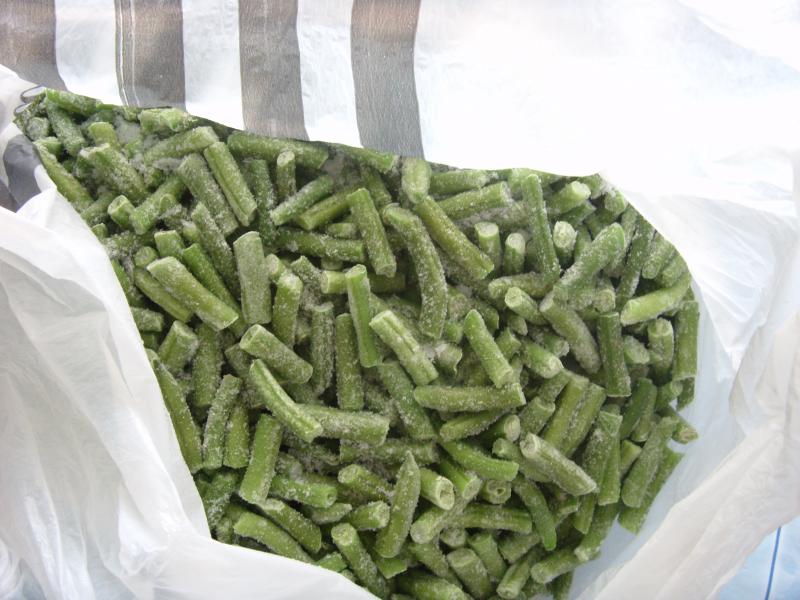
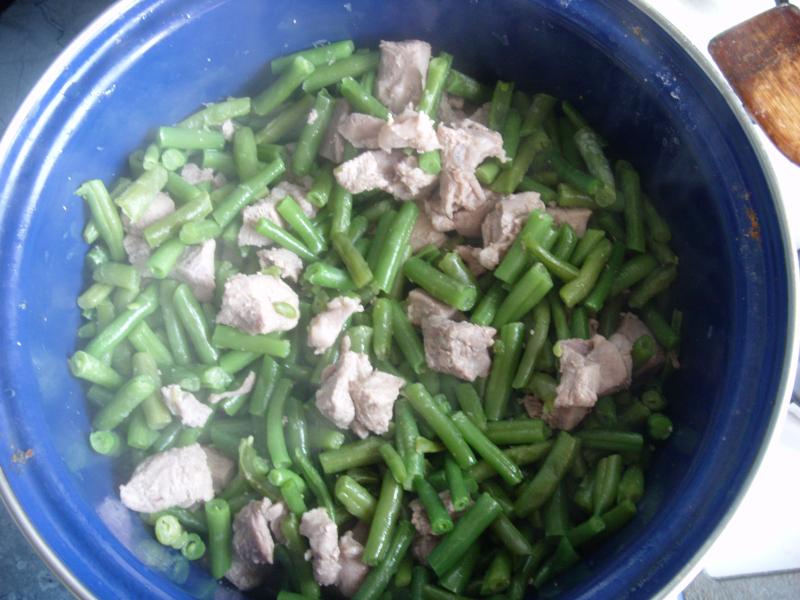
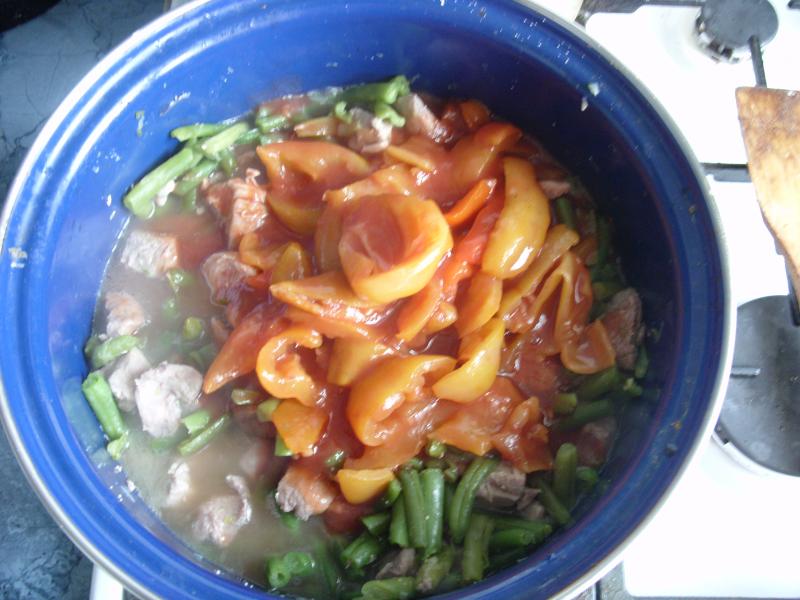
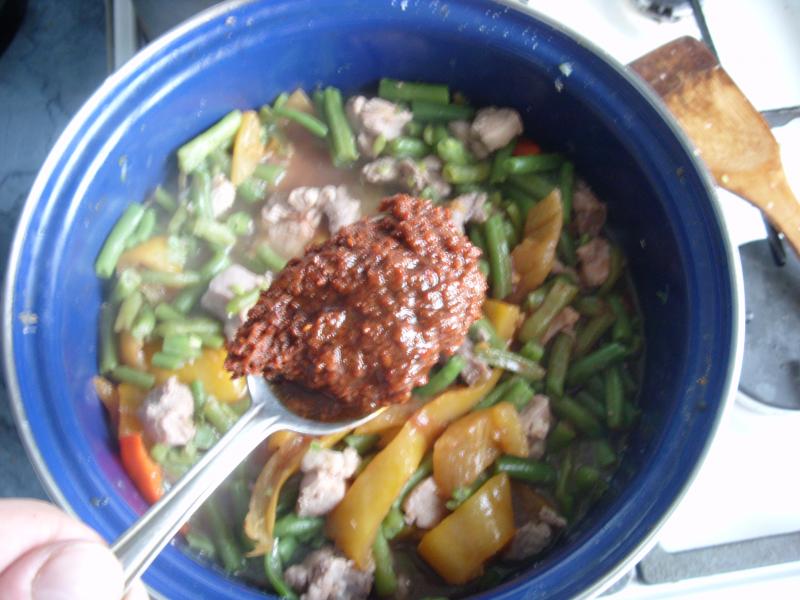
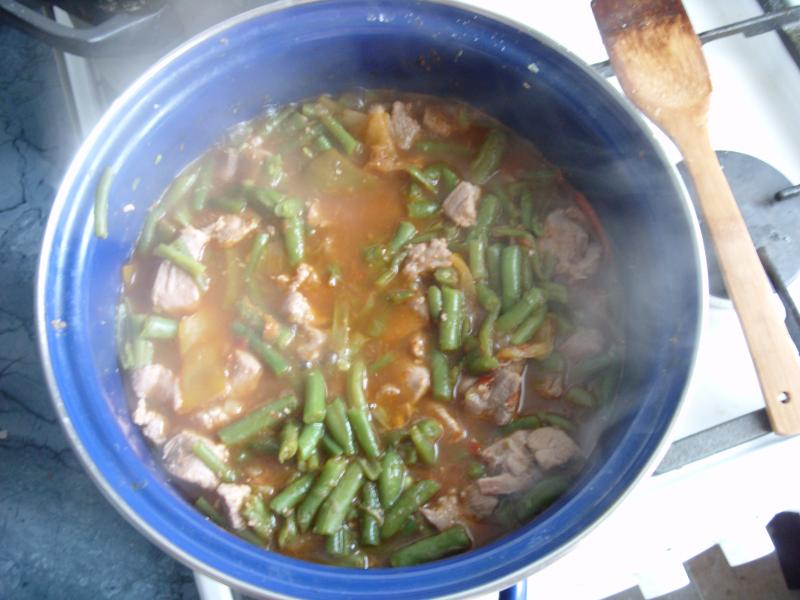
 Как и большинство дизайнерских штучек, конструкция скорее всего не жизнеспособная.Фасоль с мясом, быстро и просто Нада: 1.5кг мяса, у миня была индейка 1.5кг стручковой замороженной фасоли Две банки лечо Столовую ложку аджики Соль по вкусу Режем мясо на мелкие кубики, тушим в небольшом количестве воды, затем добавляем фасоль. Када фасоль сварится добавляем лечо и аджику, 5 минут и готово. Для тех кто особо острое не любит, аджики можно поменьше.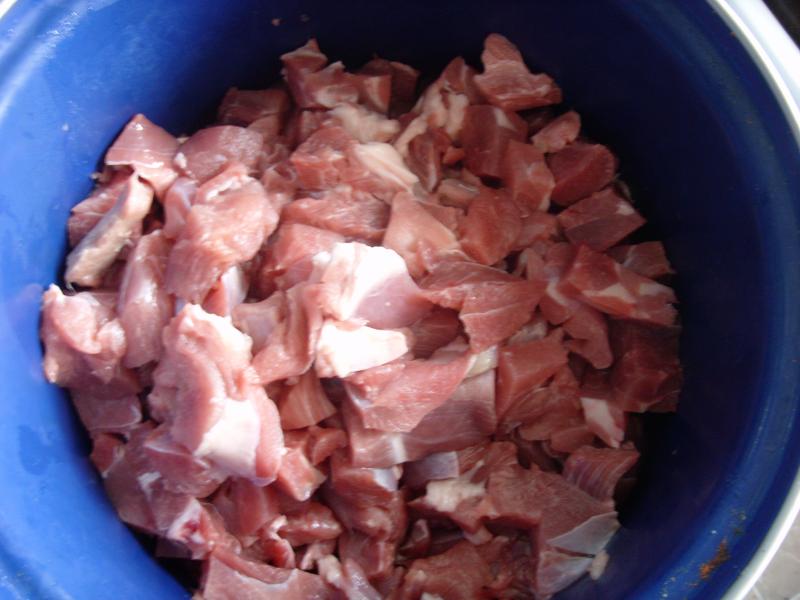
Аккаунт
Навигация
Поиск
Configure browser push notifications
Chrome (Android)
- Tap the lock icon next to the address bar.
- Tap Permissions → Notifications.
- Adjust your preference.
Chrome (Desktop)
- Click the padlock icon in the address bar.
- Select Site settings.
- Find Notifications and adjust your preference.
Safari (iOS 16.4+)
- Ensure the site is installed via Add to Home Screen.
- Open Settings App → Notifications.
- Find your app name and adjust your preference.
Safari (macOS)
- Go to Safari → Preferences.
- Click the Websites tab.
- Select Notifications in the sidebar.
- Find this website and adjust your preference.
Edge (Android)
- Tap the lock icon next to the address bar.
- Tap Permissions.
- Find Notifications and adjust your preference.
Edge (Desktop)
- Click the padlock icon in the address bar.
- Click Permissions for this site.
- Find Notifications and adjust your preference.
Firefox (Android)
- Go to Settings → Site permissions.
- Tap Notifications.
- Find this site in the list and adjust your preference.
Firefox (Desktop)
- Open Firefox Settings.
- Search for Notifications.
- Find this site in the list and adjust your preference.