Flanger
Администратор
-
Зарегистрирован
Весь контент Flanger
-
-
-
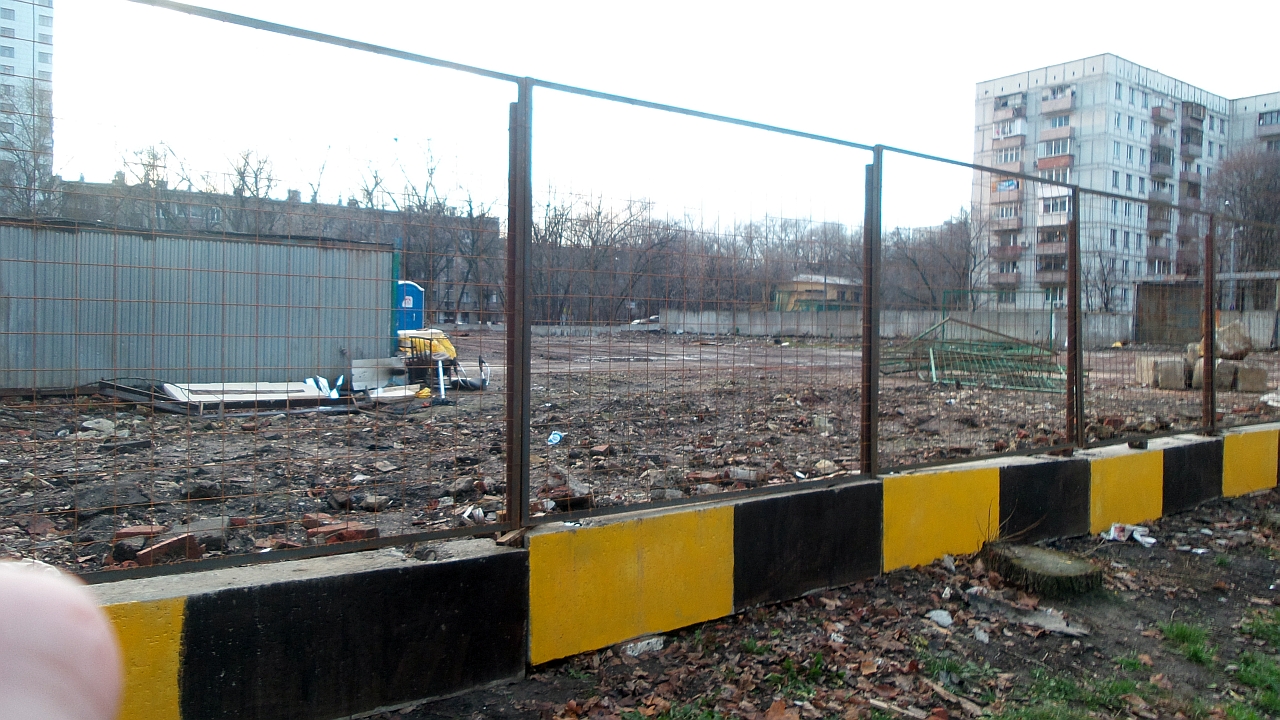
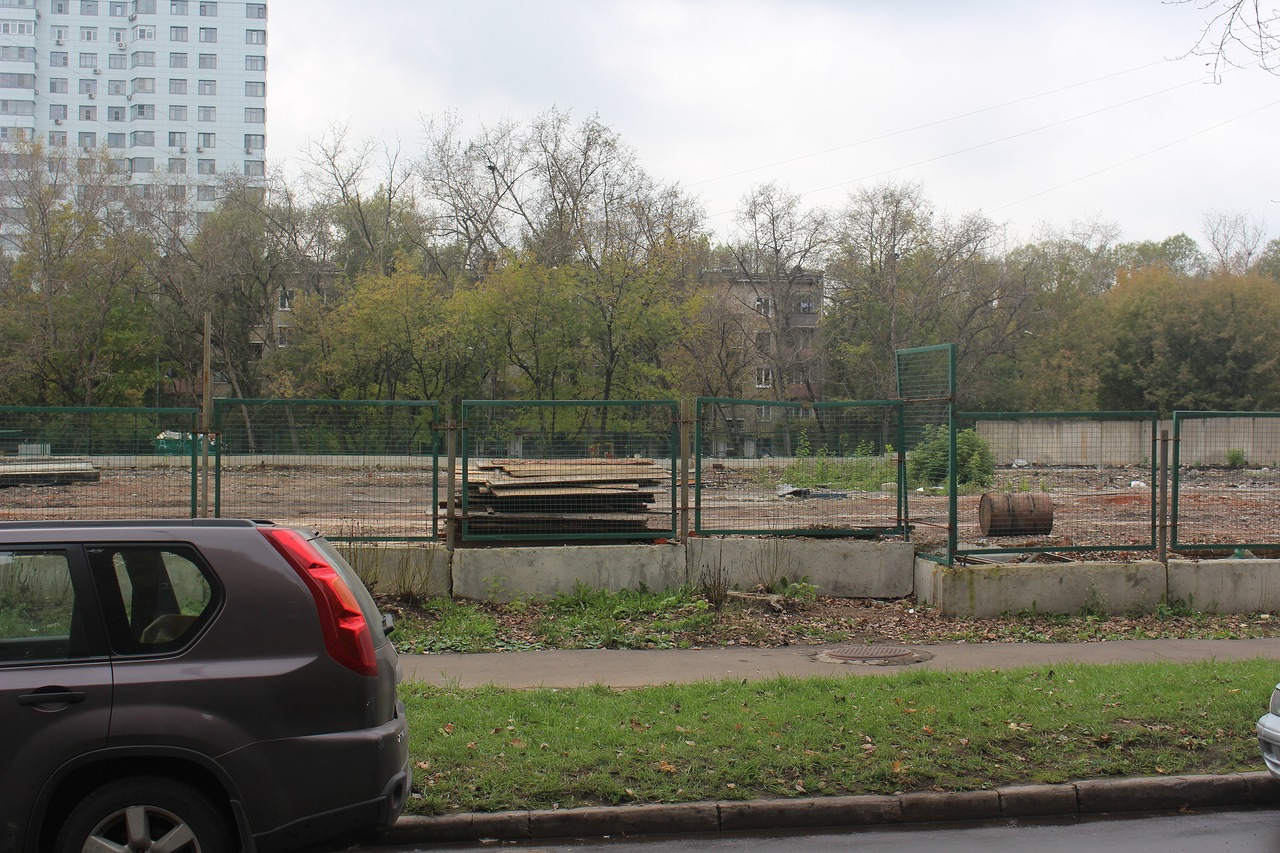
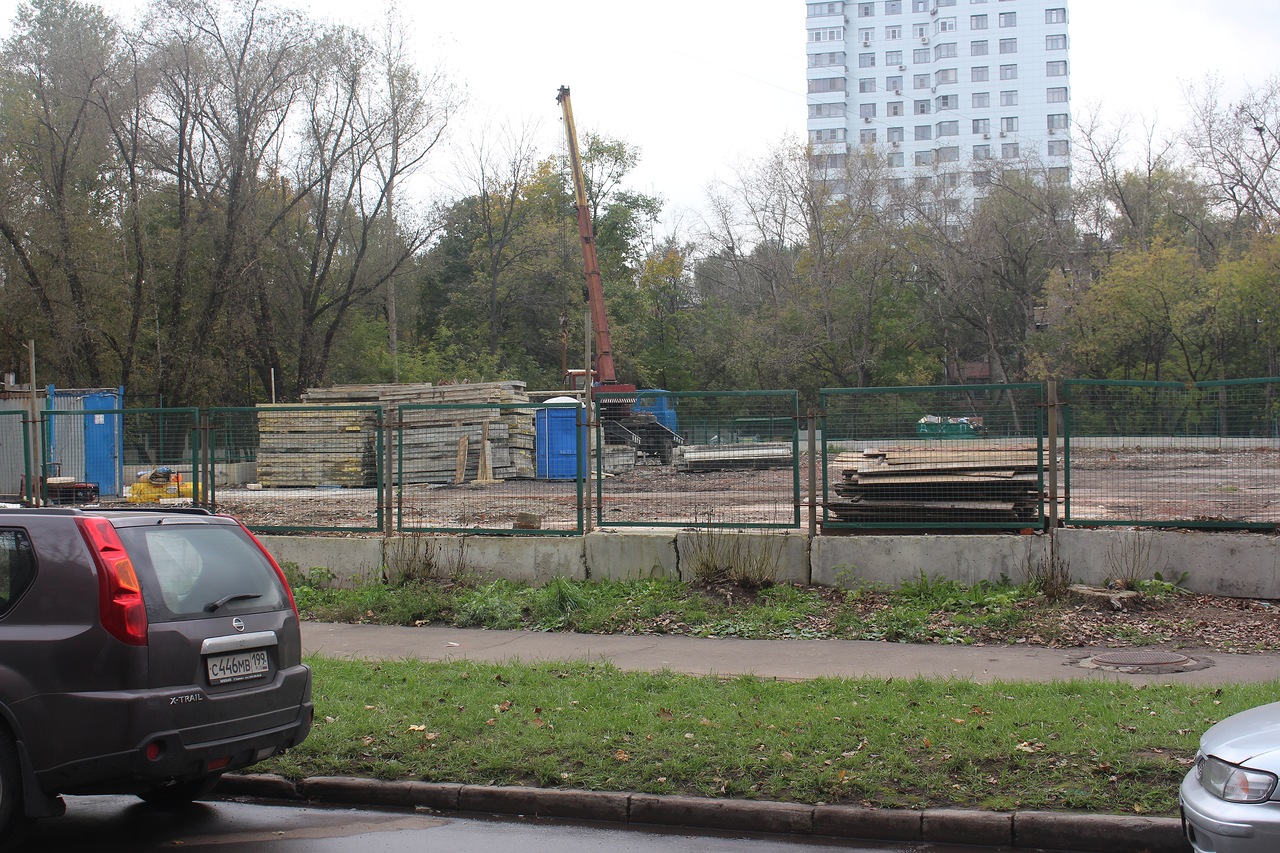
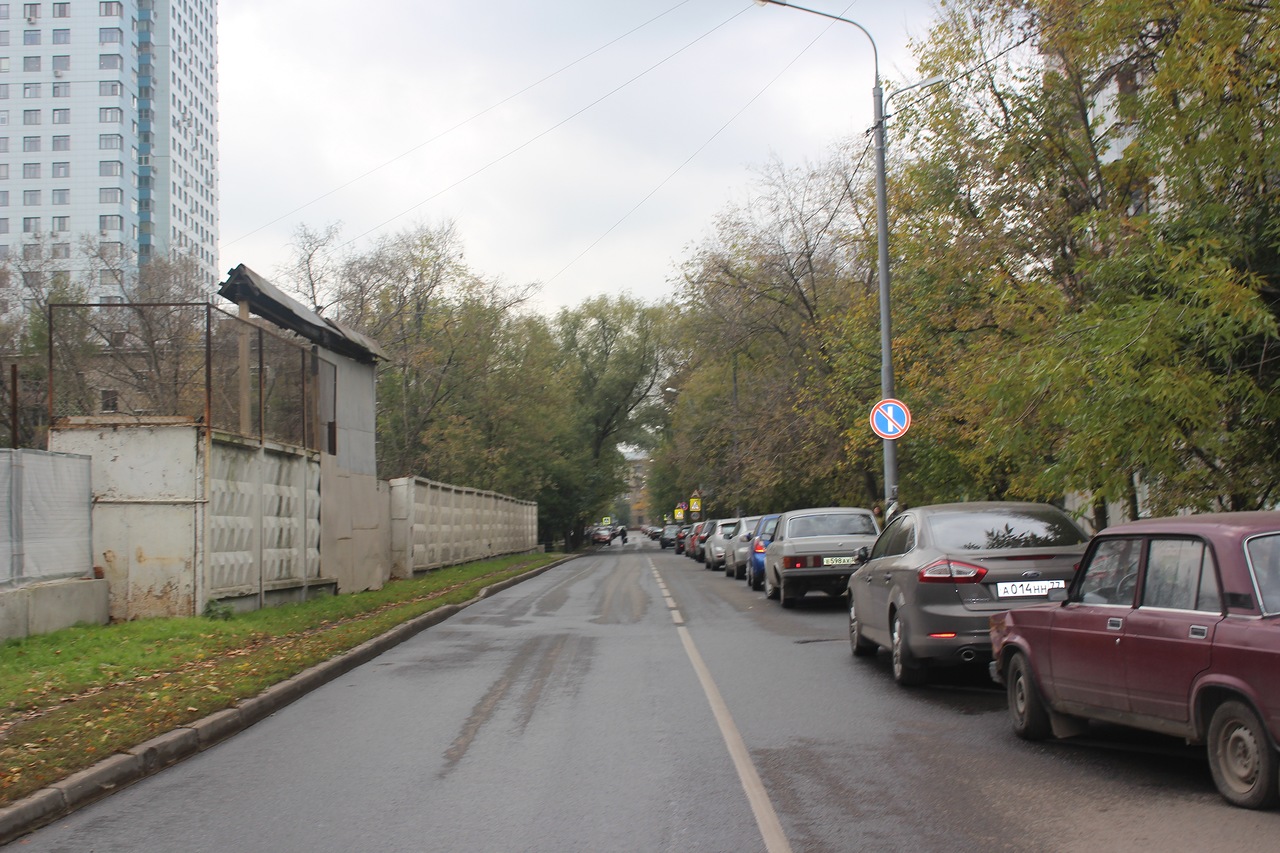
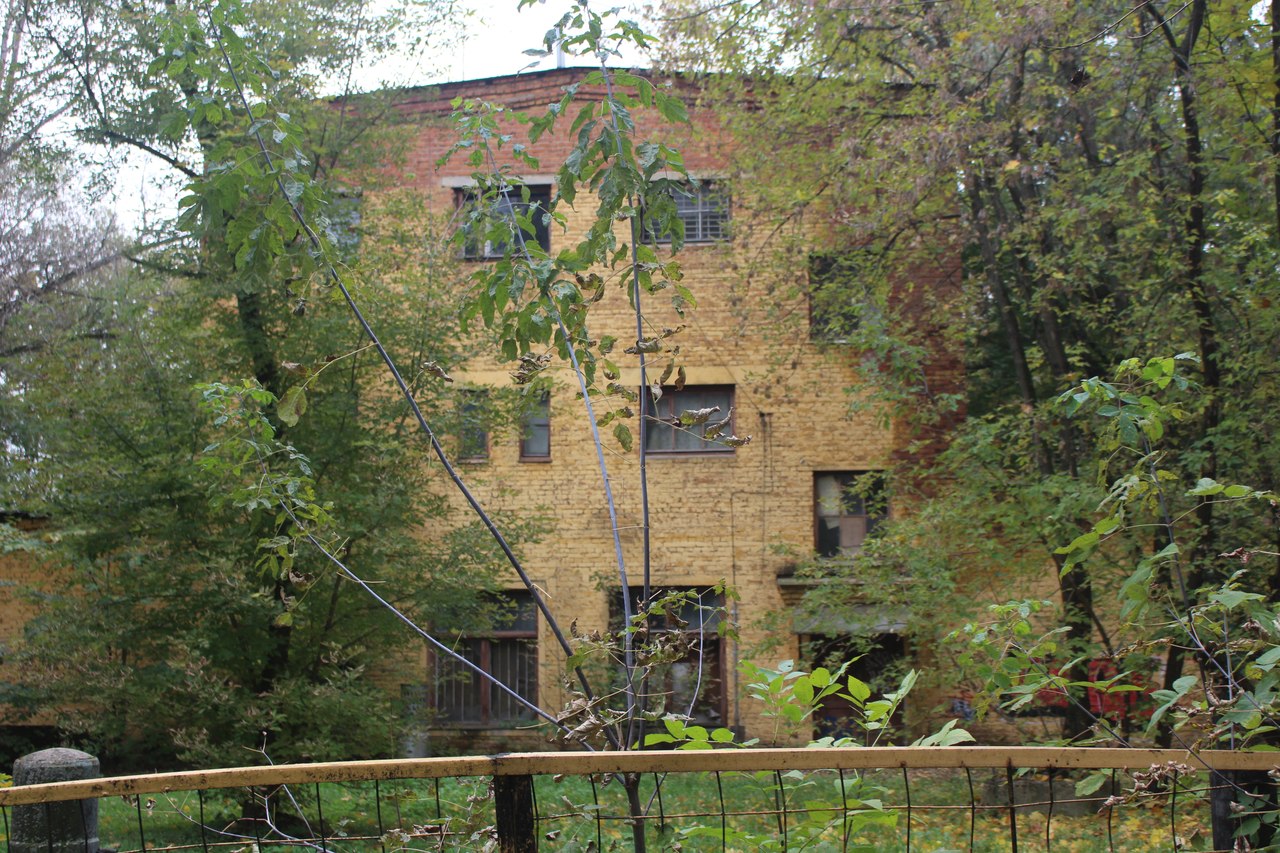
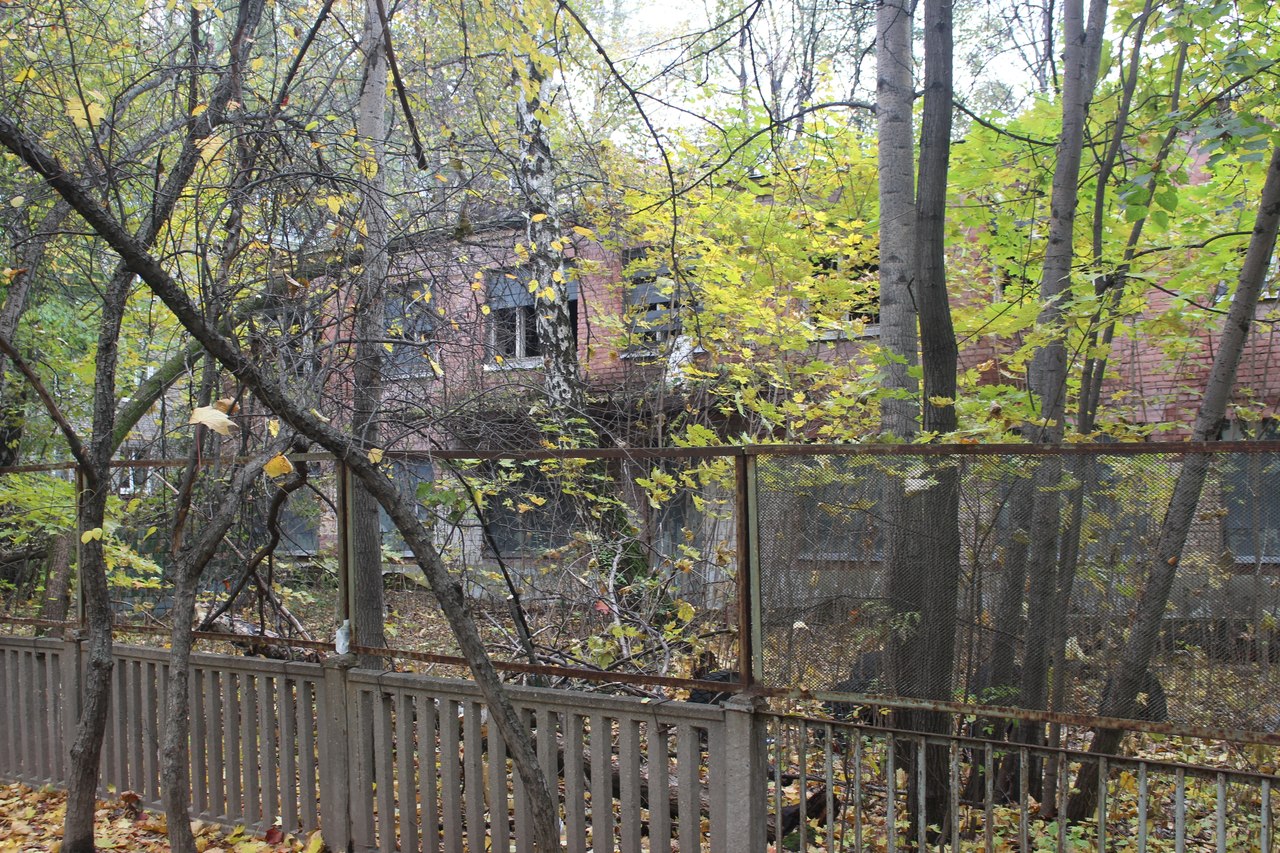
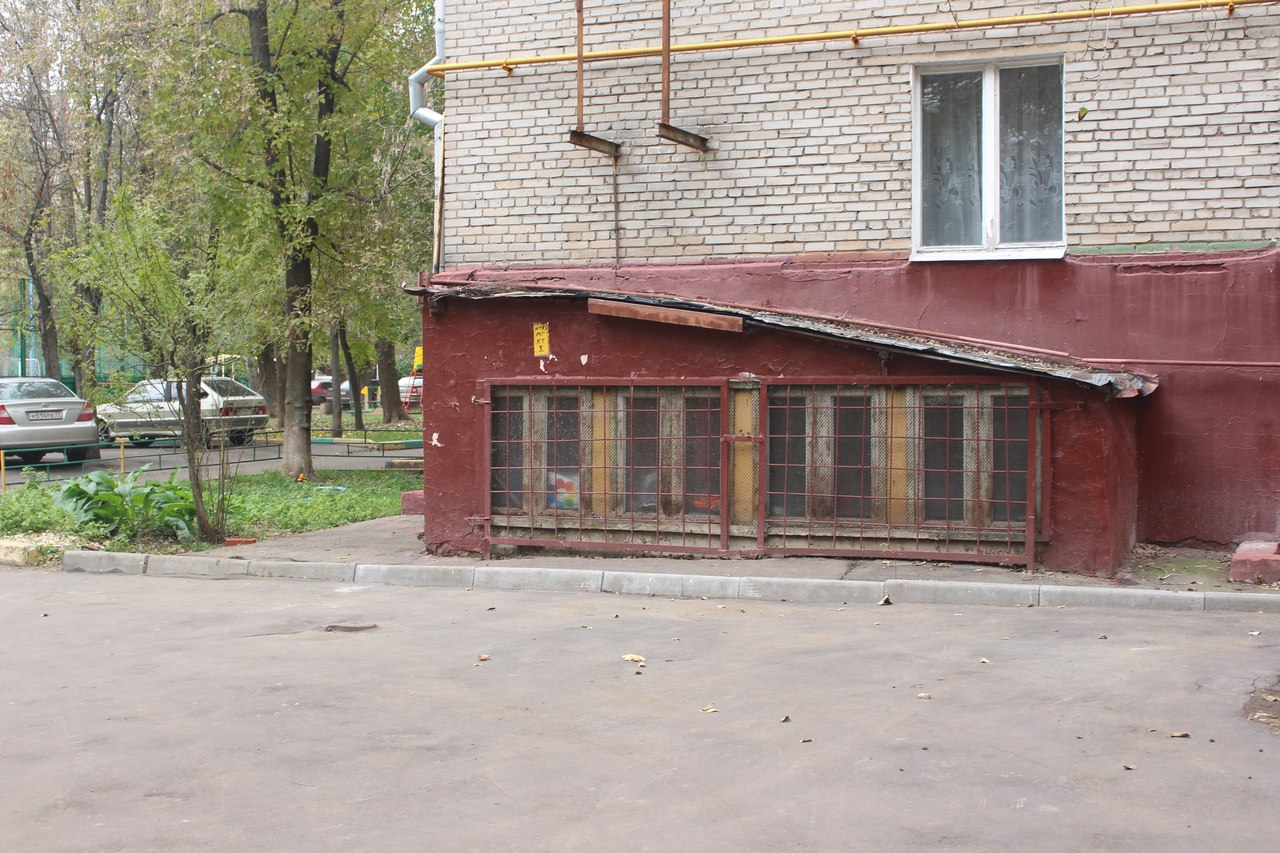
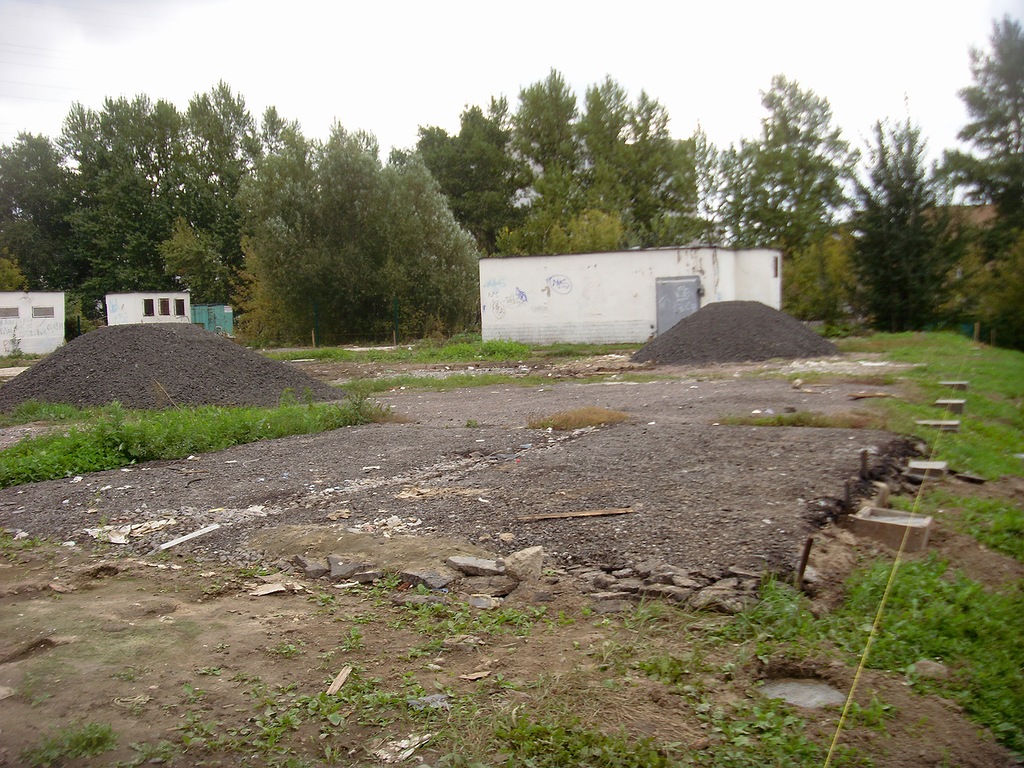
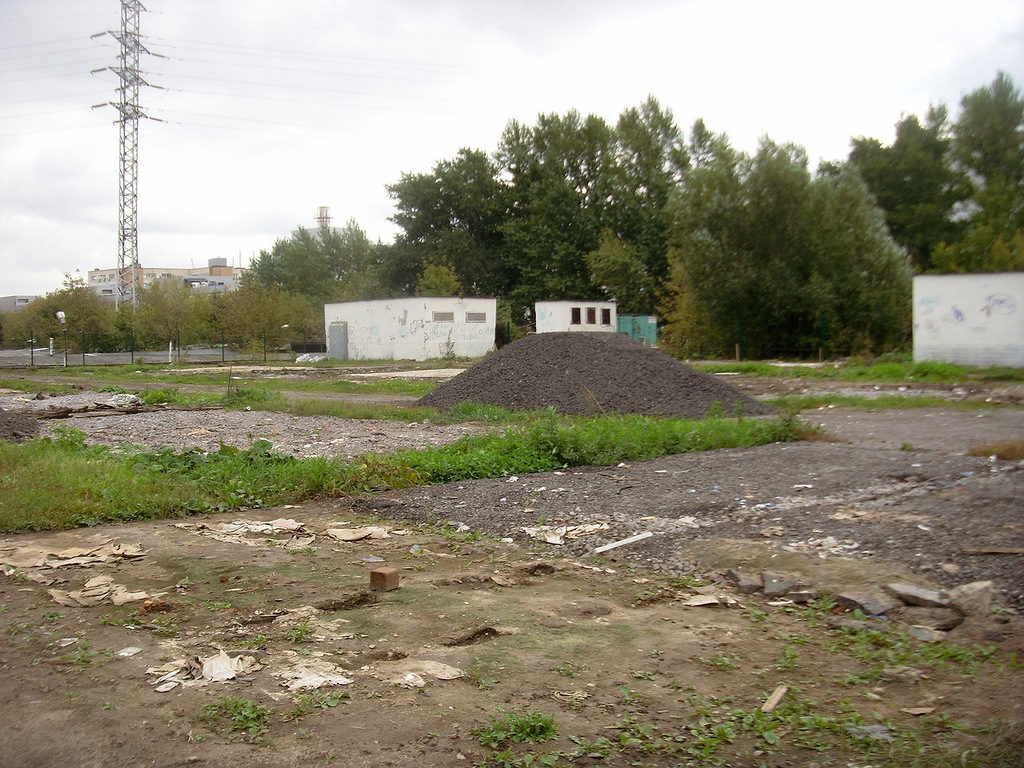
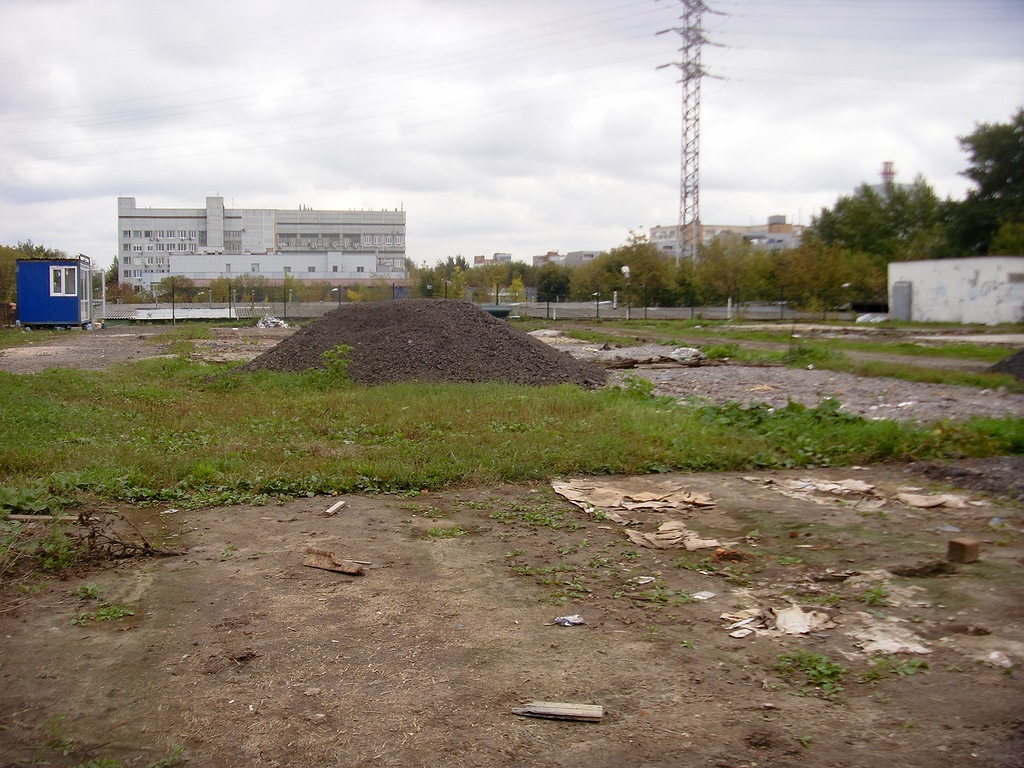
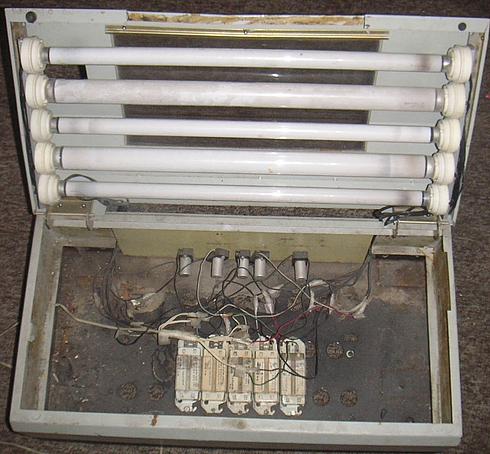
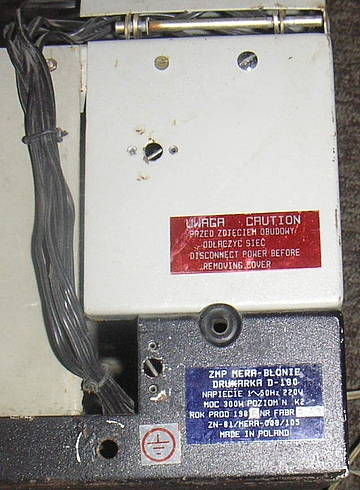
Номер 1. Свалка, куда сваливали в контейнеры стужку цветмета- алюминивую, медную и немного свинцовой. А так-же, разбитое электронное оборудование. Дети часами рылись в медной стружке, путаясь отыскать медные кругляши, которые по легенде, можно скормить аппаратам с газировкой. Я там разбирал всякую электронику. Это было у меня своеобразным конструктором, из разъемов и прочих конденсаторов делал всякую фигню. Кстати, огромные совковые конденсаторы отлично лопались в констре, который разводили прямо на территории АТС. Всем было похрену. Всякие люминивые уголки, рейки и прочее можно было там позаимоствовать. Свинец тырили, плавили его около железной дороги. Выплавляли "пистолеты", сделав ямку в земле в форме пистолета. Я раз выплавил полбутылки из под шампагского, вдавил на половину бутылку в землю. Так-же лазили туда и взрослые, вытаскивали электронные компоненты из выкинутой техники. Вот этот, весьма не легкий ящик я оттуда стырил: Сделал из него теплицу для кактусов. Только пару лет назад узнал, это был корпус от принтера moziakowa D-180 Также для хозяйства там было стырено несколько пластиковых панелей, две из них на даче висят над раковиной вместо плитки. Последний раз я туда лазил в 98, выковыряв из какого-то девайса микросхему интел 4004. Предприятие уже не работало, можно было ходить по территории никого не боясь.
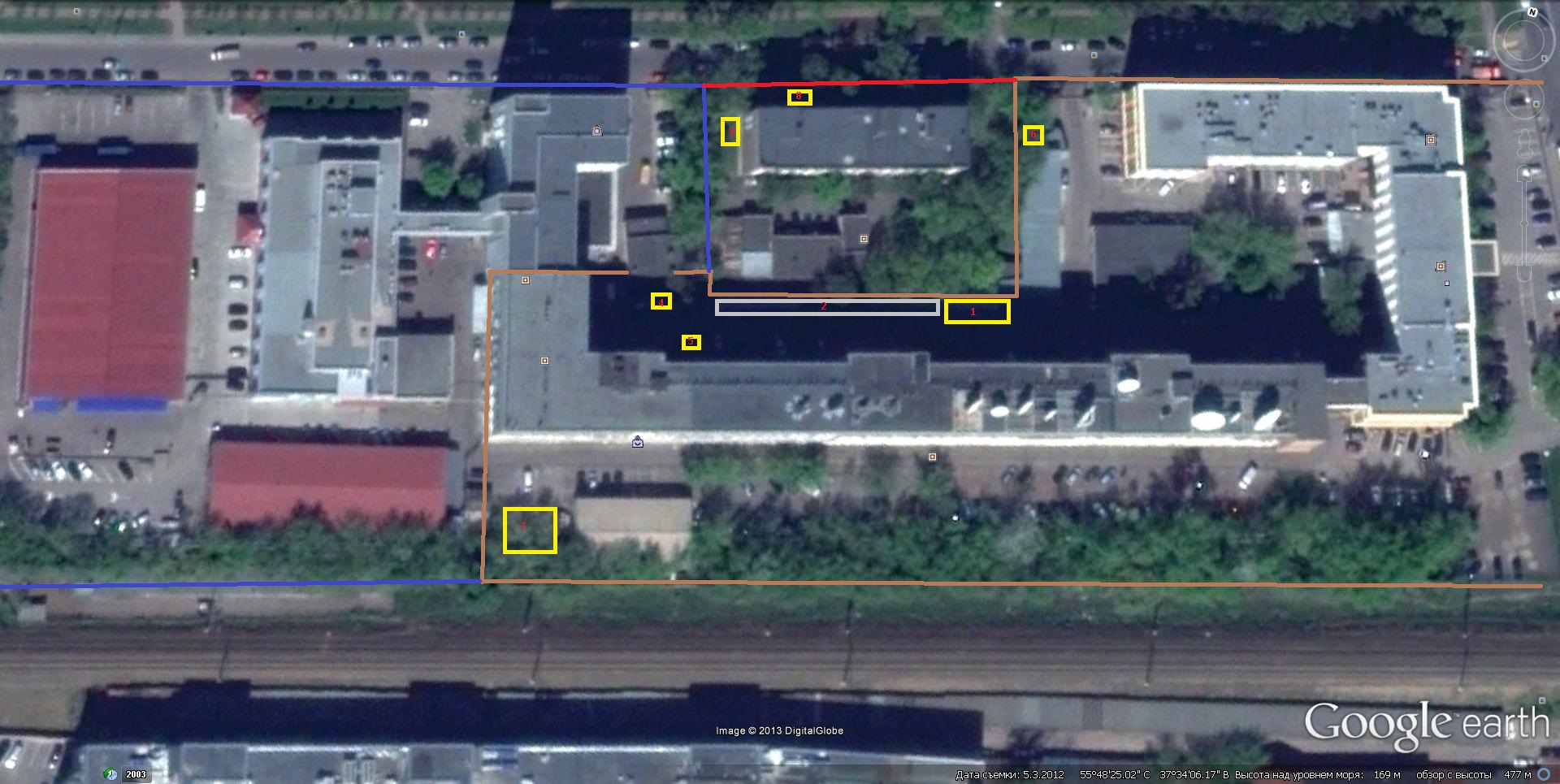
 Запостил вот и нахлынули воспоминания. До того как туда первый раз туда залесть, ВНИИ давал о себе знать. С помойки этого предприятия дети тащили перaоленты и обматывали ими себя, деревья... Только в лет 6 я туда залез... Для наглядности схема: Тогда мы ещё не знали ни о каком НИИ и просто называли этот объект "телефонка", потому, что залезали с территории АТС. И так на схеме: Корричневым обозначена старая территория ВНИИ Синим - новая Красным - АТС Цифры, это объекты, на которые лазили, ниже напишу про каждый.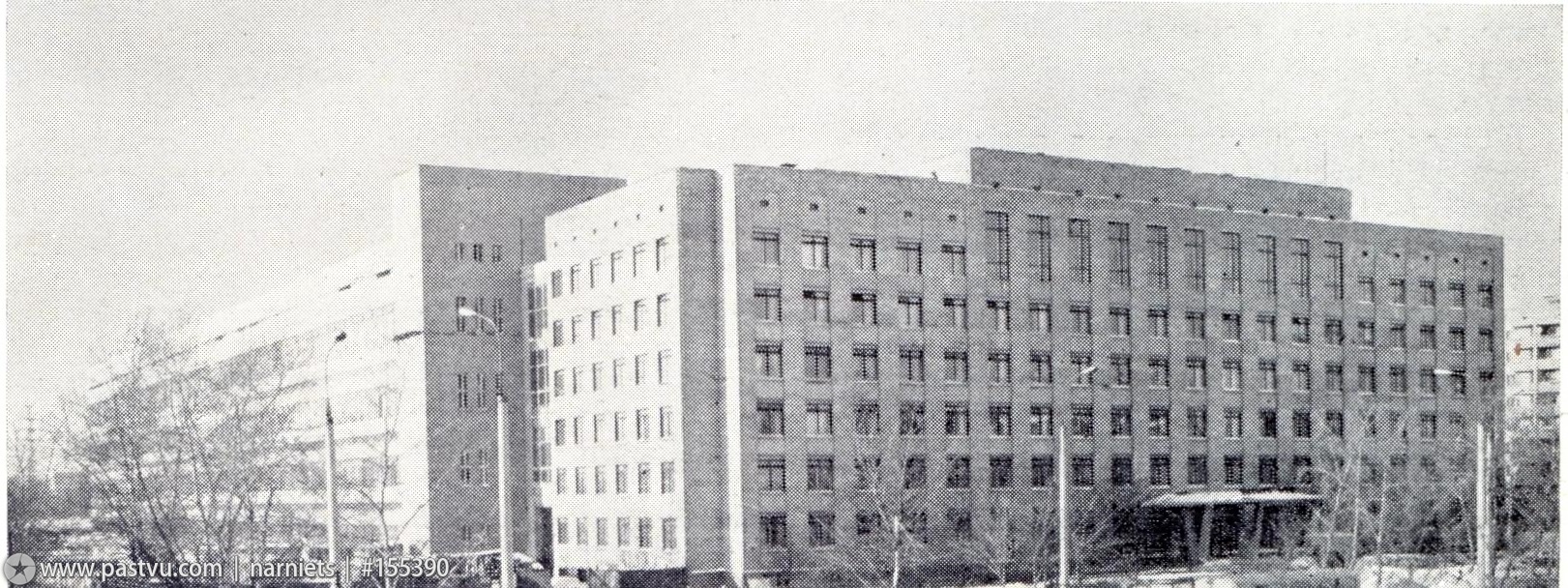
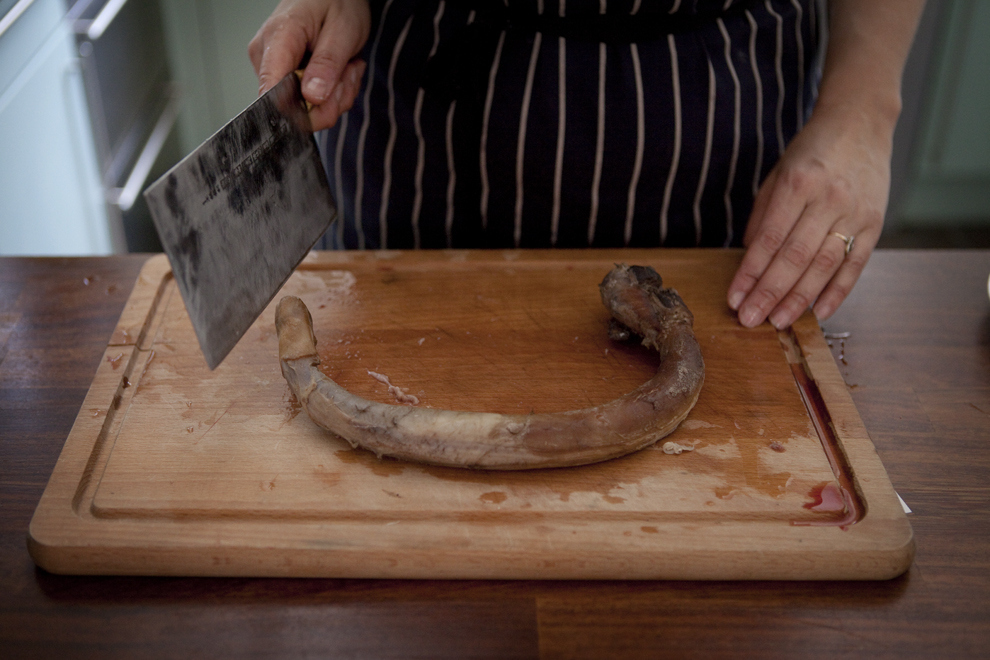
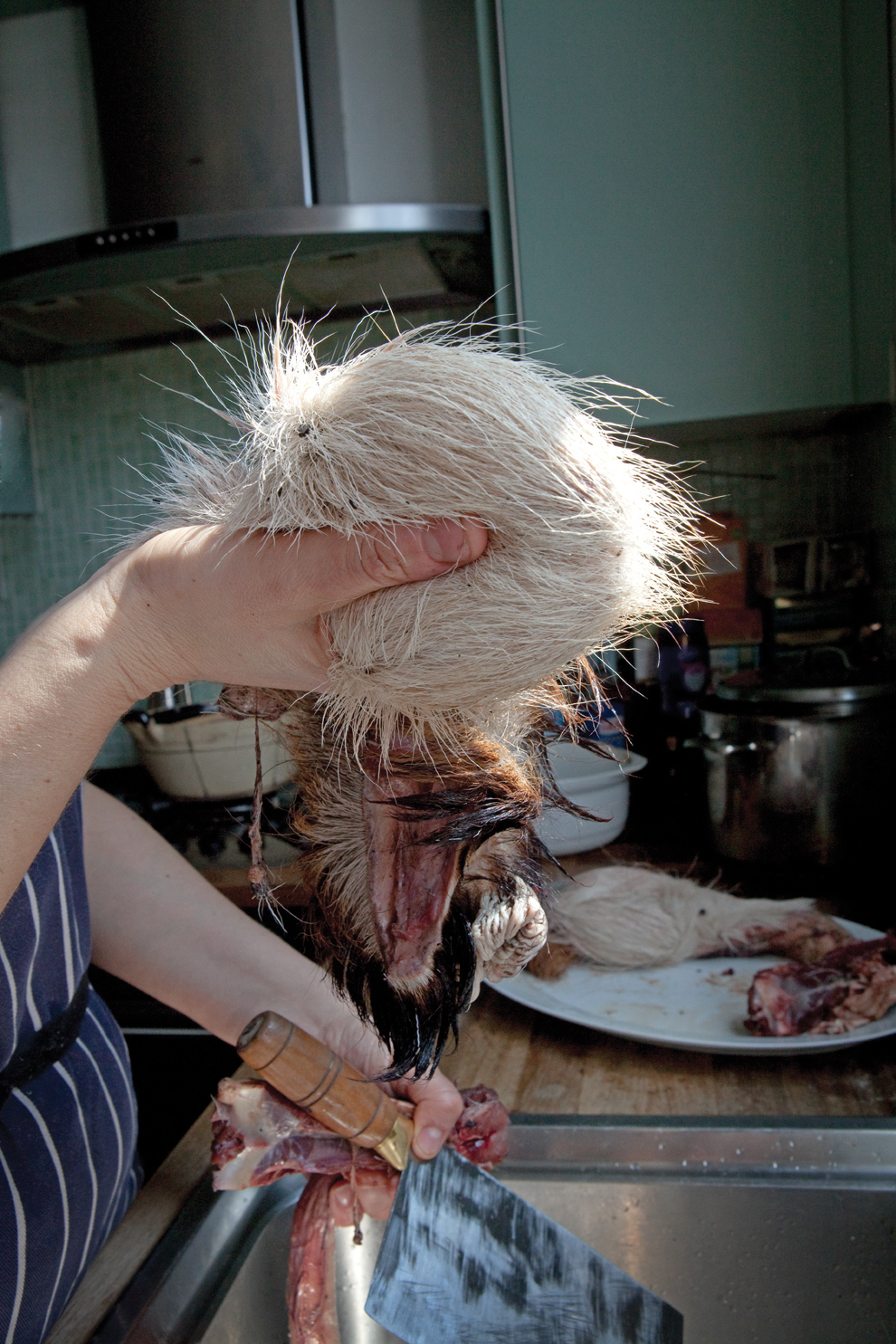
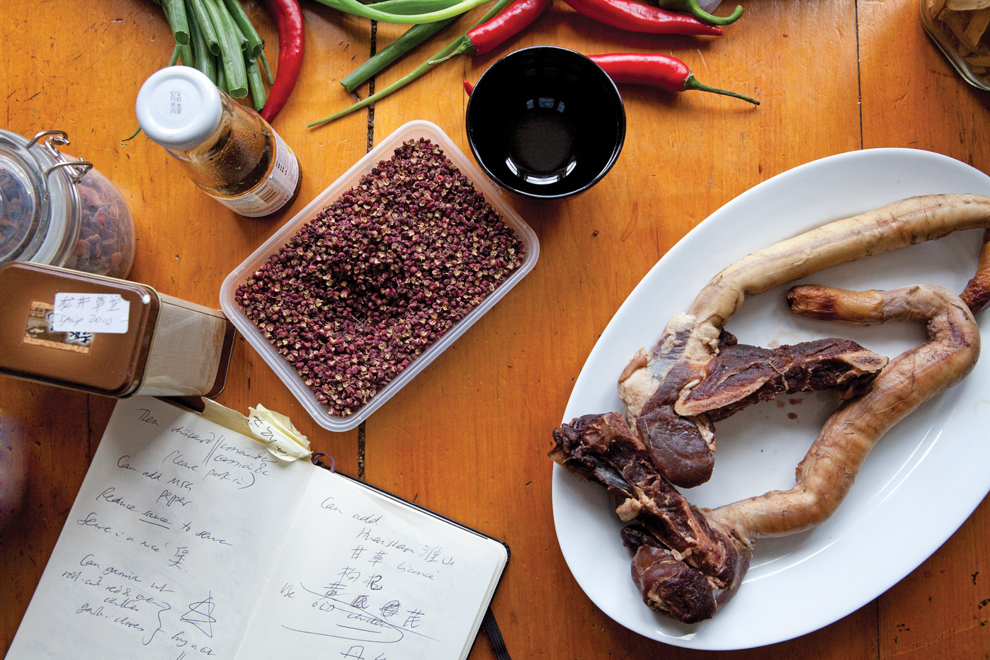
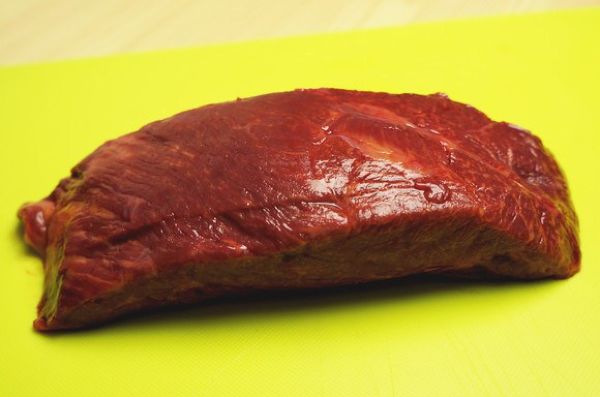
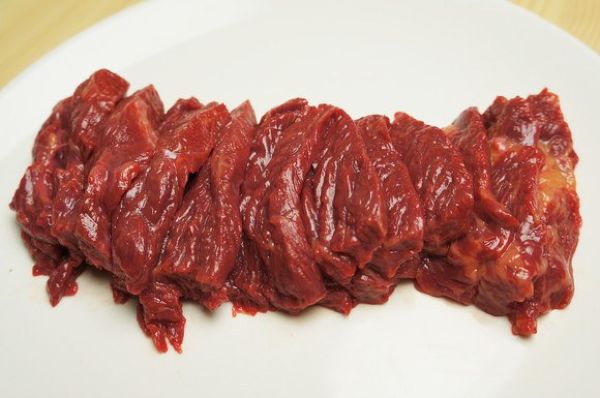
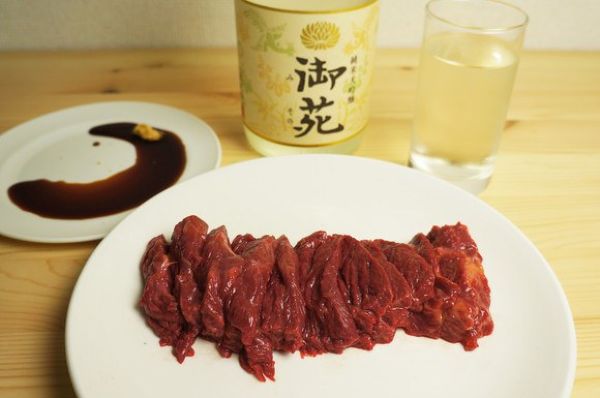
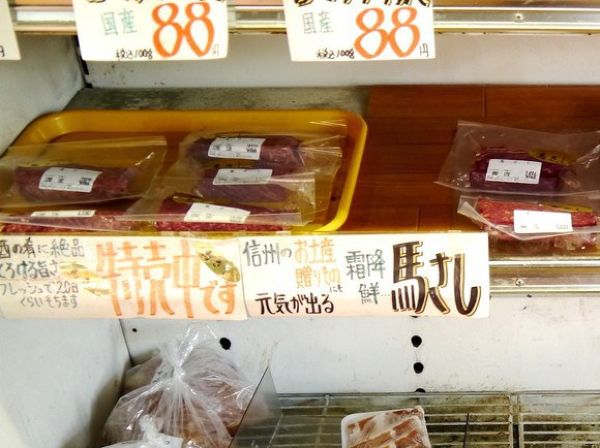
 \Басаси - это конина, порезанная на тонкие кусочки. Так называемое "лошадиное сашими". Этот деликатес распространен в некоторых районах Японии, и вкуснее всего, по заверениям гурманов, его готовят в префектуре Кумамото на острове Кюсю.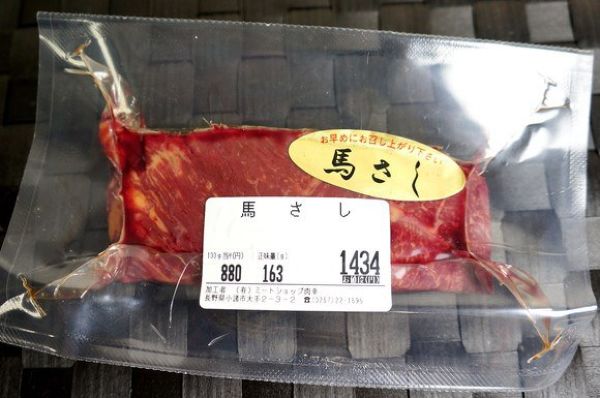
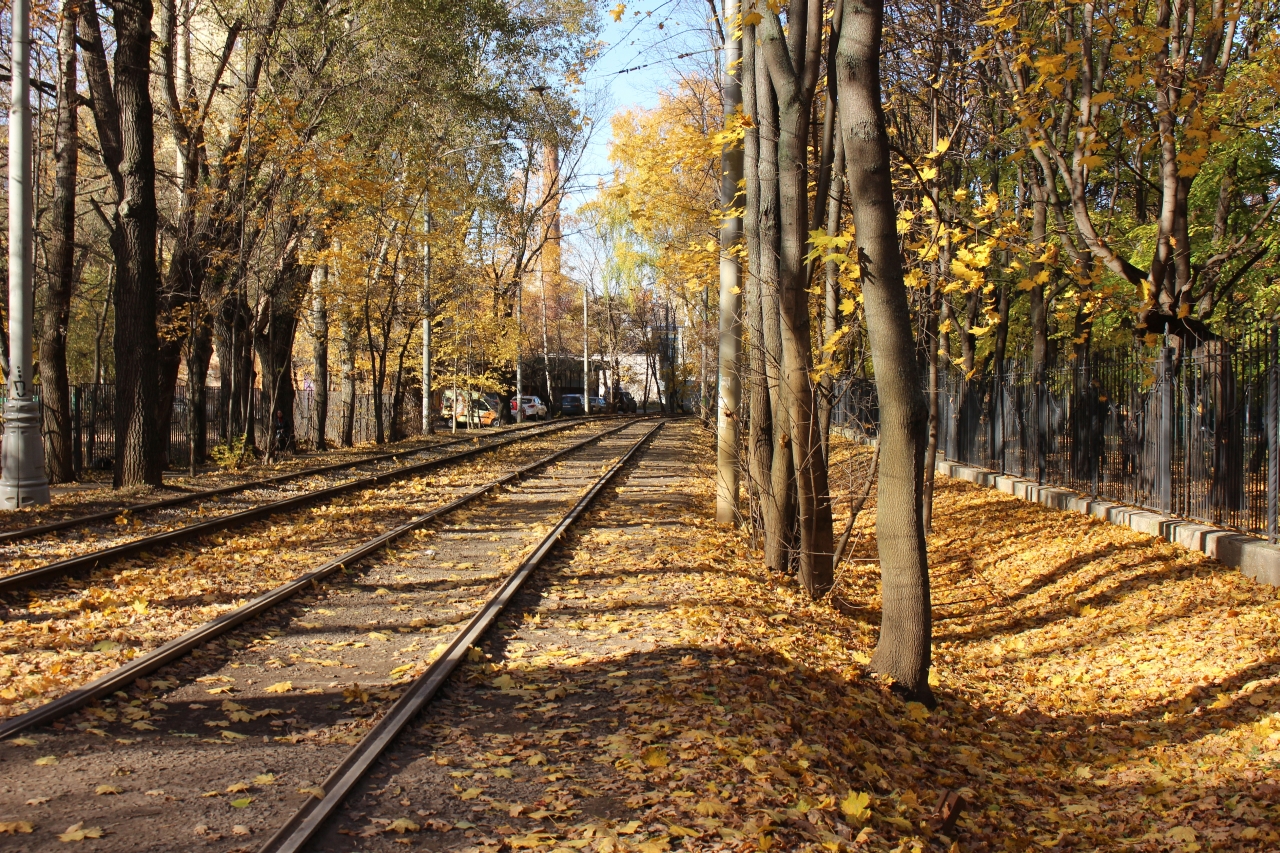
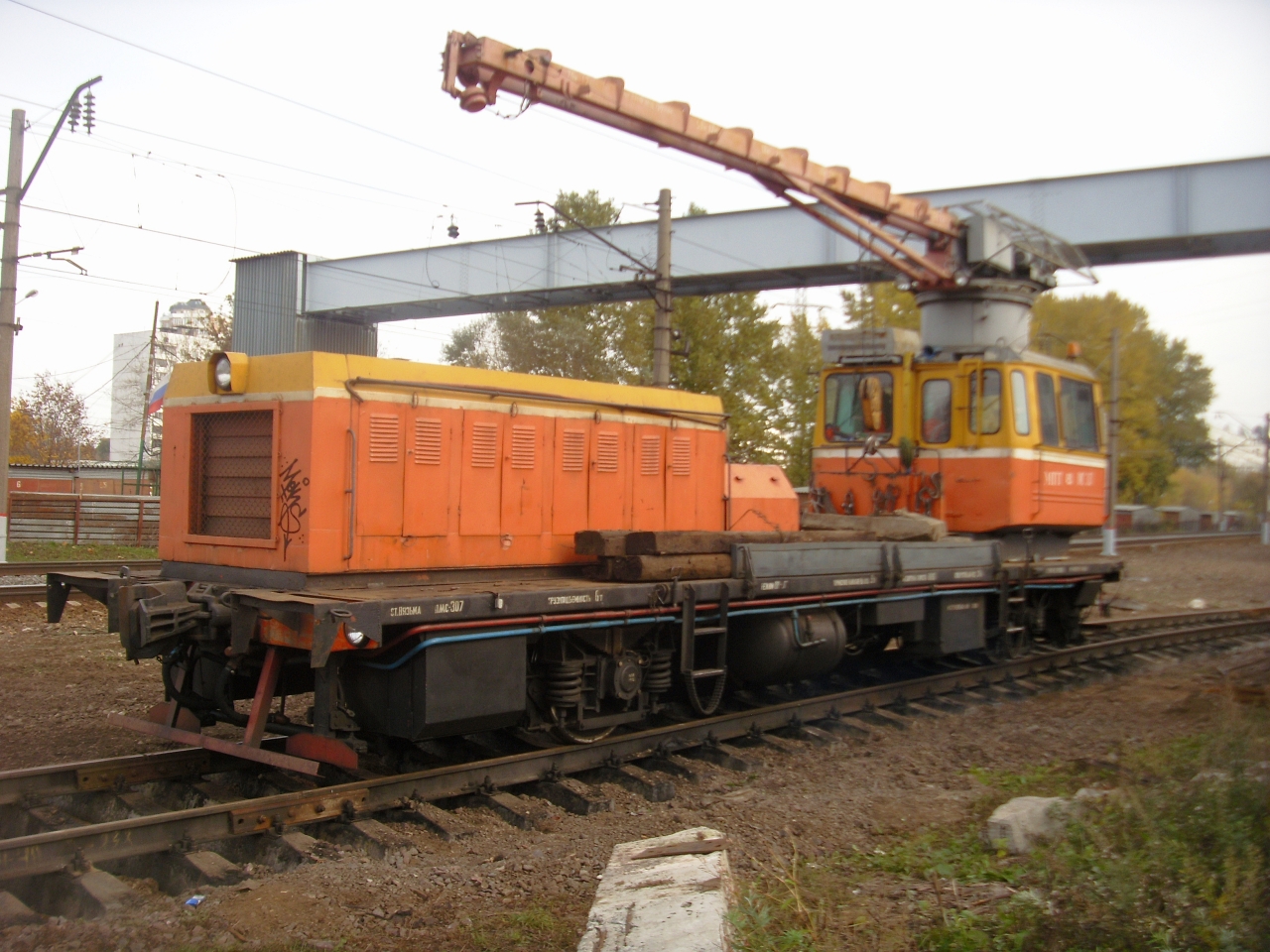
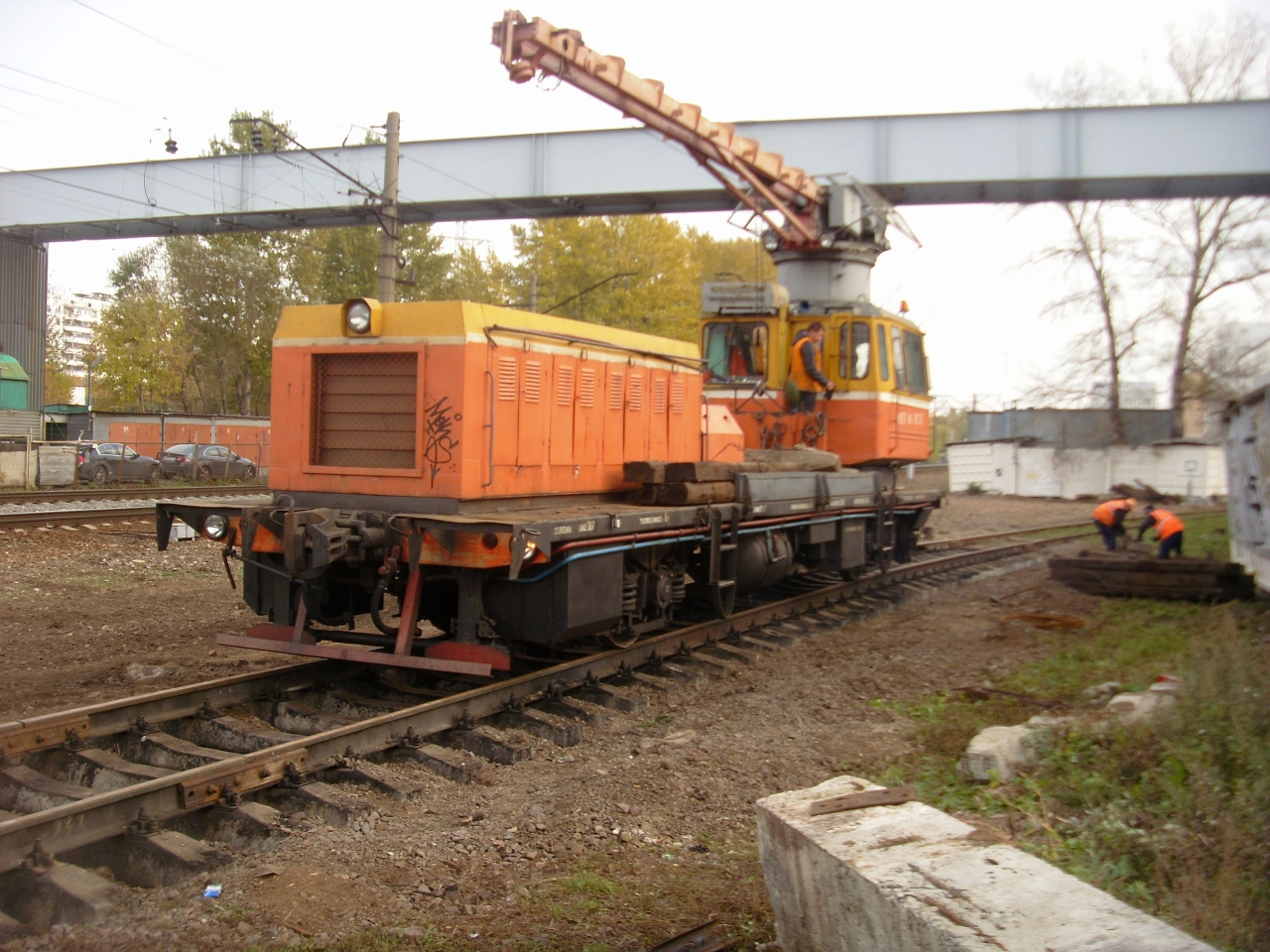
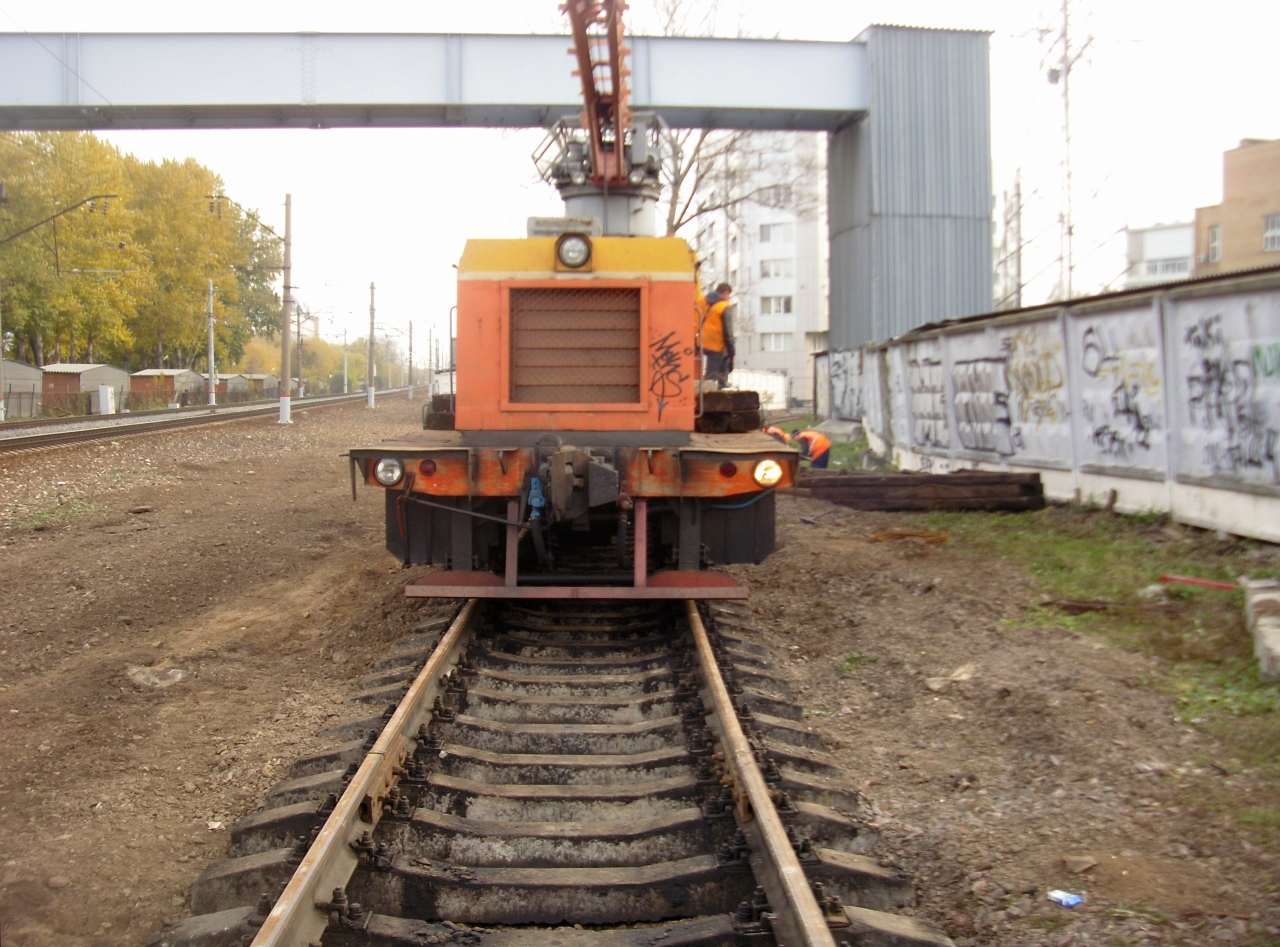
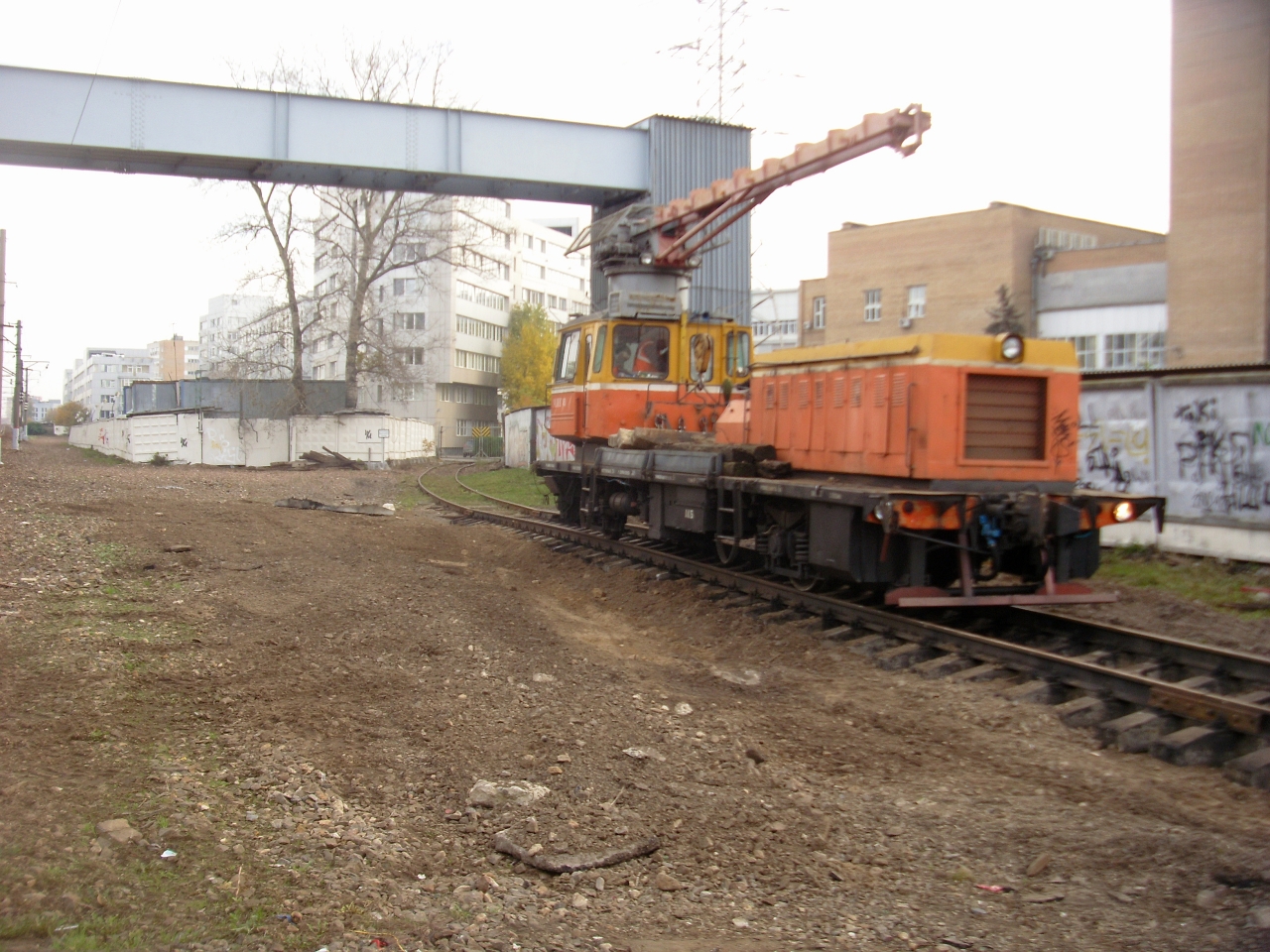
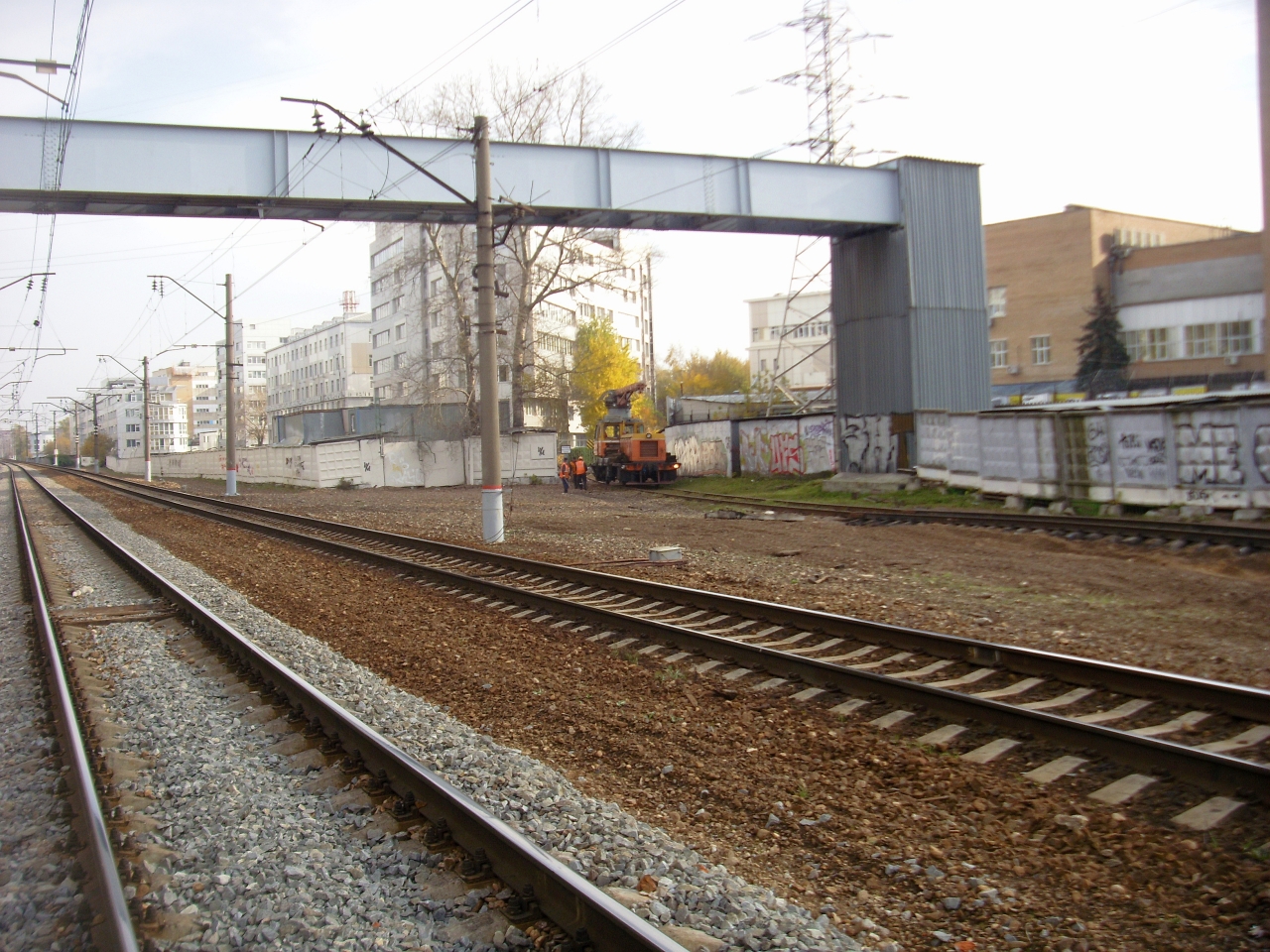
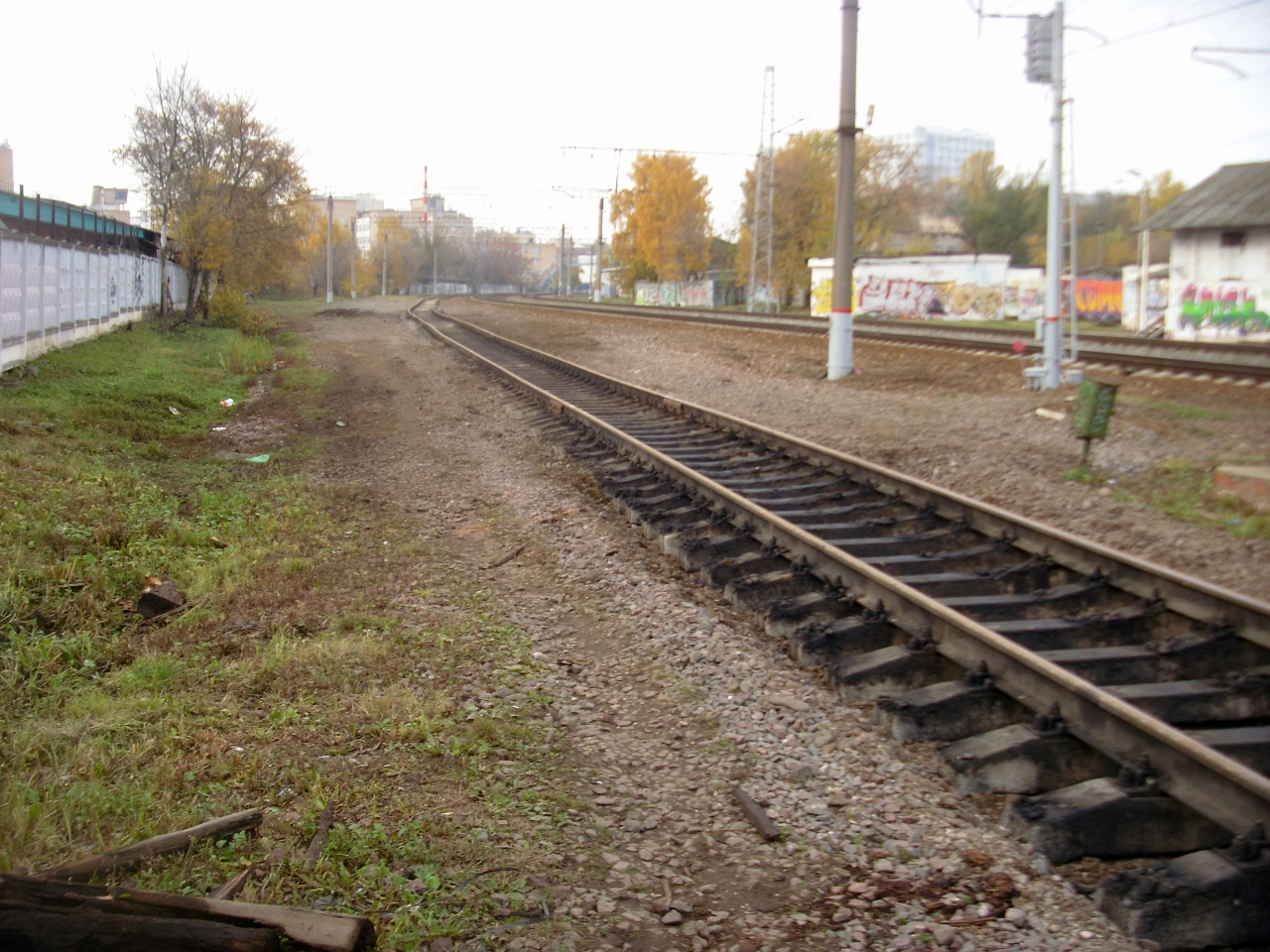
 Пути ремонтируют к фабрике "Свобода"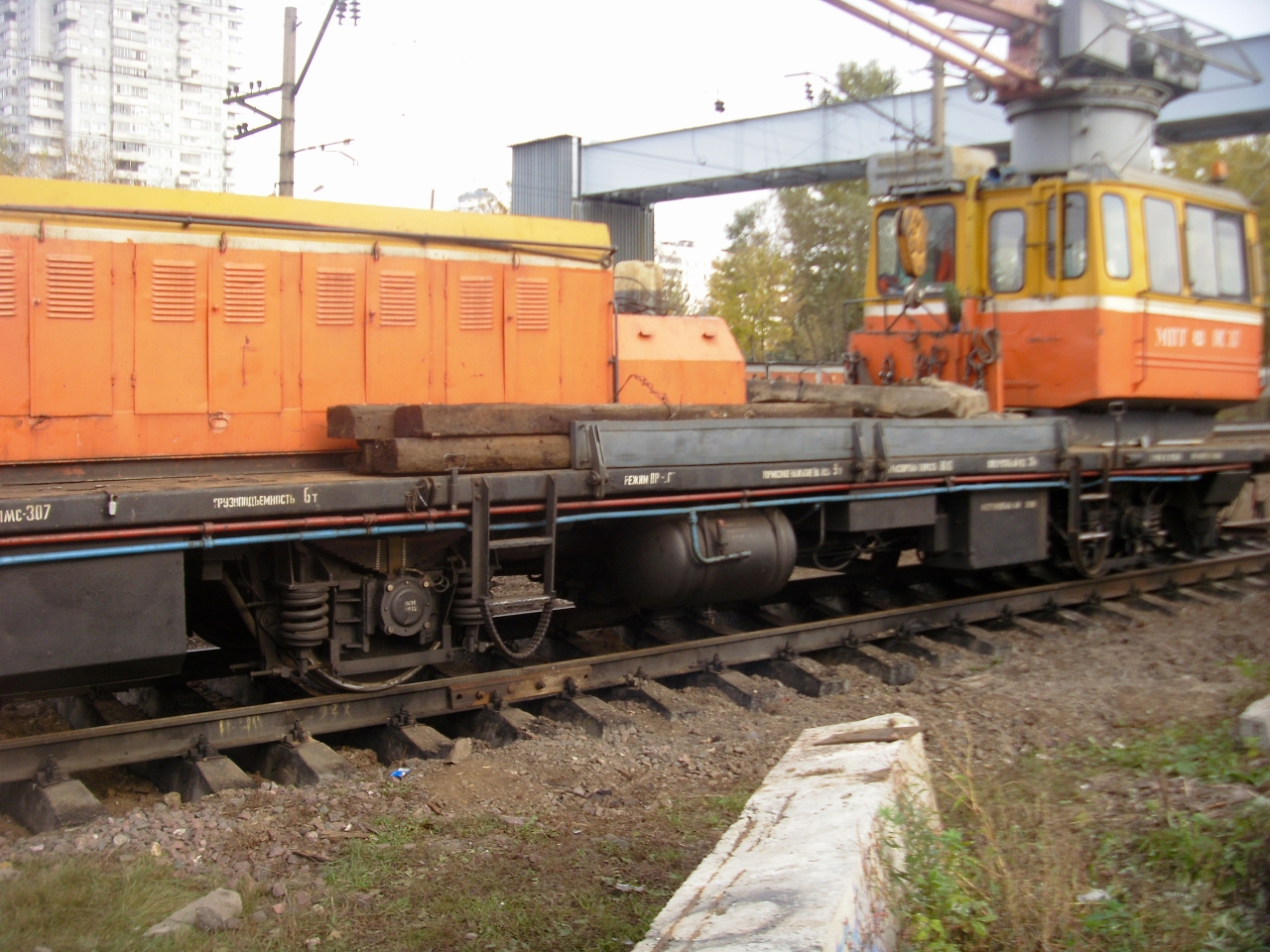
Аккаунт
Навигация
Поиск
Configure browser push notifications
Chrome (Android)
- Tap the lock icon next to the address bar.
- Tap Permissions → Notifications.
- Adjust your preference.
Chrome (Desktop)
- Click the padlock icon in the address bar.
- Select Site settings.
- Find Notifications and adjust your preference.
Safari (iOS 16.4+)
- Ensure the site is installed via Add to Home Screen.
- Open Settings App → Notifications.
- Find your app name and adjust your preference.
Safari (macOS)
- Go to Safari → Preferences.
- Click the Websites tab.
- Select Notifications in the sidebar.
- Find this website and adjust your preference.
Edge (Android)
- Tap the lock icon next to the address bar.
- Tap Permissions.
- Find Notifications and adjust your preference.
Edge (Desktop)
- Click the padlock icon in the address bar.
- Click Permissions for this site.
- Find Notifications and adjust your preference.
Firefox (Android)
- Go to Settings → Site permissions.
- Tap Notifications.
- Find this site in the list and adjust your preference.
Firefox (Desktop)
- Open Firefox Settings.
- Search for Notifications.
- Find this site in the list and adjust your preference.