Flanger
Администратор
-
Зарегистрирован
Весь контент Flanger
-
-
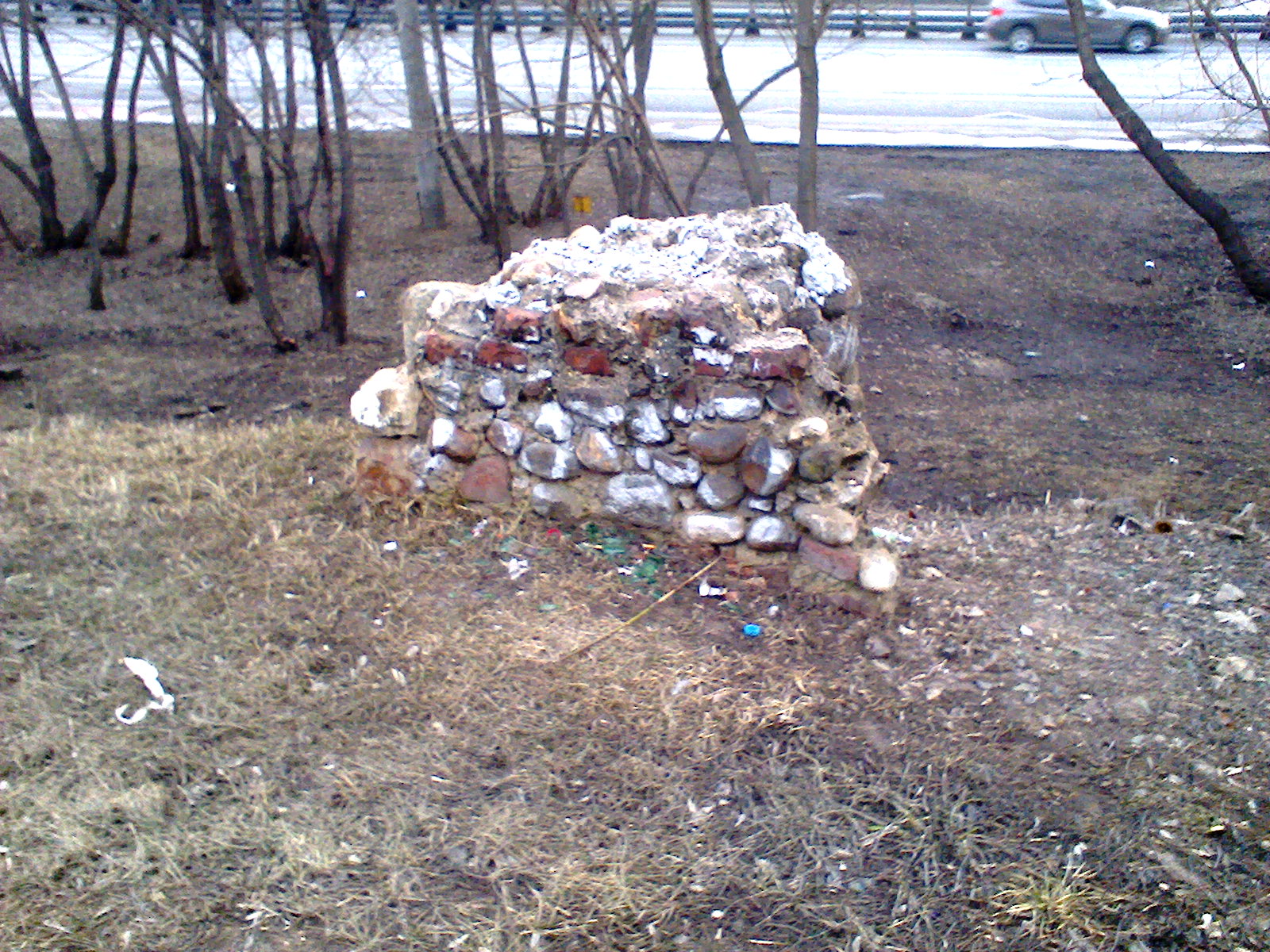
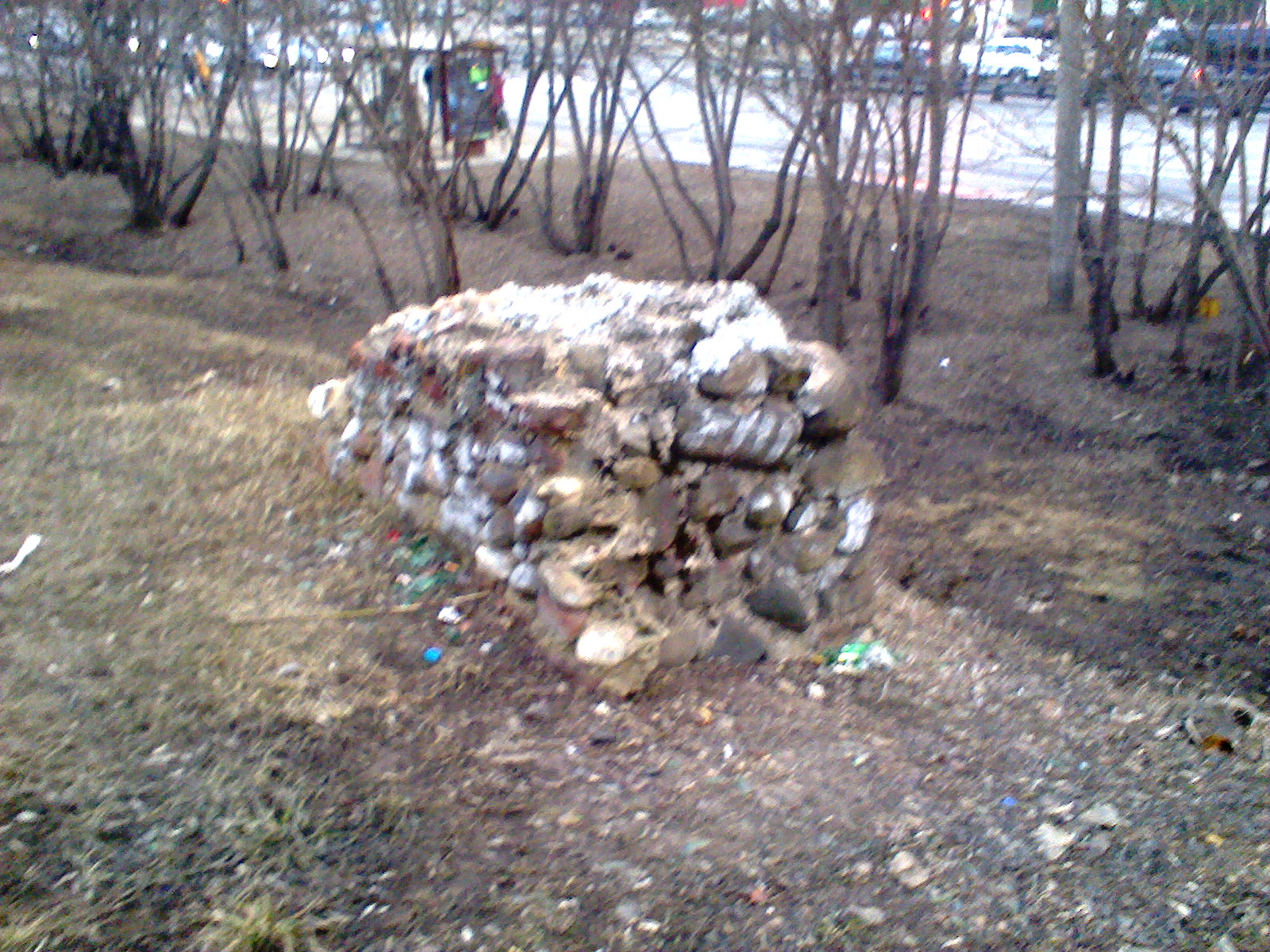
От себя добавлю, раньше 22 маршрут ходил напрямую, через жд пути рижского направления прямо на Петровско-Разумовский проезд. До тех пор пока не случилась авария, в автобус врезался поезд. Маршрут изменили и с тех пор он таким и остался - через проезд Соломенной сторожки, Тимирязевскую и 2ую Хуторскую улицы. От переезда остался только фундамент будки:
-
В начале 90хх, там картриджами торговали, запчастями для велосипедов и всяким хламом...
-
-
-
Официально улица возникла в 1760-е гг., называлась Ивановская дорога. Она была ориентирована на колокольню Ивана Великого в Кремле, начиналась от современного главного здания Тимирязевской академии и доходила до современного перекрестка с Красностуденческим проездом и улицей Вучетича (Старое шоссе). Далее по Старому шоссе можно было попасть в Москву. Часть шоссе сохранилась до наших дней — это брусчатка в конце улицы Вучетича на территории Тимирязевского парка. В 1860-е гг., когда в пригородной усадьбе Петровско-Разумовское создавалась Петровская земледельческая и лесная академия, улицу продлили до Башиловской. Для этого дорогу специально прорубили в лесу. Старый участок дороги получил название Академической улицы, а участок от Башиловской улицы до современного перекрестка с улицей Вучетича и Красностуденческим проездом назвали Новым Петровско-Разумовским шоссе, в просторечии Новым шоссе. В 1894 г. на Академической улице высадили дубы, и она стала называться Дубовая. Однако на многих городских картах и планах ее именовали и Новым шоссе, и Академической улицей, и даже Ивановским шоссе. В 1932 г. Дубовую улицу переименовали в память о Тимирязеве, и этот участок стал называться Тимирязевской улицей. С приходом советской власти улицу начали активно перестраивать. Сравните фото выше (1915 г.) с тем, что представлено ниже (1934–1935 гг.). При этом участки улицы в районе пересечения с Астрадамским проездом имели вот такой вид еще в 1955 г. автор - Аня Комарова
Аккаунт
Навигация
Поиск
Configure browser push notifications
Chrome (Android)
- Tap the lock icon next to the address bar.
- Tap Permissions → Notifications.
- Adjust your preference.
Chrome (Desktop)
- Click the padlock icon in the address bar.
- Select Site settings.
- Find Notifications and adjust your preference.
Safari (iOS 16.4+)
- Ensure the site is installed via Add to Home Screen.
- Open Settings App → Notifications.
- Find your app name and adjust your preference.
Safari (macOS)
- Go to Safari → Preferences.
- Click the Websites tab.
- Select Notifications in the sidebar.
- Find this website and adjust your preference.
Edge (Android)
- Tap the lock icon next to the address bar.
- Tap Permissions.
- Find Notifications and adjust your preference.
Edge (Desktop)
- Click the padlock icon in the address bar.
- Click Permissions for this site.
- Find Notifications and adjust your preference.
Firefox (Android)
- Go to Settings → Site permissions.
- Tap Notifications.
- Find this site in the list and adjust your preference.
Firefox (Desktop)
- Open Firefox Settings.
- Search for Notifications.
- Find this site in the list and adjust your preference.