



Flanger
Администратор
-
Зарегистрирован
Весь контент Flanger
-
Начало проекту TechJect положили Dr. Jayant Ratti и Emanuel Jones, исследователи из Технологического института Джорджии. В команде из двух десятков других ученых: докторов наук, профессоров и студентов из нескольких университетов мира, они разработали робота-стрекозу, который может летать, как и его реальный членистоногий собрат. Денежную поддержку проекта обеспечивал научный грант в $ 1 000 000 от US Aiforce Office of Scientific Research. Выбор объекта подражания для многих был неоднозначен. Однако, ученые обосновали свое решение: стрекозы выгодно отличаются от других представителей мира насекомых агрессивной манерой полета, умением летать вперед и назад, а также способностью развивать скорость свыше 35 миль в час. Они находятся в верхней части пищевой цепи в мире насекомых и являются самых жестокими хищниками в нем. TechJet Dragonfly подключен к Wi-Fi и оснащен более чем 20 датчиками. Пользователи могут управлять им с помощью смартфона или компьютера, благодаря приложениям, которые доступны на Google Play и App Store. К услугам пользователей робота аэродинамические крылья, запатентованный четырехкрылый механизм, бесщеточные двигатели, и литиево-полимерным аккумулятор. Благодаря стараниям ученых робот удачно имитирует реальное насекомое в полете с его четырьмя независимо хлопающими крыльями. Робот-стрекоза уже доступен на Indiegogo по цене в 99 долларов. Разработчики также предлагают приобрести более быструю и мощную версию TechJet Dragonfly за 179 долларов, а комплект из нескольких роботов обойдется в $799.Города растут. Там, где мудрость властей одерживает верх над алчностью "скоростроителей", продолжают радовать глаз вкрапленные в современную застройку бережно сохраненные фрагменты прошлого – бесценные страницы исторической летописи. Исчезновение же их в результате некомпетентных, а порой и откровенно своекорыстных градостроительных решений угрожает разрывом связи времен, утратой культурной преемственности поколений… Есть в Москве уголок с необычным названием – Соломенная Сторожка. В самом деле, стояла здесь в старину сторожка с соломенной кровлей, да исчезла давным-давно. Покойный профессор В.П.Тимофеев (многолетний директор заповедника "Лесная опытная дача" Тимирязевской сельскохозяйственной академии) рассказывал, что, по преданию, была она сооружена повелением Петра Великого при построенном голландцами черепичном заводе, следы которого до сих пор сохранились на территории нынешней Лесной дачи. Местоположение сторожки еще недавно отмечали многовековые дубы и липы, посаженные якобы чуть ли не самим Петром. В начале ХХ века название "Соломенная Сторожка" закрепилось за остановкой паровичка, а затем трамвая № 12, ходившего от площади Страстного монастыря (ныне Пушкинской) до Петровско-Разумовского. Постепенно так же стала именоваться вся прилегающая местность. В 1915 году здесь по проекту Ф.О.Шехтеля был построен храм святителя Николая, "что у Соломенной Сторожки" (разрушен в 1930-е годы, восстановлен по сохранившимся чертежам в 1999 году). Находится он на краю парка Дубки, по западной стороне Ивановской улицы. Неподалеку – памятник тимирязевцам, в 1941-1945 годах "за веру, отечество и народ жизнь свою положившим". После создания в 1861-1865 годах Петровской сельскохозяйственной академии (позже Тимирязевской) Петровское-Разумовское быстро начало превращаться в своеобразный "наукоград", центр притяжения научной интеллигенции и студенчества. Почти вся профессура Петровки-Тимирязевки селилась при академии – в левом (ректорском) флигеле главного корпуса, во флигелях, окружающих площадь с памятником К.А.Тимирязеву, в двухэтажном деревянном здании справа от главного корпуса; позднее – в боковых крыльях нового Химического корпуса. Студенческое общежитие располагалось в южном полукружном флигеле. Кое-кто из профессоров жил даже в старинном здании Фермы, где в 1812 году, спасаясь от московского пожара, провел одну ночь Наполеон. Ферма показалась ему неуютной, и он перебрался в Петровский путевой дворец, построенный М.Ф.Казаковым для Екатерины II, которая останавливалась тут перед торжественным въездом в Москву. Его название, кстати, связано не с Петром I, а с Петровским монастырем, существовавшим в этих местах задолго до появления дворца. К 1910-1920 годам жилья на территории академии стало не хватать. Профессора начинают осваивать район остановки паровичка "Соломенная Сторожка" – сначала снимают квартиры в частном секторе по Дачному проезду, потом строят собственные дома по Ивановской улице, положив начало возникновению нового "культурного оазиса", отнюдь не довольствующегося ролью "выселок" Тимирязевки. Привлеченные красотой окрестностей, сюда, кроме преподавателей академии (профессора Д.Н.Прянишников, Е.Ф.Лискун, Н.И.Мерцалов, Н.Д.Кондратьев, А.Н.Семихатов, П.А.Некрасов, П.И.Лисицын), переезжают из Москвы экономист С.И.Фанталов, историк А.А.Губер, архитектор К.К.Гиппиус, настоятель храма святителя Николая отец Василий Надеждин (см. о нем статью в "Московском журнале", 1992, № 10), экономист и писатель А.В.Чаянов. Этому, по-видимому, в немалой степени способствовала книга последнего "Петровско-Разумовское в его прошлом и настоящем" (1926). Обживаются тимирязевцами и участок Новой дороги в районе остановки трамвая "Соломенная Сторожка", и дачные участки между нею и Старой дорогой. Здесь поселились профессор академии А.Ф.Фортунатов и его сын, впоследствии профессор Института востоковедения АН СССР И.А.Фортунатов, преподаватель Тимирязевки Е.Е.Чумичев, талантливые изобретатели П.И.Бородин и А.Н.Мишин, профессор Московского университета геолог Г.П.Леонов. Студенты, которым не доставалось мест в переполненном общежитии, снимали "углы" в домах близлежащей деревни Лихоборы. Позднее Академия стала предоставлять в аренду участки своей территории для постройки доходных летних дач – с условием, чтобы в несезонное время они сдавались студентам "по снисходительным ценам". Между быстро выросшими дачами пролегли 1-й и 2-й Астрадамские проезды, Астрадамский тупик, проезд Соломенной Сторожки. Название "Астрадамский", возможно, обусловлено наличием здесь некогда поселка голландских (амстердамских?) мастеров-черепичников. Впрочем, ряд исследователей приводят другую этимологию – от названия древнего села Остродамово или пустоши Остраганово. Во время революции дачные домики частью сгорели, частью были национализированы и оказались плотно заселены отнюдь не птенцами Тимирязевки. Между тем при нэпе приток студентов в Академию резко увеличился. В 1925 году встал вопрос о новом студенческом общежитии. Его строительство возглавил молодой профессор механизации, впоследствии академик ВАСХНИЛ В.А.Желиговский. Проект двух кирпичных двухэтажных зданий по Новой дороге (Тимирязевская улица, д. 26 и 28) выполнил архитектор К.К.Гиппиус. В ходе строительства у Желиговского и Гиппиуса и возникла мысль о создании жилищно-строительного кооператива преподавателей, нуждавшихся в жилье. Основателями ЖСК стали К.К.Гиппиус, профессора Тимирязевской академии и других вузов Москвы Н.А.Артемьев, В.А.Желиговский и А.А.Желиговский, Н.Ф.Болховитинов, М.Н.Второв, Г.И.Гурин, М.Г.Евреинов, В.С.Клубов, Е.Д.Корольков, Г.Г.Кульман и А.Г.Кульман, С.В.Полетаев, И.П.Порфирьев, О.Б.Месснер. К ним присоединились работник Отдела сельскохозяйственной кооперации Всесоюзного совета народного хозяйства (ВСНХ) Б.Д.Удинцев (мой отец), профессор Бронетанковой академии Ю.С.Чечет, несколько служащих культурно-просветительских учреждений. Решением Московского коммунального хозяйства (МКХ) ЖСК был зарегистрирован под названием "Соломенная Сторожка" и получил в 1926 году право застройки отведенного земельного участка по Новой дороге (Тимирязевская улица, 33). Вскоре рядом с поселком ЖСК построили свои дома-мастерские скульпторы Ю.А.Кун и Е.В.Вучетич. Поселились здесь, став членами ЖСК, профессор Е.А.Боголюбов (литературовед), генерал инженерных войск А.А.Голуб, профессор Т.П.Афанасьев (геолог), выдающаяся пианистка М.В.Юдина. По соседству, на территории Лесной дачи, был построен дом для ученого-лесовода В.П.Тимофеева, всю свою жизнь посвятившего этому всемирно известному учебно-опытному заповеднику Тимирязевской академии. Поселок Соломенная Сторожка быстро разрастался. Сегодня он числится владением № 33 по Тимирязевской улице, но тянется и вдоль 2-го Астрадамского проезда до улицы Вучетича, образуя буферную зеленую зону между заповедником "Лесная опытная дача" и выросшим в послевоенные годы на месте обветшавших дореволюционных дачных домиков и бараков 1930-х годов многоэтажным жилым массивом Тимирязевской улицы. Родившись в центре Москвы, на Самотечной улице, я четырехлетним мальчиком переехал вместе с родителями на Соломенную Сторожку, ставшую с тех пор для меня малым отечеством. Сюда я неизменно возвращался из всех своих странствий. Душа моя полна яркими, поэтическими воспоминаниями о "Соломенке"… Новый дом пахнул свежеструганной сосной. Вокруг стеной стояли липы, вековые дубы и вязы, яблони и даже редкие для Москвы кедры. Забравшись на верхушку росшей у самого дома вековой ели, можно было увидеть Петровский замок, Белорусский и Савеловский вокзалы. Помню лес Тимирязевской опытной дачи. Сказочная красота его завораживала. Хотелось подолгу стоять неподвижно, вглядываясь в частокол красных сосновых стволов или в сияющую синеву неба над зелеными вершинами. Зимой нагруженные снегом ветви делали чащу непроглядной. Холмистые гряды, тянувшиеся вдоль узкого залива Большого пруда, были замечательным местом для катания на санках и лыжах. (Позднее я прочитал, что залив с его береговыми валами образовался при рытье "Иллюминационного канала", по которому в праздники плавали на лодках гости графа Разумовского. "Иллюминация" заключалась в вывешивании над их головами гирлянд из светящихся фонариков.) К берегам Оленьего прудика, по словам старожилов, еще недавно выходили олени – потомки тех, что разводила когда-то графиня Разумовская. Светлой грустью веяло от памятников над могилами лесоводов Н.С.Нестерова и М.К.Турского… Однако поселок ЖСК "Соломенная Сторожка" дорог его старожилам, да и всем москвичам не только природными красотами. На протяжении десятилетий он являлся одним из центров интеллектуальной жизни Москвы, очагом высокой культуры. В тихих домиках обстановка была отнюдь не дачная: здесь шла напряженная творческая работа. Обитатели Соломенной Сторожки готовились к лекциям и концертным выступлениям, создавали фундаментальные монографии и учебники, ставшие ныне классическими. Почти в каждом доме сохраняются уникальные библиотеки и архивы. Когда грянула Великая Отечественная война, молодое население округи ушло на фронт. Кого-то из старшего поколения эвакуировали, но многие оставались работать в прифронтовой Москве. На войне погибли смертью храбрых Д.П.Удинцев, М.С.Полетаев, А.А.Лохвицкий, Н.В.Метелкин, А.В.Пахомов, В.Н.Ширин… Достойно отвоевали и вернулись на свою малую родину В.С.Полетаев, Л.Ф.Леонов, Н.П.Бородина, О.П.Бородин, А.В.Желиговская, А.П., Ан.П. и Ю.П.Лисицыны. Фронтовым фото- и кинокорреспондентом был Ю.М.Кун, после войны участвовавший в создании замечательного многосерийного фильма "Освобождение". В послевоенные десятилетия на смену ветеранам, основателям "Соломенной Сторожки", начала приходить молодежь. Верны сельскохозяйственному научному направлению остались Ан.П. и Ю.П.Лисицыны, Е.С.Полетаева, В.С.Полетаев, А.А.Ваньков, Е.Н.Болховитинова, Б.А.Васильев, Е.Г.Кульман. В области истории плодотворно трудились академик Н.Н.Болховитинов и кандидат исторических наук Л.Б.Овчинников; в области механики, физики и химии – профессор А.В.Желиговский, кандидаты наук Г.Т.Афанасьев, О.Ф. и Л.Ф.Леоновы; в области экологии – доктор наук Ф.Н.Семевских, биологи-лесоводы Г.Е.Королькова, М.В.Надеждина, В.В.Надеждин; в области геологии и геофизики – академики А.П.Лисицын, Ю.Г.Леонов, М.А.Семихатов, автор этих строк – член-корреспондент Российской академии наук, профессор Г.Б.Удинцев, кандидат наук Е.В.Коренева, В.Г.Удинцев, П.А.Лисицын и В.А.Желиговский. Крупным специалистом в области молекулярной биологии стал профессор Н.А.Лисицын. Создала выдержавший множество изданий учебник русского языка Л.А.Тростенцова. Долгие годы солистом Ансамбля песни и пляски Советской Армии был Г.Н.Косников. Режиссеры Московского телевидения А.В.Волкова и Ю.Ю.Кун известны своей деятельностью по охране памятников истории и культуры столицы. Новыми членами ЖСК "Соломенная Сторожка" недавно стали нефтяник В.Б.Шарафутдинов, художник Э.Р.Гоглидзе, вице-президент Академии архитектуры и строительных наук Российской Федерации В.А.Ильичев, настоятель храма св. Митрофана Воронежского, декан факультета православной культуры Академии ракетных войск России протоиерей Димитрий Смирнов… Очаг науки и культуры вокруг Соломенной Сторожки продолжает существовать. Однако со всех сторон на него наступает город. Еще в советские годы атаки на ЖСК предпринимали чиновники столичной администрации, привлеченные очарованием зеленого оазиса среди каменных громад. В результате в конце 1960-х годов "отгрызли" от поселка садовые территории и разрушили несколько домов, чтобы построить унылые казенные здания. Пришлось просить защиты в Главном управлении контроля, охраны и использования памятников истории и культуры г.Москвы (сейчас – Главное управление охраны памятников г.Москвы). Решение Экспертной комиссии Управления было единодушным: утвердить в статусе историко-культурного и градостроительного памятника и, следовательно, объекта государственной охраны комплекс поселка научных работников "Соломенная Сторожка" (архитектор К.К.Гиппиус) в составе 13 зданий и территории площадью 2,20015 га. Но, как говорится, враг не дремал. Теперь на смену нахрапистым администраторам пришли еще более нахрапистые "денежные мешки". Разбогатевшим "скорохватам" не терпится выкинуть научную бедноту из столь приглянувшегося им уголка Москвы. Наезжают кавалькады дорогих машин. Вельможного вида люди расхаживают, прикидывая, как расположить роскошные виллы на месте наших садов и домиков, почти каждый из которых уже сейчас представляет собой готовый мемориальный музей. Похваляются: "Поселок ваш снесем! Это уже решено! Здесь будут коттеджи для американских бизнесменов. А вам – дадим компенсацию". Компенсацию за что? За утрату родины, пусть малой, но – родины? За гибель сконцентрированного здесь бесценного культурного наследия? За предательство памяти тех, кто столько сделал во имя нашей общей большой Родины? Этого мы не должны, не имеем права допустить!4 августа 2009 года, у Сокола
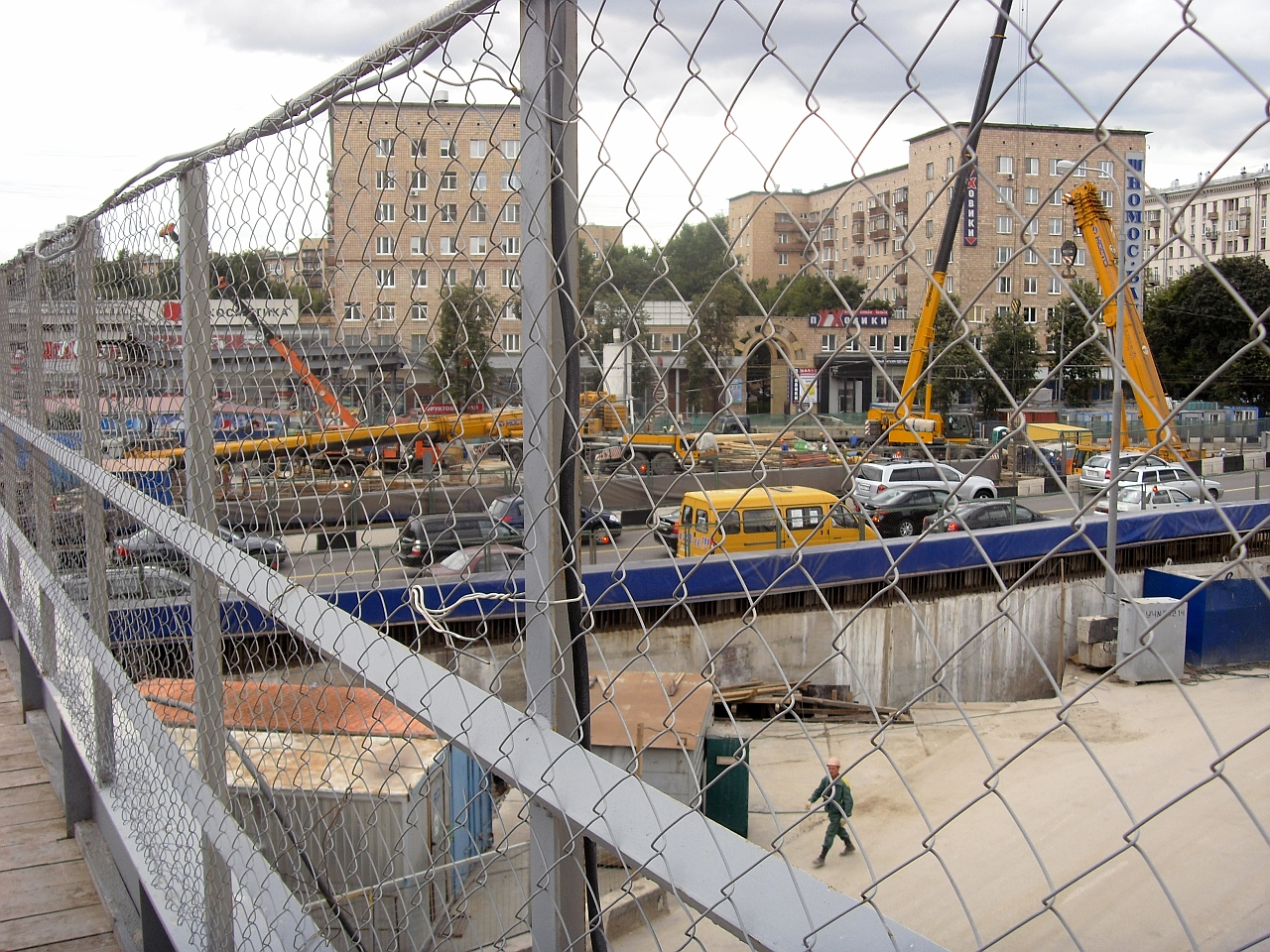


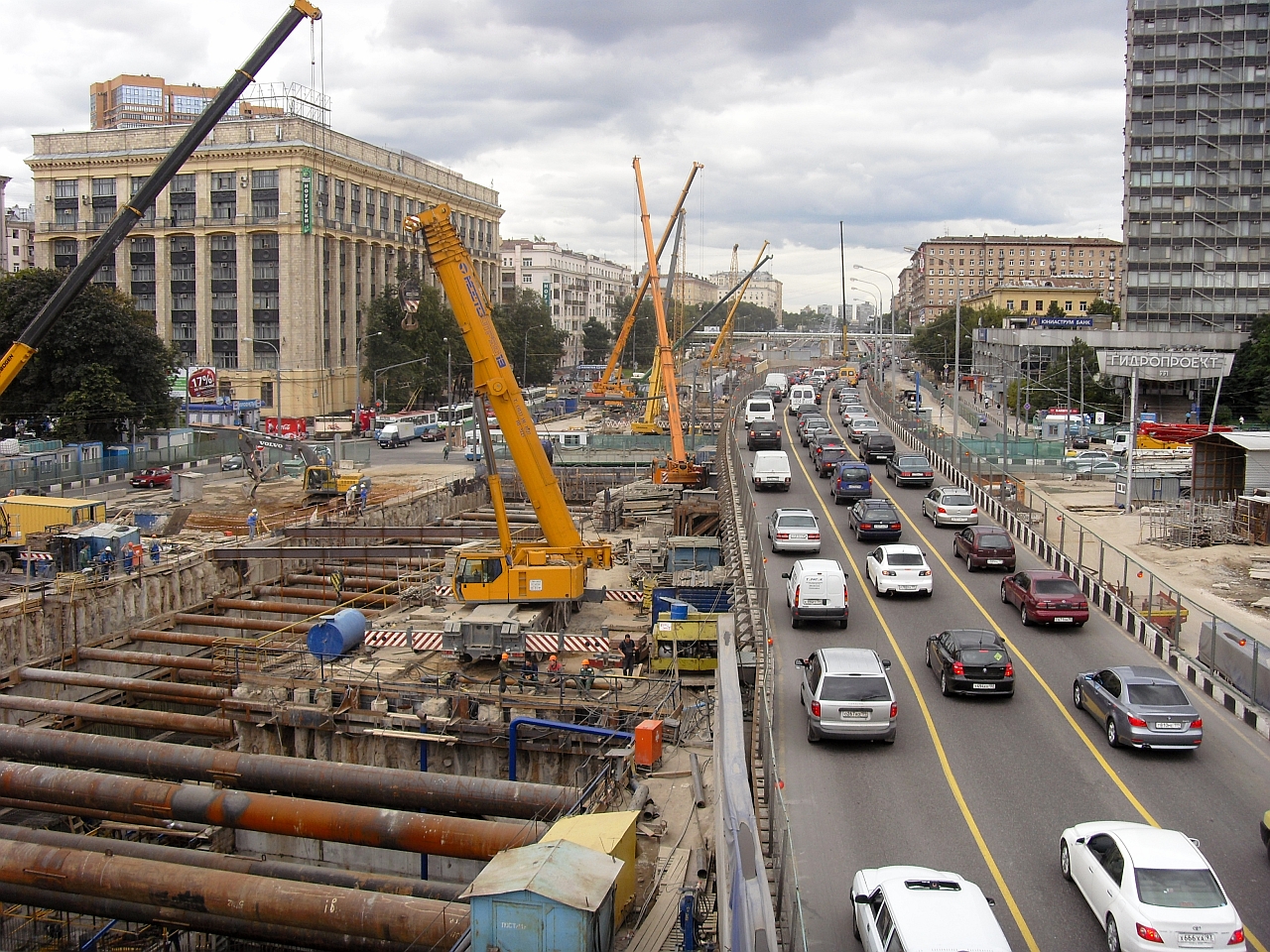
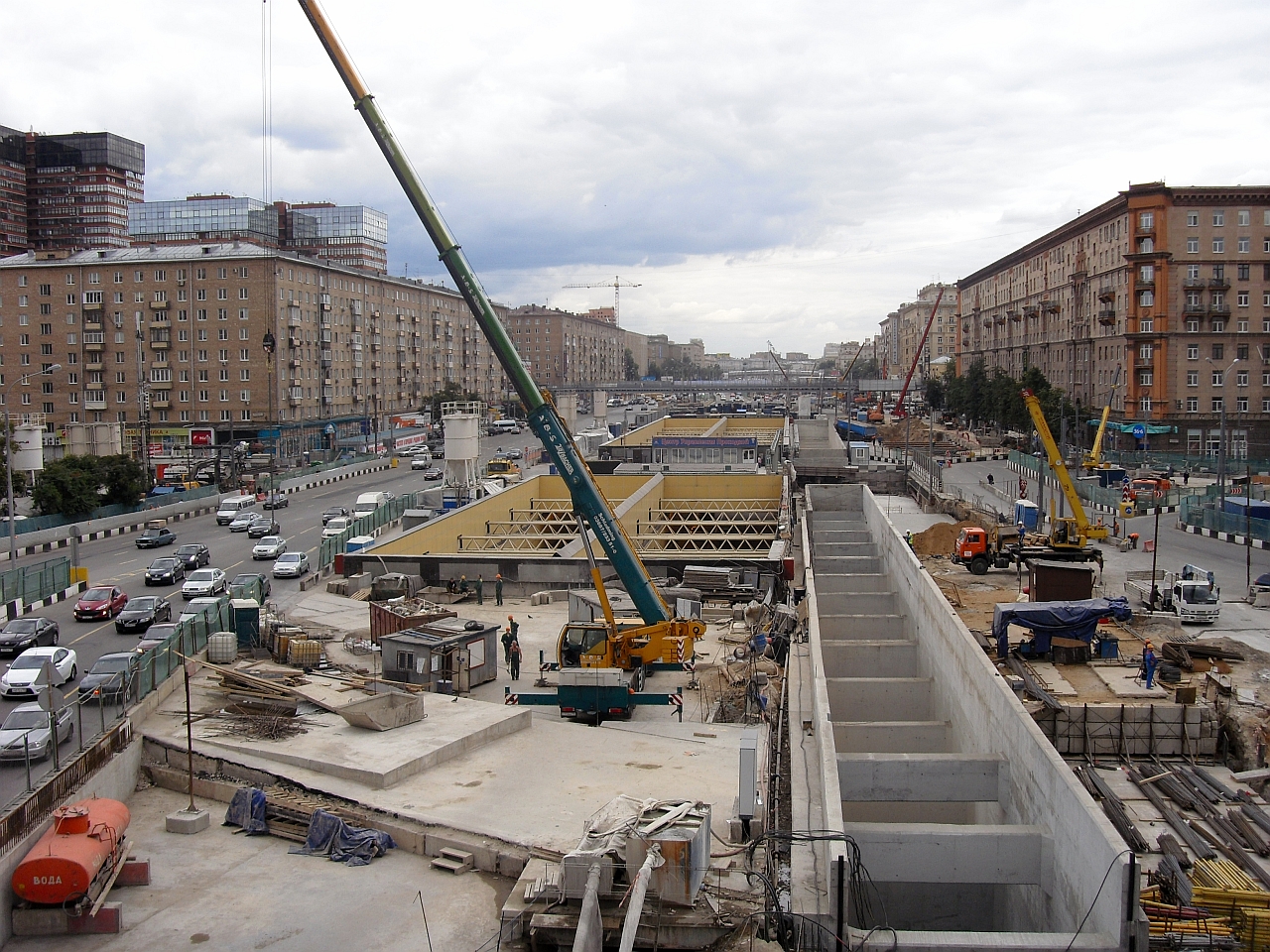
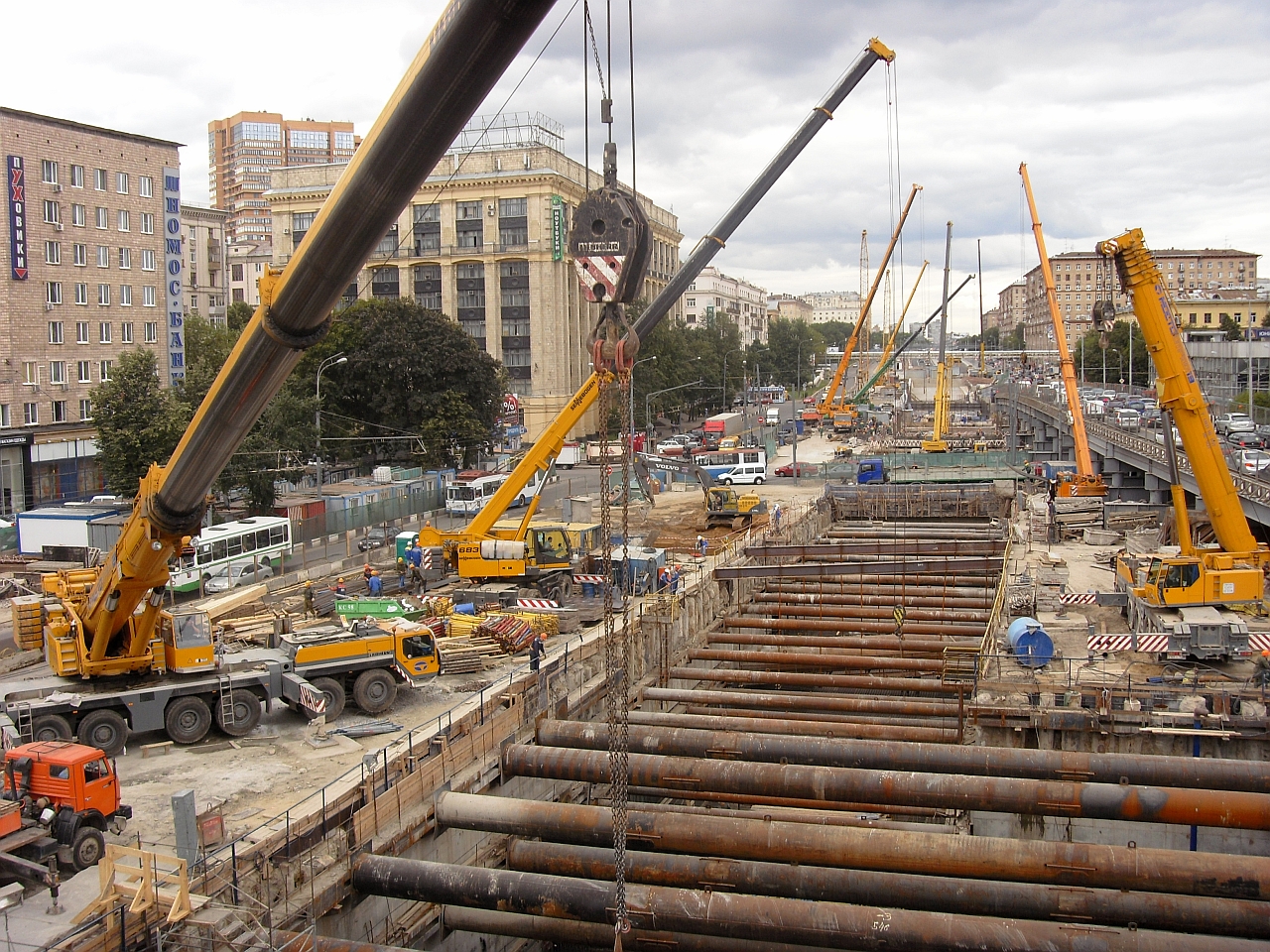
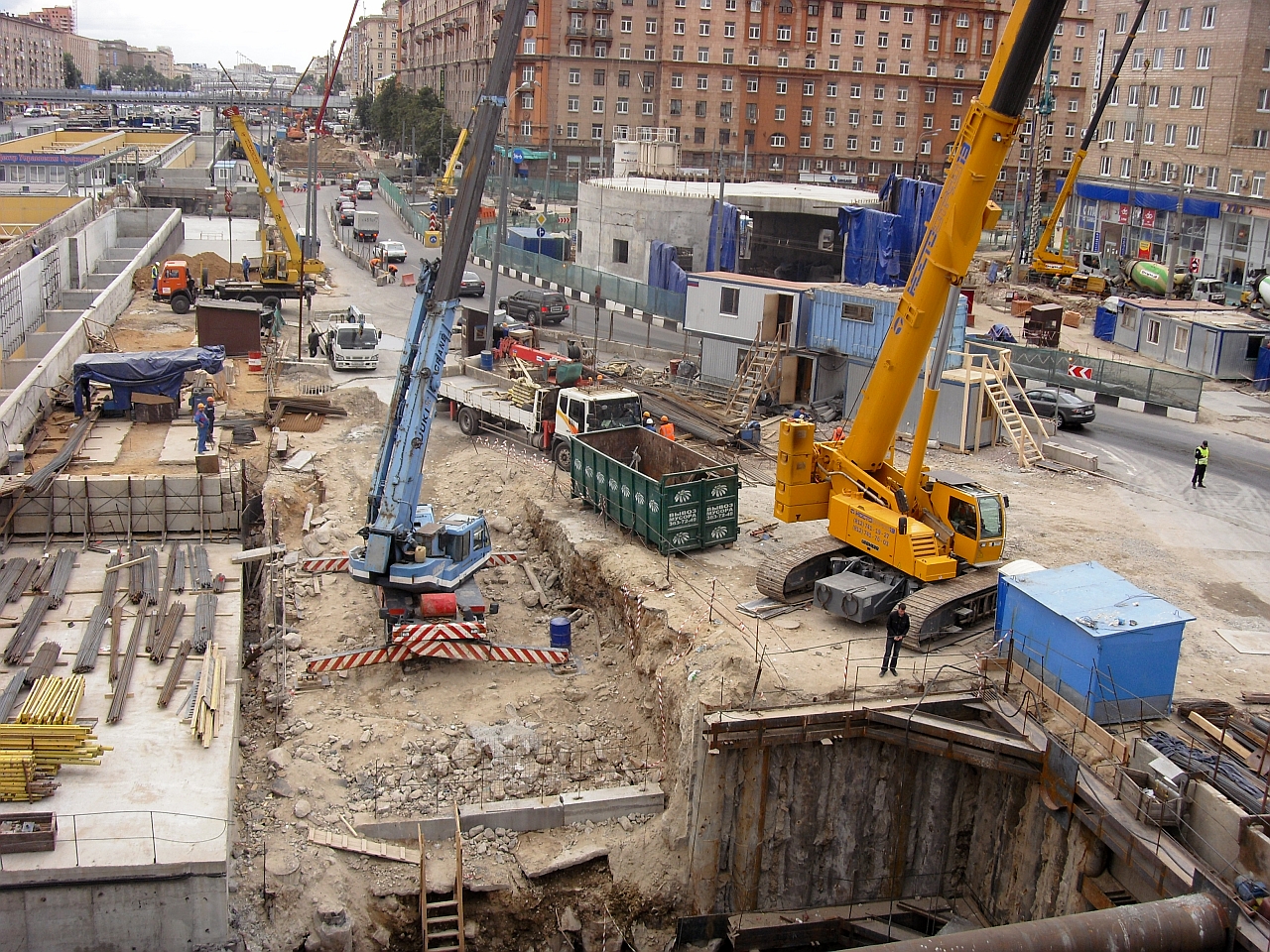
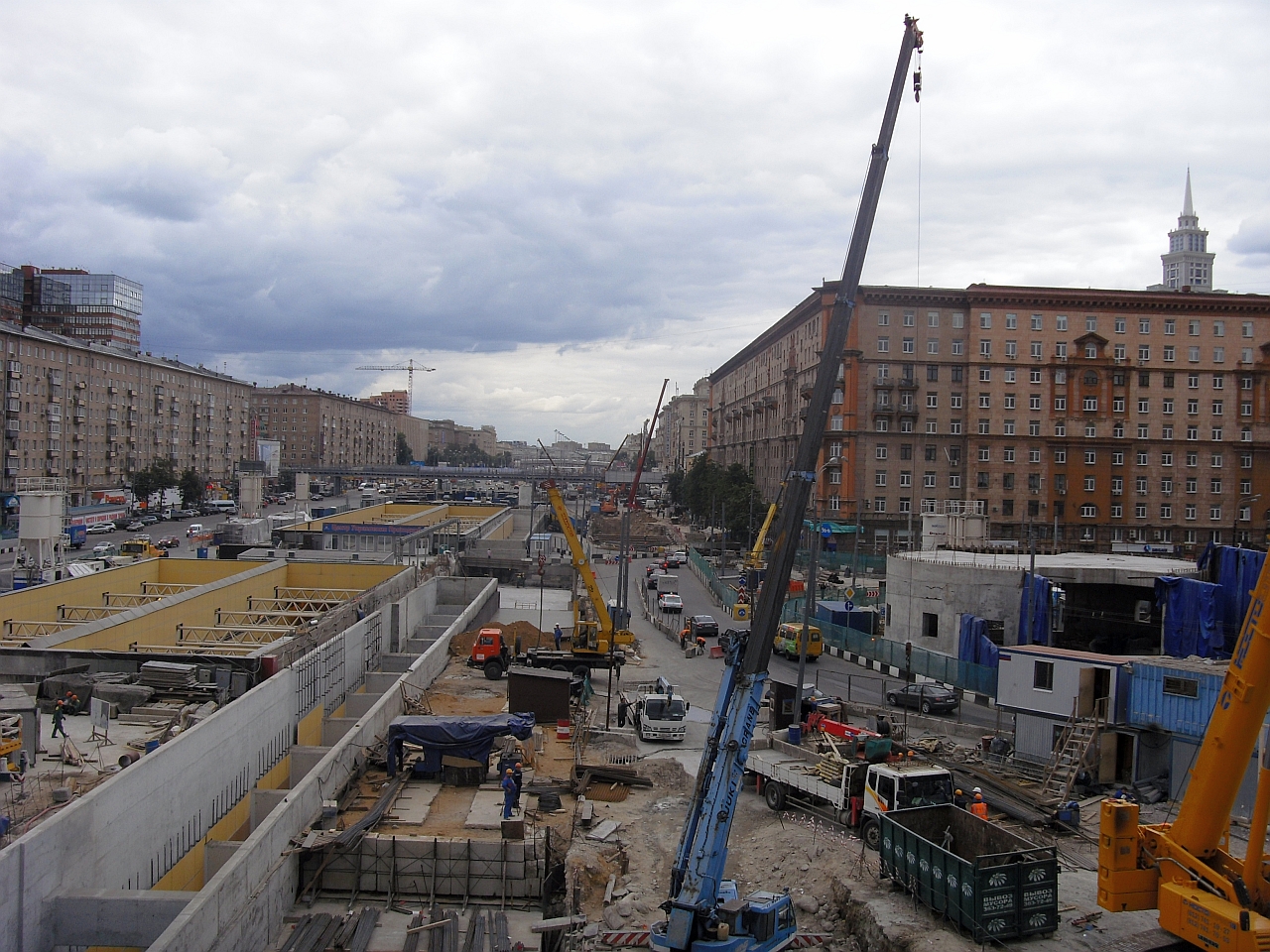

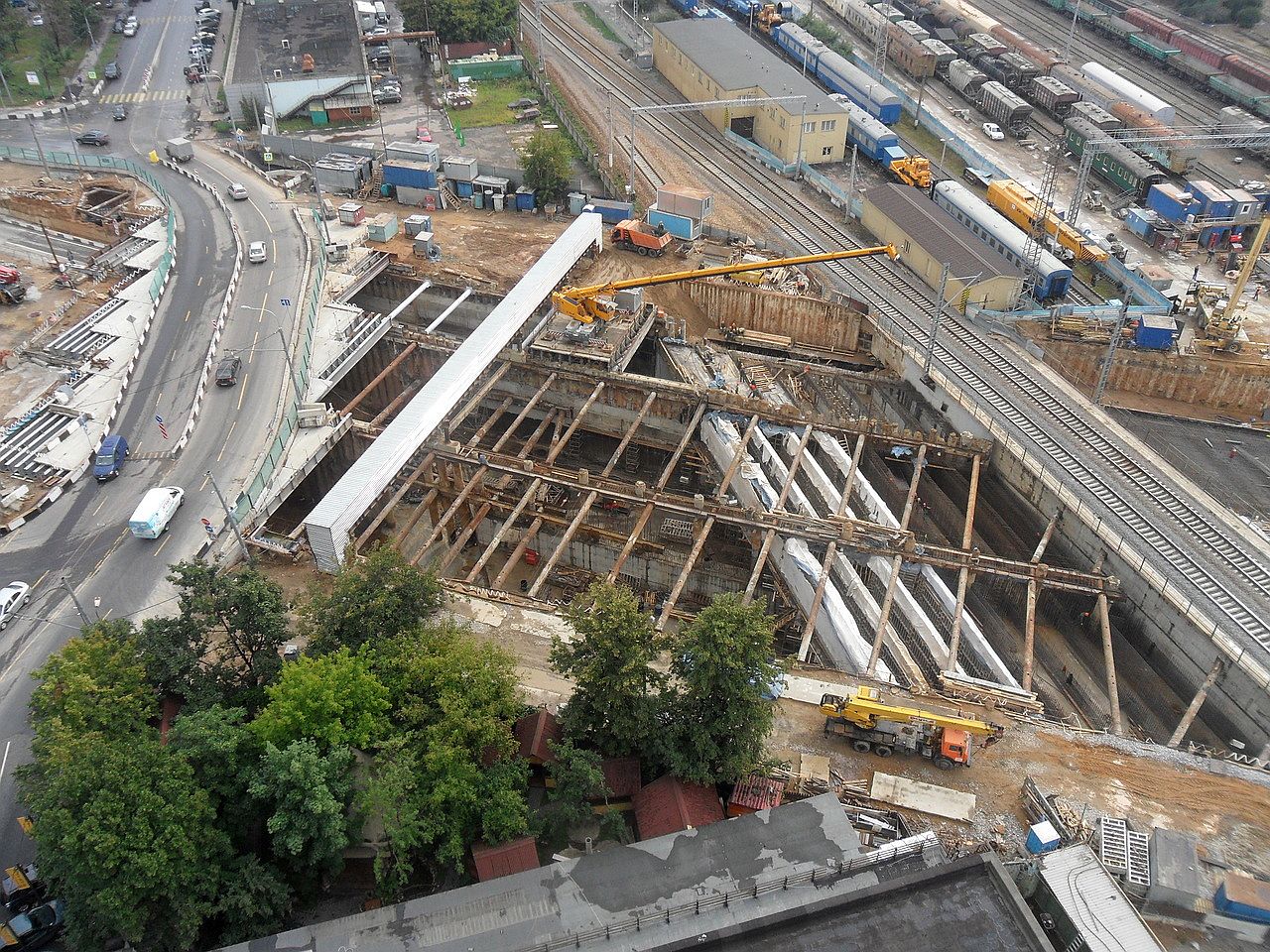
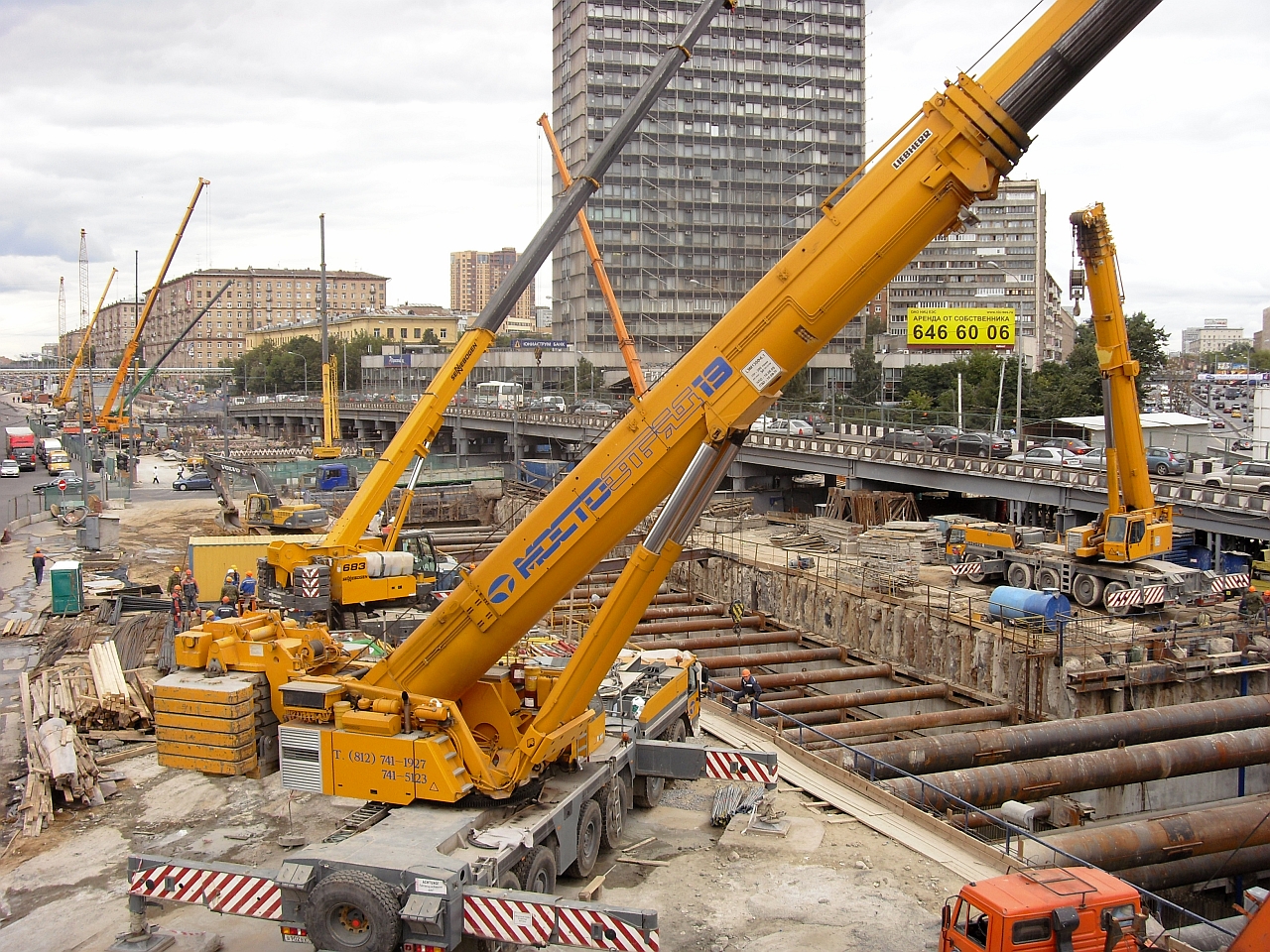 http://roads.ru/forum/index.php?showtopic=20490&st=0 тут дофига инфы17 августа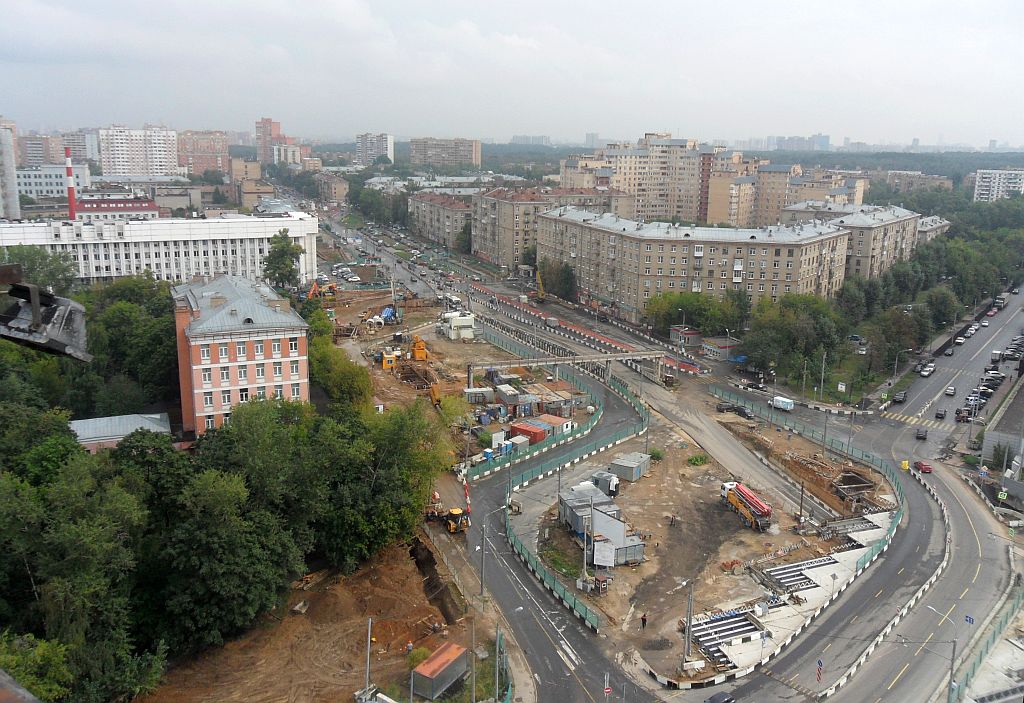
 Памуккале́ (тур. Pamukkale, в пер. — «хлопковый замок») — природный объект в провинции Денизли на юго-западе Турции. В него входят 17 геотермальных источников с температурой воды от 35 до 100 °C и водоемы-террасы, образовавшиеся из травертина. Хуанлун (кит. трад. 黃龍, упр. 黄龙, пиньинь: Huánglóng), «Жёлтый дракон» — живописная заповедная местность, известная своими травертиновыми террасами (из известкового туфа), многочисленными озёрами, различных цветов и форм. Водопад Тат Куанг Си (лаосск. ນາຕກ ຕາດກວາງຊ, чит. «тат кванпхси») (англ. Tat Kuang Si, иногда Tat Kuang Xi). Тат Куанг Си — водопад, расположенный приблизительно в 32 км к югу от Луангпхабанга на левом берегу Меконга, на территории одноимённого национального парка. Водопад состоит из основного каскада высотой 54 м и серии каскадов меньшей высоты. Десятью метрами ниже второго каскада расположена небольшая пещера. Между каскадами находится несколько бассейнов с водой насыщенного бирюзового оттенка. Белая водная терраса (Bai Shui Tai), Китай, расположен в предгорьях горы Haba Snow, 101 км (62 милях) к юго-востоку Shangri-La. Гигантские геотермальные источники (Mammoth Hot Springs), США представляет собой большой комплекс горячих источников и бассейнов на холме травертина в Йеллоустонском национальном парке. Бадаба-е Сурт (Персидский: باداب سورت) природный объект в провинции Мазандаран на севере Ирана. Включает в себя целый ряд ступенчатых травертин образовывающих террасу, которая была создана в течение тысяч лет, вода течет из двух горячих минеральных источников, охлаждается и образует карбонатные минералы на склоне горы. Egerszalók является открытым природным спа-курортом, расположенный в Хевеш на северо-востоке Венгрии. Температура источника минеральной вода из водоносного горизонта 68 ° C (154 ° F), расположенного под вулканическими горами Матра.











Аккаунт
Навигация
Поиск
Configure browser push notifications
Chrome (Android)
- Tap the lock icon next to the address bar.
- Tap Permissions → Notifications.
- Adjust your preference.
Chrome (Desktop)
- Click the padlock icon in the address bar.
- Select Site settings.
- Find Notifications and adjust your preference.
Safari (iOS 16.4+)
- Ensure the site is installed via Add to Home Screen.
- Open Settings App → Notifications.
- Find your app name and adjust your preference.
Safari (macOS)
- Go to Safari → Preferences.
- Click the Websites tab.
- Select Notifications in the sidebar.
- Find this website and adjust your preference.
Edge (Android)
- Tap the lock icon next to the address bar.
- Tap Permissions.
- Find Notifications and adjust your preference.
Edge (Desktop)
- Click the padlock icon in the address bar.
- Click Permissions for this site.
- Find Notifications and adjust your preference.
Firefox (Android)
- Go to Settings → Site permissions.
- Tap Notifications.
- Find this site in the list and adjust your preference.
Firefox (Desktop)
- Open Firefox Settings.
- Search for Notifications.
- Find this site in the list and adjust your preference.