Flanger
Администратор
-
Зарегистрирован
Весь контент Flanger
-
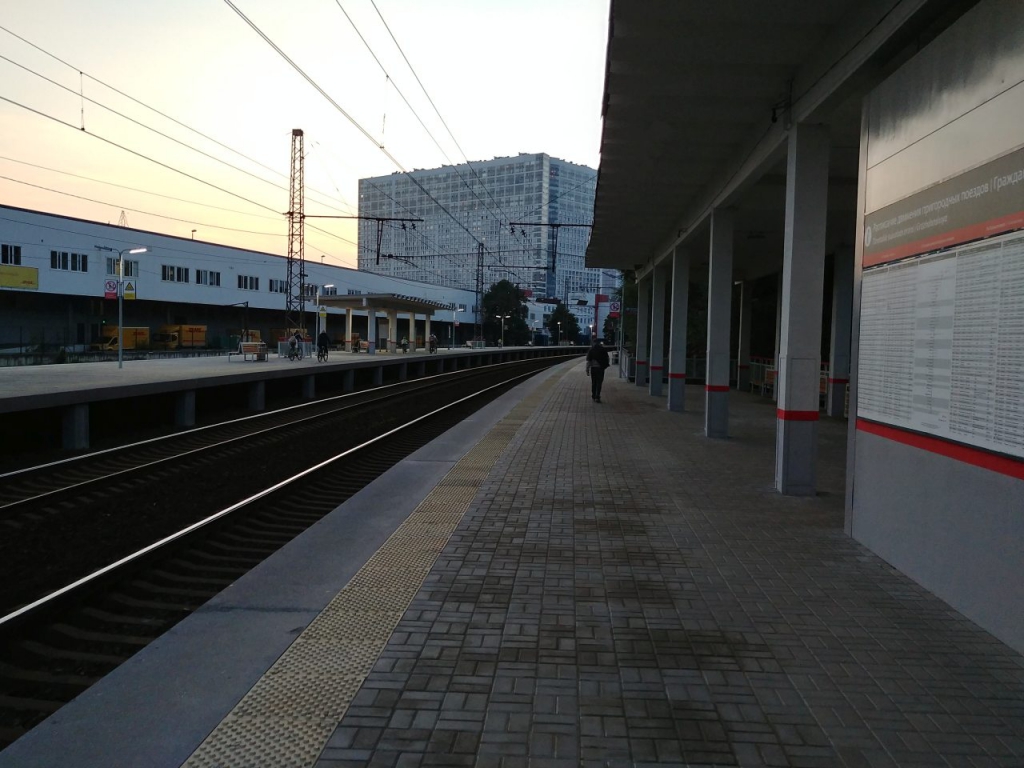
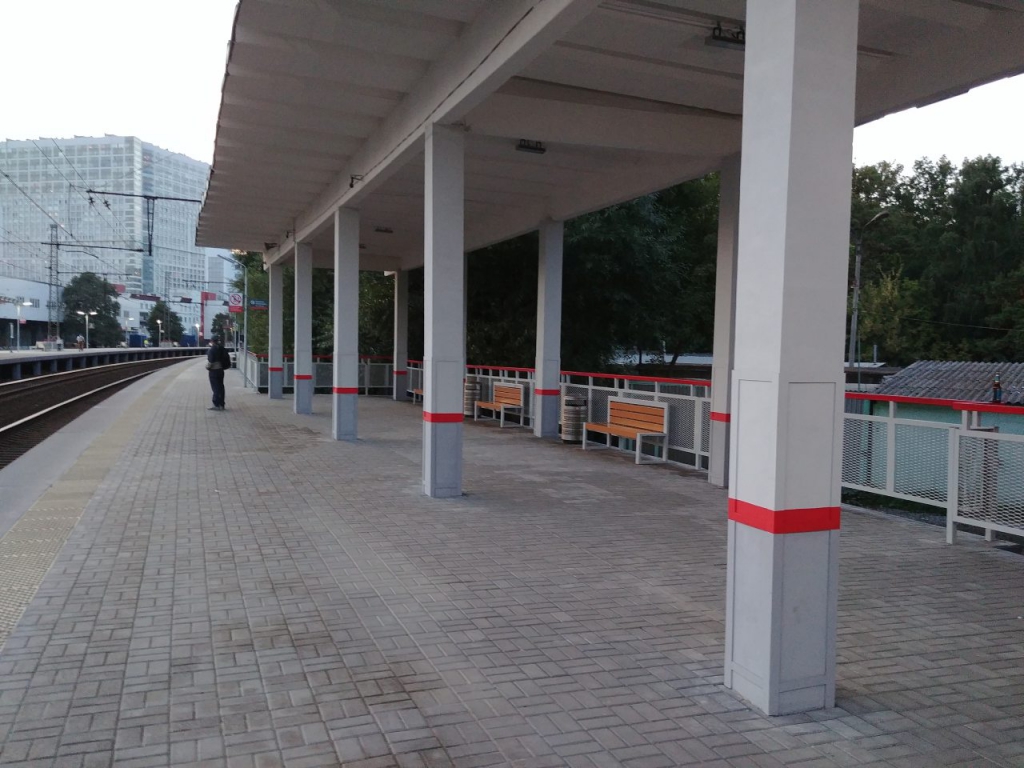
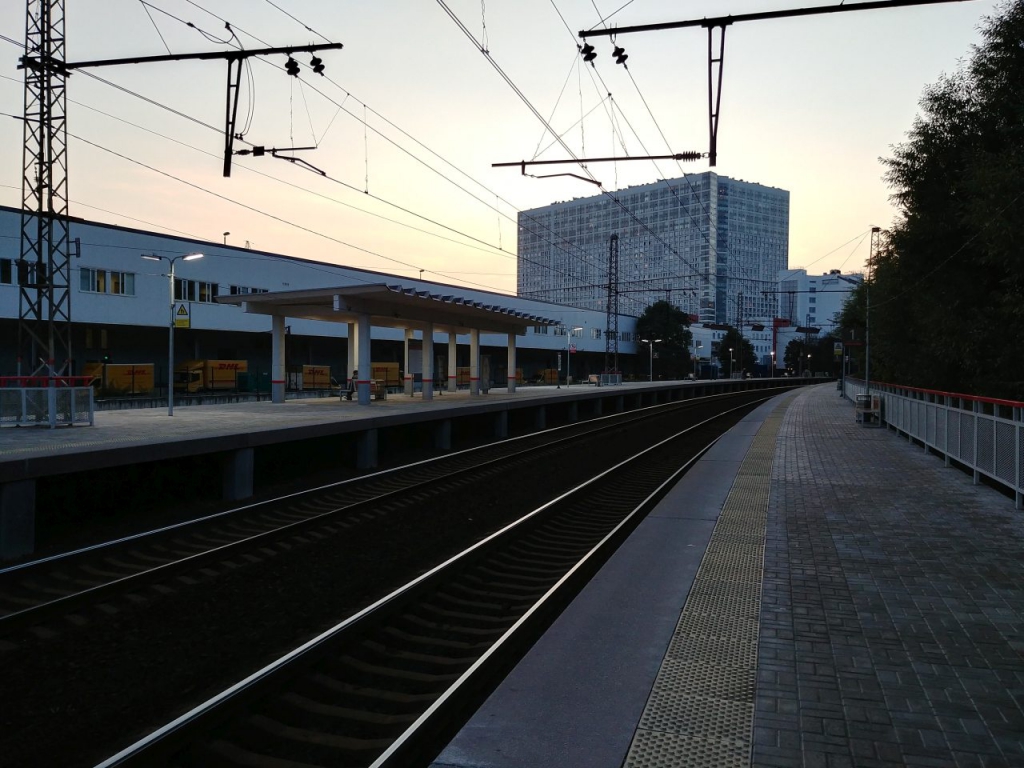
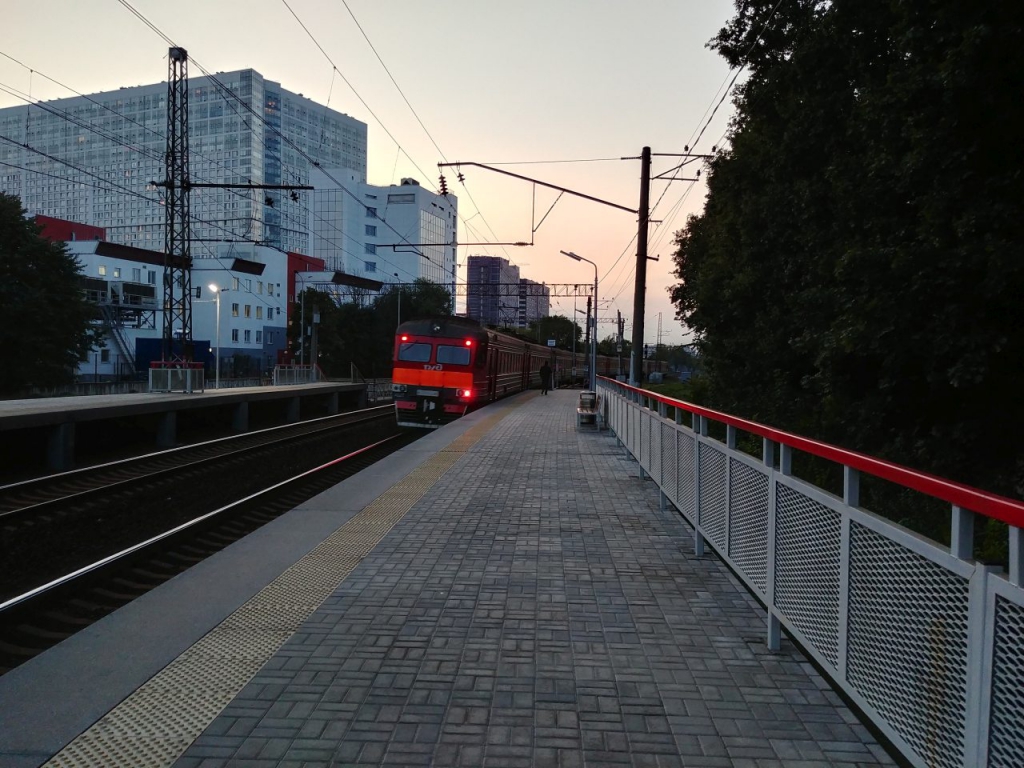
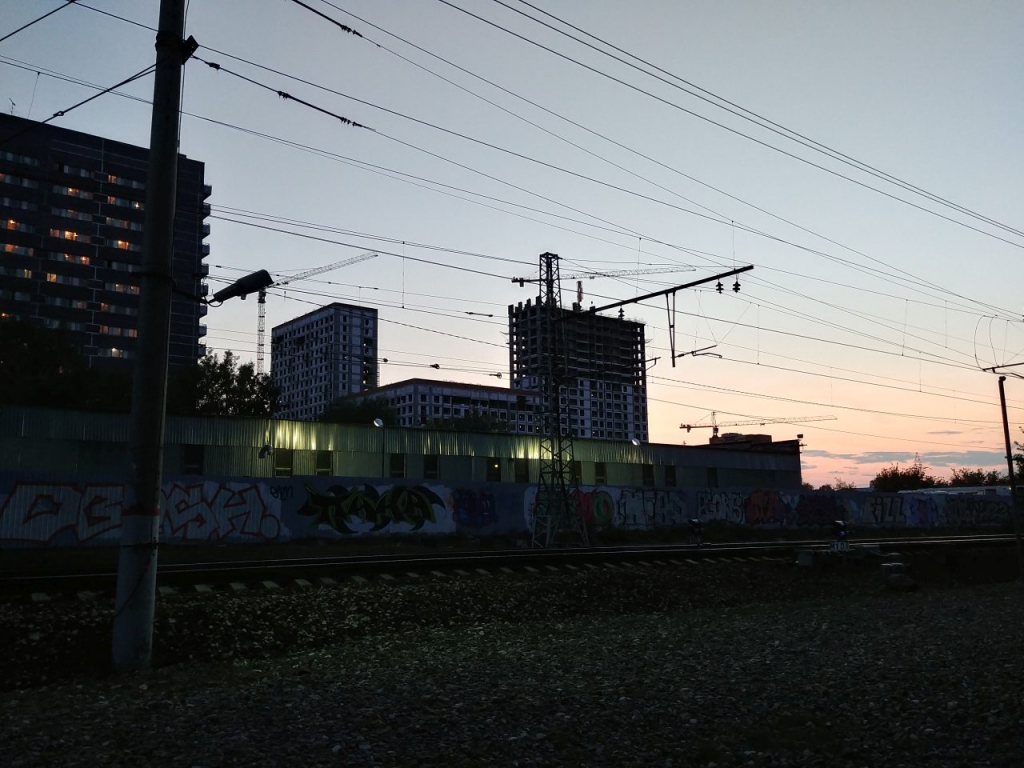
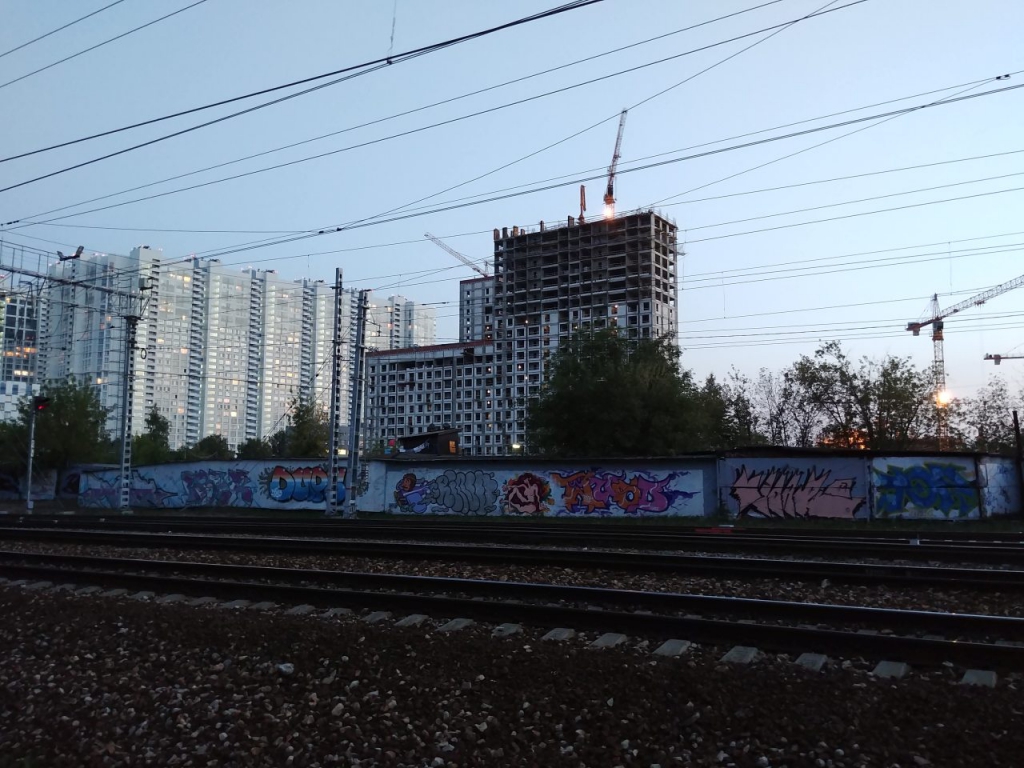
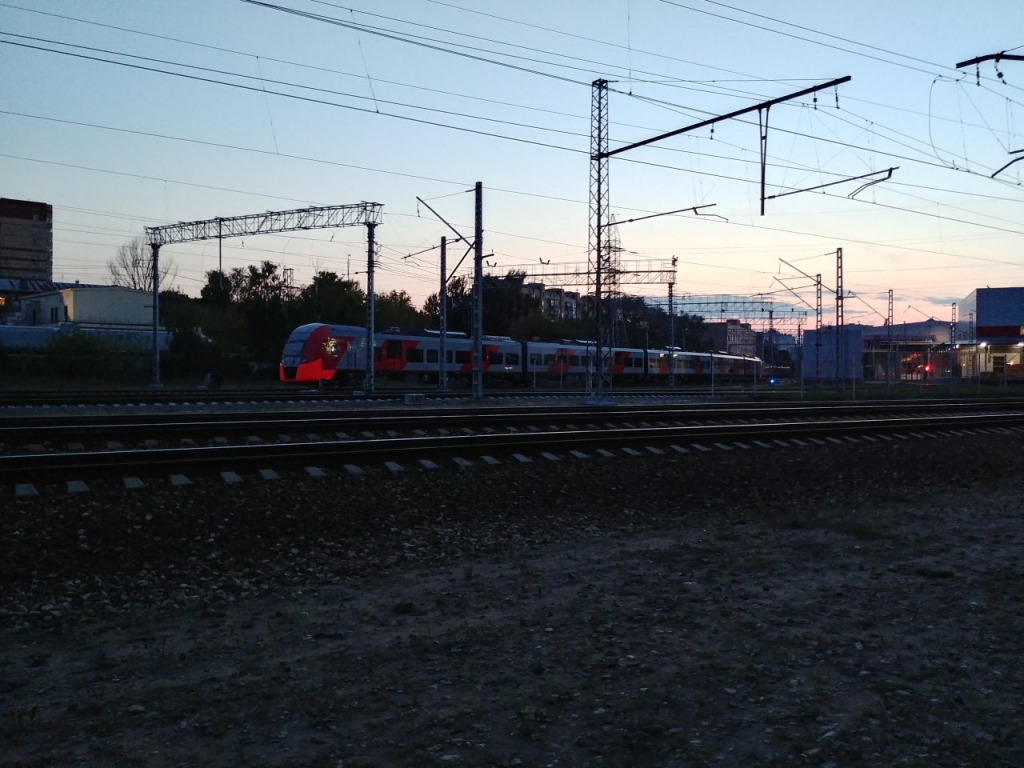
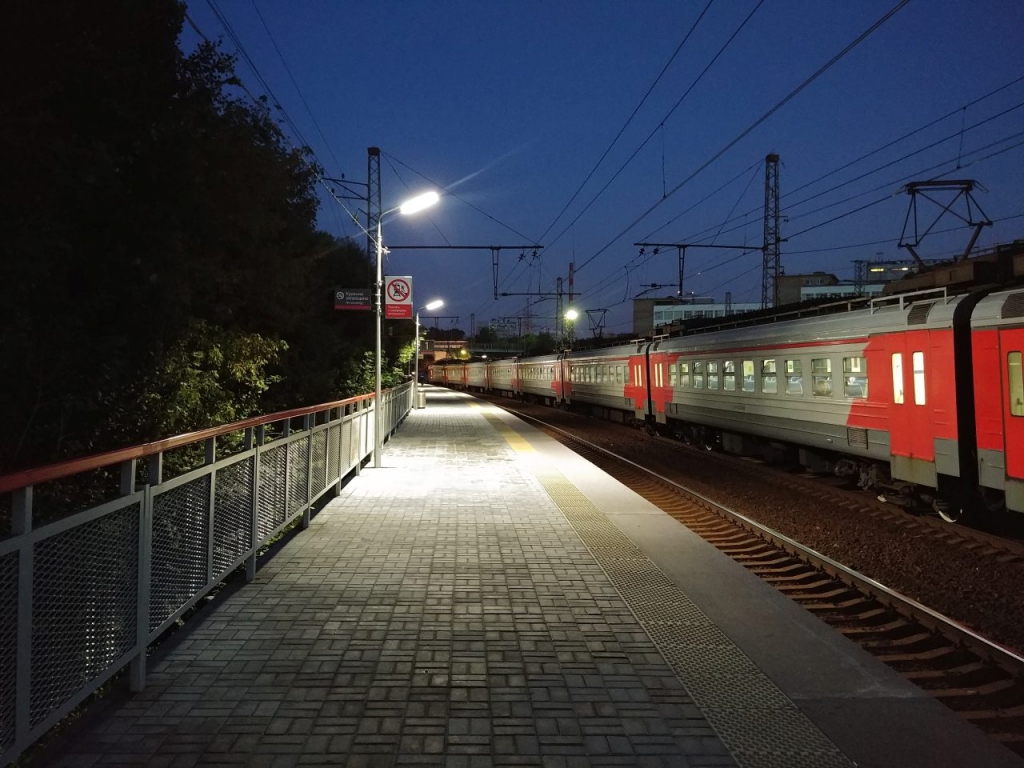
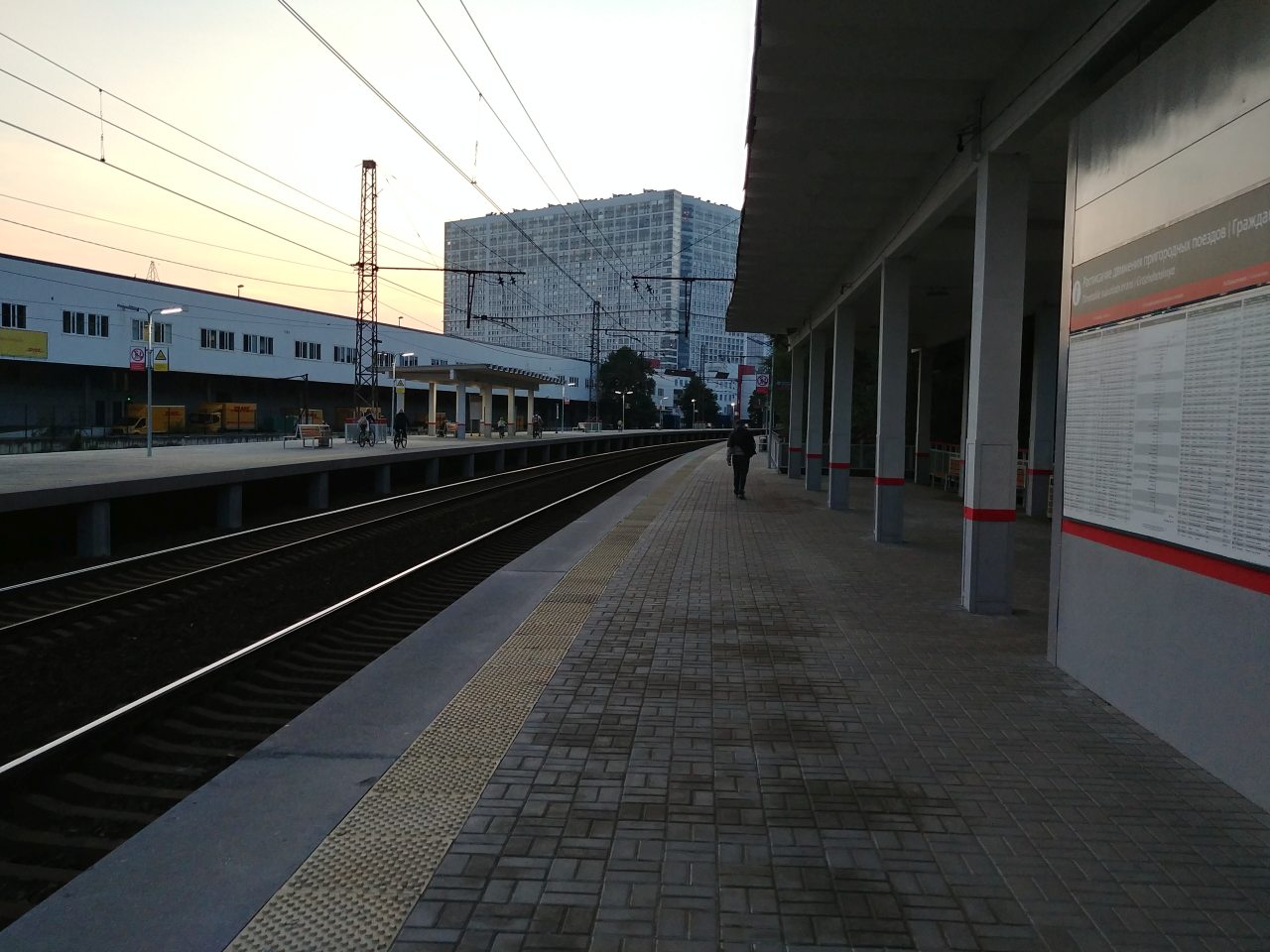
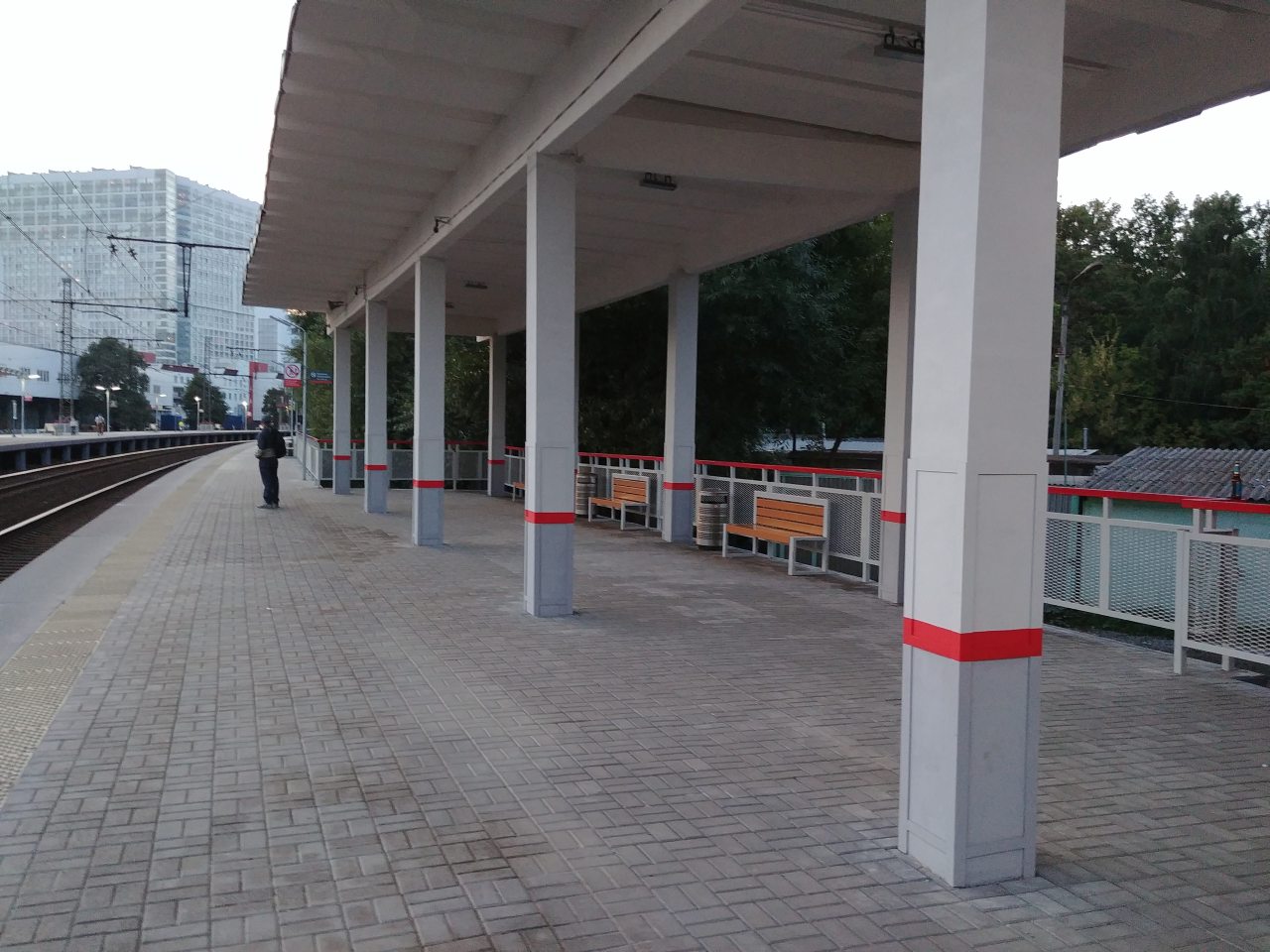
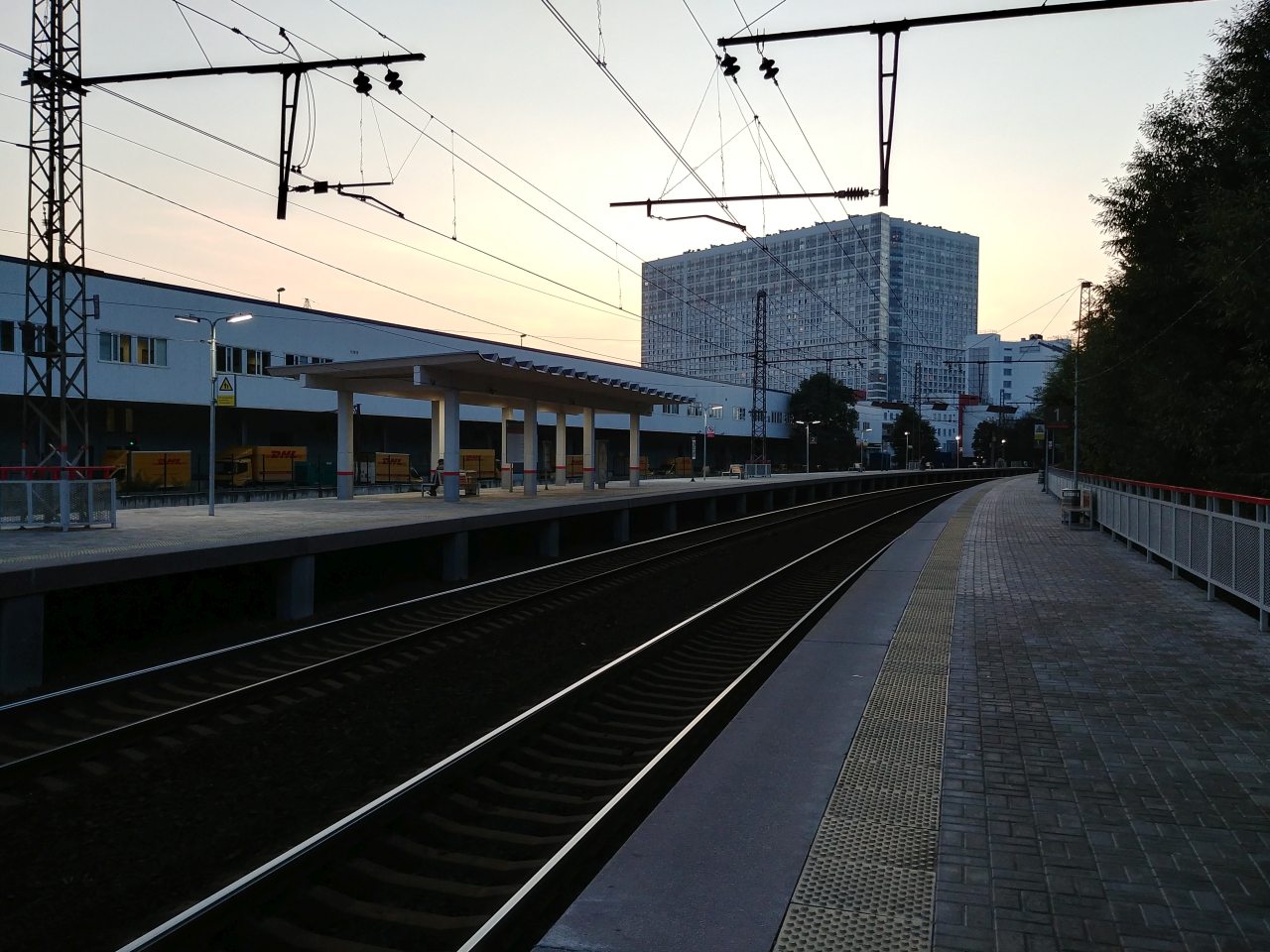
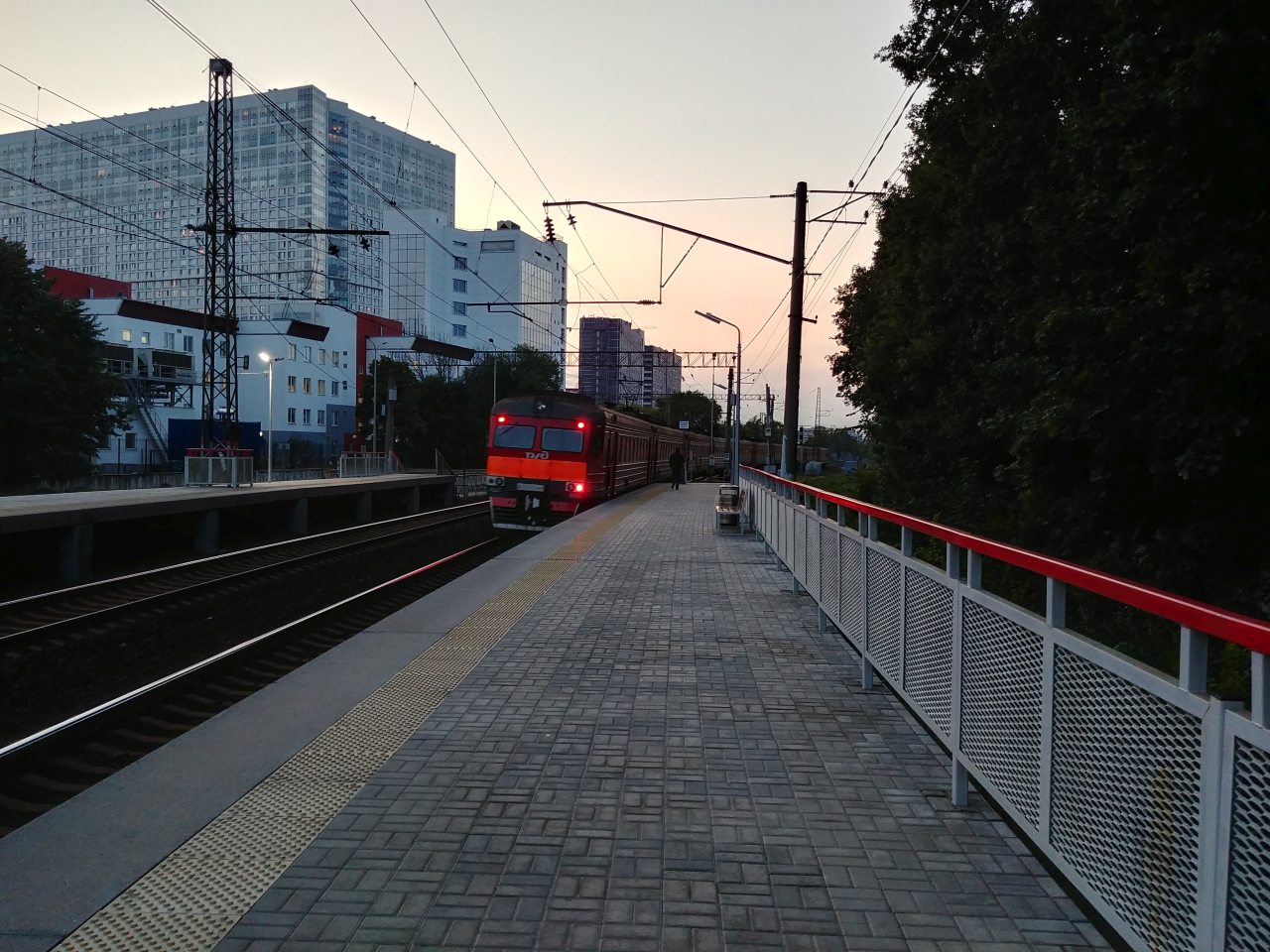
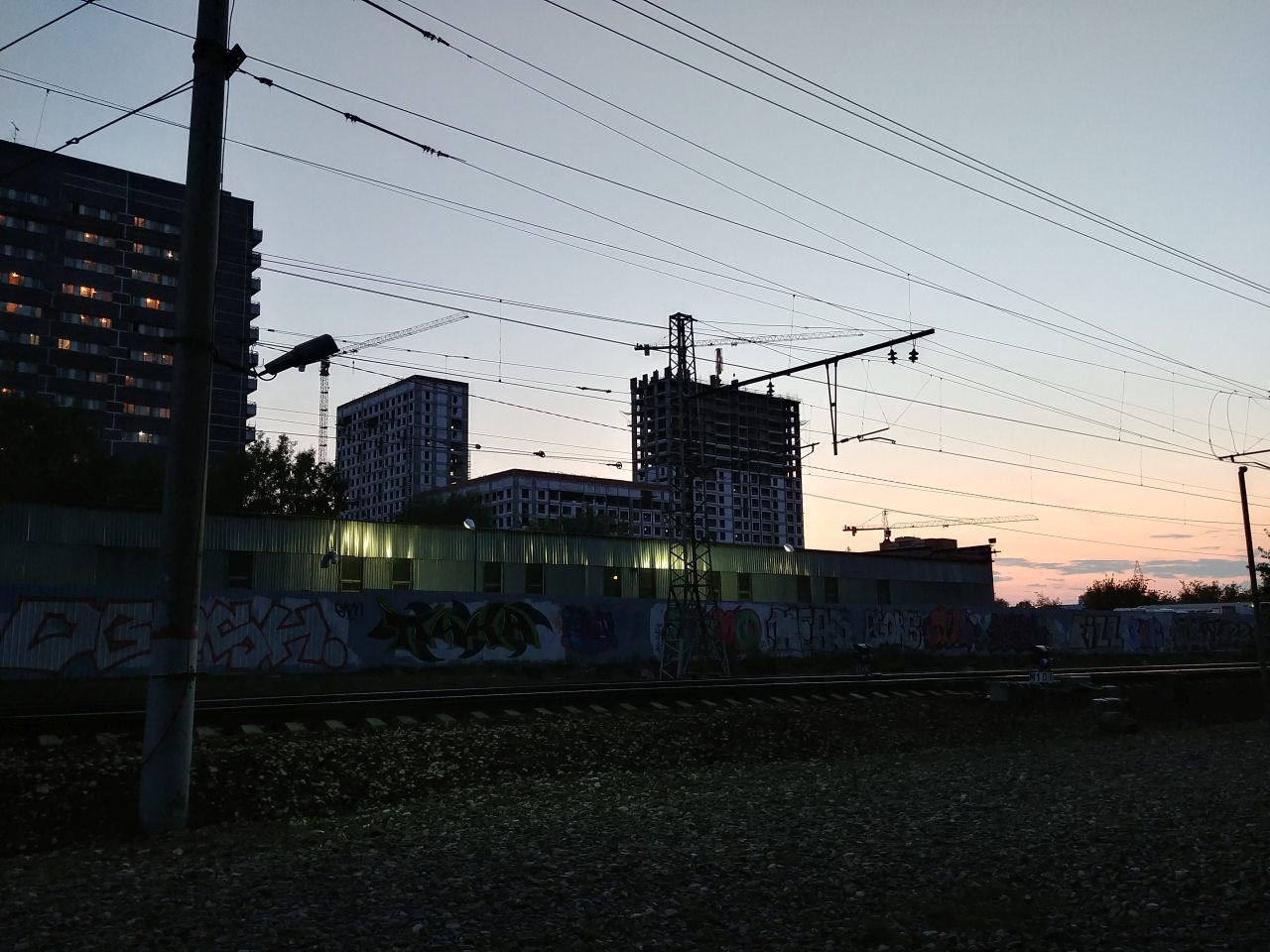
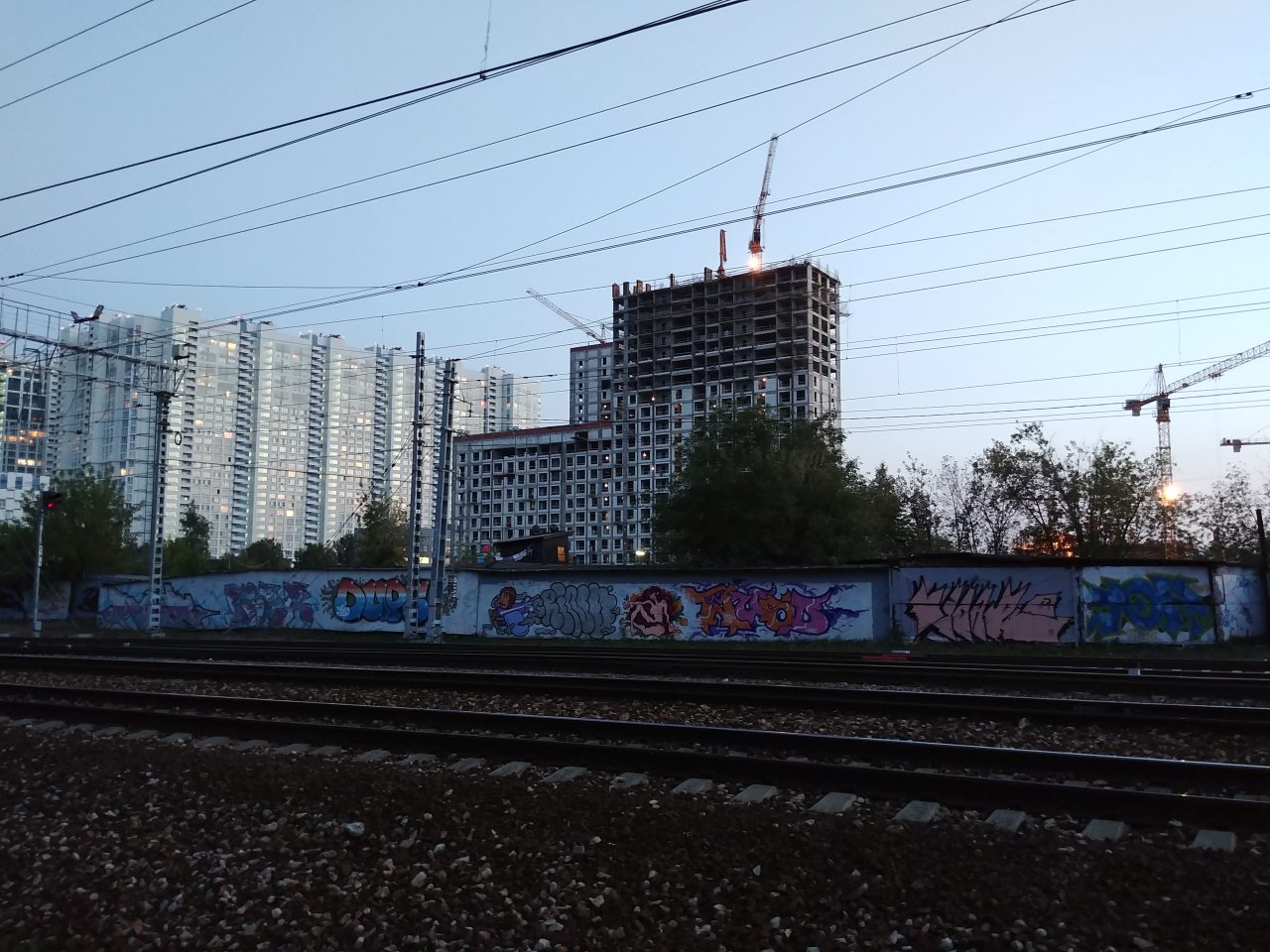
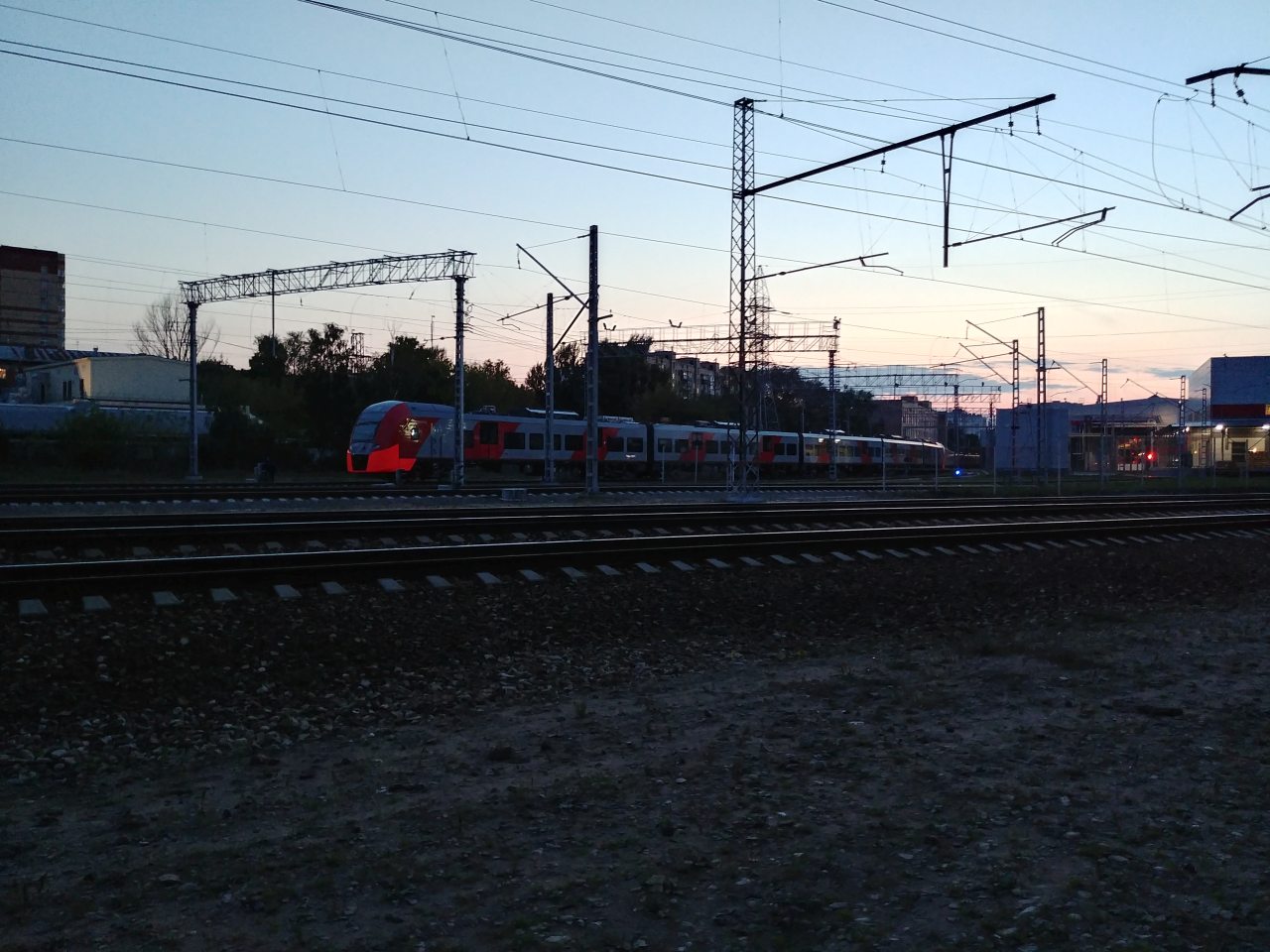
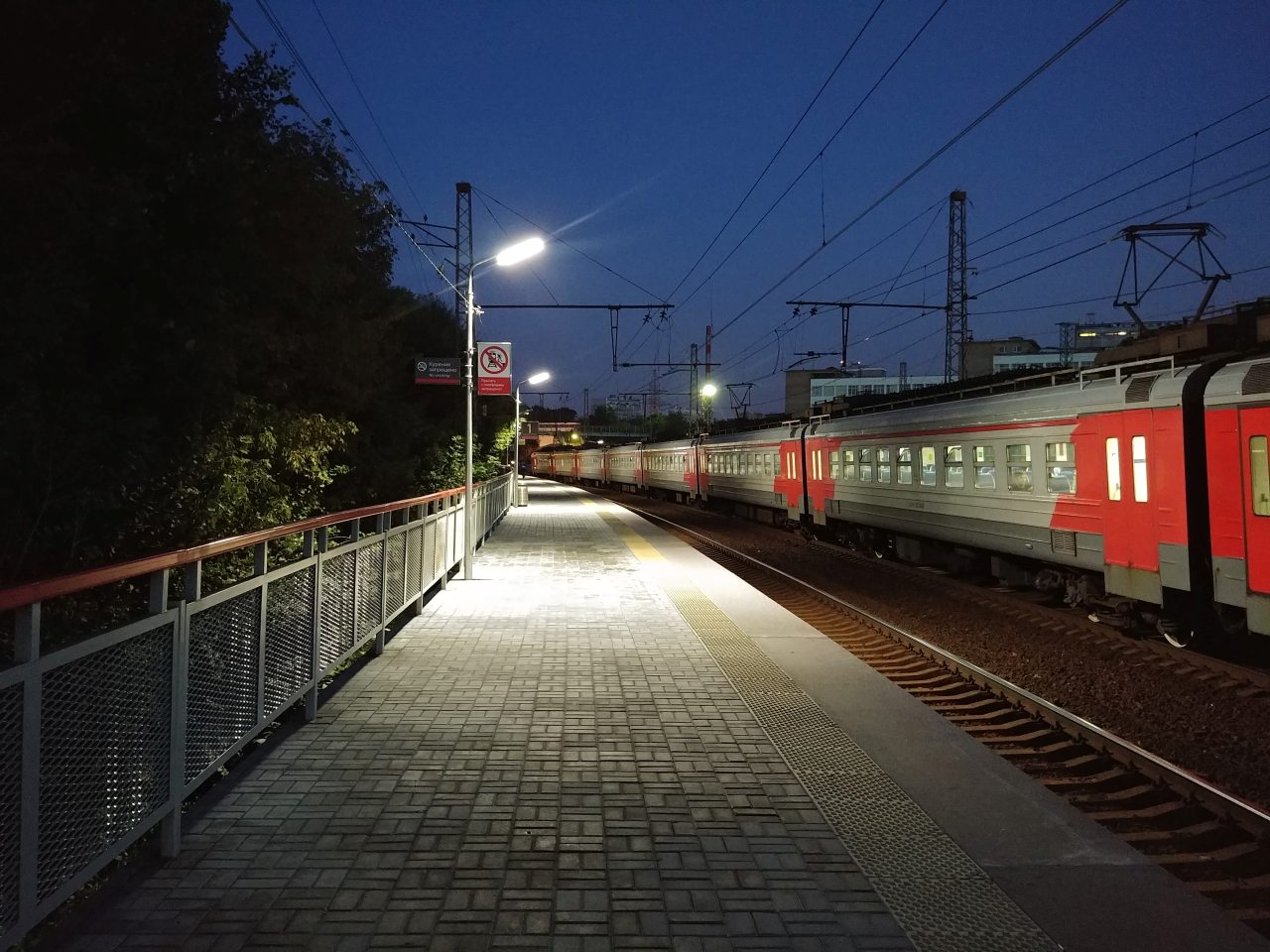
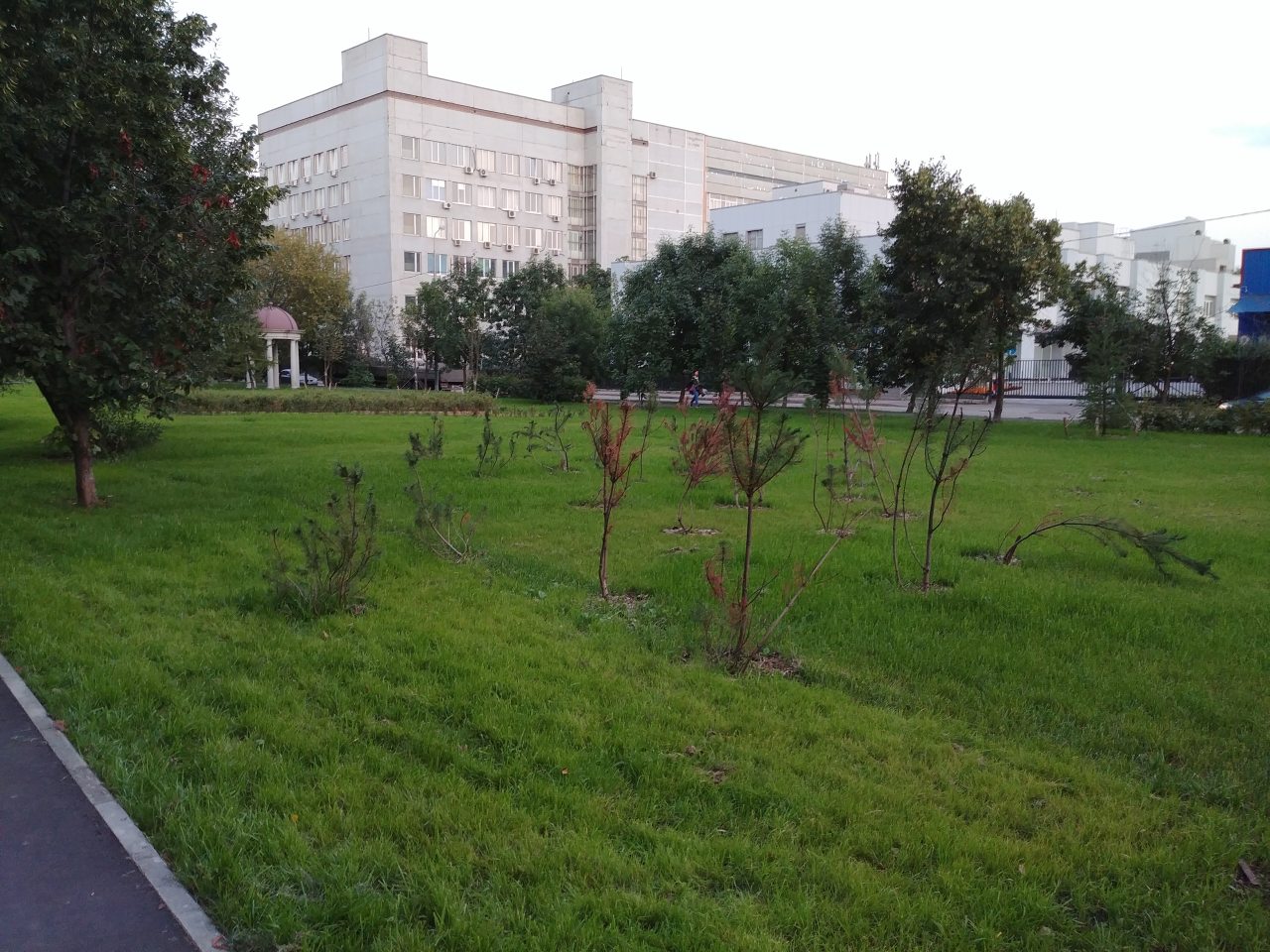
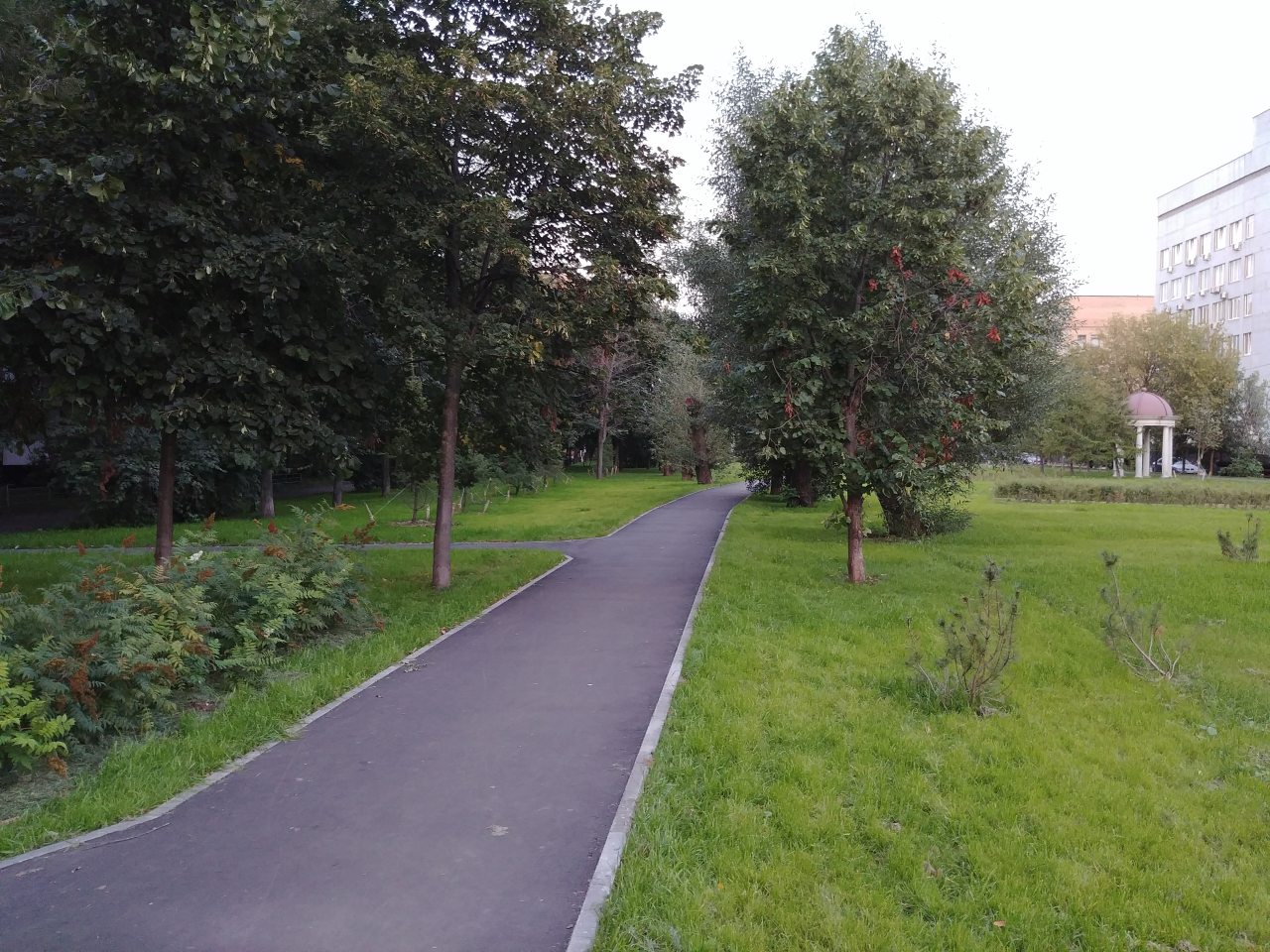
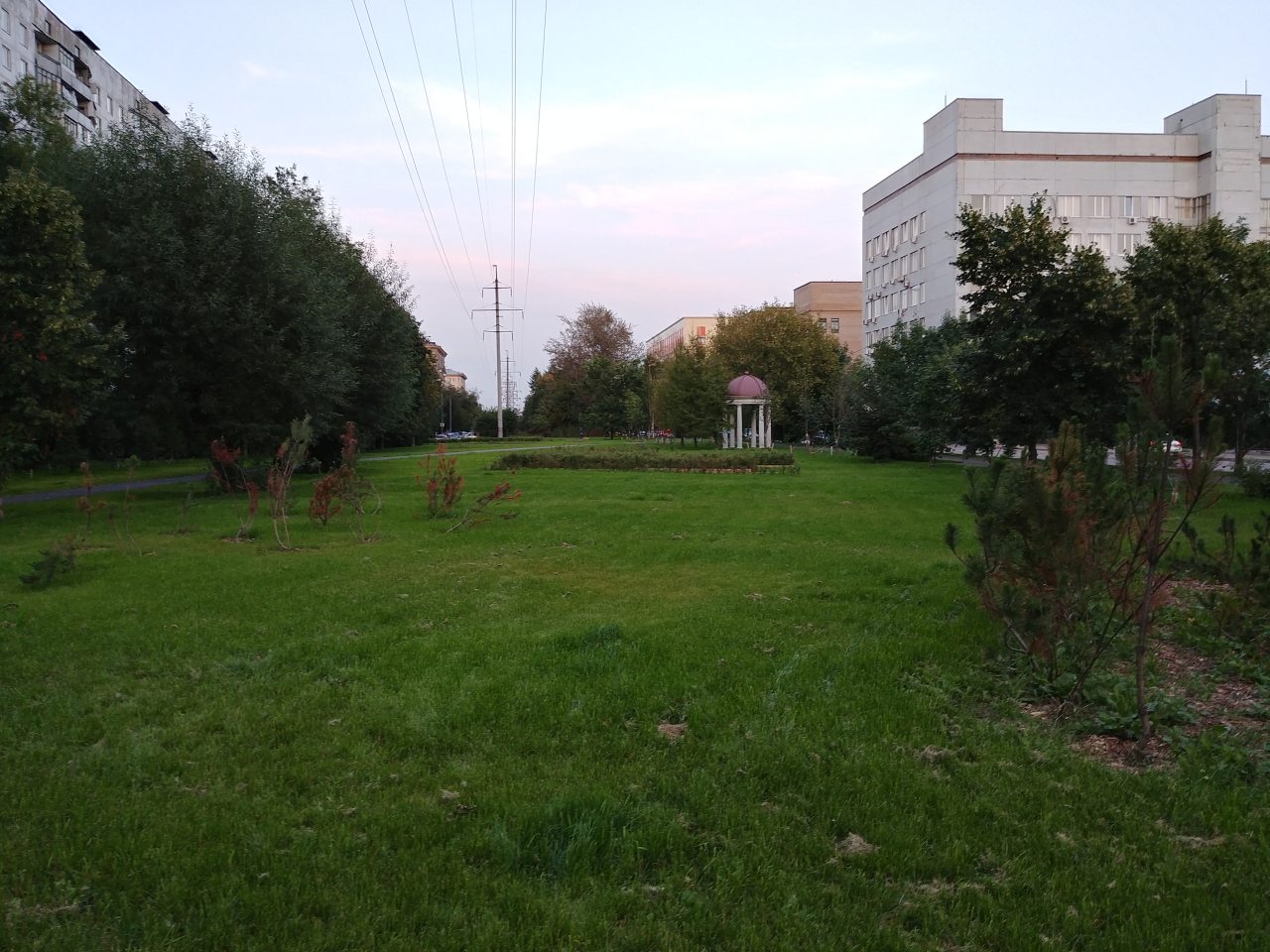
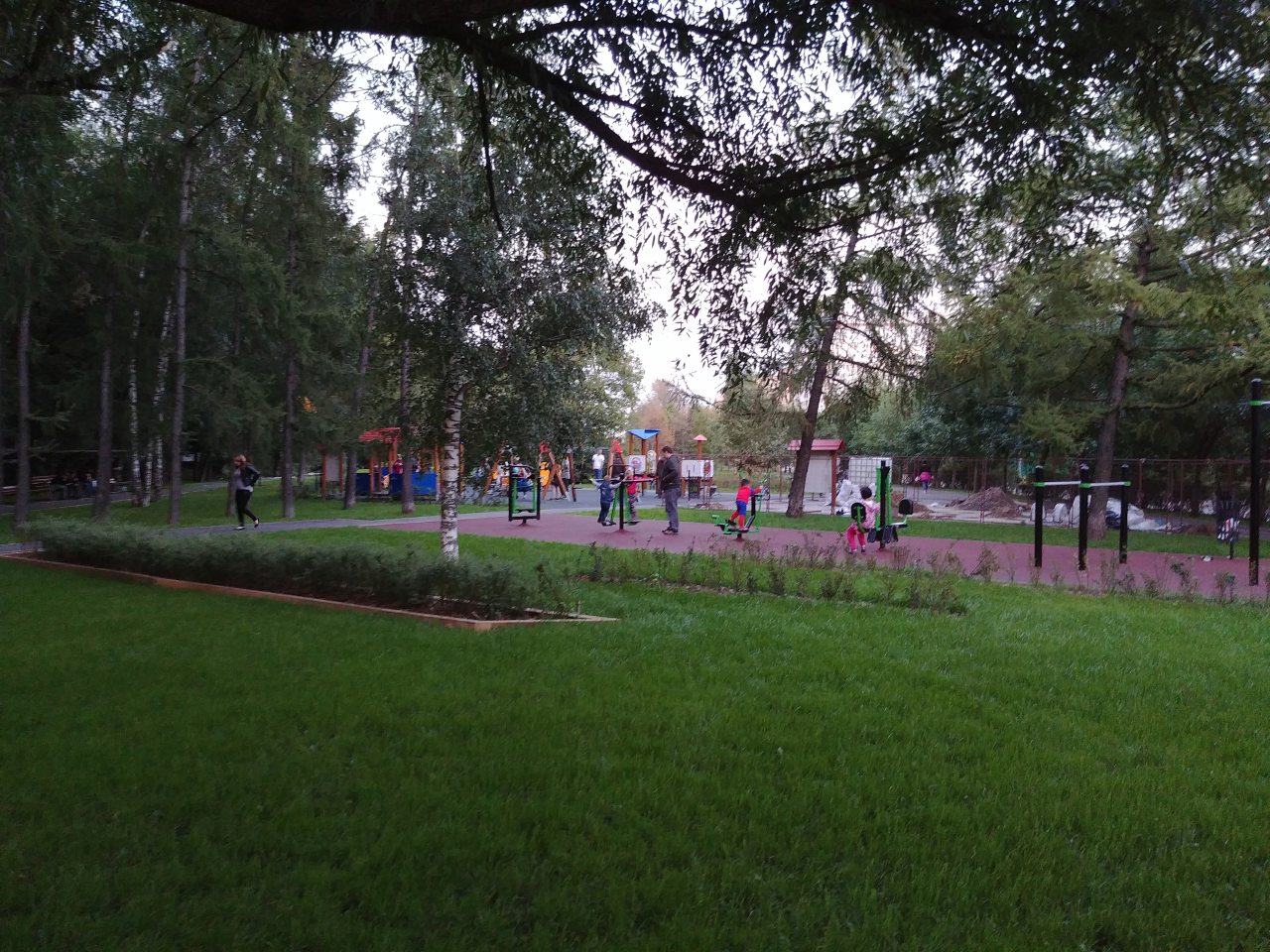
В чаще леса в шведской провинции Смоланд есть неприметная хижина, построенная в начале 1800-х годов. Со временем домик начала разрушаться, но ее спасла женщина из семьи, которая раньше жила в землянке. Вместе с мужем она очистила от гнили и восстановила 200-летний домишко. Теперь у их семьи есть фантастическое место для отдыха.После затяжных ливней в Китае разрушилась гора. По имеющимся данным, гора накрыла 34 дома - большинство из них получило значительные повреждения, без возможности восстановления. Спасательные операции идут уже вторую неделю.Давно я тут не ходил, гражданскую отремонтировали (я даже где-то прочитал, что поставили турникеты, но оказалось это не так), а на месте ЖБИ23 активно строятся, без всякой рекультивации земли Наконец-то, додумались лавочки поставить под навесами.

 ДТП произошло 9 сентября около 11 часов на 17 километре автодороги Нижневартовск – Мегион. Пассажирский поезд №346 «Адлер – Нижневартовск» столкнулся с грузовиком. По удар попал седьмой вагон поезда. Один из вагонов в результате столкновения сошел с рельс. Пострадали по крайне мере 10 человек? в том числе трое детей. Причиной аварии в ГИБДД считают грубое нарушение ПДД водителем грузового автомобиля. Обстоятельства происшествия выясняются.
Аккаунт
Навигация
Поиск
Configure browser push notifications
Chrome (Android)
- Tap the lock icon next to the address bar.
- Tap Permissions → Notifications.
- Adjust your preference.
Chrome (Desktop)
- Click the padlock icon in the address bar.
- Select Site settings.
- Find Notifications and adjust your preference.
Safari (iOS 16.4+)
- Ensure the site is installed via Add to Home Screen.
- Open Settings App → Notifications.
- Find your app name and adjust your preference.
Safari (macOS)
- Go to Safari → Preferences.
- Click the Websites tab.
- Select Notifications in the sidebar.
- Find this website and adjust your preference.
Edge (Android)
- Tap the lock icon next to the address bar.
- Tap Permissions.
- Find Notifications and adjust your preference.
Edge (Desktop)
- Click the padlock icon in the address bar.
- Click Permissions for this site.
- Find Notifications and adjust your preference.
Firefox (Android)
- Go to Settings → Site permissions.
- Tap Notifications.
- Find this site in the list and adjust your preference.
Firefox (Desktop)
- Open Firefox Settings.
- Search for Notifications.
- Find this site in the list and adjust your preference.




.jpg.64bf250b7cf7ccf2b652f9303eca2b6a.jpg)