Flanger
Администратор
-
Зарегистрирован
Весь контент Flanger
-
Обзор DJI mini 5 pro уже индус слил, как в прошлом году с НЕО было 🤣 DJI Mini 5 Pro unboxing DJI Mini 5 pro unboxing in Hindi Dji mini 5 pro first look djimini5pro [get-save.com].mp4
-
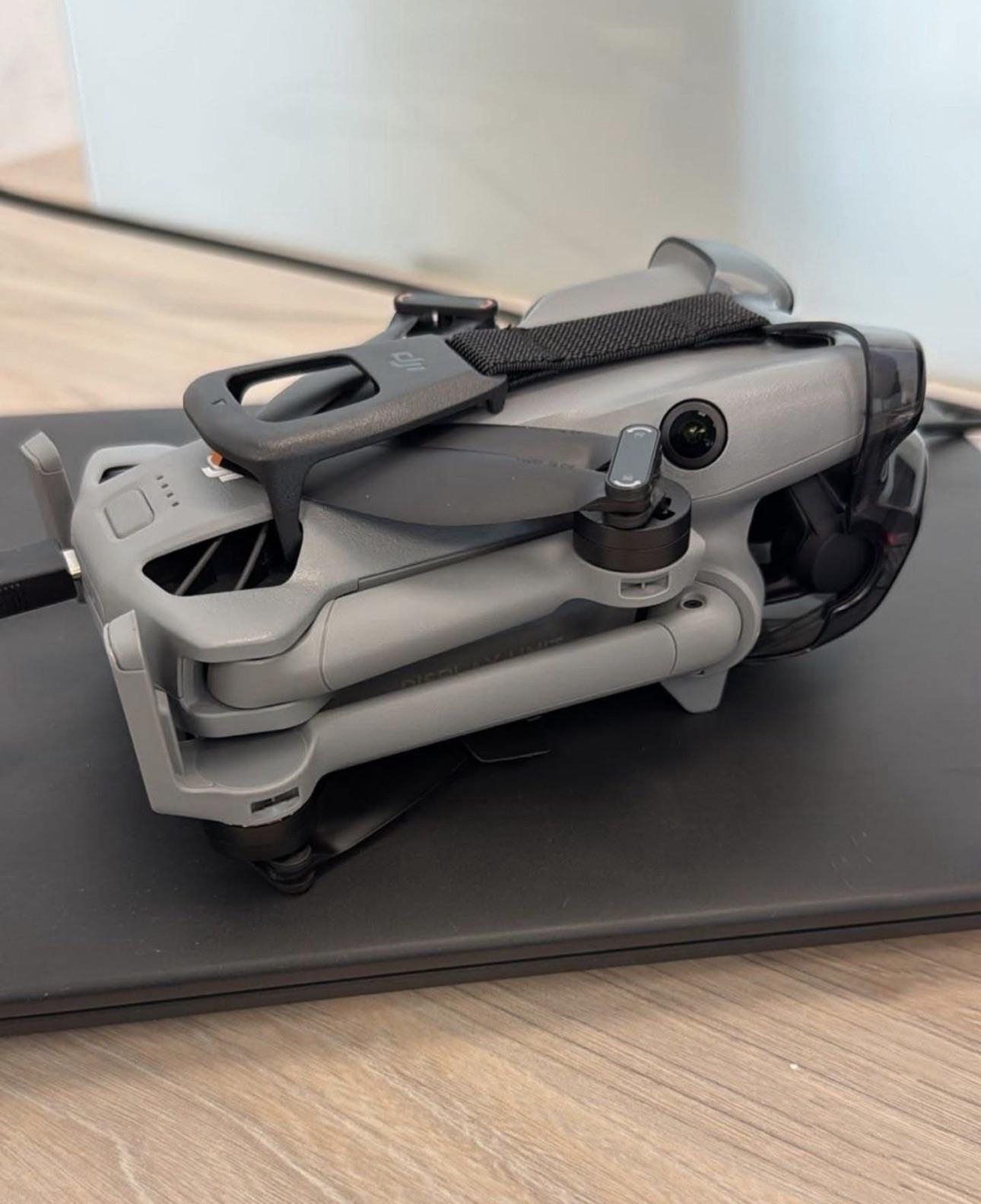
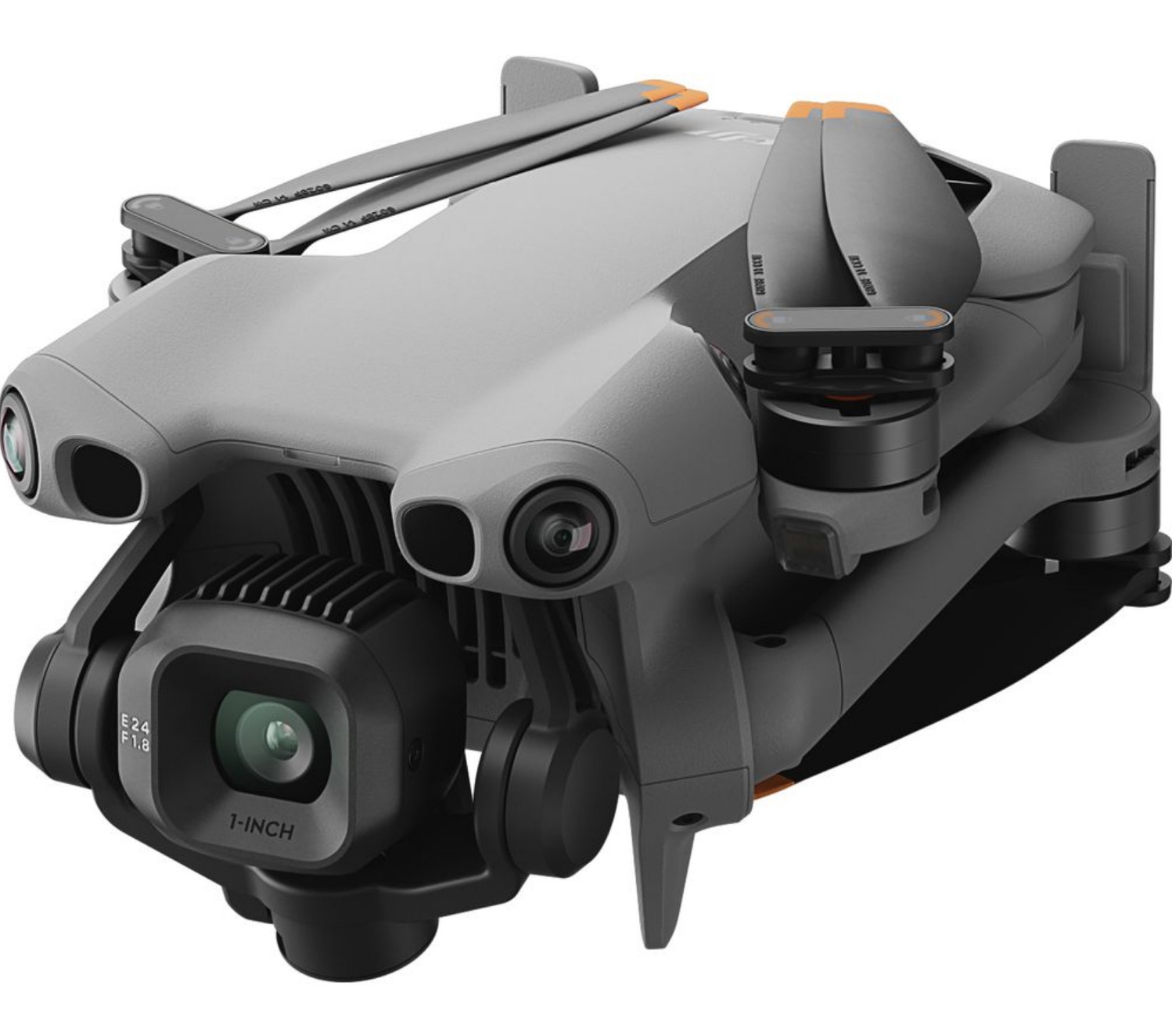
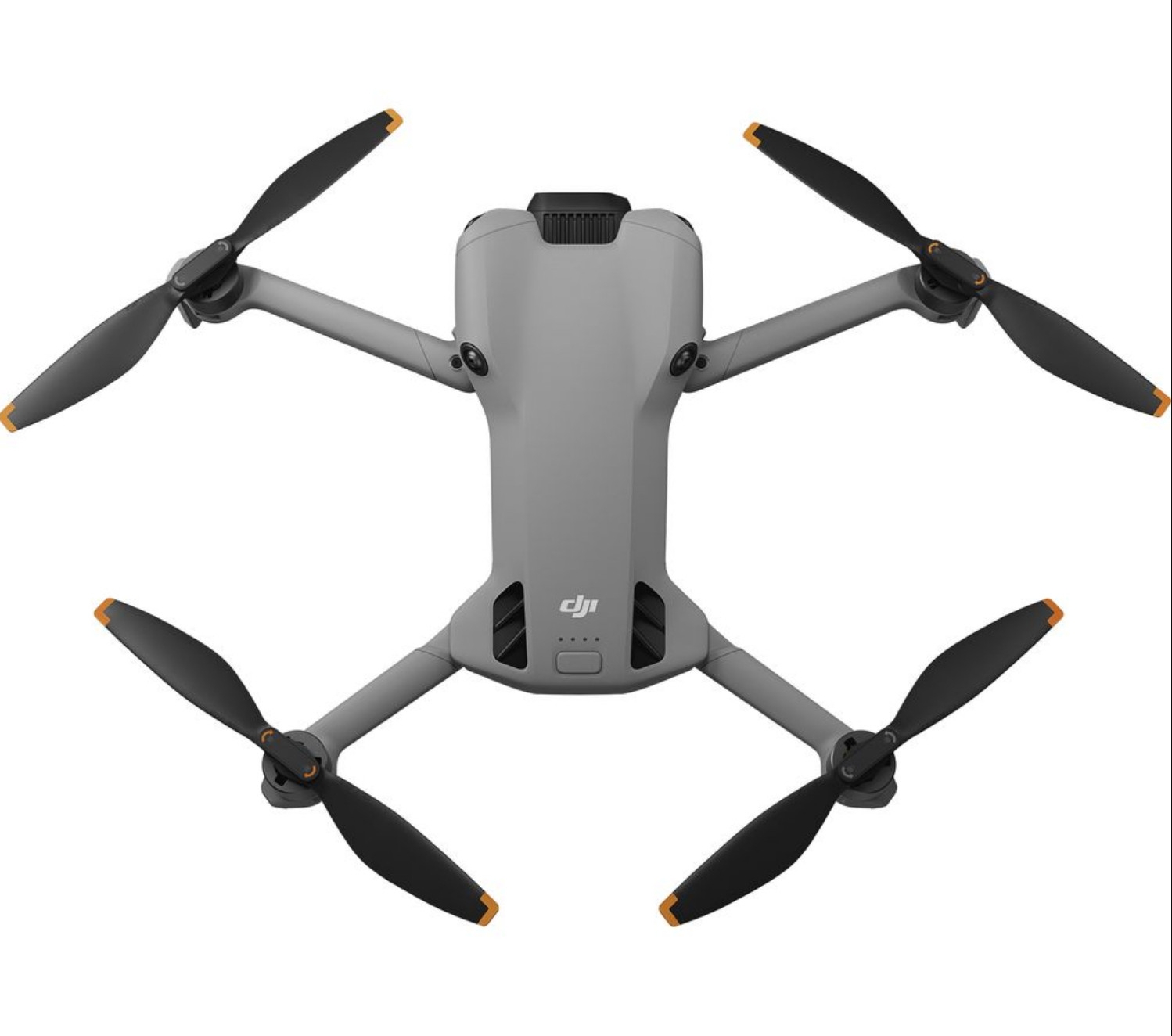
Защита камеры у DJI mini 5 Pro сделана как у mavic 3
-
-
4kvsjivn_s0f0d27m0_592x1280[1].mp4
-
Предприятие инженера-механика Павла Федоровича Валёнкова было основано в 1887 году в восточной части нынешней территории завода. Оно состояло из небольшой кузницы, литейной и механической мастерских. Работало здесь 26 человек. Предприятие значительно расширилось и в начале XX века специализировалось на постройке судовых машин. Однако в 1915 году предприятие прекратило свое существование из-за проблем с оборотными средствами. Правда, в 1916 году его новый владелец, мануфактурщик Анохин предпринял попытку открыть на базе приобретенного завода бумагопрядильную фабрику, для этих целей даже был построен второй корпус. Однако из-за Первой мировой войны затея не удалась. Но еще за 20 лет до основания предприятия Валенкова — в 1867 году вблизи, так называемого, Торского болота появилось еще одно чугунолитейное предприятие — завод Петра Васильевича Зворыкина. Самое маленькое из трех — здесь работало всего 15 человек — оно, как показало время, оказалось самым жизнеспособным. Именно этот завод стал «прародителем» современного машиностроительного производства. В конце 1897 года П. В. Зворыкин приглашает к себе в компаньоны мучного торговца Василия Васильевича Киселева. Вместе они образовали «Товарищество Торского завода» (Товарный знак ТТЗ). Дела вновь созданного «товарищества», а потом и единоличного владельца В. В. Киселева (он выкупил у Зворыкина его долю) быстро пошли в гору: была оборудована механическая мастерская, построена новая литейная, введено литье меди. Кроме того, вместо маломощной паровой машины на 4 л. с. был установлен новейший двигатель на 19 л. с., прослуживший заводу не одно десятилетие. Интерьер механического цеха Валенковского завода в Муроме. 1907 Внутренний вид механического цеха Валенковского завода. 1903 Механизм для парохода - изделие завода Валенкова. 1903 Цеха Валенковского завода Торский завод Торский завод со стороны проходной Торский завод Сборка крестовин и переводных механизмов
-
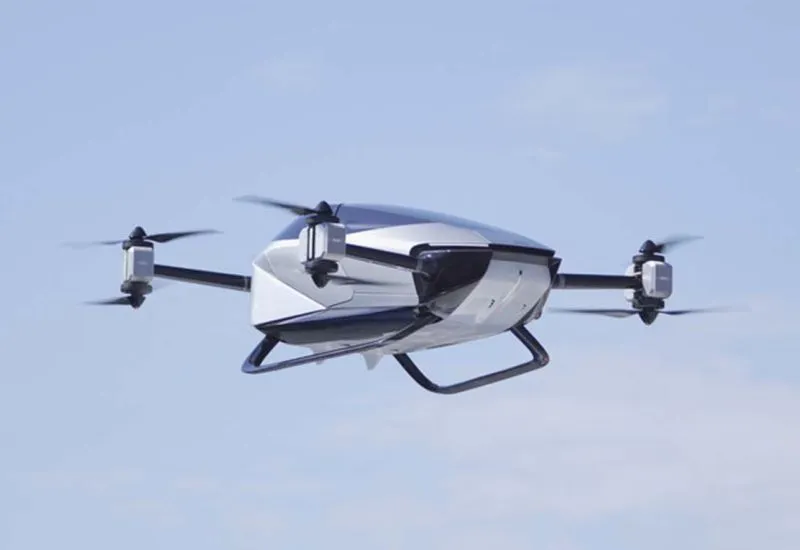
XPeng наладит серийный выпуск электролётов в октябре и надеется выйти на европейский рынок Китайский стартап XPeng претендует на статус одного из лидеров китайского рынка малых летательных аппаратов на электротяге, дочерняя компания AeroHT для этого формирует в Гуанчжоу не только профильное предприятие по производству такой техники, но и сеть площадок для её эксплуатации. AeroHT уже собрала 5000 заказов на свои электролёты и надеется во второй половине следующего года приступить к их поставкам. Как пояснили представители AeroHT на мероприятии IAA Mobility в Германии, массовое производство своих электролётов компания начнёт на своём предприятии в Гуанчжоу уже в следующем месяце, а к поставкам приступит только во второй половине следующего года. Компания уже получила около 5000 предварительных заказов, хотя до конца даже не определилась с розничными ценами. Персональные электролёты будут предлагаться по цене около $280 000, если ничего не изменится в экономике проекта. В следующем месяце AeroHT начнёт проводить тестовые полёты своих воздушных транспортных средств в Дубае, а в перспективе бы хотела вывести их на европейский рынок. По мнению руководства AeroHT, «малая электроавиация», способна поднимать пассажиров на высоту до 1000 м, со временем сможет занять до 20 % рынка услуг общественного транспорта. Конкуренты тоже не дремлют, о своих амбициях в этой сфере заявляют GAC, Geely и даже Hongqi, известная российским потребителям своими премиальными электромобилями.
-
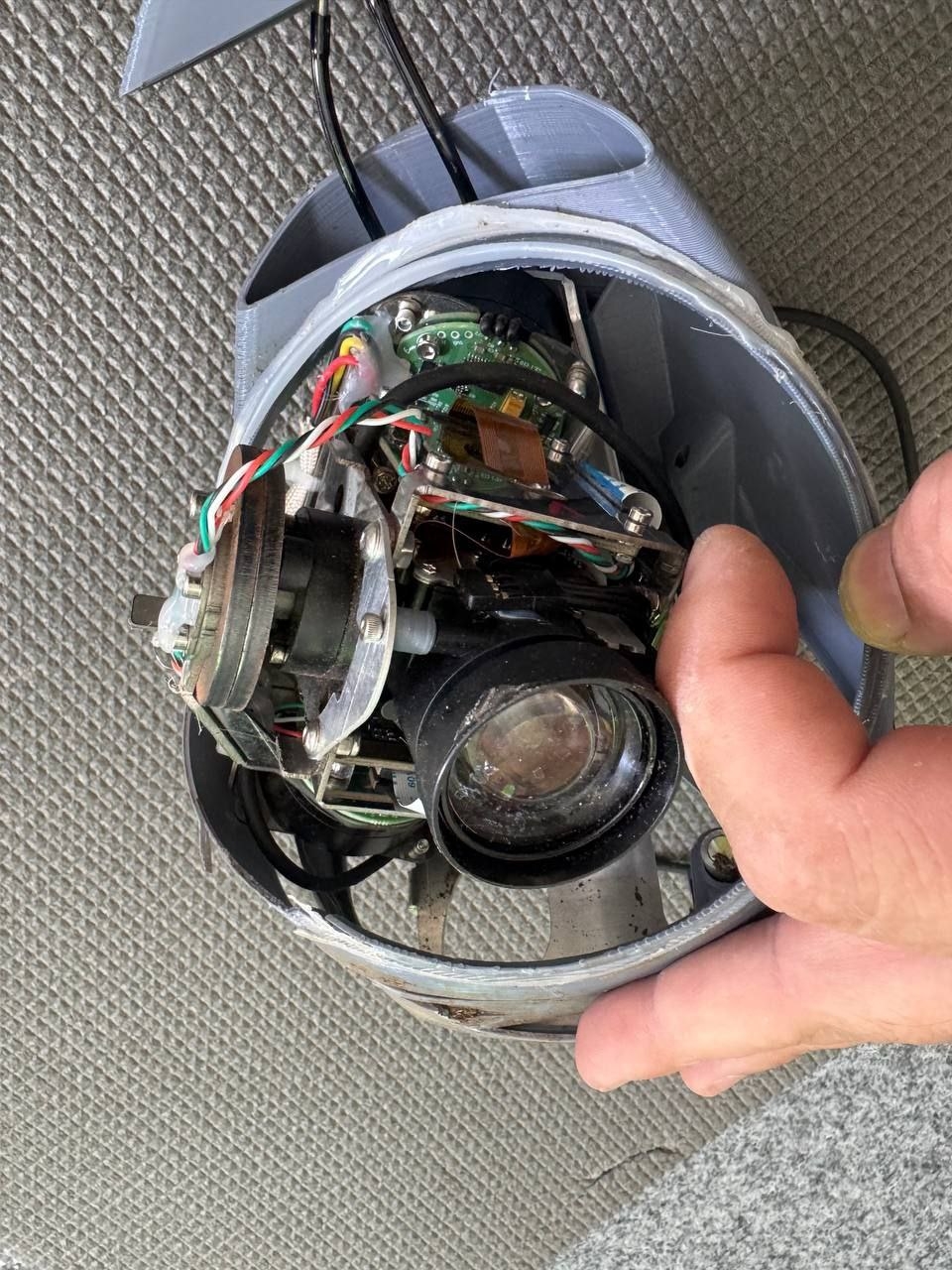
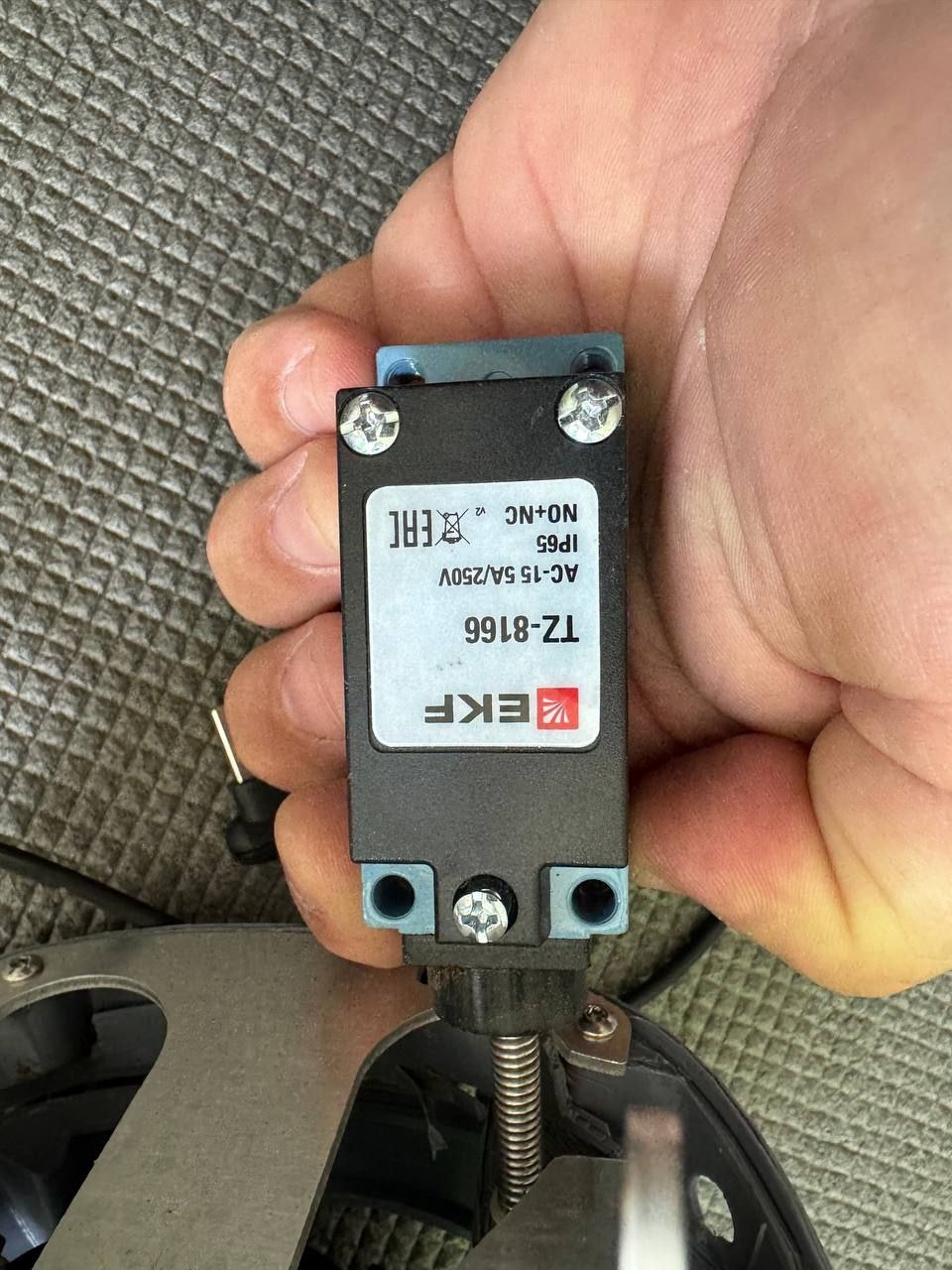
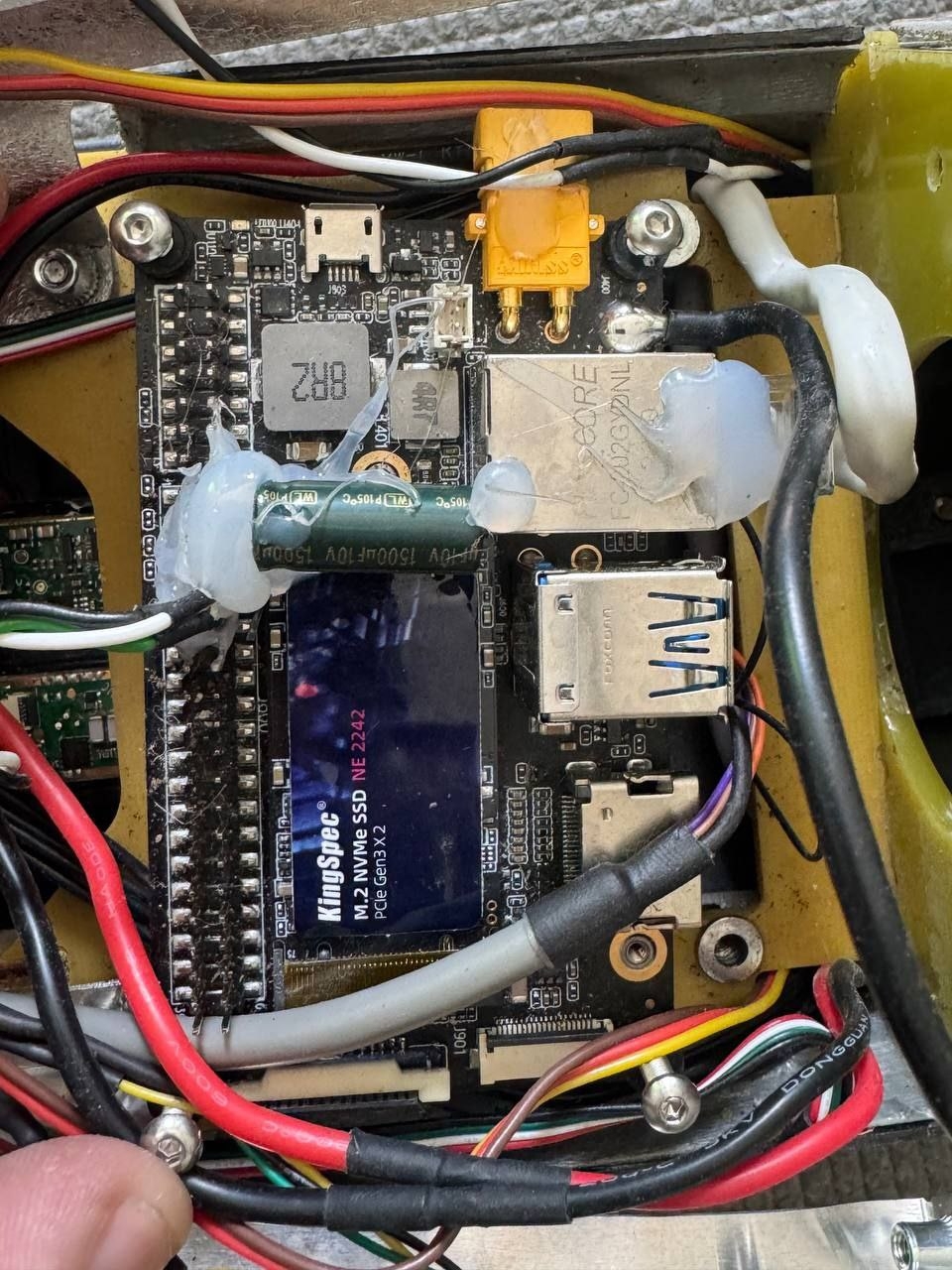
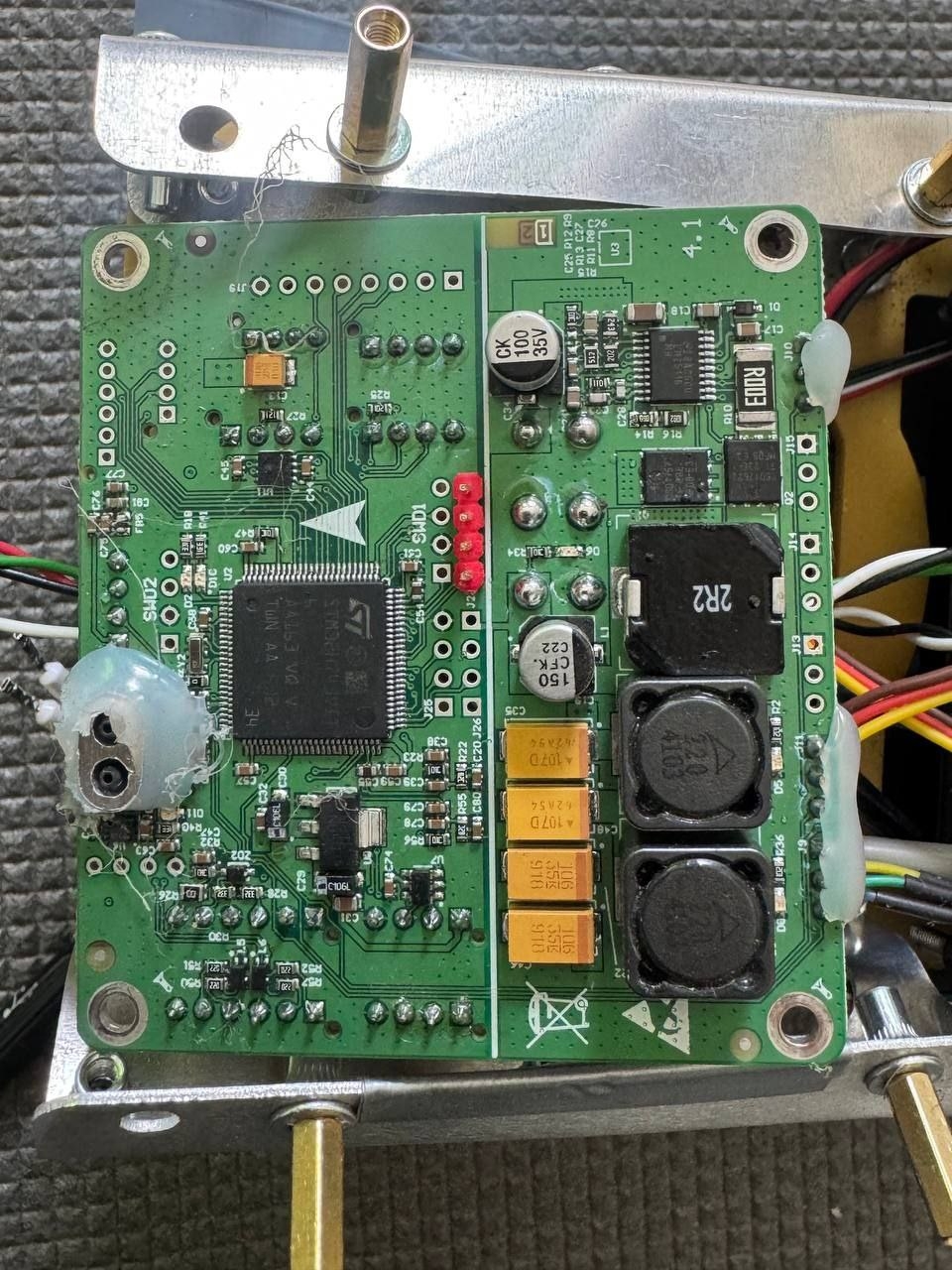
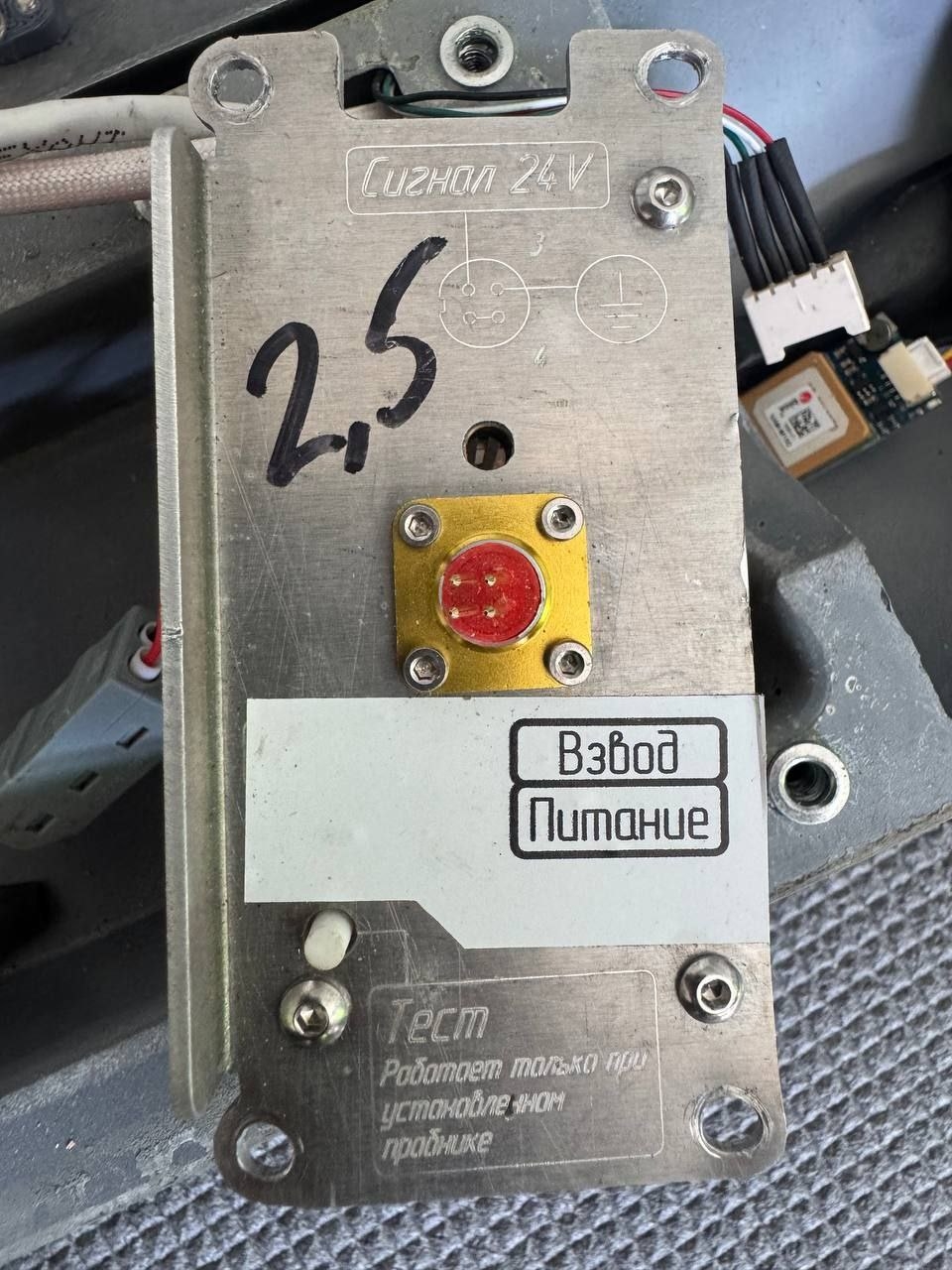
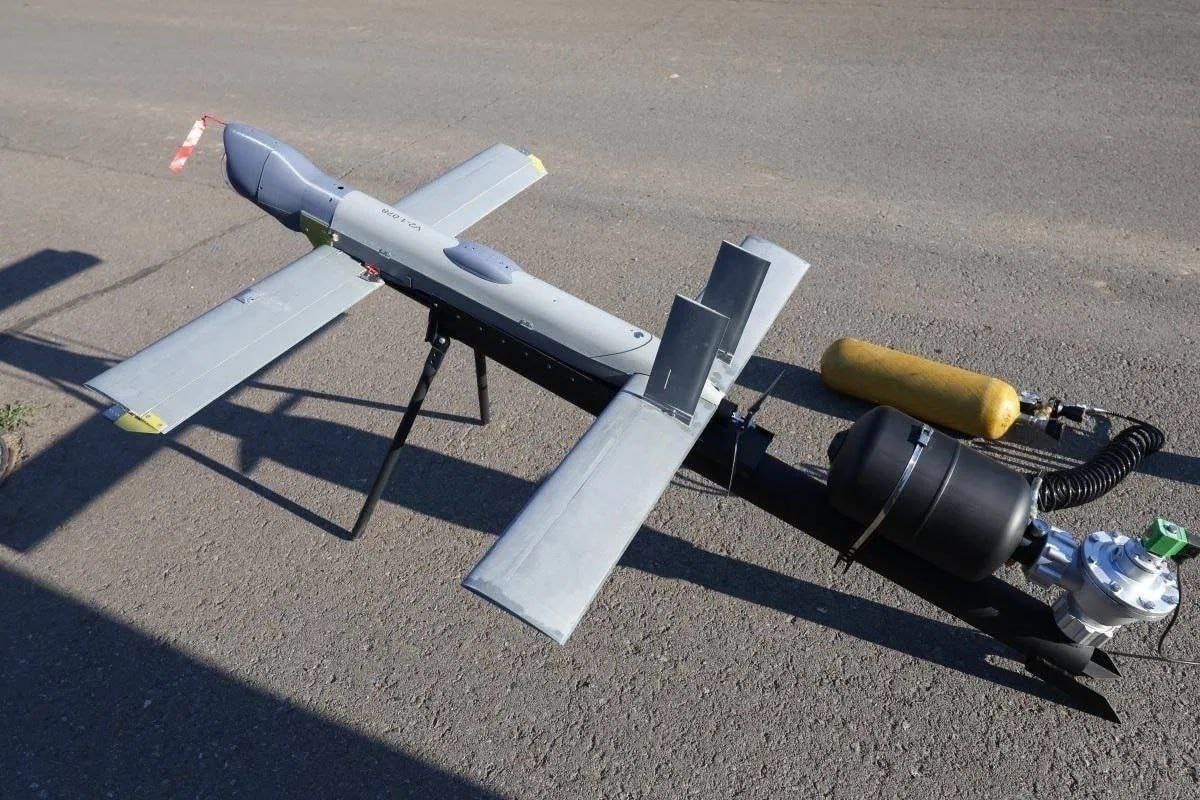
Новый перехватчик "Pusher" Представляем вам дрон-дробовик с системой откатных стволов под патрон 12 калибра (при выстреле отсутствует отдача). В помошь оператору дрон оснащен машинным зрением для детекции воздушных целей и автоматической стрельбы по ним. В сложных условиях полета оператору не требуется отвлекаться на стрельбу, лишь поместить цель в центр экрана. И автоматика моментально уничтожит противника. IMG_6293.MP4Комплектующие, пожалуй, самого «навороченного» российского БпЛА-камикадзе «V2U». Концевой выключатель EKF PROxima TZ-816 Одноплатный компьютер Модуль ГНСС МАТЭК SAM - M10Q GPS
.jpg.5f09887afe94349c00fd40d98c1283d7.jpg)
.jpg.a028ceab559a287643c8ca34a808d7f7.jpg)
.jpg.f3ea08df9ae2f3ebc3454e975f57d086.jpg)
 Все что можно уже слили про DJI mini 5 Pro, осталось узнать сколько реальное время полета на усиленных батарейках, что-то мне не очень верится про 52 минуты, 40 это уже было бы огого сколько.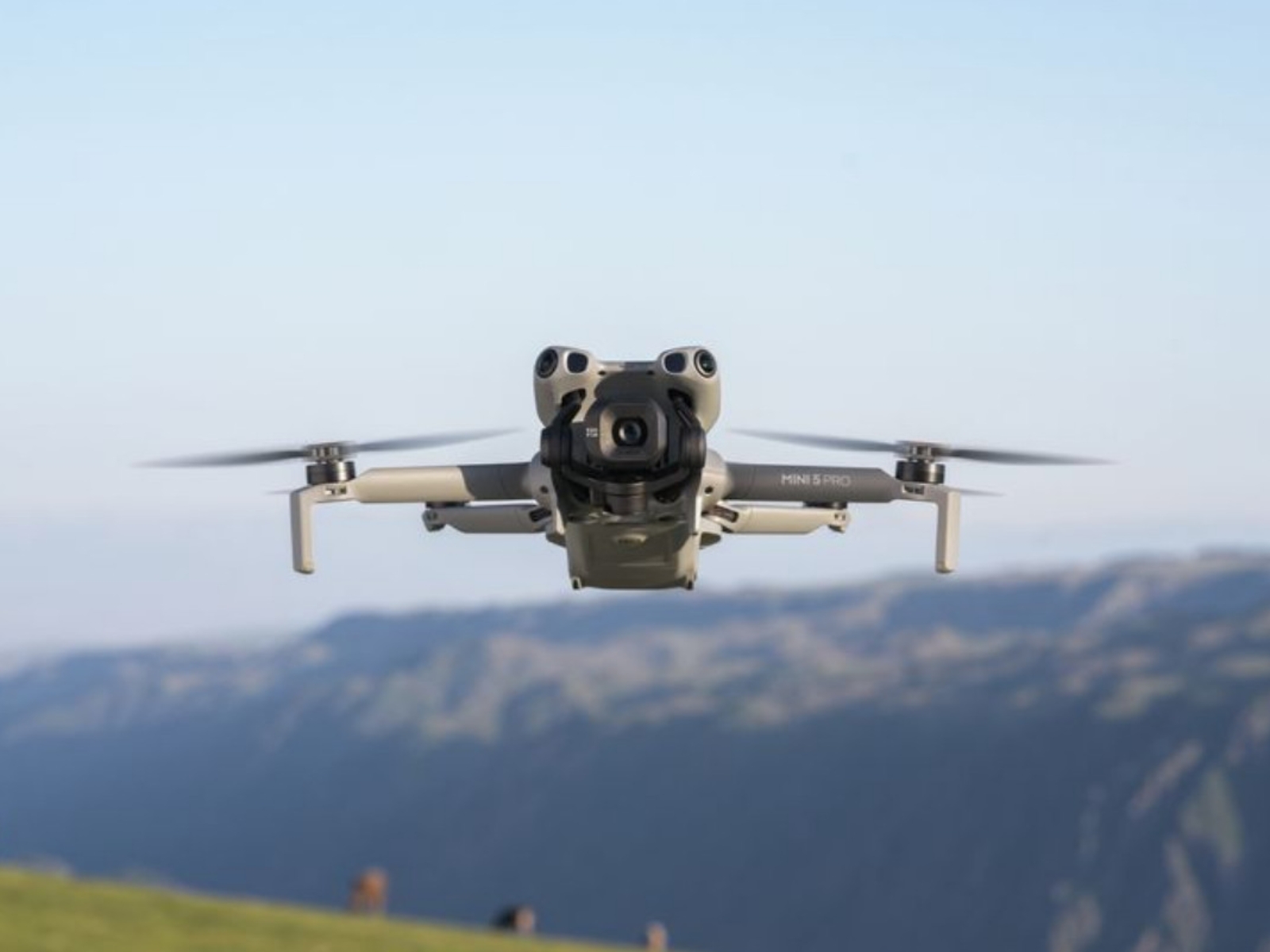
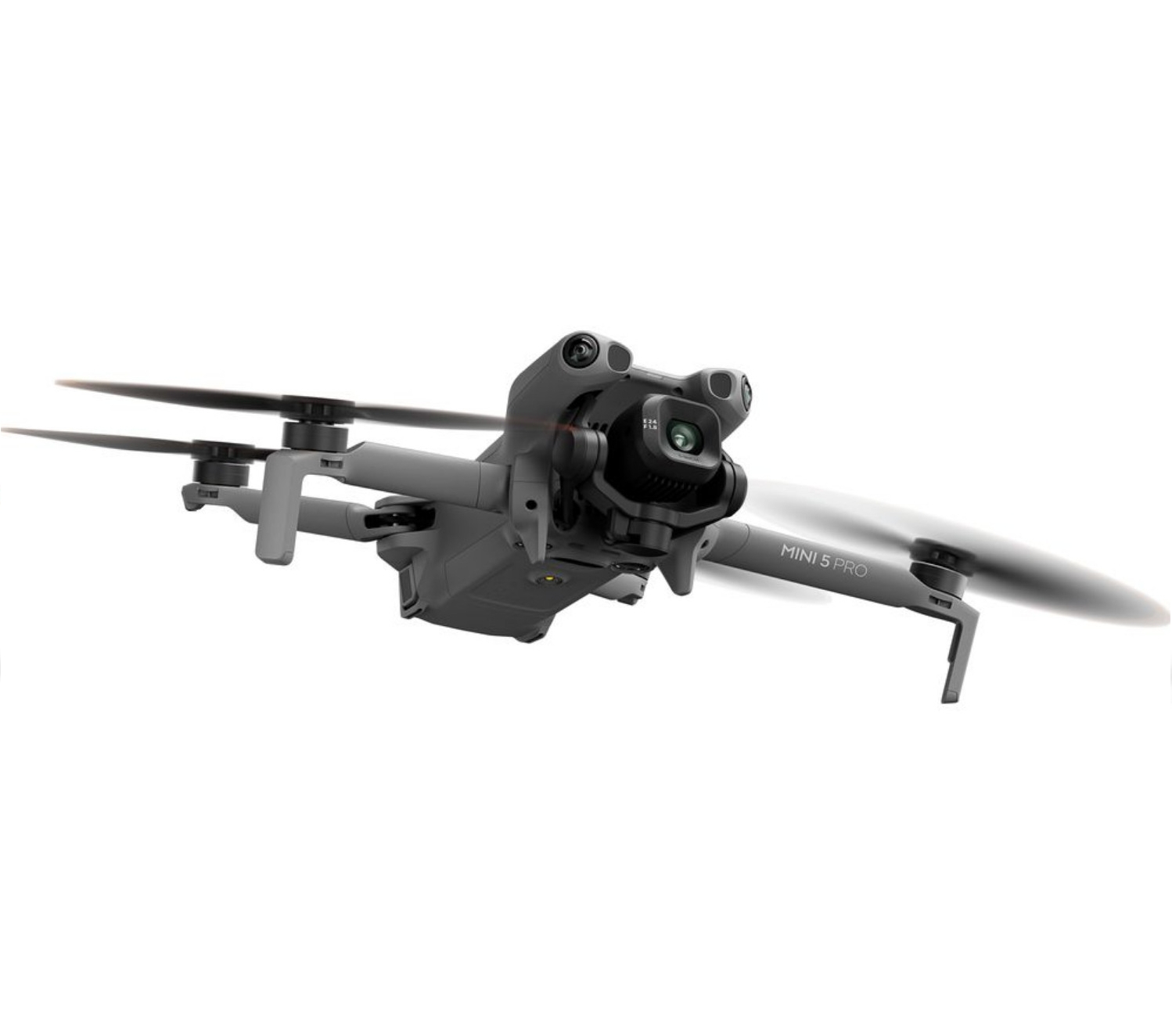
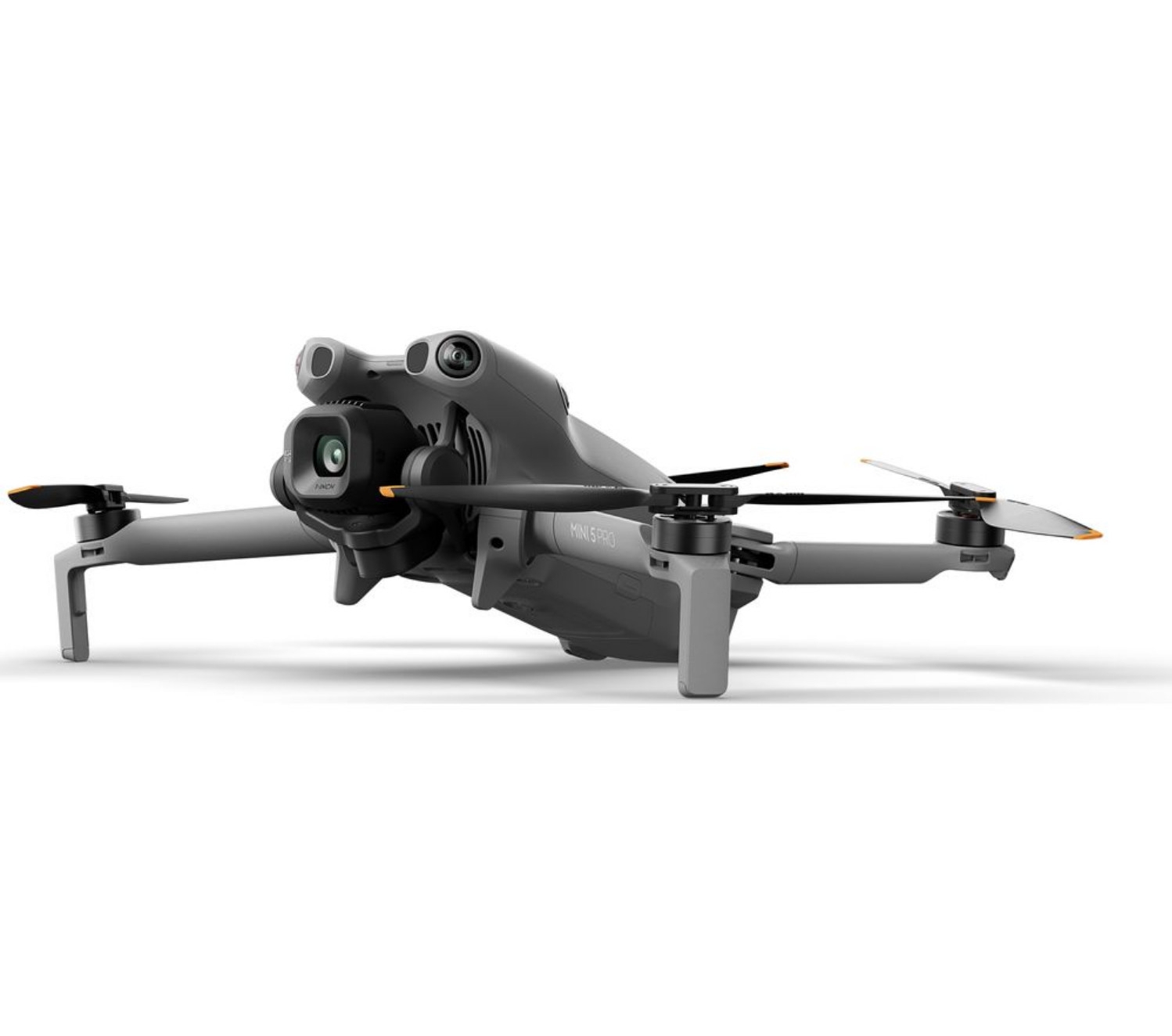
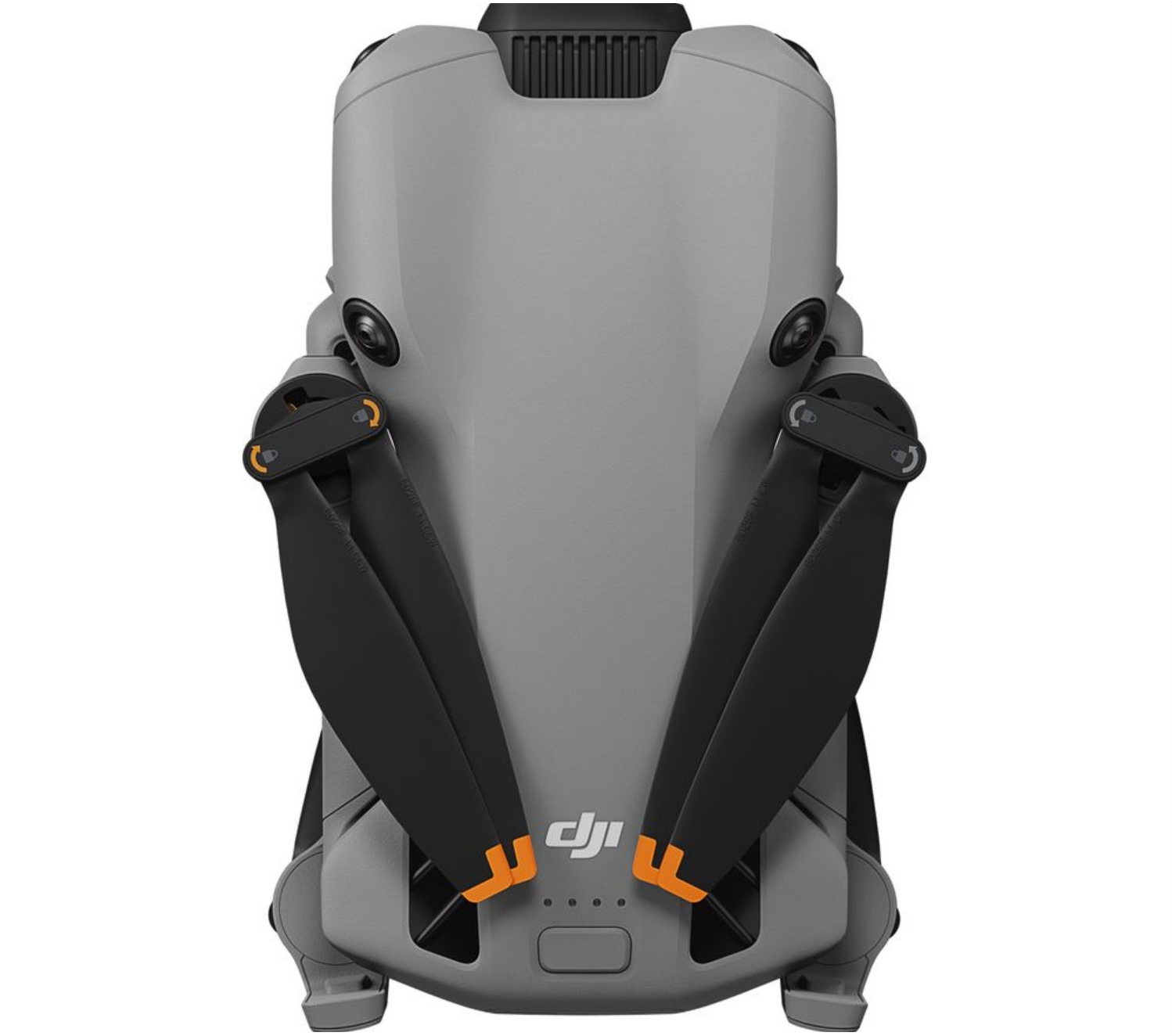
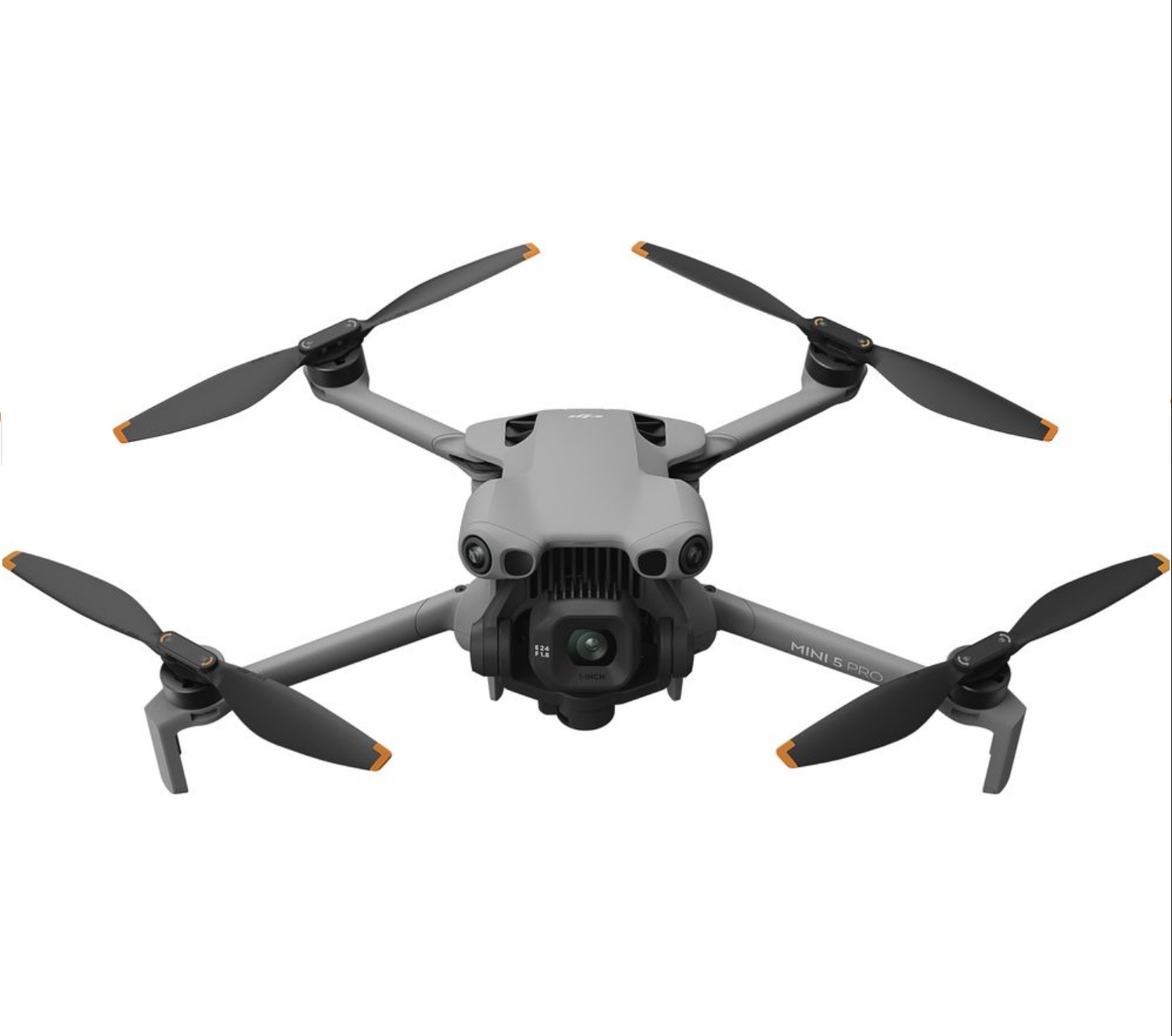
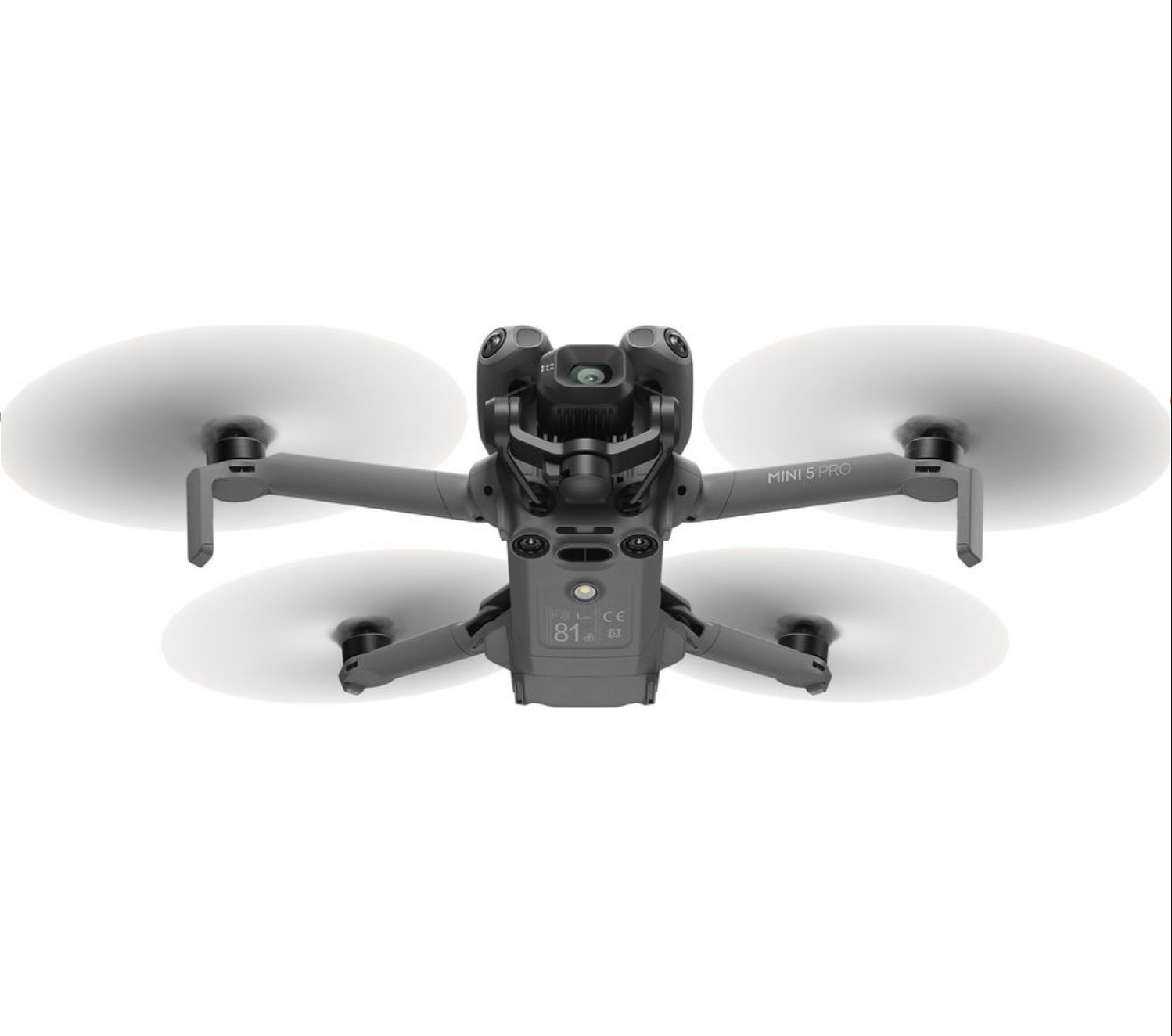
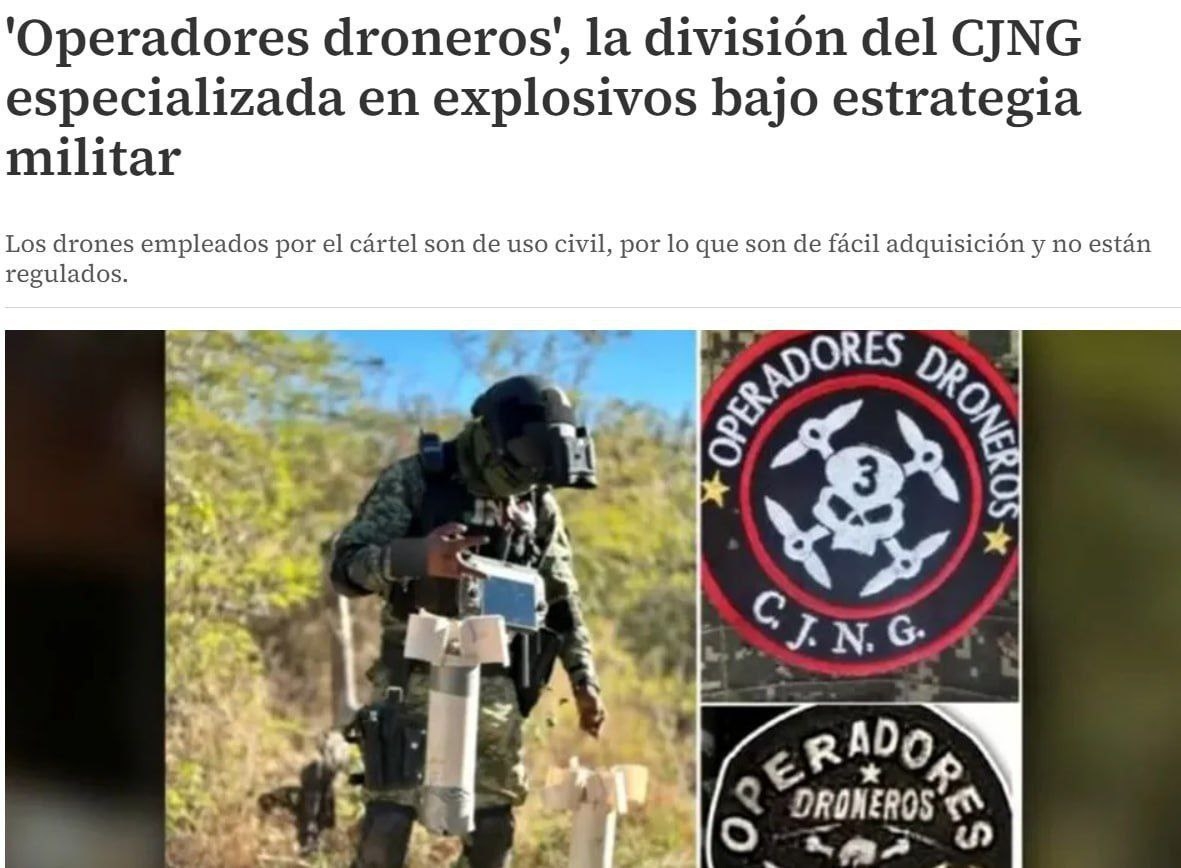
 Вид с дрона на открывшуюся в Эфиопии плотину и ГЭС video_2025-09-09_18-23-02.mp4Члены мексиканского наркокартеля «Новая генерация Халиско» (CJNG) прошли обучение на Украине по управлению БПЛА в боевых условиях Об этом сообщает мексиканское издание Milenio со ссылкой на источники в правоохранительных органах штата Халиско. По данным издания, члены CJNG отправились в Украину, где освоили современные методы ведения войны, включая использование дронов для точечных ударов. Обучение, как сообщается, проходило в зоне активного конфликта, что дало членам картеля прямой опыт реальных боевых операций. Их передвижение парами, использование укрытий, обращение с оружием и тактика отступления отражают навыки, характерные для интенсивных боевых действий. Milenio отмечает, что CJNG уже использует БПЛА в столкновениях с конкурирующими картелями и правительственными силами, нанося удары по удалённым районам. По словам журналистов издания, группа формирует специализированные боевые подразделения, состоящие как минимум из десяти человек, каждый из которых способен одновременно управлять двумя дронами, оснащёнными взрывчаткой. Кроме того, внутри картеля созданы подразделения по работе с FPV-дронами. Используемые дроны — в том числе гражданские модели. В отчётах упоминается DJI Matrice 300 RTK, который также применялся на Украине для сброса противотанковых гранат, как один из БПЛА, адаптированных картелем для боевых операций.
 KFC будет продавать конфеты со вкусом курицы
 Сфотографирован новый дрон DJI. DJI 360, NEO2, Avata 3?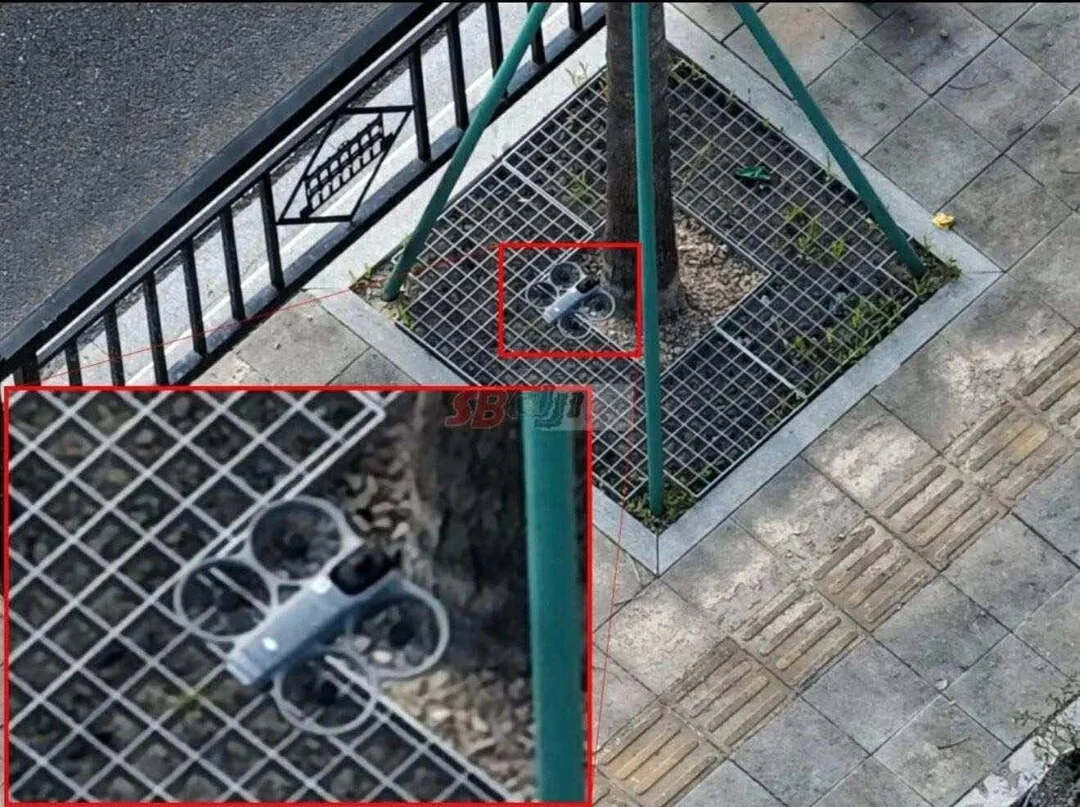
 DJI Mini 5 Pro - 16 сентября релиз, а не 18 Цены начинаются от 799$
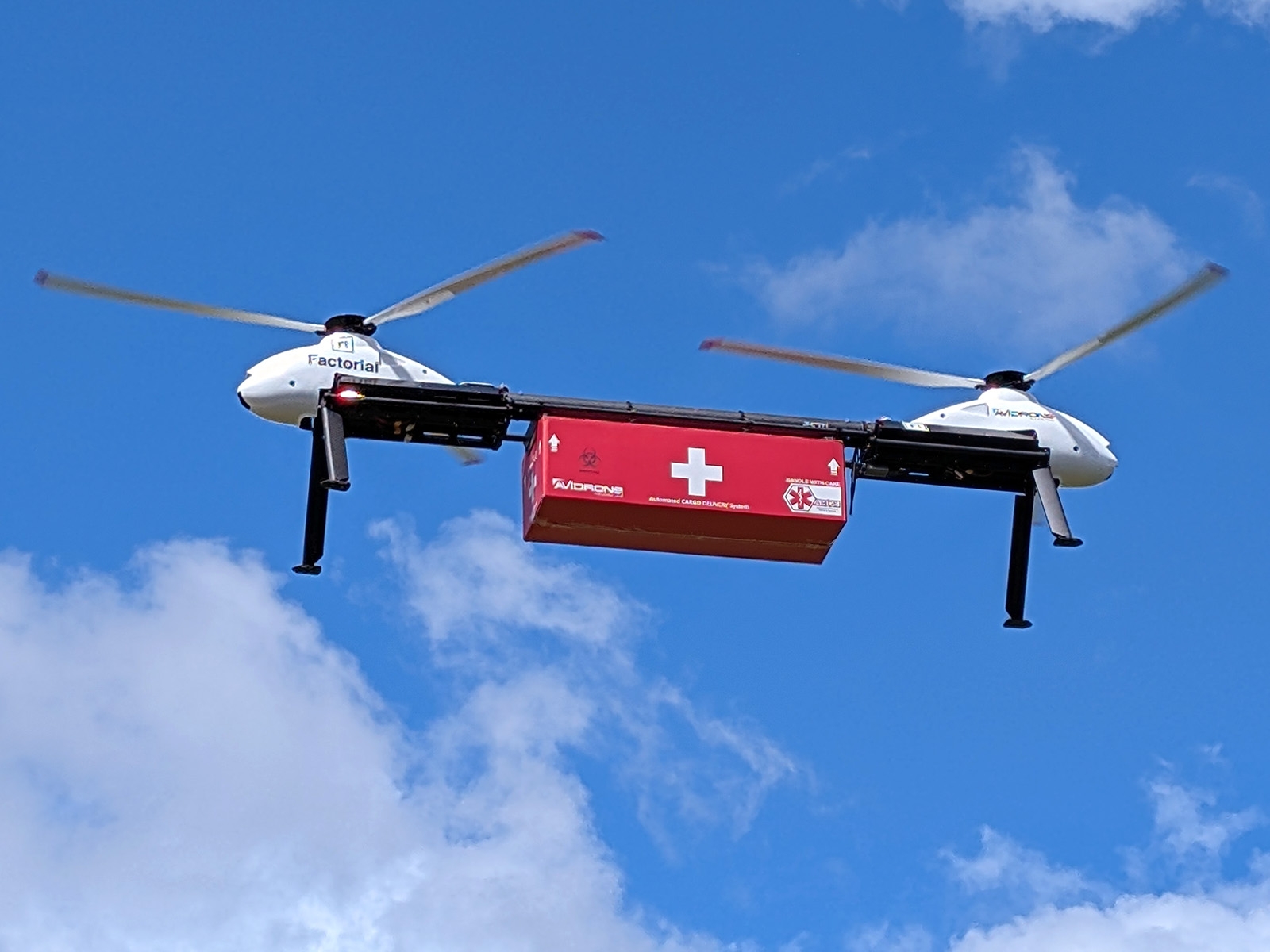
 ВВС США ищут способ управлять роями малых беспилотников там, где спутниковая навигация глушится или подменяется. В новом запросе информации (RFI) лаборатория ВВС AFRL объявила о планах создать продвинутую систему позиционирования, навигации и времени (PNT), которая позволит дронам действовать совместно без опоры на GPS — всё более уязвимый к радиоэлектронной борьбе. В центре инициативы — испытательный стенд Joint Multi-INT Precision Reference (JMPR). В него интегрируют атомные часы следующего поколения (Next Generation Atomic Clock, NGAC) с заявленной стабильностью на уровне единиц пикосекунд и точностью лучше одной наносекунды. Такая синхронность нужна, чтобы рой мог двигаться «в такт» и обмениваться данными без спутниковых меток времени. AFRL подчёркивает , что «крайне высокая согласованность времени между БПЛА в рое критична». Именно она позволяет координировать манёвры, поддерживать связь и работать коллективно в «оспариваемых» средах. Опыт конфликтов последних лет, включая широкое применение глушения и спуфинга GPS, а также развитие аналогичных возможностей Китаем, вынудил Пентагон срочно искать альтернативы спутниковой привязке. Предлагаемая архитектура — децентрализованная и «открытая»: каждый дрон строит локальную систему отсчёта с опорой на собственные датчики и относительное позиционирование соседей. JMPR должен обеспечить так называемый «cold-start, progressively enhanced PNT» — когда аппараты стартуют вообще без внешней опоры, а точность постепенно растёт по мере подключения новых платформ и обмена данными внутри сети. Ключевую роль здесь играют высокоточные бортовые атомные часы: они сдерживают дрейф времени, помогают держать строй, «сшивать» показания сенсоров и выполнять согласованные миссии. Такой подход, по расчётам AFRL, напрямую пригодится и в борьбе с вражескими роевыми системами, где счёт идёт на миллиардные доли секунды: чем точнее время, тем более «единым организмом», а не набором одиночных аппаратов ведёт себя рой. Технические цели включают достижение субнаносекундной точности синхронизации, стойкость к радиоэлектронному воздействию, строгие ограничения по габаритам, массе и энергопотреблению для установки на малые БПЛА, а также масштабируемость — от нескольких единиц до сотен дронов с сохранением согласованности. От системы также ждут гибкости применения: от распределённого целеуказания и слияния данных до устойчивой связи и обмена разведданными. AFRL просит индустрию предоставить модели производительности, результаты испытаний и оценку технологических «узких мест» у существующего коммерческого радиоооборудования при интеграции в децентрализованные PNT-решения. Срок подачи откликов — до 19 сентября 2025 года. Ставка на атомные часы — это сигнал о намерении снизить зависимость от GPS, на котором американские военные строили навигацию и синхронизацию десятилетиями. Если проект выстрелит, беспилотные системы США смогут действовать слаженно и быстро даже там, где спутники «молчат» — а значит, эффективнее работать в сложном и опасном воздухе.Подсластители снижают когнитивные функции на 60% Ученые проанализировали влияние шести популярных искусственных подсластителей и пришли к выводу, что они вредят когнитивным способностям человека. Новое исследование добавляет очередные подтверждения в пользу того, что низкокалорийные подсластители не могут быть здоровой альтернативной обычному сахару. Искусственные подсластители часто используют желающие похудеть, а также люди с сахарным диабетом. Их продолжают рекламировать как здоровую альтернативу белому сахару, однако результаты клинических исследований показывают обратное. В новой работе ученые из Бразилии проанализировали влияние шести популярных подсластителей и пришли к выводу, что они действительно вредят здоровью мозга. Выводы исследования опубликованы на сайте Американской ассоциации неврологии. Было обнаружено, что подсластители аспартам, сахарин, ацесульфам К, эритрит, сорбит и ксилит связаны со снижением когнитивных функций на 60%. Результаты основаны на анализе данных почти 13 тыс. человек, за которым наблюдали в среднем в течение восьми лет. Высоким содержанием подсластителя в рационе было количество около 191 мг в день. Для сравнения примерно столько аспартама содержится в одной банке диетической газировки. У таких людей снижение когнитивных функций ускорялось 62%, чем у людей с низким содержанием подсластителя в рационе (около 20 мг в день). По оценкам ученых, результаты соответствуют примерно 1,6 годам ускоренного старения мозга. Наибольшие риски наблюдались у людей с сахарным диабетом. Любопытно, что у искусственного подсластителя тагатозы не обнаружили негативного влияния на когнитивное здоровье независимо от дозировки. Ученые подчеркивают необходимость дальнейших исследований, чтобы сформировать новые диетические рекомендации для здоровых людей и пациентов с метаболическими нарушениями.11 787 дронов. Китай. m2-res_1280p[2].mp4Твердотельный аккумулятор для дронов и роботов типа Tesla Optimus поступает в массовое производство Поставщики аккумуляторов для Tesla, Panasonic и CATL, скептически отнеслись к перспективам использования твердотельных аккумуляторов для электромобилей в ближайшем будущем, но сочли их пригодными для таких применений, как дроны. Один из ведущих конкурентов CATL в производстве аккумуляторов теперь сумел наладить массовое производство твердотельных аккумуляторов с ячейками ёмкостью 10 А·ч для беспилотников и человекоподобных роботов, таких как Tesla Optimus. Один из 10 крупнейших в мире производителей аккумуляторов присоединился к растущему числу компаний, которые уже перевели свои планы по производству твердотельных аккумуляторов из простых фаз НИОКР и прототипирования в сложную стадию массового производства. Твердотельные элементы по-прежнему остаются чрезмерно дорогими для массового производства, что объясняет, почему поставщики Tesla, такие как CATL и Panasonic, не считают их жизнеспособной альтернативой аккумуляторам электромобилей до 2030 года , но утверждают, что они подойдут для таких применений, как беспилотники. Как и следовало ожидать, компания Eve Energy объявила о создании завода по массовому производству твердотельных аккумуляторов, на котором ячейки емкостью 10 А·ч с твердым электролитом на основе сульфида будут собираться в аккумуляторы емкостью 60 А·ч, предназначенные для питания беспилотных летательных аппаратов (БПЛА) и человекоподобных роботов типа Tesla Optimus, а также устройств Интернета вещей на базе искусственного интеллекта. Твердотельные аккумуляторы — идеальное решение для таких случаев, поскольку они обладают гораздо более высокой плотностью энергии по сравнению с современными литиевыми аккумуляторами с жидким электролитом. Например, твердотельные аккумуляторы Eve Energy имеют плотность энергии 300 Вт·ч/кг, что значительно больше, чем чуть более 200 Вт·ч/кг, характерных для современных дронов, eVTOL и гуманоидных роботов. Соотношение мощности и веса особенно важно для таких дронов, как DJI Mini 4 Pro , где аккумулятор часто составляет до 40% веса БПЛА. Например, канадский производитель Avidrone ещё в мае представил свой первый грузовой дрон, оснащённый твердотельным аккумулятором, предоставленным Factorial, расхваливая преимущества этой технологии. Твердотельные аккумуляторы не только обладают большей мощностью при тех же размерах, но и лучше работают при экстремальных температурах, поскольку в них нет жидкого электролита, который может замерзнуть или стать вязким. Это, в сочетании с их превосходной термостойкостью, делает их идеальным выбором для дронов и роботов, которым необходимо летать или работать в различных условиях. В следующем году Eve Energy будет иметь мощности по производству твердотельных аккумуляторов мощностью 100 МВт·ч, а к тому времени планируется увеличить плотность энергии до 400 Вт·ч/кг. Хотя это может показаться небольшим пилотным проектом по сравнению с гигантскими фабриками Tesla для электромобилей, эти аккумуляторы предназначены для питания гораздо более компактных устройств, и главный вывод заключается в том, что твердотельные аккумуляторы быстро переходят от стадии прототипа к стадии массового производства.
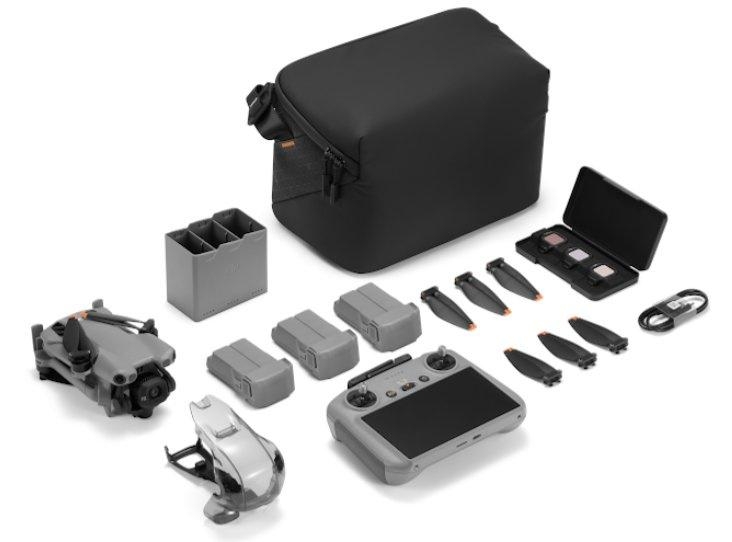
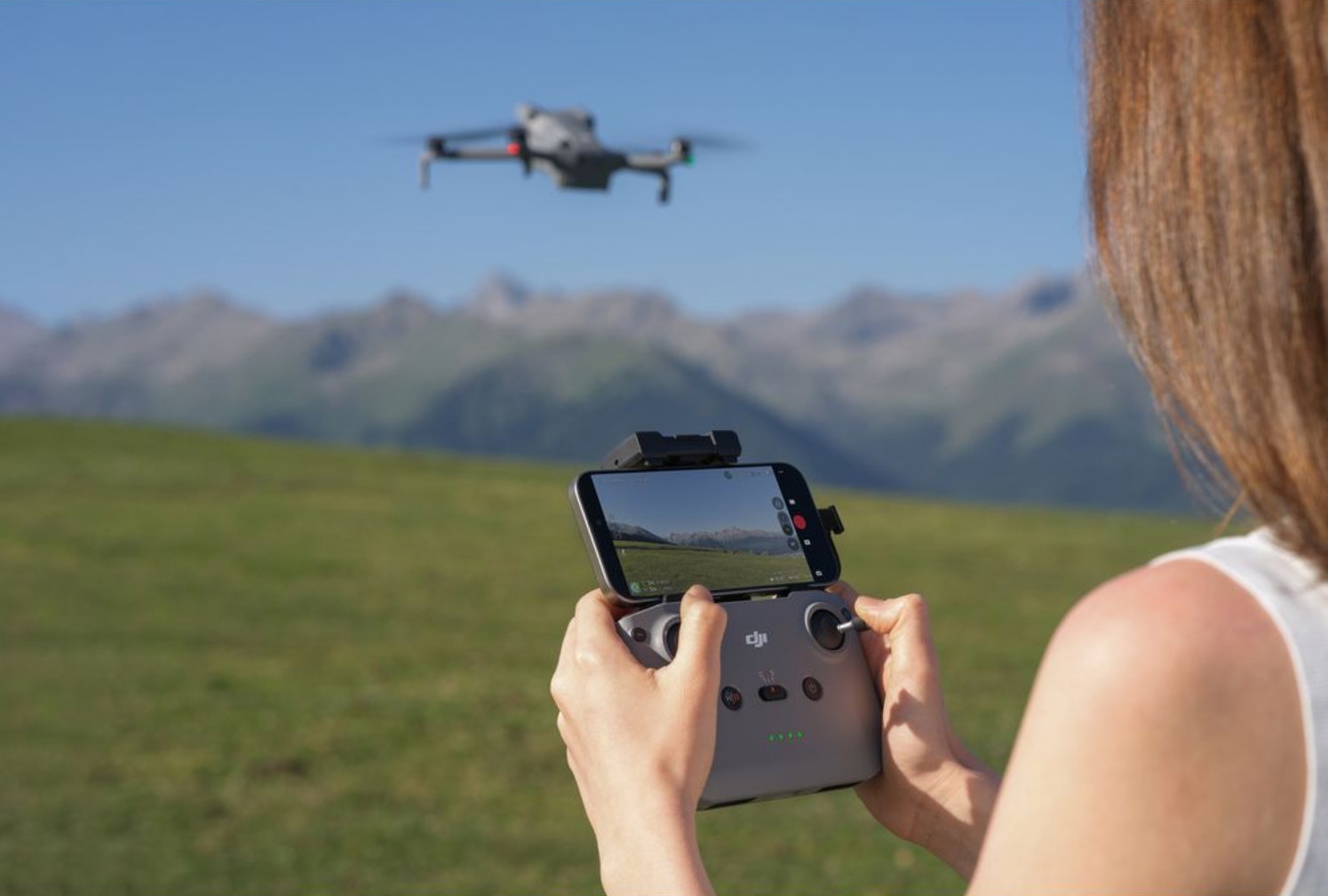
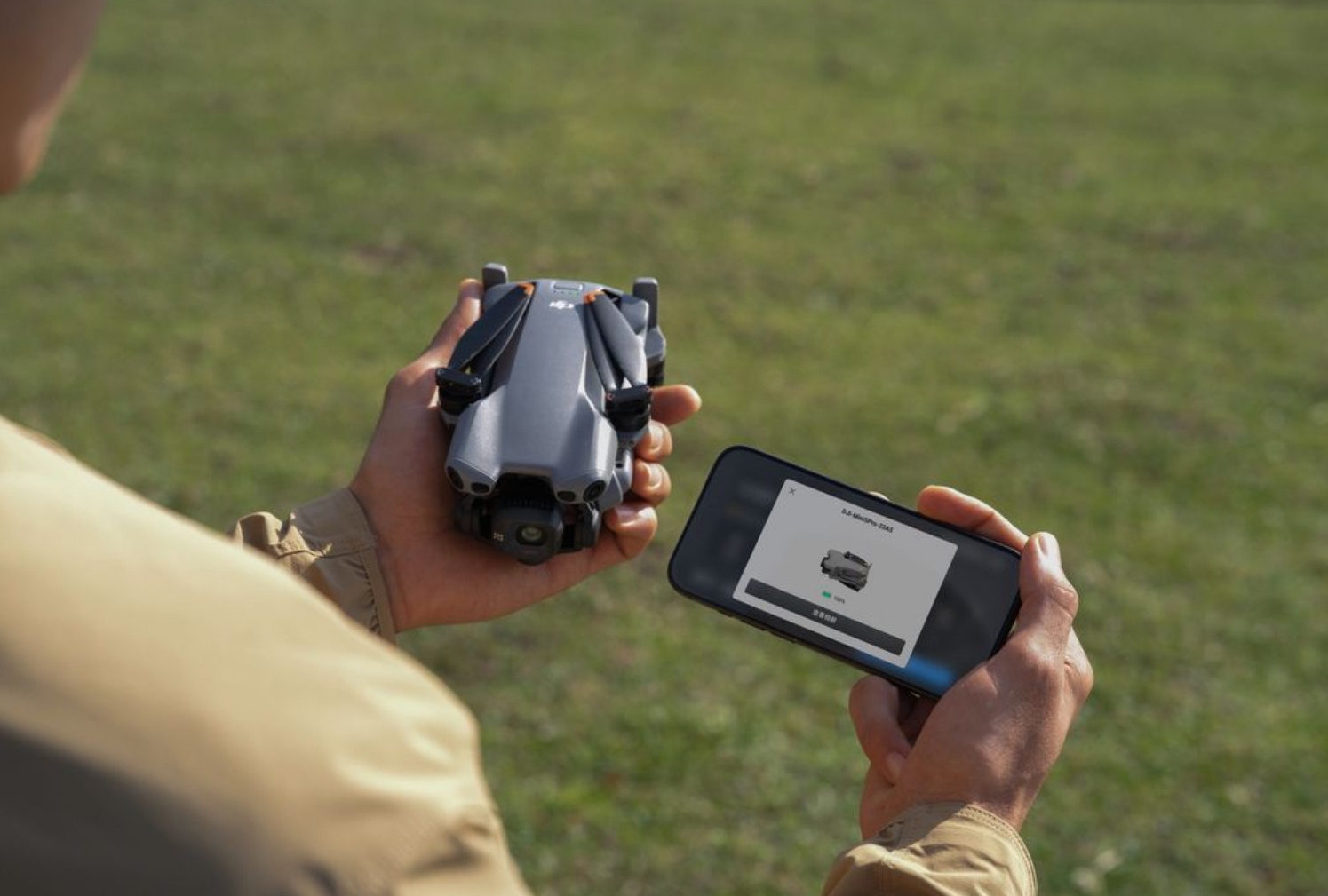
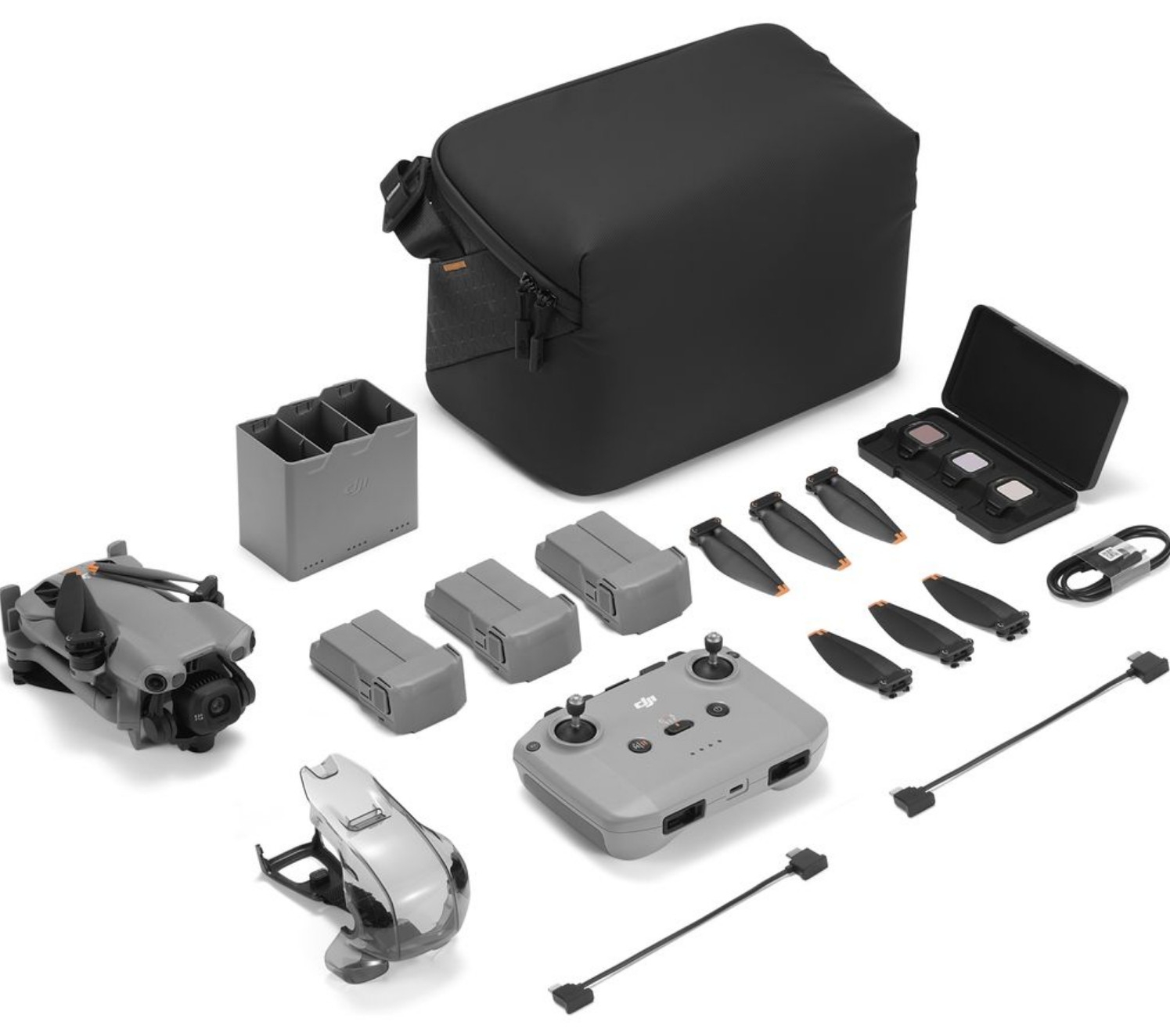
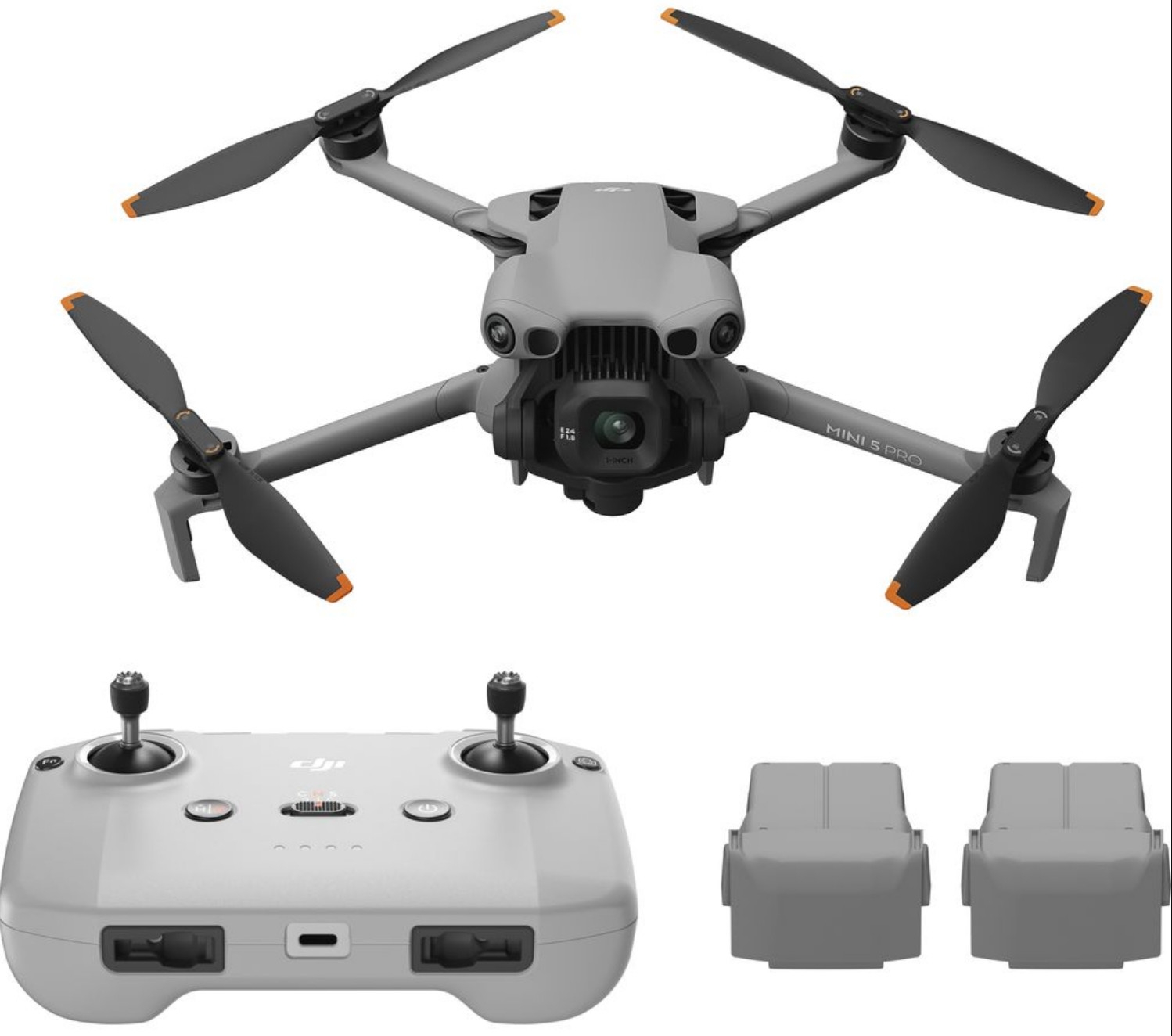
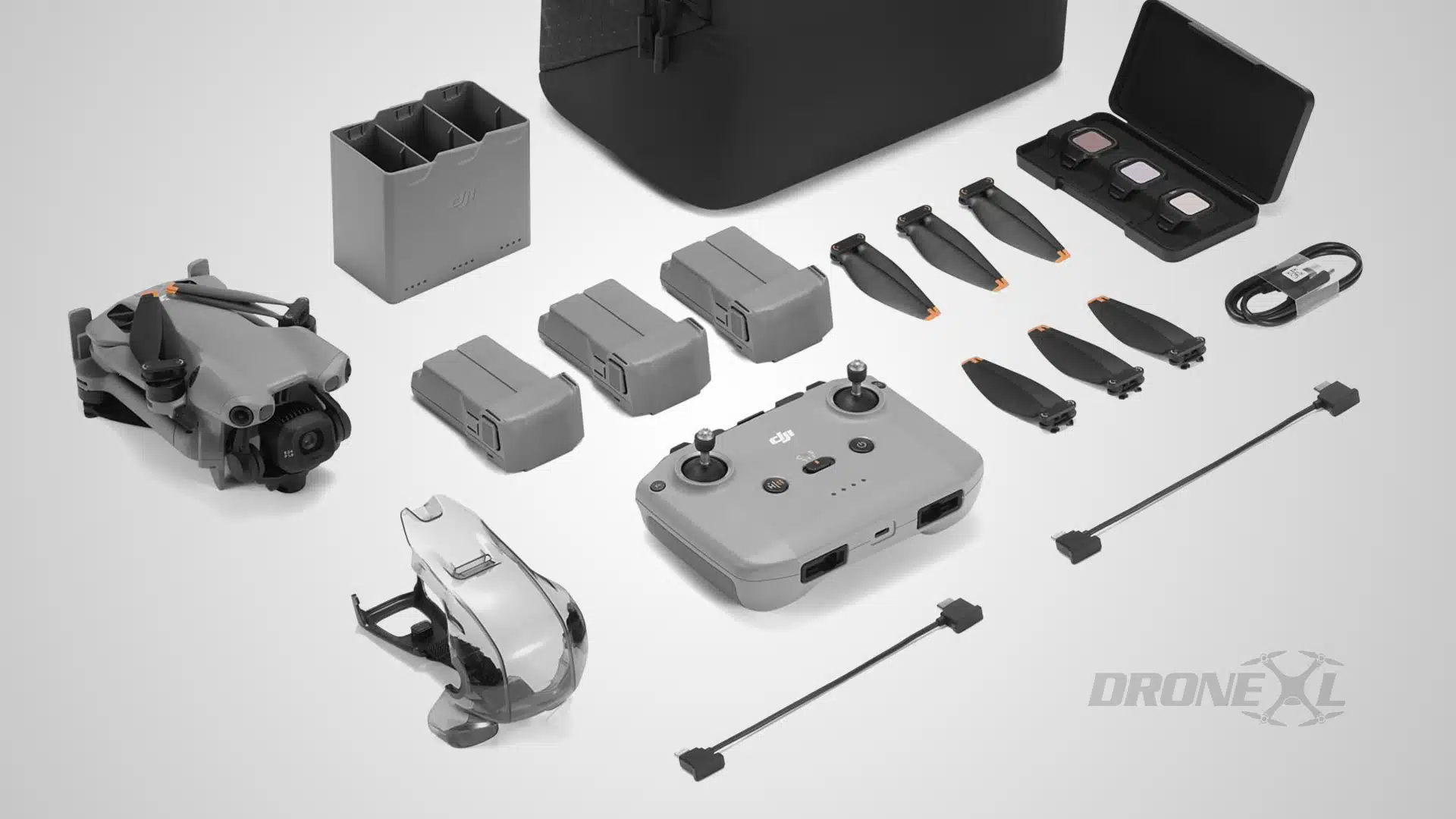
 Комплекты DJI mini 5 pro Только дрон, тушку, не продают, но хорошая новость в том, что пульт без экрана rc n3 - поддерживается.